
Yes — you can verify military service to get the Home Depot military discount by completing Home Depot’s verification flow (often powered by ID.me) or by presenting an accepted military ID in-store. Start by confirming your eligibility, gather the right document, then follow the online verification or show the ID at checkout.
Online verification typically requires linking an ID.me account to your Home Depot account; in-store requests accept standard military IDs and VA documents. This page explains the verification steps, common failures, and immediate fixes.
This answers how to verify your status for the Home Depot military discount; for the full guide to eligibility, exclusions, and savings strategies, see the main guide linked below.
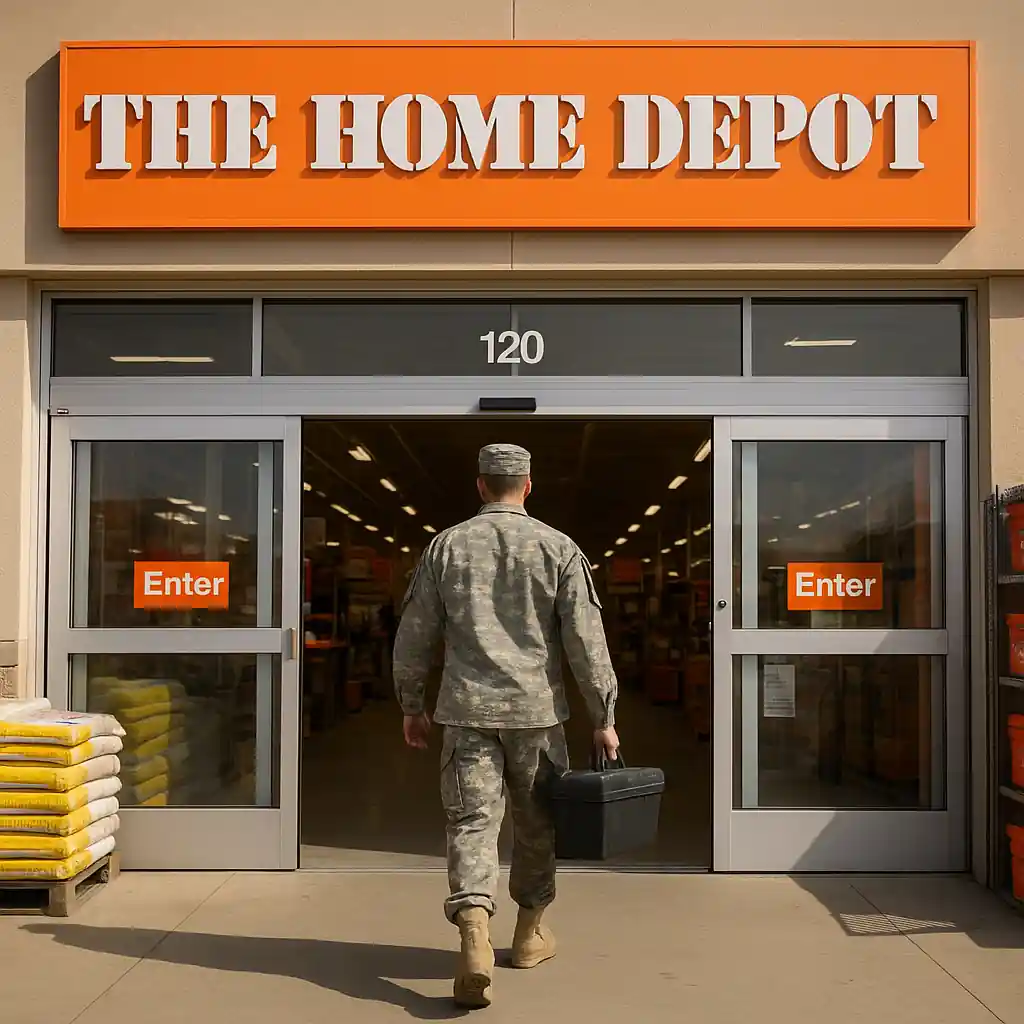
What To Check First
- Are you eligible? (active duty, National Guard, reservist, veteran, or certain dependents) — confirm your status first.
- Do you have an accepted ID? (Common examples: CAC, Common Access Card; veteran ID; VA health ID; DD-214.)
- Is your name on the ID an exact match to your Home Depot account? Mismatches block online verification.
- If verifying online, do you already have an ID.me account? If so, ensure it is verified and linked to your Home Depot profile.
- Have you cleared browser cookies or tried a different browser / incognito window to rule out cached errors?
- Are the items in your cart excluded from the discount (gift cards, some appliances or services may be excluded)?
- If in-store, does the local store require manager approval for certain items or large orders?
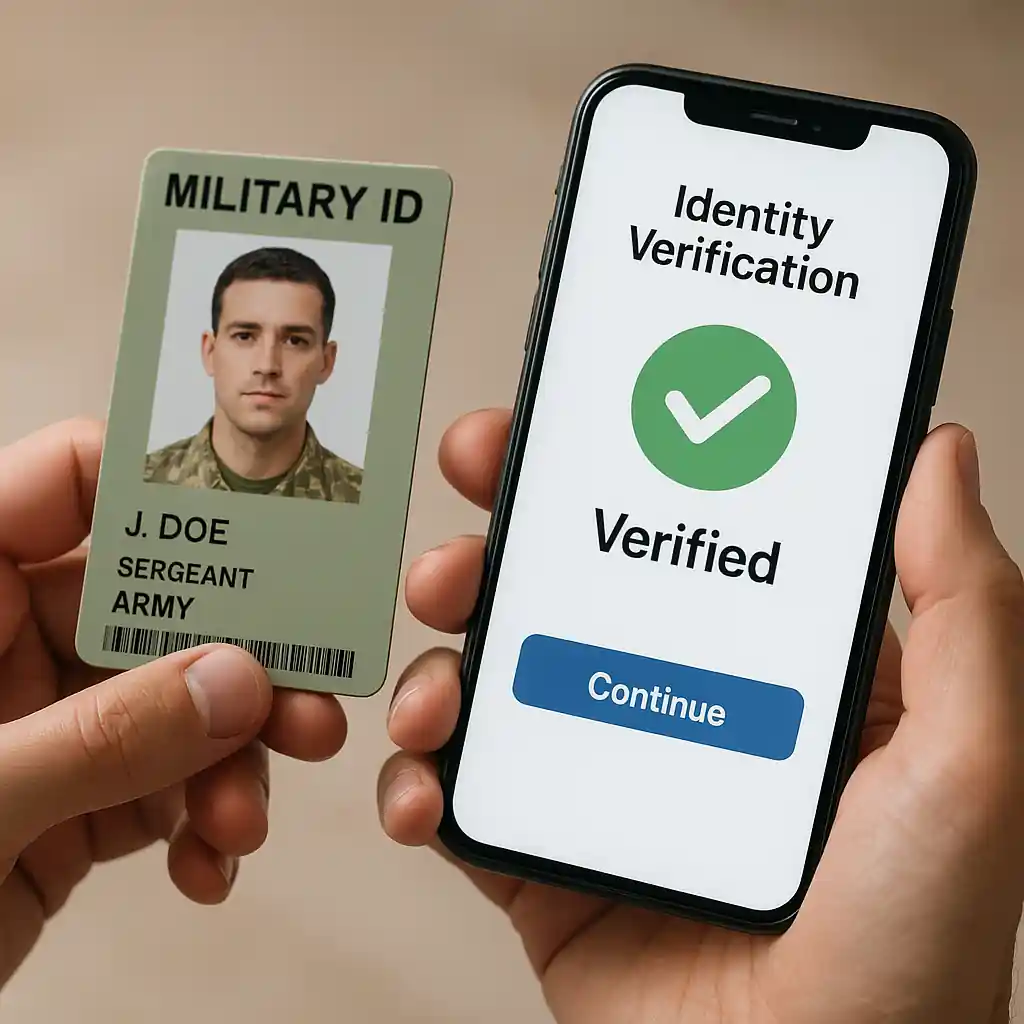
Why This Happens
Verification fails for a few predictable reasons. Online systems rely on identity providers (commonly ID.me) to match documents and personal data; name mismatches, expired documents, or incomplete uploads cause automatic denials.
In-store issues often stem from cashier unfamiliarity with the policy or scanner problems. Some product categories are excluded from the military discount, so a discount may not appear at checkout even when verification succeeded.
Fix Steps
- Gather accepted documents: valid military ID, VA card, DD-214, or other proof the retailer lists. Take clear photos or have the physical card ready.
- If online, create or sign in to your ID.me account and complete identity verification per their prompts (photo of ID + selfie or document upload).
- Link your verified ID.me account to your Home Depot account: sign in at Home Depot, choose the military discount verification, and follow the link to attach ID.me.
- Match account details: update your Home Depot profile so the name exactly mirrors your ID (use full legal name), then reattempt verification.
- Clear cache or try a different browser/device. Use an incognito window to remove lingering cookies that can block the flow.
- If a discount doesn’t apply to items in your cart, remove excluded SKUs and test with a simple eligible item like a tool or accessory to confirm verification worked.
- In-store: show the cashier the accepted ID and, if needed, politely ask for supervisor approval. Bring backup docs (VA paperwork or DD-214) to speed manual verification.
- Capture screenshots: if online verification shows an error, save screenshots and contact Home Depot customer service with those images for manual review. For common troubleshooting tips see the troubleshooting guide.
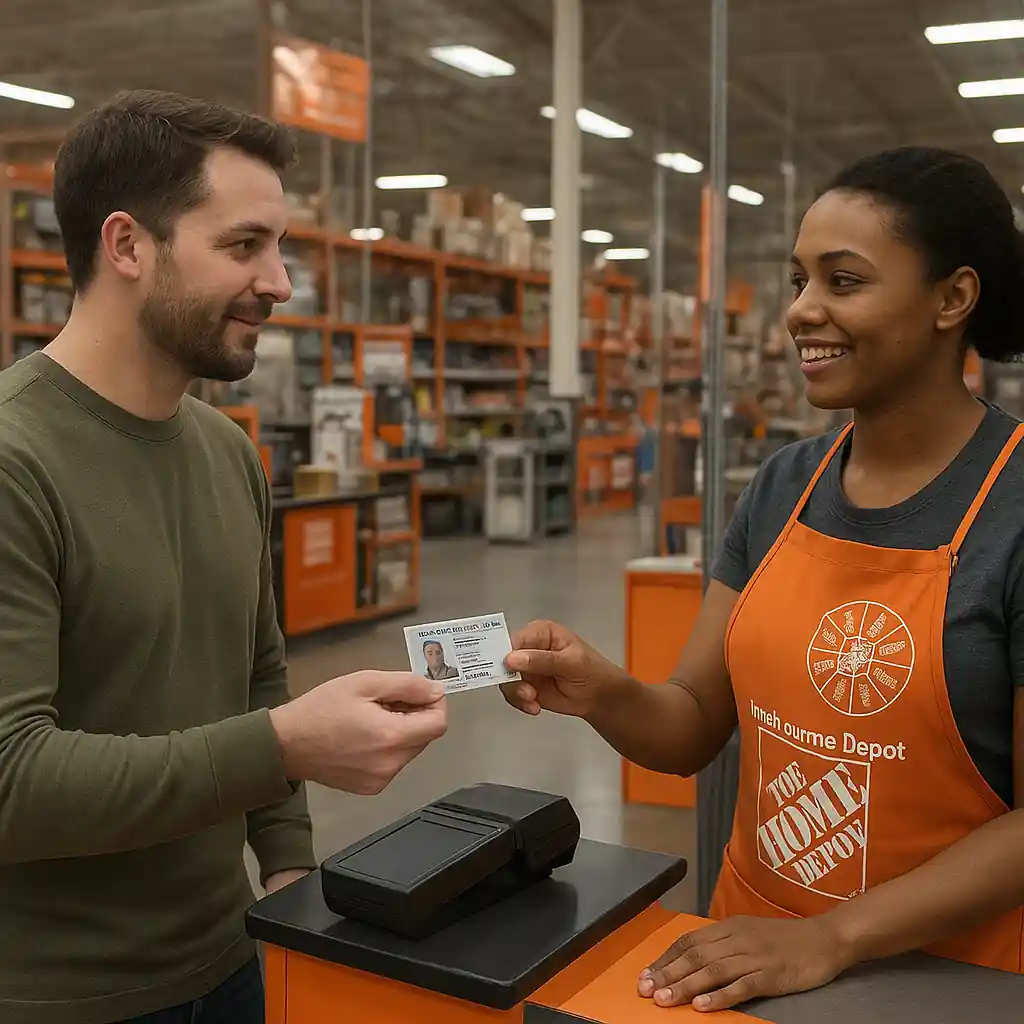
Common Mistakes
- Uploading a cropped or blurry ID photo that the verifier cannot read.
- Using a nickname or shortened name on the Home Depot account that doesn’t match official ID.
- Assuming the discount applies to all categories — some items and services are excluded.
- Trying verification on a public network that blocks verification services or camera access.
- Not linking a completed ID.me verification back to the Home Depot account after finishing the ID.me flow.

Next Step
If you want the full picture on who qualifies, exclusions, and ways to use the discount both online and in stores, read our main guide: HomeDepot Military Discount – Complete 2025 Savings Guide. That guide covers eligibility rules, stacking limits, and policy updates.
Conclusion: Verifying for the Home Depot military discount is usually quick once you have the right ID and either complete the ID.me flow or present valid documents in-store. Follow the fix steps above if something blocks verification, and contact customer support with screenshots if problems persist.
Editor’s note: For the main hub guide and related updates on how to verify your military status for home depot discounts (step-by-step), see this overview.