
If your Home Depot military discount isn’t applying, the issue is often fixable without long waits or multiple store trips. This guide breaks down the most common failures—verification rejections, online checkout glitches, and in-store scan problems—and gives step-by-step fixes you can try right away.
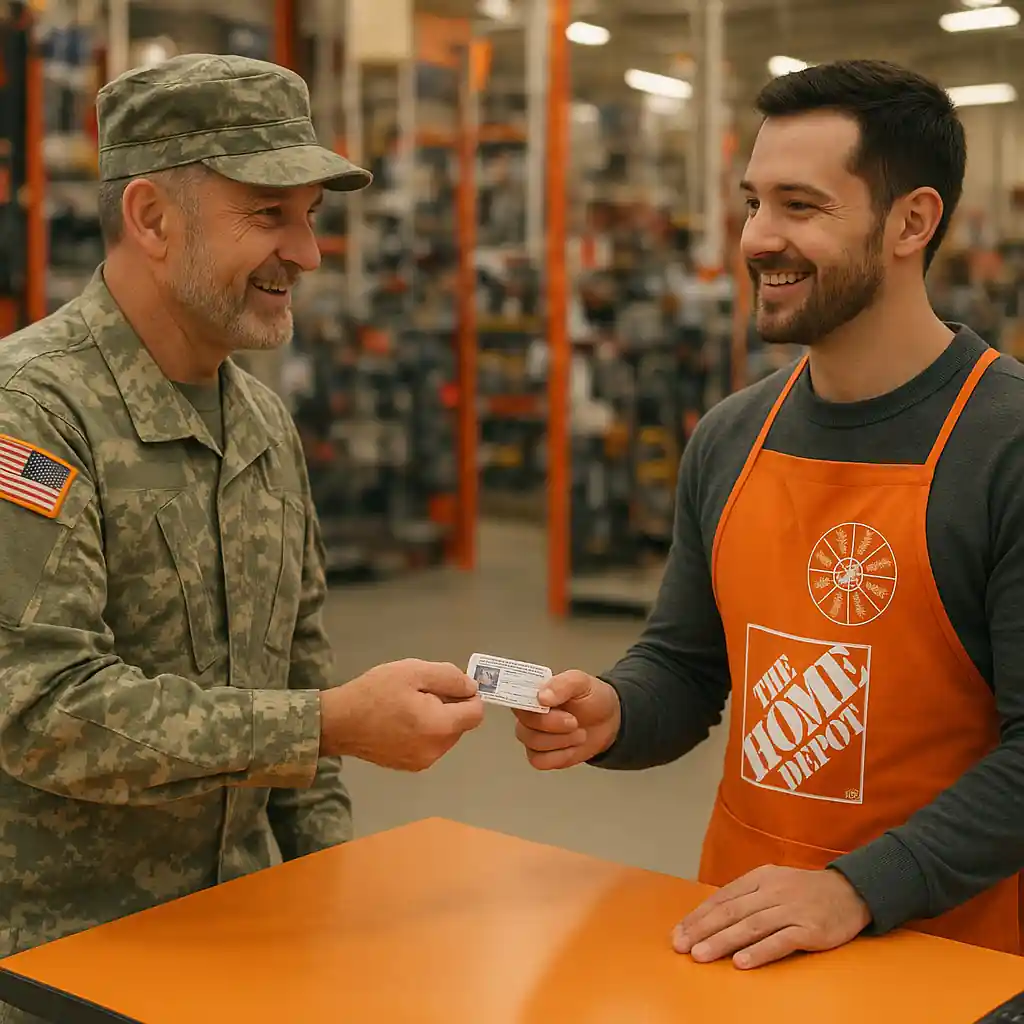
Common home depot military discount issues and quick fixes
Understanding the likely cause helps you resolve the problem faster. Below are the typical error types and what to do immediately when they occur.
1. Verification failures (online or in-app)
Verification systems (like ID.me or partner services) can reject requests when information doesn’t match official records, when documents are blurry, or if accounts are already linked incorrectly. Start by checking the details you entered: full name, date of birth, and branch of service must exactly match the ID or document you submit.
- Retake photos of ID documents with even lighting and no glare.
- Clear your browser cache or try a private/incognito window before re-submitting.
- Use a desktop browser if the mobile app fails—some verification flows work more reliably on full sites.
For detailed steps on using the program online, see our guide on how to use the Home Depot military discount online for screenshots and verification tips.
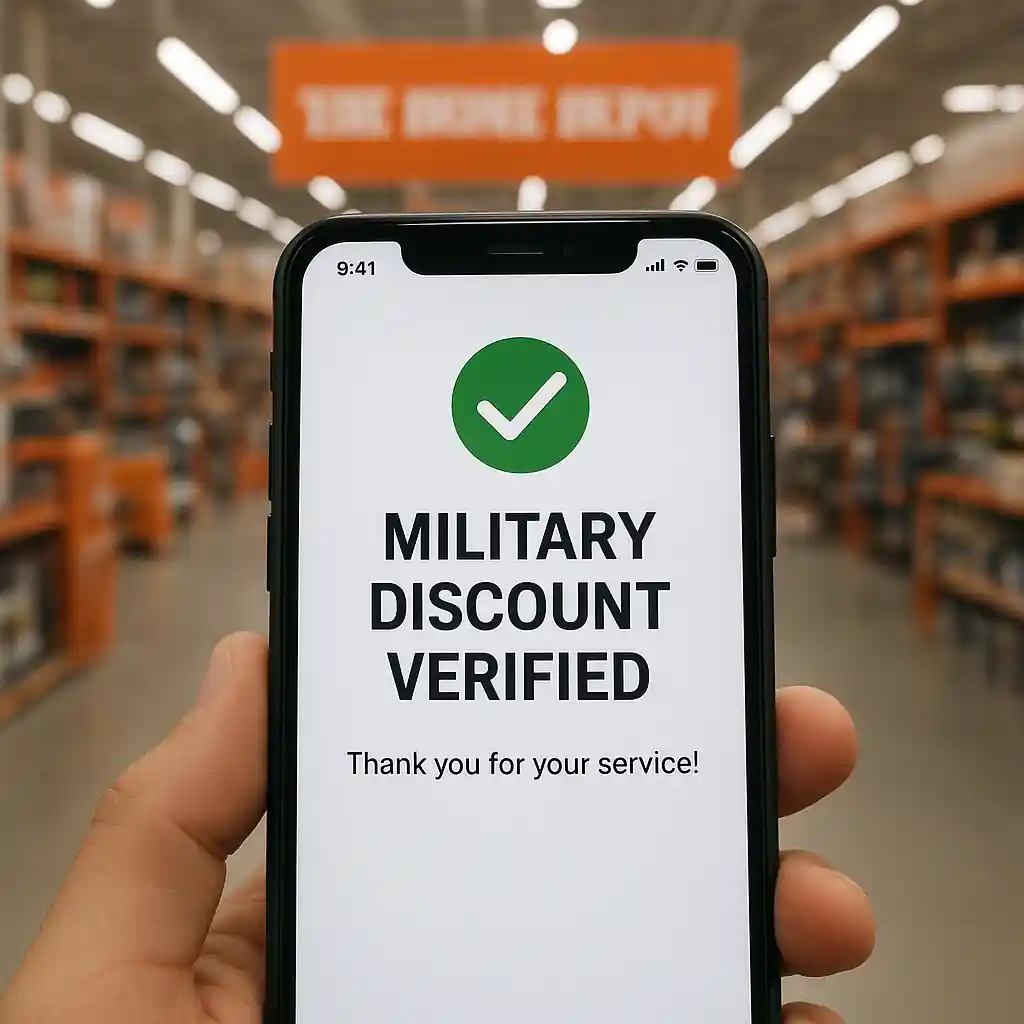
2. Discount not applying at checkout
If the discount doesn’t appear at checkout after verification, confirm these points:
- Your account is logged in and verified. Some discounts require a verified, signed-in Home Depot account.
- The item is eligible—large appliances, gift cards, certain services or promotional bundles may be excluded.
- You aren’t combining an excluded coupon or promo code; some store promotions cannot be stacked with the military discount.
If everything looks correct, remove the item and re-add it to the cart or try a different browser. If it still fails, contact Home Depot customer service and be ready to provide your verification confirmation screenshot or verification email.
How to handle in-store scan and manager denials
In-store scan failures and cashier denials are common when the discount isn’t tied to a physical card or when the POS (point of sale) system needs a manager override.
- Bring a printed or screenshot copy of your verification confirmation to the register.
- Ask the cashier to call a floor or store manager—managers can often apply a manual override when proof is presented.
- If the register reports a product exclusion, ask for the reason and a product code; that detail helps when you escalate to corporate support.
Our full eligibility breakdown explains who qualifies and what’s excluded—check the eligibility rules before you shop to avoid surprises.
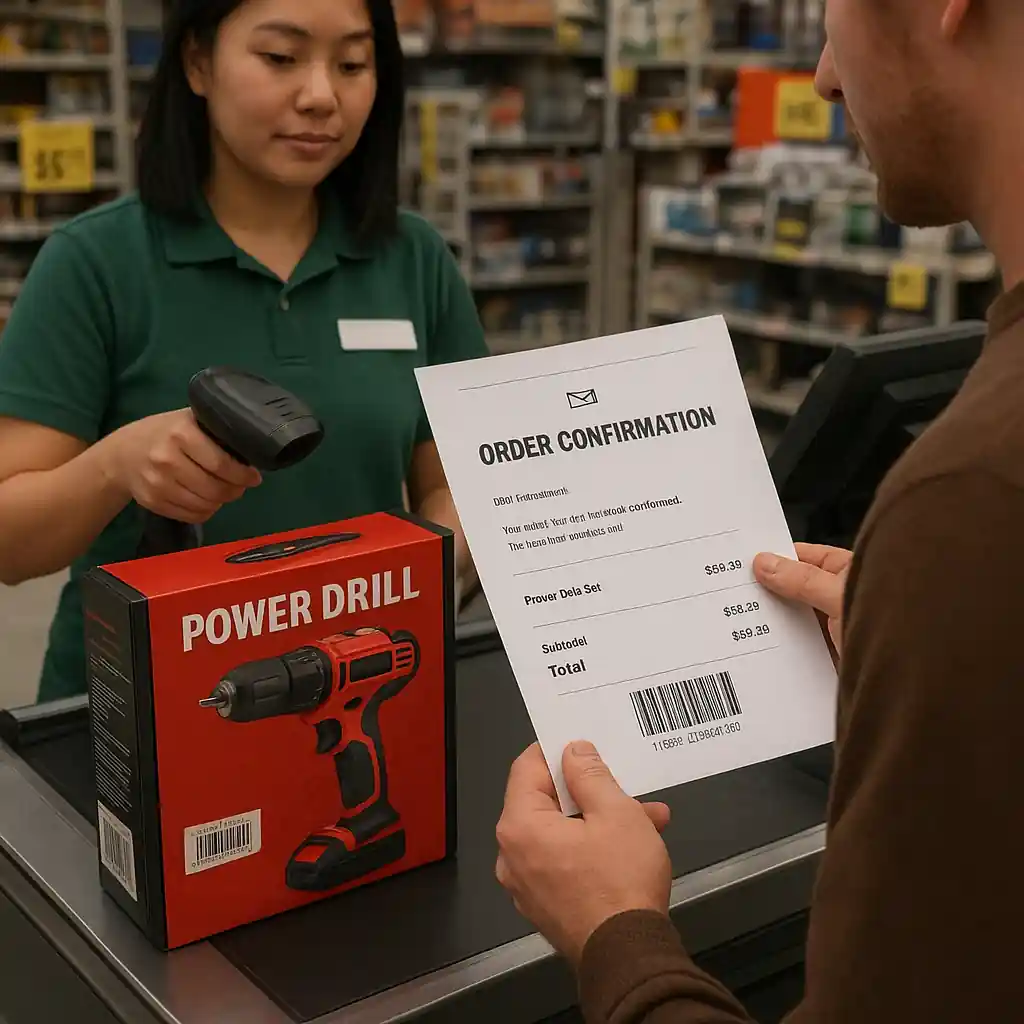
Verification path: documents, ID.me, and alternatives
When verification repeatedly fails, follow this checklist. It prevents the most common rejections and shortens the time needed to clear your status.
- Use accepted IDs: military ID, veteran ID card, DD214, or official military email addresses. If you have multiple documents, upload the clearest two.
- Check the verification service status page or outage notices; rare outages can block thousands of users temporarily.
- If you used a third-party verification (like ID.me) and it rejects you, use their appeals or support link. Often a quick manual review resolves edge cases.
Home Depot maintains an official military discount page that lists requirements; consult it if you need the baseline policy: Home Depot military discount details.
Troubleshooting complex situations and escalation steps
When the quick fixes fail, escalate methodically so you have the documentation needed for a fast resolution.
- Collect proof: screenshots of verification status, error messages, and the product at checkout that failed to apply the discount.
- Visit the store with your proof and ask the manager to attempt the override. Record the manager’s name and time of visit.
- If the store cannot resolve it, contact Home Depot customer support and provide the same packet of evidence. Ask for a case number.
- Use official support channels for appeals to verification partners (for example, follow ID.me’s support flow) and keep case numbers from both sides.
When you escalate to corporate or verification partners, cite the exact error text and include any official veteran documentation that clarifies your status.
Stacking and limits — what you can and cannot combine
Many shoppers expect the military discount to stack with other Home Depot coupons. In practice, stacking rules vary by promotion and product. Always check whether a sale or promo explicitly excludes additional discounts. If a coupon rings up and removes the military discount, ask the cashier to test alternate combinations—sometimes removing a different coupon will restore the military savings.
Preventive tips to avoid future problems
Some small habits cut the odds of running into trouble again:
- Create and verify one Home Depot account and use that account exclusively for military savings.
- Store verification confirmation in your email and save a screenshot on your phone labelled clearly (e.g., “HD military verification”).
- Before big purchases, check product eligibility and any ongoing promos on Home Depot’s official policy page or our complete savings guide.

Conclusion — get the discount you earned
Fixing a denied Home Depot military discount usually takes a few targeted steps: confirm document quality, retry verification on a reliable browser or device, present clear proof in-store, and escalate with timestamps and case numbers when needed. Keep a saved screenshot of your verification and know the eligibility rules before you check out. If problems persist, contact the verification partner directly and provide the Home Depot case number to speed the resolution.
With the right proof and a systematic approach you can resolve most errors in a single visit or support call—and make sure your earned military savings apply to today’s purchase.
Editor’s note: If you still encounter verification or checkout issues using a Home Depot military discount, try the troubleshooting steps above and gather the required ID before your next visit. For a concise hub of eligibility rules, documentation tips and store policy details, see our guide: Home Depot military discount guide.