
If you follow daily bargains, the right combination of discounts can turn a small markdown into a major saving. This guide explains how to stack a Home Depot deal with coupons, promo codes, and gift cards so you maximize every checkout. Read practical rules, timing tips, and real examples you can use on desktop or mobile.

How a home depot deal stacks with coupons
Home Depot runs limited-time sitewide and category-specific promotions called deal events. When you find a home depot deal of interest, begin by confirming which discounts are allowed to combine. Some discounts are automatically applied at checkout, while others require a promo code or gift card. Follow this quick checklist before you hit buy:
- Check the deal terms on Home Depot—look for exclusions and whether promo codes can apply.
- Verify if manufacturer rebates or gift card purchases are excluded from the deal.
- Test the promo code early in the shopping flow so you can change cart items without losing stock.

Common stacking rules to memorize
Not every discount stacks. These rules keep you out of surprises at checkout:
- Sitewide promo codes often stack with sale prices; clearance exclusions can apply.
- Gift cards reduce your final payment and usually work after discounts are applied.
- Manufacturer rebates are submitted after purchase and do not interfere with checkout codes.
- Account perks like Pro Xtra or military discounts can sometimes combine with daily deals; verify in your account.
When to use a home depot deal: timing & categories
Timing is critical. A daily or limited-time home depot deal often targets specific departments—tools, appliances, seasonal items. Plan around these windows:
- Major sale events (Memorial Day, Black Friday, Cyber Monday) stack best with promo codes—use verified codes early.
- Weekly ads and local store sales sometimes match online deals; compare the price before stacking.
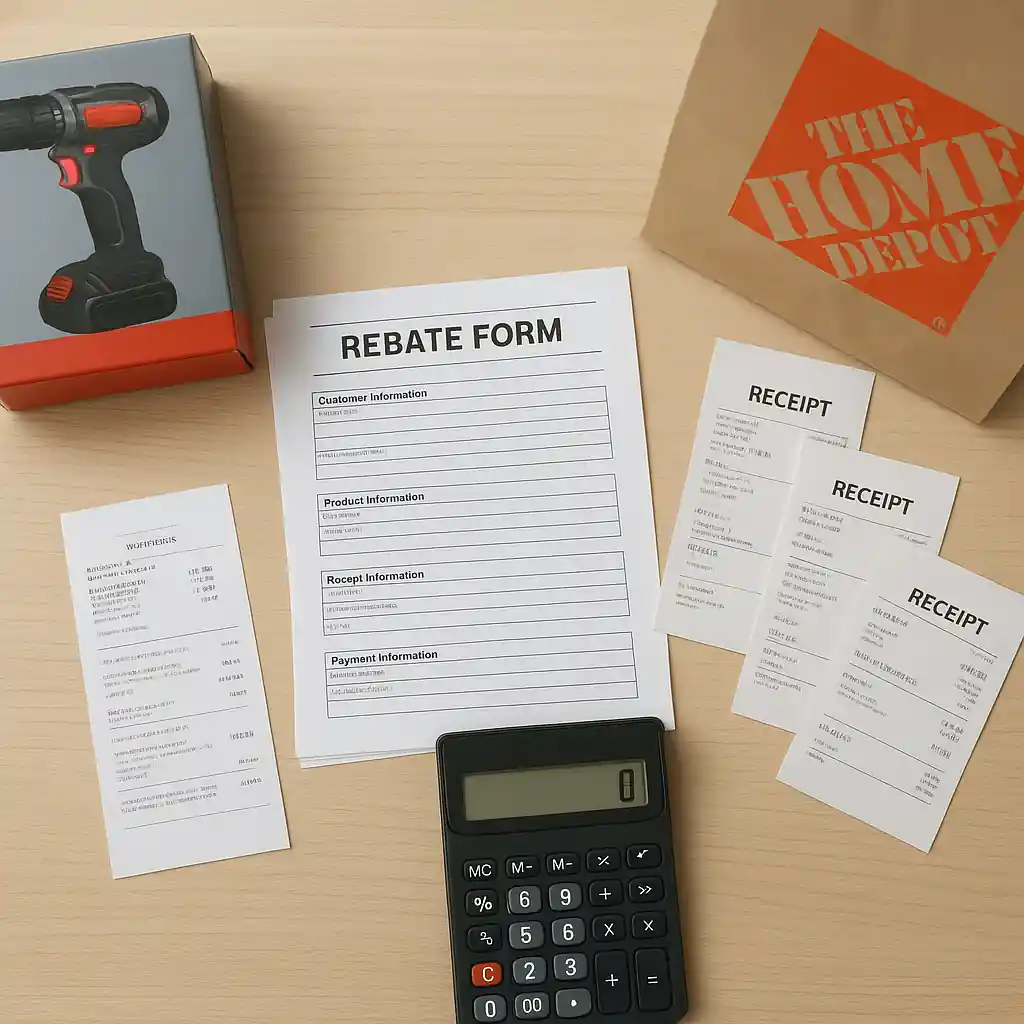
- Appliances and big-ticket items often accept promo codes plus rebate forms—learn the rebate filing process for extra savings.
For weekly ad tips and how to combine ad deals with coupons, see our guide on combine weekly ad deals with coupons.
Step-by-step: stacking a home depot deal with a promo code and gift card
Follow these steps for a reliable stacking sequence during checkout:
- Add the deal item(s) to cart and confirm the promotional price shows in cart.
- Apply an eligible promo code in the promo field. If the code fails, remove excluded items and retry.
- Choose payment and apply a gift card at the payment step—gift cards are applied after discounts.
- Double-check final totals, shipping, and taxes before confirming the order.
If you need verified promo code sourcing or examples of working codes, check our Home Depot promo code resource and the coupon code online guide for troubleshooting advice.
Real checkout example
Imagine a 25% off deal on a power tool set (daily deal). A 10% sitewide promo code applies to the reduced price, and you pay the remainder with a gift card. Manufacturer rebate forms are then filed separately—this sequence often nets the largest combined discount.
Mistakes that block a stack
Common errors cause promo codes to fail or gift cards to be rejected. Avoid these traps:
- Using expired or single-use promo codes recovered from forums—always verify dates.
- Adding excluded items (installation, rental, third-party services) into the same cart.
- Assuming price-match rules cover promotional codes—price match typically applies before promo codes.
- Not logging into an account with active Pro Xtra or verified discounts—some perks require sign-in.
When a code fails, isolate the product causing the failure by removing items one at a time. That reveals exclusions so you can complete the stack without guesswork.
Using gift cards strategically
Gift cards act as flexible payment that doesn’t usually block promo stackability. Buy discounted gift cards from reputable resellers only, and always check the balance and terms before using them in a stacked checkout.

Legal and safety checks before stacking
Stacking involves several payout mechanisms—store promos, manufacturer rebates, and third-party gift cards. Protect your purchase by keeping receipts, rebate forms, and confirmation emails. For authoritative guidance on consumer rights and rebate claims, visit USA.gov.
When to contact customer service
If a verified promo code doesn’t apply despite following rules, contact Home Depot customer support and keep screenshots of the cart and promo terms. In many cases a representative can clarify exclusions or correct billing errors.
Conclusion: stack smart, confirm terms
Stacking a home depot deal with coupons, promo codes, and gift cards can produce substantial savings when you follow a clear sequence: confirm deal terms, apply promo codes to discounted prices, and use gift cards at payment. Always document your checkout, verify rebate deadlines, and consult the promo’s fine print to avoid surprises. With a few habit changes—testing codes early, isolating excluded items, and using account perks—you can routinely increase savings on tools, appliances, and seasonal buys.
For step-by-step examples and verified promo code tips, explore our detailed promo resources and coupon guides linked above.
Editor’s note: This post explains how to stack Home Depot Deal of the Day offers with coupons, promo codes, and gift cards to maximize savings. For the full hub guide, visit Home Depot Deal of the Day hub.