
Many veterans and their families expect the Home Depot veterans discount to work smoothly, but verification failures and checkout errors are common. This guide walks through the most frequent problems and gives step-by-step fixes you can try immediately. Follow clear checks for in-store scanning, online verification, and what to bring when you ask a manager for help.
Why the home depot veterans discount sometimes fails
The discount can fail for several predictable reasons: mismatched verification systems, expired or unsupported ID types, exclusions on certain product categories, or temporary glitches at checkout. When an employee scans an ID or a system query to a verification vendor times out, the discount won’t apply even if you qualify. Similarly, online purchases may reject an account if verification isn’t linked correctly.
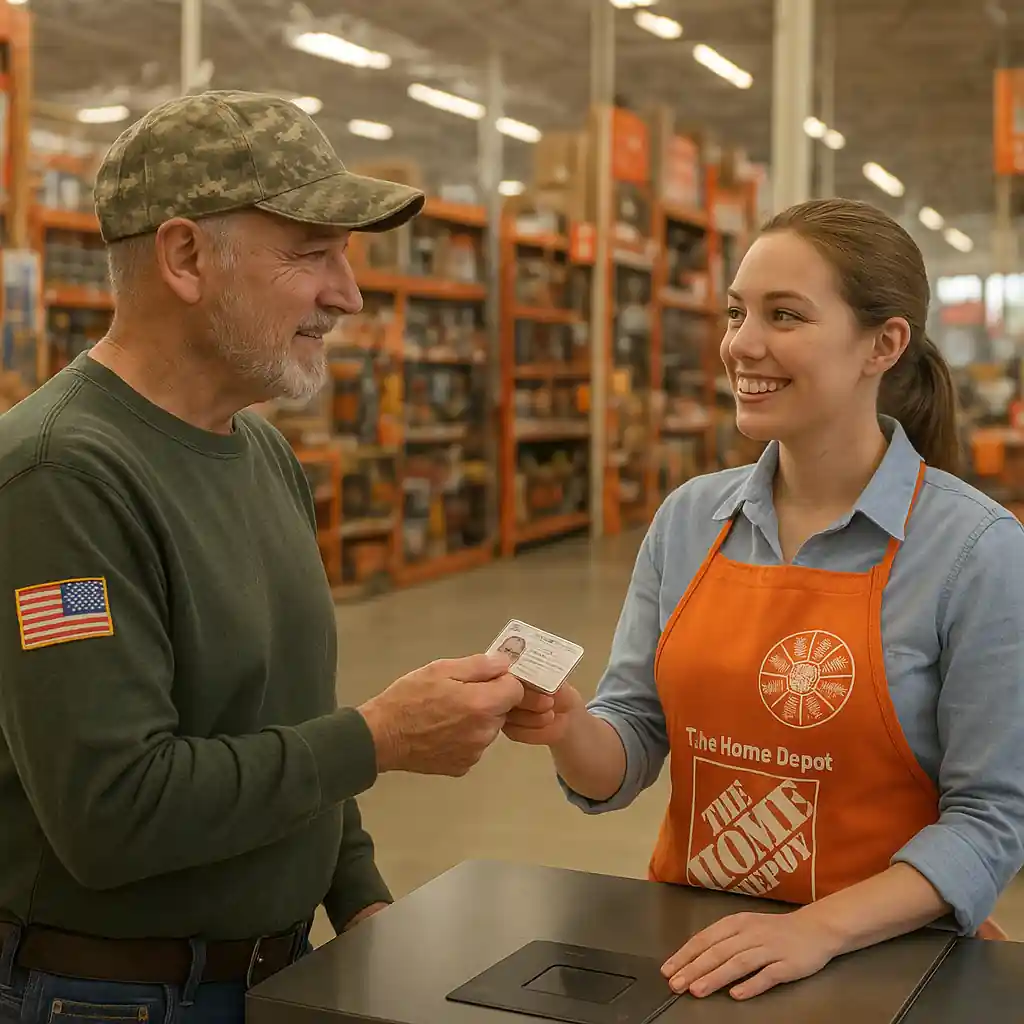
Quick verification checks to fix the home depot veterans discount
Before you reach a cashier or customer service, run these checks. Doing them first eliminates simple errors and speeds up any escalation.
- Confirm eligibility: ensure your status matches Home Depot’s accepted categories (veteran, retired, reserve, etc.).
- Use an accepted ID: bring a government-issued ID plus veteran documentation when possible.
- Try a second register or the self-checkout: scanner or POS issues sometimes block a single terminal.
- For online orders, confirm the email tied to your verified military account is the one used at checkout.
Step-by-step in-store fixes
If the discount fails at the register, stay calm and follow this sequence to resolve the issue quickly:
- Ask the cashier to rescan the item and the ID — sometimes a bad scan is the cause.
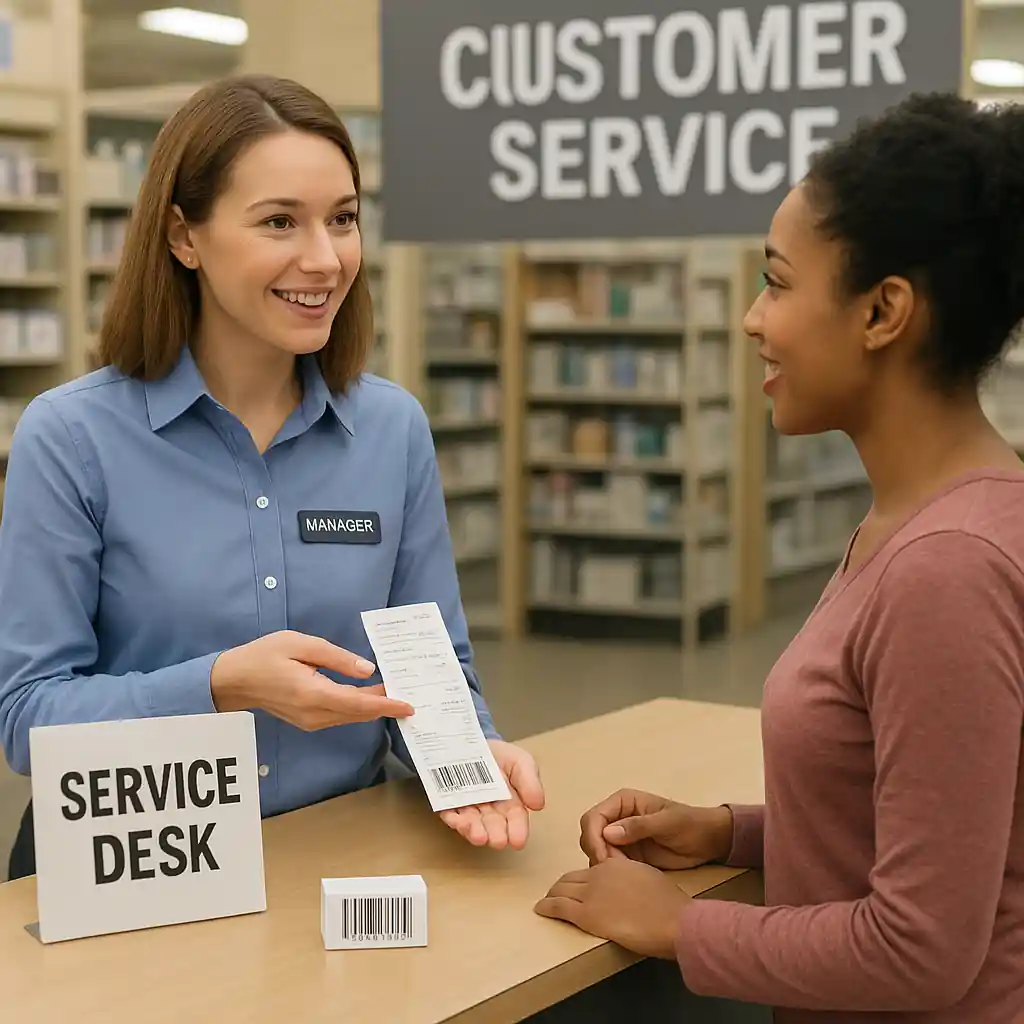
- Request a manager if rescan fails; managers can override or run a manual verification.
- Present alternative documentation (VA card, DD-214, military ID) to confirm status.
- If the store uses an external verification partner, ask them to retry the verification while you wait.
These steps often fix the problem without further escalation. If the manager cannot resolve it, capture the manager’s name and note the register ID for follow-up.
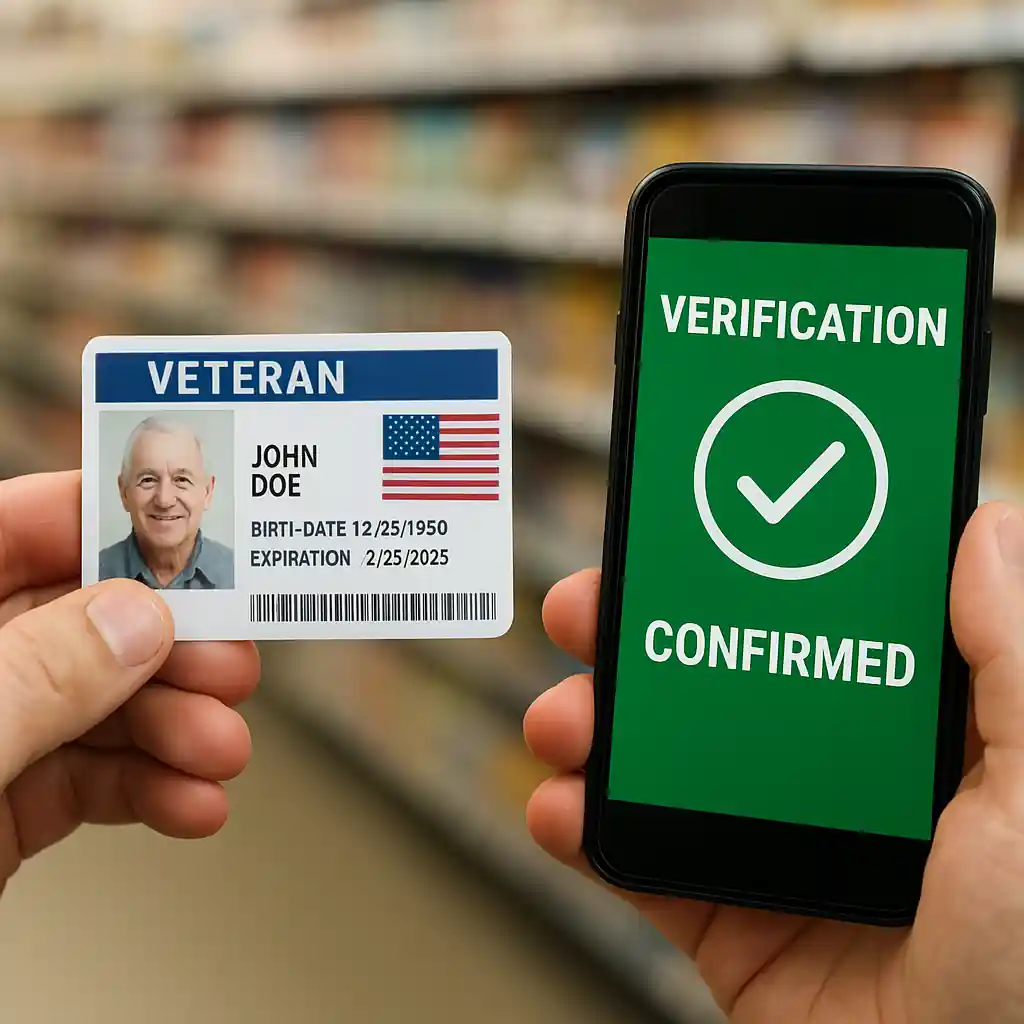
How to fix online denials for the home depot veterans discount
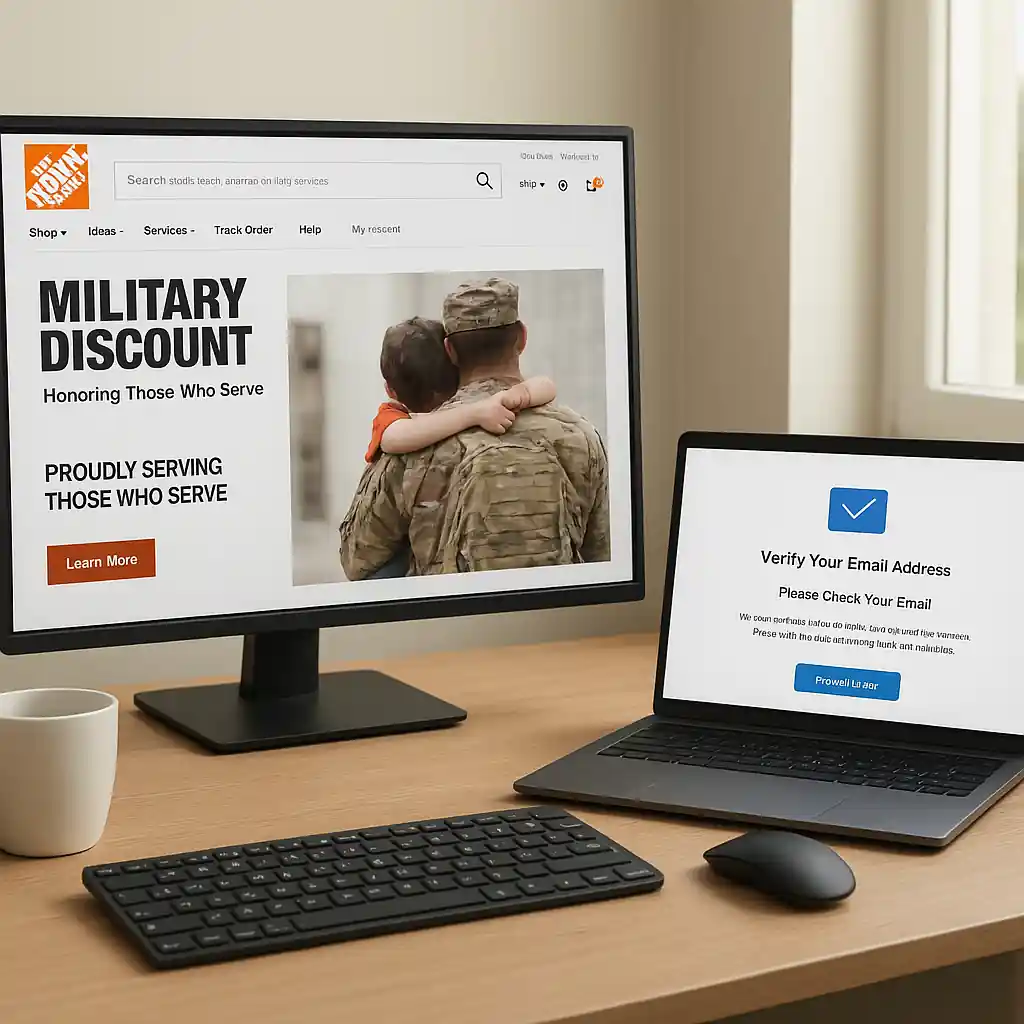
Online issues usually stem from account verification problems. Home Depot’s online military page links to verification steps and may route through third-party services. Try these targeted fixes:
- Clear browser cache or use an alternate browser to rule out session or cookie errors.
- Confirm your verified military profile is active and uses the same email address you use at checkout. See steps at Home Depot military verification.
- If verification failed, re-run the verification process or follow the vendor’s troubleshooting steps; then, log out and back in before checking out.
- Contact Home Depot customer service if denial persists; have screenshots and order details ready.
Verification tips and accepted documents
Accepted proof varies by program and can change, so carry multiple forms if possible. Useful documents include a current military or VA ID, DD-214, veteran health ID, or a service verification email. If you need step-by-step help verifying online, see our guide on how to use the online military discount workflow at use-home-depot-military-discount-online-2025.
Common exclusions and how they affect the home depot veterans discount
Even when verification succeeds, certain products and promotions might exclude the discount. Typical exclusions include major appliances, gift cards, some third-party vendor items, and items already deeply discounted in store-wide sales. Read the cashier’s on-screen message or ask the manager to confirm whether the product falls into an exclusion category. For an exhaustive list of exclusions and rules, consult the main military discount overview at homedepot-military-discount.
When to escalate and what evidence helps
Escalate to customer service or a store manager when all on-the-spot fixes fail. Bring or capture:
- Photos/screenshots of the error messages or the denied online checkout screen.
- Copies of any verification emails, IDs, or VA documents used during verification.
- Register numbers, transaction timestamps, and manager names if the failure happened in-store.
Technical problems and system errors
Sometimes the problem is a temporary backend outage or a vendor API failure. If other customers are experiencing similar issues, Home Depot may post notices or fix the issue quickly. When you suspect a system problem, wait 15–30 minutes and try again, or place a phone order while the in-store team confirms your eligibility manually.
If you want stepwise troubleshooting specific to military account errors, our companion piece on fixing military discount problems covers additional scenarios and advanced fixes — including how to reconcile receipts and ask for retroactive discounts when eligible. See fixing-home-depot-military-discount-issues for detailed examples.
Practical checklist before you shop
- Bring two forms of veteran/military ID or documentation.
- Create and verify your online account prior to large purchases.
- Check product exclusions and current promotions that may block discounts.
- Ask for manager assistance and get names/receipt info if a problem arises.
- Keep screenshots and timestamps for follow-up if you need customer support.
For official information on veteran benefits and documentation, the U.S. Department of Veterans Affairs is a reliable authority: va.gov.
Conclusion
Most Home Depot veterans discount issues come from verification mismatches, excluded items, or temporary system errors. Use the quick in-store and online checks above, carry multiple documents, and escalate with clear evidence when necessary. With the right preparation you can usually get the discount applied at checkout or recovered after the fact. For verification walkthroughs and deeper troubleshooting, check the Home Depot military verification resources and our linked guides.