
If a discount from a home depot paint sale vanished at checkout, it’s frustrating and time-consuming. This guide explains the most common reasons the discount might not apply and gives clear, prioritized steps to fix the error fast.
Read on to learn how to check exclusions, resolve coupon conflicts, confirm online versus in‑store rules, and escalate an unresolved price error to Home Depot support.
Scope boundary: This guide focuses on troubleshooting a failed home depot paint sale discount at checkout; for the full list of current paint events and timing, see our main Home Depot paint sale guide.
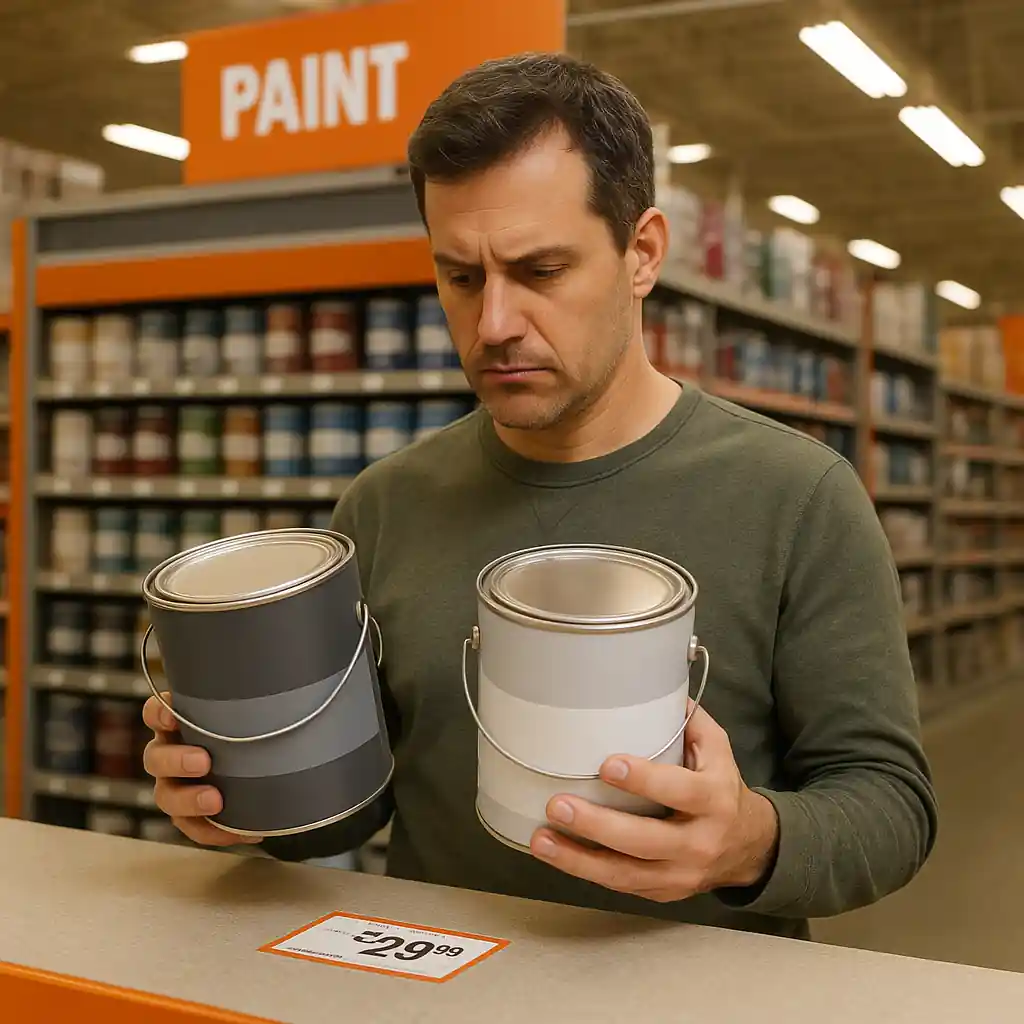
Quick Checklist
- Confirm the specific product SKU or paint line is in the sale (check product page price and label).
- Look for explicit exclusions: custom‑tinted gallons, sample sizes, contractors’ pricing, or clearance tags.
- Clear your browser cache or try a different device and browser to rule out session/cookie issues.
- Remove other coupons or gift cards to test for conflicts; re-add one at a time.
- Check cart vs product discount: is the markdown on the product page or only applied at cart level?
- If tinting/mixing is required, verify whether the discount applies to pre‑mixed vs custom‑tint orders.
- Take screenshots of product price, cart total, and any error messages before contacting support.
- If in-store, ask a paint department associate for a price check and manager override; if online, contact Home Depot customer service.
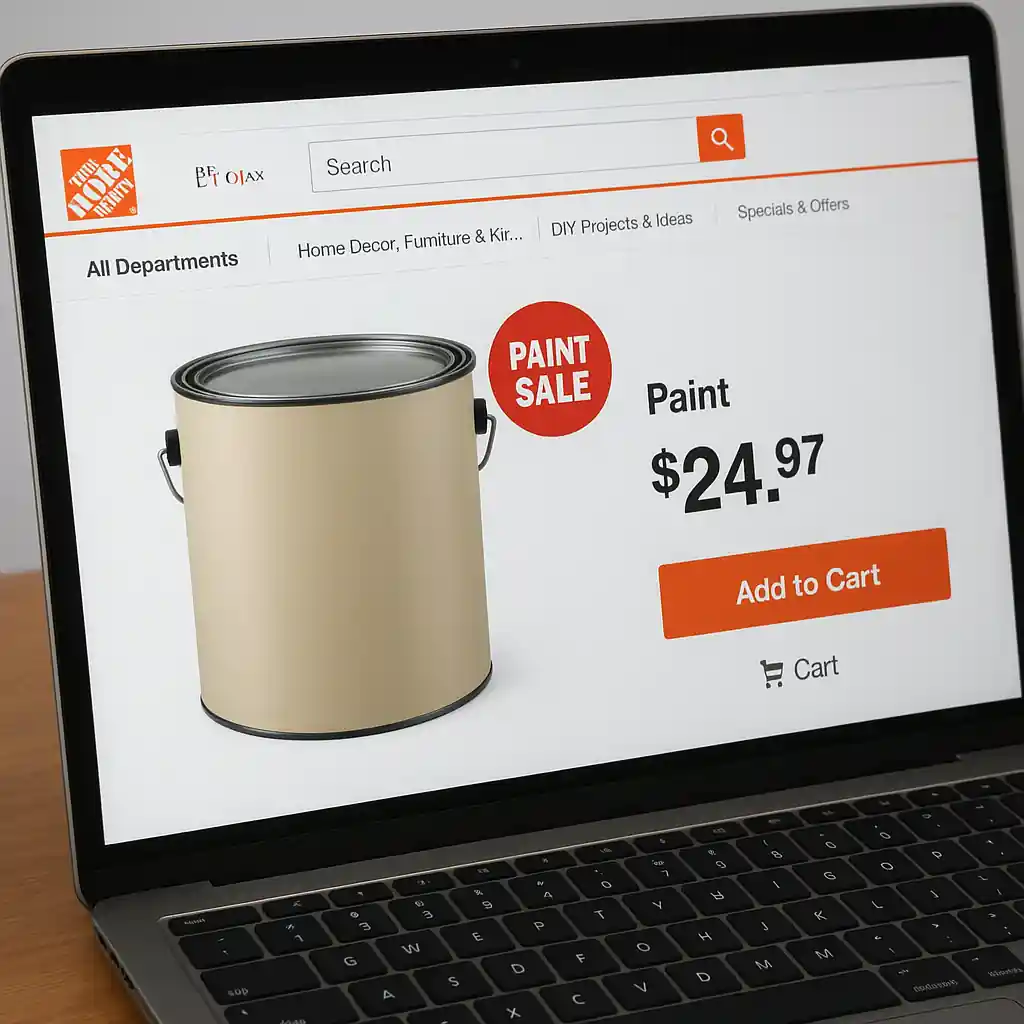
Deep Dive: Product Exclusions & Tinting
One of the most frequent causes for a sale price not applying is omission for specific SKUs or services. Home Depot paint sales often discount branded pre‑mixed gallons or selected colors. Custom‑tinted gallons and mixing fees are commonly excluded from advertised sale prices.
How to verify:
- Open the product page for the exact SKU and confirm the listed price and any “exclusions” text under pricing.
- Look for separate pricing lines: base gallon vs custom tint. The sale may apply only to the base gallon.
- Check product notes for contractor or Pro pricing language that may change how discounts show.
If you’re buying mixed or matched cans at the store, ask the paint desk to scan both the shelf tag and the SKU. If the shelf tag shows the sale price but the register shows full price, request an immediate price adjustment and keep a photo of the tag.

Deep Dive: Online vs In‑Store Pricing and Cart Rules
Prices and eligible promotions can differ between online, app, and in‑store. Common problems arise when an online sale is local‑store specific, or when the discounted price is only visible after a cart action (pickup, choose a location, or sign in).
Step-by-step flow to reproduce and isolate the issue:
- Open an incognito/private browser window to avoid cached prices.
- Navigate to the paint product page and note the displayed price and any sale badges.
- Add the paint to cart, select your store for pickup (if applicable), and watch the cart price change.
- If price changes after selecting pickup/delivery, try switching to a nearby store location to test local-ad pricing.
- If the discount still fails to appear, try the Home Depot mobile app and repeat the steps—some app-only promos behave differently.
If the cart shows the full price but the product page shows the sale price, that signals a cart rule or SKU mismatch; capture screenshots and escalate.
For more on in-store vs online differences, see our comparison of where paint sale discounts appear in each channel: in-store vs online paint sale.
Deep Dive: Coupon Conflicts, Stacking & Rebate Interactions
Another common root cause is coupon or rebate conflicts. A store coupon, printable, or manufacturer rebate can sometimes be blocked by cart rules or by other applied discounts.
Key checks and a short workaround flow:
- Remove all other discounts or promo codes from your cart, then reapply only the paint sale (if it’s an automatic discount) to test.
- If you’re applying a promo code in addition to a sale, confirm that the promo code terms don’t exclude sale items.
- Manufacturer rebates usually require separate filing and do not always interact with store coupons the same way—confirm rebate terms on the manufacturer site.
If stacking fails but both promotions are supposed to be allowed, document the cart state and contact support. Also review our guide on stacking paint rebates with Home Depot sales for filing tips: stack paint rebates.
Common Mistakes
- Assuming the shelf tag or ad cover guarantees the same SKU discount online—different SKUs or color formulas may carry different prices.
- Applying a promo code that explicitly excludes clearance, custom tinting, or pre-painted items without reading the fine print.
- Not selecting a pickup location online when the sale is local‑store specific, which prevents the cart from showing the discounted price.
- Expecting manufacturer mail‑in rebates to reduce the checkout price immediately—rebates are usually post‑purchase and separate from the sale.
- Using an old coupon or a coupon for a different region/store format, then assuming it should work on the current paint SKU.
- Failing to clear cache or trying only one browser—cached sessions can hold old prices or cart data that block new promotions.
- Relying on the app without verifying the product SKU matches the online listing—app versions may show different stock or pricing.
- Not taking a screenshot of the product page, cart, and any error messages before talking to support, which slows resolution.
Related Guides
- Hub: See the full Home Depot paint sale overview for timing and general savings tips: Home Depot paint sale guide.
- Adjacent: If you’re combining rebates with the sale, read our step-by-step rebate stacking tips: Stack paint rebates with sales.
- Adjacent: For channel differences and when a sale appears online vs in-store, see: In‑store vs online: where paint sale discounts show.
When to escalate: If you’ve confirmed the SKU, cleared cache, removed other coupons, and captured screenshots but the discount still fails, call Home Depot customer service or use the in‑app chat. For in‑store problems, request a manager price check and an override if the shelf tag or ad proves the sale.
Authoritative sources: If you’re worried about tinted paint safety or lead rules when repainting older homes, review EPA guidance on lead safety before purchase: EPA lead safety guidance. For account or order help contact Home Depot support at their customer service page (Home Depot customer service).
Conclusion
Most home depot paint sale pricing errors trace to exclusions, cart rules, or coupon conflicts — and are resolvable with a quick verification flow, screenshots, and a targeted support request. Start with the Quick Checklist, escalate with documented evidence, and ask for a manager price check in store if needed.
Next step: If you need timing and broader sale schedules, check the main Home Depot paint sale guide for event dates and category deep dives: Home Depot paint sale guide.