
This guide explains exactly which documents and verification services Home Depot accepts for the home depot veterans discount and walks you through the verification process both online and in-store.
You’ll get a simple step-by-step flow for ID.me and manual verification, plus tips to speed approval and avoid common documentation mistakes.
Scope boundary: This page focuses only on verifying veteran status for eligibility; for the full eligibility rules and other saving methods, see our main veterans discount guide.
Quick Checklist
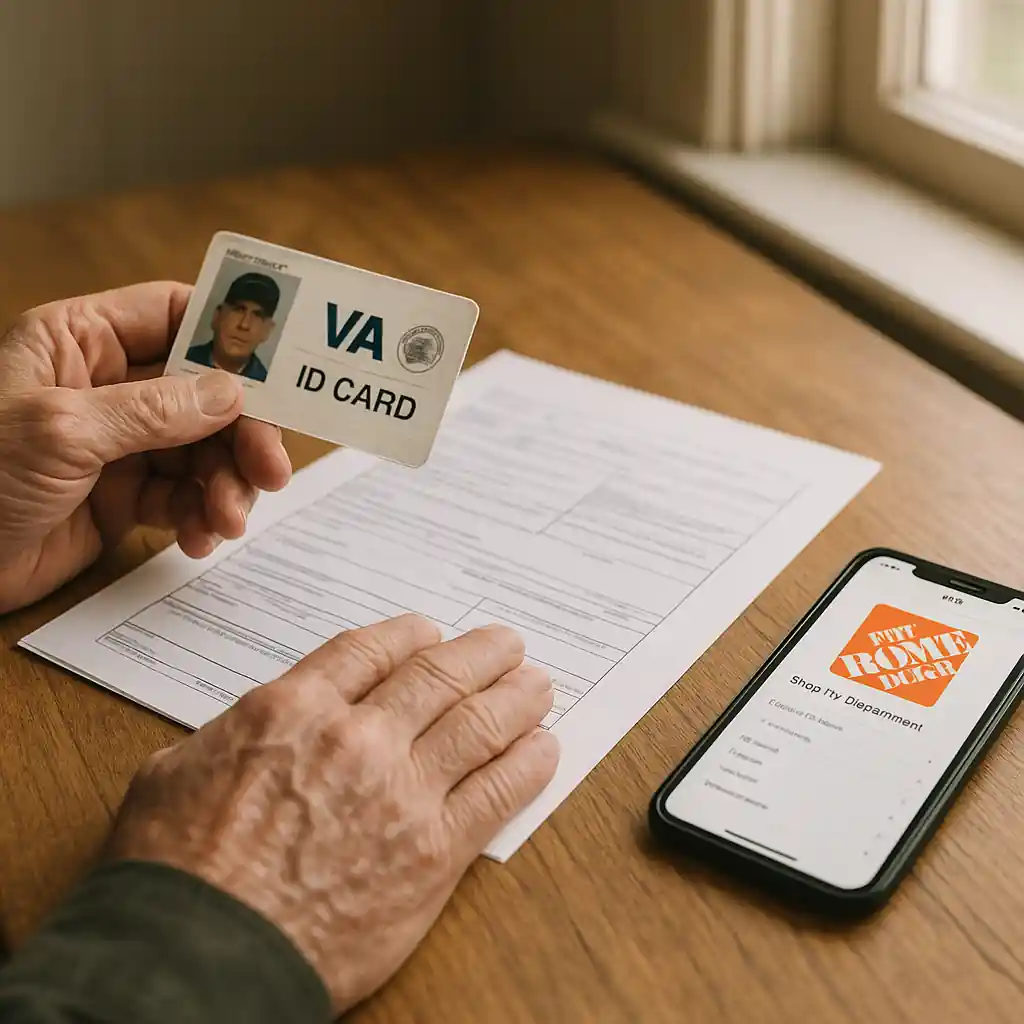
- Gather one primary ID (VA ID, military ID, or state ID showing veteran status) and one supporting document (DD214, VA letter, or current benefits statement).
- Create an ID.me account before you try to verify online to save time.
- Scan or photograph documents with good lighting and readable text—no cropped edges.
- Use the Home Depot app or desktop site for ID.me flows; avoid public Wi‑Fi and VPNs during verification.
- If verifying in-store, bring original documents and a matching card with your name (credit card or driver’s license).
- If verification fails online, try the manual upload option or ask a store manager for an in‑person check.
- Keep copies of any confirmation emails or screenshots of an ID.me verified badge for checkout proof.
- If you run into errors, follow the troubleshooting steps in our troubleshooting guide linked below.
Accepted Documents & Verification Services
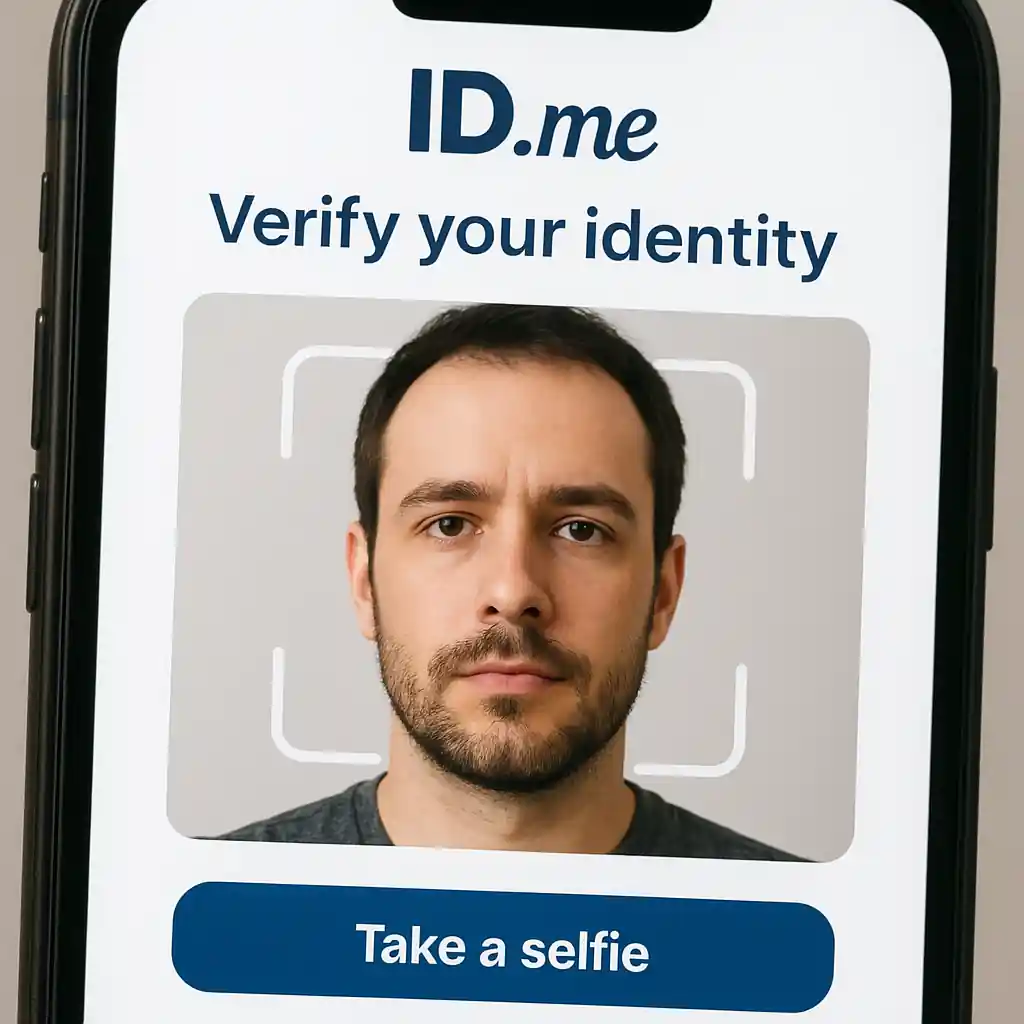
Home Depot uses an external verification provider for military and veteran verification. The most common and supported service is ID.me; that platform confirms identity and veteran status by checking submitted documents against public or government records.
- Primary verification methods Home Depot accepts:
- ID.me digital verification (fastest for online/app use).
- U.S. Department of Veterans Affairs ID card (VA ID).
- Common Access Card (CAC) or active military ID for currently serving members.
- DD214 discharge paperwork showing veteran status and name match.
- Official VA award/benefits letters or enrollment documentation.
- Supporting documents that help when primary IDs are missing: recent VA benefits statements, military pay stubs that include service branch, state DMV veteran designation on a driver’s license, or court-certified discharge records.
If you plan to verify online, ID.me will prompt you for one government ID plus one proof of service in many cases. For in-store verifications, a cashier can accept a VA ID or a military ID; managers have discretion to ask for additional paperwork if names don’t match.
Step-by-step: Verify online with ID.me
- Open Home Depot’s military/veterans verification page and choose “Verify with ID.me.”
- Create or sign in to your ID.me account using an email and secure password.
- Follow ID.me prompts: upload a clear photo of your government ID and a service document (DD214, VA letter) if requested.
- Complete identity checks (selfie/live photo) when prompted—use a quiet, well-lit room and hold the camera steady.
- After ID.me confirms, return to Home Depot to see the verified badge applied to your account; keep the confirmation email as proof.
In-Store Verification Process
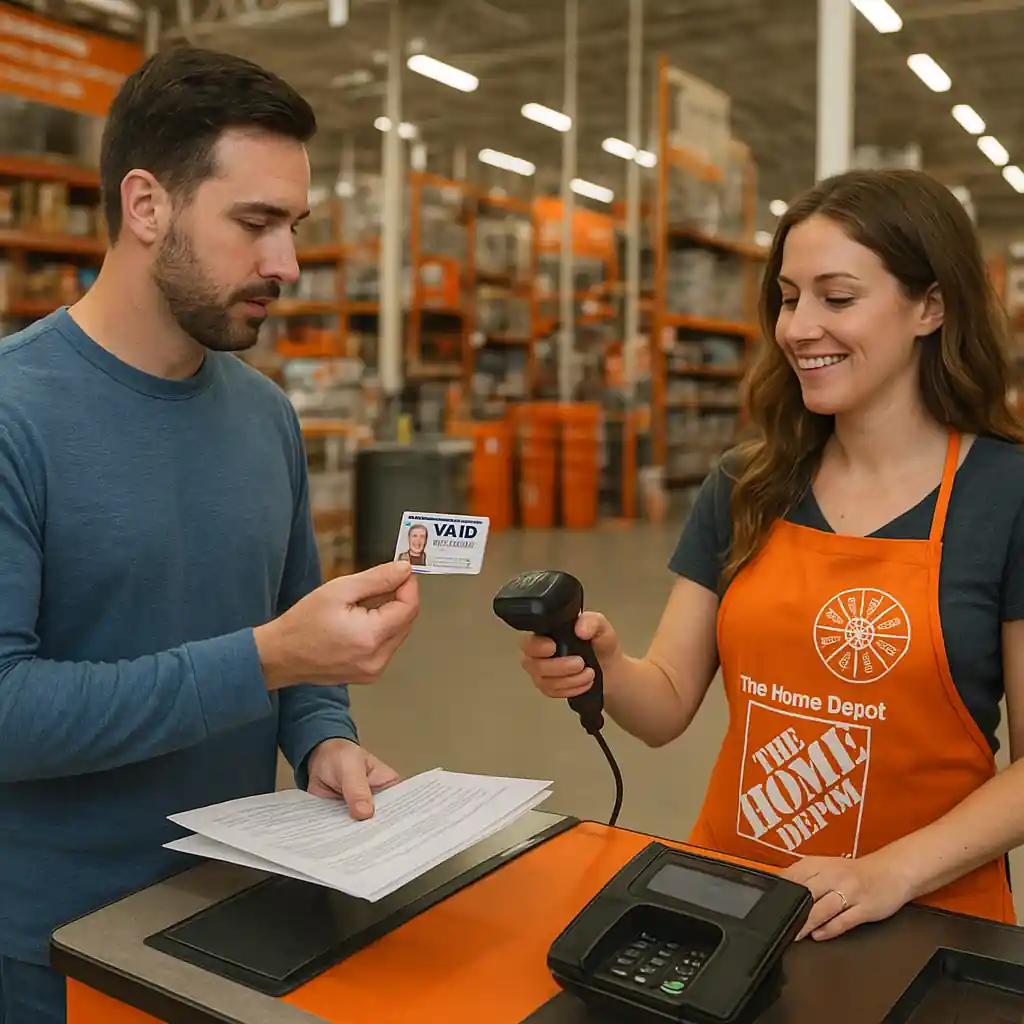
Verifying in-store is straightforward when you bring the right documents and a matched name. Follow this flow to speed the checkout.
- Bring one primary photo ID (VA ID, military ID, or state driver’s license) and one proof of service if available (DD214 or VA letter).
- At the register, tell the cashier you’re claiming the veterans discount and show your IDs. If the cashier needs manager approval, ask politely to speak with a manager.
- If the POS system asks for digital verification, show the ID.me verified badge on your phone or complete a quick ID.me flow on the store tablet/your device.
- If the discount does not apply, request a price check or manager override and document the interaction (name, time).
Step-by-step: Quick in-store flow
- Organize documents in order: photo ID on top, service proof next.
- Open the Home Depot app and sign in so the cashier can confirm account-linked verification quickly.
- If asked, open your ID.me verified page or present the physical VA/military ID and matching photo ID.
- Ask the cashier to apply the veterans discount once verification is confirmed.
Speed-Up Tips & Practical Checks
Small prep steps reduce delays and verification denials.
- Scan documents at 300 DPI or take photos in natural light; avoid reflections or shadows that obscure text.
- Use the same name format across your Home Depot account and official documents (avoid nicknames or initials only).
- Upload full documents—don’t crop edges or cut off dates and signature blocks on DD214s.
- If you have a name change (marriage/divorce), bring supporting documents linking names (marriage certificate, court order, or updated VA letters).
- Create the ID.me account in advance and complete the identity selfie step on your phone with a stable internet connection.
Common Mistakes
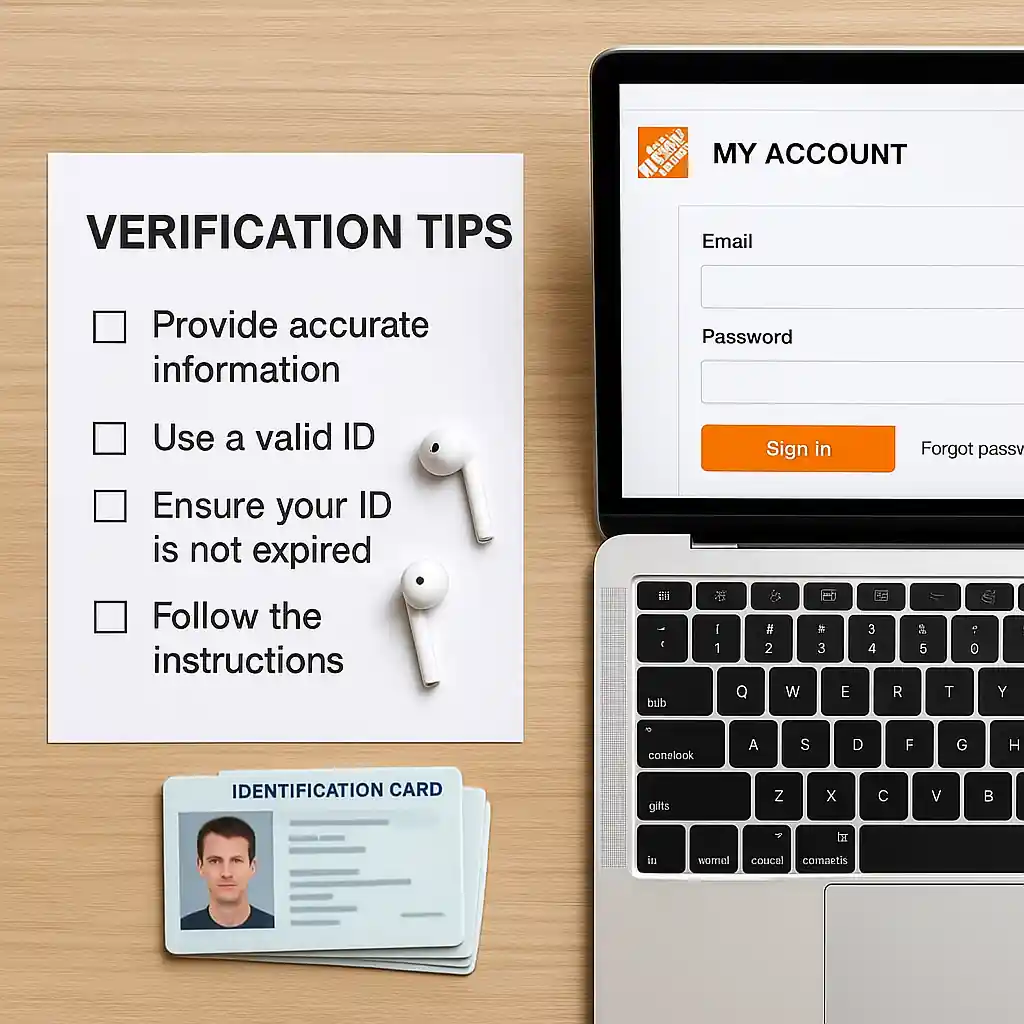
- Uploading low‑quality photos that hide key fields (dates, name, service branch) and cause automatic rejections.
- Using a different name on Home Depot account than on submitted documents without providing name‑change proof.
- Trying to verify on slow or public Wi‑Fi or while a VPN is active—this can break the ID.me flow or selfie checks.
- Presenting partial documents in-store (e.g., a redacted DD214) when the register requires full verification fields visible.
- Assuming expired IDs are acceptable; some cashiers will require current government IDs plus proof of service.
- Not saving confirmation emails or screenshots of a verified badge—these speed appeals if a discount fails at checkout later.
- Mixing up verification types: using a state DMV “veteran” notation without supporting VA paperwork when the cashier specifically asks for a DD214 or VA ID.
- Failing to escalate politely: if the cashier can’t apply the discount, ask for a manager and reference Home Depot’s military discount policy rather than arguing about policy with front-line staff.
Related Guides
- Full veterans discount overview: Home Depot Veterans Discount – Eligibility, Benefits & Limits (hub guide for broader rules and exclusions).
- Fast ID.me verification walkthrough: Home Depot Veterans Discount: Verify with ID.me Fast (adjacent guide showing the ID.me steps with troubleshooting).
- If you hit errors at checkout, see: Troubleshooting Home Depot Veterans Discount for recovery steps and escalation tips.
Useful external references: the Department of Veterans Affairs (https://www.va.gov) explains VA ID issuance, and ID.me’s help center (https://www.id.me) outlines acceptable document formats.
Conclusion
Verifying your veteran status for the home depot veterans discount is usually quick if you prepare the right documents, create an ID.me account beforehand, and follow the step-by-step flows above. Keep readable scans and a matching account name to avoid delays.
Next step: if you still need broader eligibility details or want to confirm item exclusions, check our main veterans discount hub for the full rules and examples.