This guide shows exactly how to redeem a Home Depot promo code at online checkout, at a store register, and on special orders. You’ll get step-by-step flows for printing or saving coupons, saving mobile screenshots, and the precise language to use when an associate needs to override a code.
Scope boundary: This guide focuses on practical redemption flows and troubleshooting for using a Home Depot promo code; for a full catalogue of active coupon codes and broad saving strategies, see our main Home Depot promo guide linked below.

Quick Checklist
- Confirm the code terms: eligible items, min. spend, in-store vs online only.
- If redeeming online, paste the code in the promo box before applying shipping or gift card payments.
- For in-store use, print the coupon or save a clean mobile screenshot with barcode or code visible.
- Bring proof of the offer (email, printout, app screenshot) and the original terms if asked.
- For special orders or deliveries, add the promo code on the order page and take a screenshot of the confirmation page showing the applied discount.
- If cashiers say the barcode won’t scan, ask for a manual entry of the coupon code or a price override.
- Save receipts and screenshot the final checkout showing the discount in case you need customer service later.
- If the code fails online, clear cache or try a different browser/device before contacting support.
Redeeming Online: A Step-by-Step Flow
Online checkout is usually the fastest way to apply a Home Depot promo code, but the site enforces the promotion terms strictly. Follow this flow to avoid common failures and to document the transaction when problems occur.
- Step 1 — Confirm eligibility: read the promo fine print for product exclusions, valid dates, and whether it applies to pickup or delivery.
- Step 2 — Add items to cart: put qualifying items in your cart and verify product SKUs on the product page.
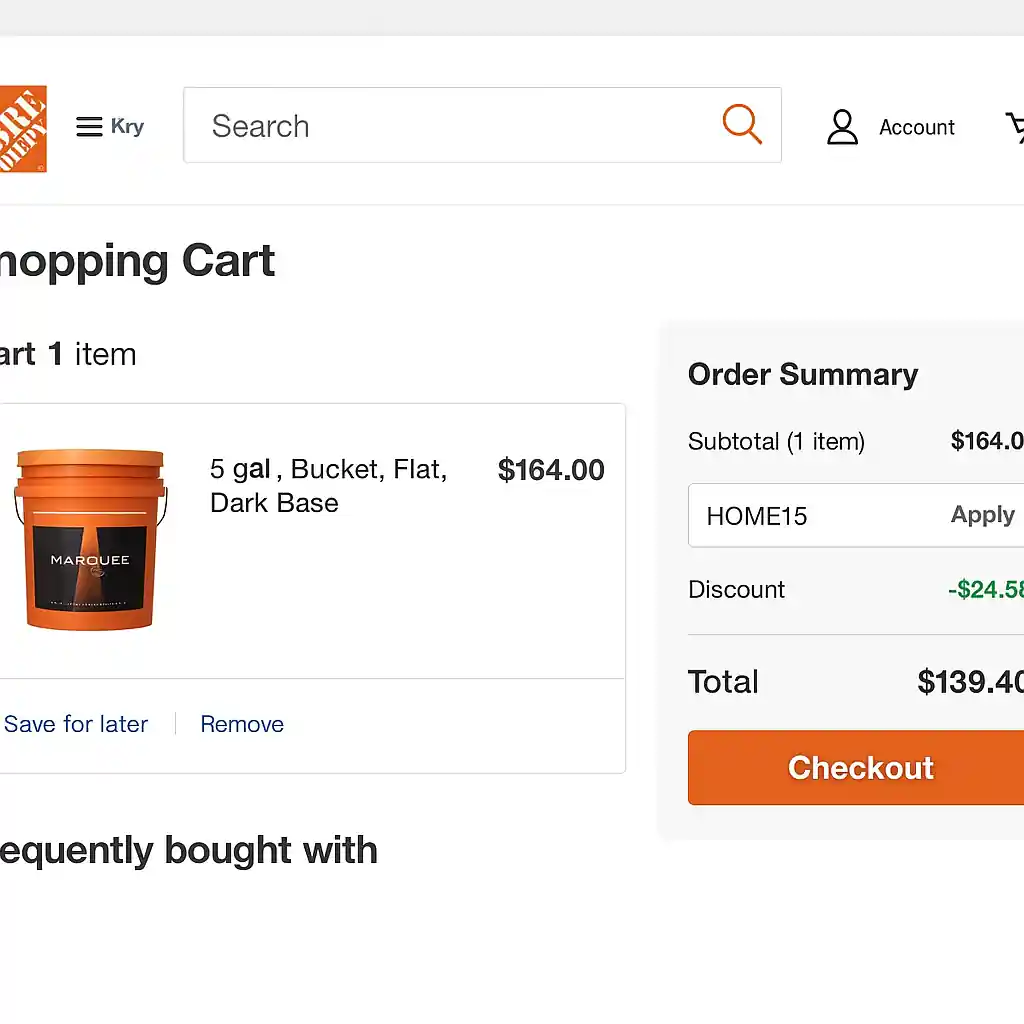
- Step 3 — Enter code on the cart/checkout page: paste the home depot promo code into the promo box and click Apply before entering payment.
- Step 4 — Verify discount line: ensure the discount appears as a separate line on the order summary and note the adjusted subtotal.
- Step 5 — Complete checkout: take a screenshot of the order confirmation page that shows the applied code and the final total.
Troubleshooting quick checks: clear your browser cache, disable auto-fill coupon extensions, remove gift cards temporarily, and retry. If the code still fails, copy the error message and open a support ticket or use the live chat at Home Depot customer service (Home Depot Customer Service).
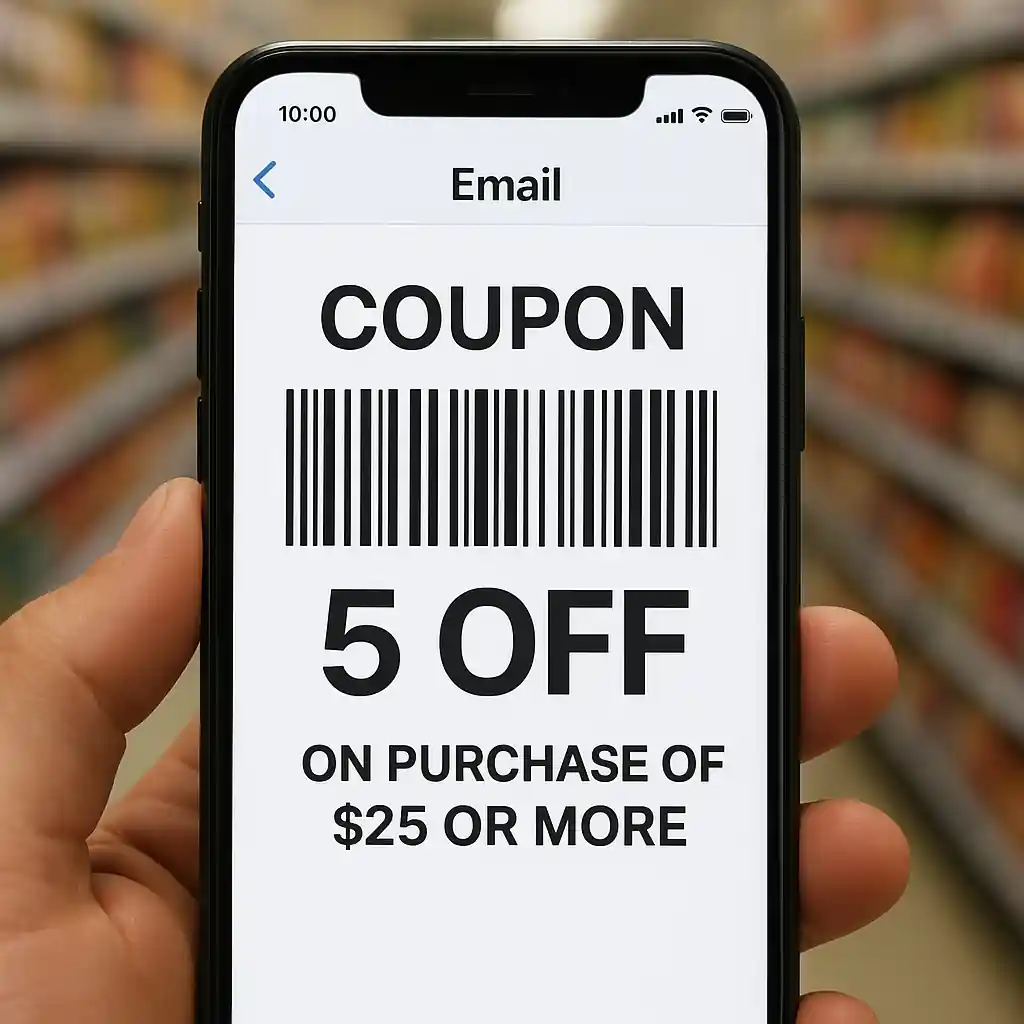
Redeeming In-Store: Print vs. Mobile
Stores accept printed coupons, mobile coupons, and sometimes in-app offers. The key difference is barcode scanning. Prepare before you go to reduce friction.
What to print
Print the coupon when the offer includes a barcode or an instruction to present a printed coupon. A clean, full-page print with the barcode centered works best.
What to save on your phone
Save the offer email or screenshot the coupon so the barcode or coupon code is clear and large on your screen. Use the Home Depot app if the offer appears there because in-app coupons often have direct scan compatibility.
In-store step-by-step
- Step 1 — At the register, tell the cashier you have a coupon and show it before they begin scanning large items.
- Step 2 — If the barcode scans, confirm the discount appears on the register screen and your receipt.
- Step 3 — If it won’t scan, ask the cashier to manually enter the coupon number; read the code aloud or point to it clearly.
- Step 4 — If manual entry fails, politely ask for a price override or request to speak with the store manager or Pro desk for an exception.
Language that works when a code won’t scan: “I have the coupon and the barcode isn’t scanning; could you manually enter the code or issue a price override so I can complete the purchase?” Keep your tone cooperative and show the coupon terms.
Special Orders, Deliveries, and Large Purchases
Special orders and delivery items sometimes require the promo code to be added at the time of order, or they may be excluded. When planning a big purchase, document everything up front.
- Ask whether the promo applies to special-order items or installation services before placing the order.
- When ordering online for delivery, look for the promo box on the order summary page and save the confirmation that lists the applied discount.
- For phone or in-store special orders, get a written confirmation (email) showing the promo applied to the quoted price.
If a discount disappears after delivery or on the invoice, contact Home Depot support and include your order number plus the screenshots or printed coupon that show the intended discount.
Common Mistakes
- Trying to apply the code after submitting payment. Promo codes must be applied before finalizing payment; otherwise the system won’t recalculate the total.
- Presenting a cropped screenshot where the barcode or code is cut off. Always show the full image or printout so the barcode is readable.
- Assuming all coupons stack. Many Home Depot promos are single-use or exclude stacking with other discounts like manufacturer rebates or certain sale prices.
- Not checking product-level exclusions. Some codes exclude appliances, gift cards, or certain brands — the product page and coupon fine print matter.
- Relying on a cached cart. Old cart contents or saved browser data can prevent a new code from applying; clear the cart and try again.
- Handing an associate a verbal code without the terms. Associates need to see the coupon to confirm dates and exclusions before approving a manual entry.
- Not saving proof when the code applies. If the discount shows on the register but not on the printed receipt, ask for a supervisor and save any screenshots immediately.
- Using third-party coupon apps that inject script. These can interfere with checkout and cause the site to reject legitimate home depot promo code attempts.
Related Guides
For broader context and full lists of online coupon rules, see our main guide on Home Depot promo code. If you need deeper online checkout instructions, read our Home Depot coupon code online guide. For troubleshooting why some codes fail, our explanation on why Home Depot promo codes don’t work has practical fixes.
Conclusion
Use the flows in this guide to pick the right redemption path: online for reliable auto-apply, print or app for in-store scanning, and documented confirmation for special orders. Keep screenshots and the original terms to speed up fixes when a discount fails.
Next step: if you want the full set of current offers and stacking rules, head to our main Home Depot promo code hub for the complete overview.