
Penny deals at big-box stores are tiny-price treasures hidden in clearance systems. If you found a tag or an online listing that looks like a steal, the quickest way to confirm the price is the Home Depot app. Knowing the right app checks and in-store steps prevents wasted trips, awkward returns, and cashier confusion when the register shows a different price.
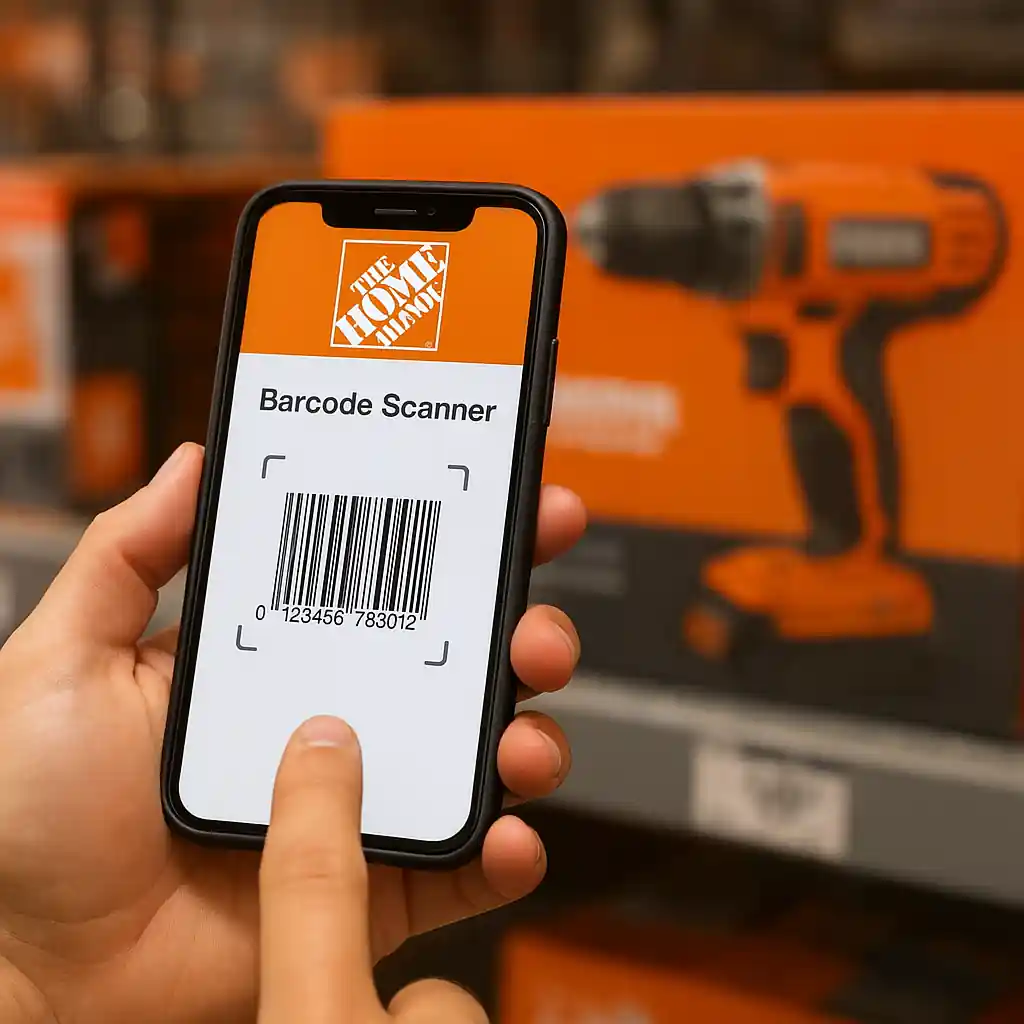
What are home depot penny deals and why the app helps
Home Depot penny deals are deeply discounted items that sometimes remain marked down to a fraction of their original price. They usually happen because of price-roll errors, seasonal clearance, or mis-tagged stock. The Home Depot app turns your phone into a fast price-checker: it reads barcodes, shows current online pricing, and can reveal whether an item is still active in inventory.
Before you hunt through aisles, use the app to confirm whether a tag represents a true penny deal or a temporary label glitch. For more background on how penny deals appear in stores, see our explainer at What Are Home Depot Penny Deals.
How to confirm home depot penny deals with the Home Depot app
Follow a clear workflow each time you suspect a penny deal. The app reduces guesswork and gives you evidence to show a cashier if the register price differs from the shelf price.
Quick app checklist
- Open the Home Depot app and tap the barcode scanner icon.
- Scan the product barcode (UPC) from the package, not the shelf tag.
- Compare the app price, online price, and shelf/tag price.
- Check local store inventory shown in the app to confirm SKU location.
- Save screenshots of the scanned result for the register if needed.
When the app shows the lower price and the register refuses to honor it, a screenshot lets you escalate politely to a manager. If you want more technical tips on reading tags and barcodes before relying on the app, check our guide at How to Spot Home Depot Penny Deals.
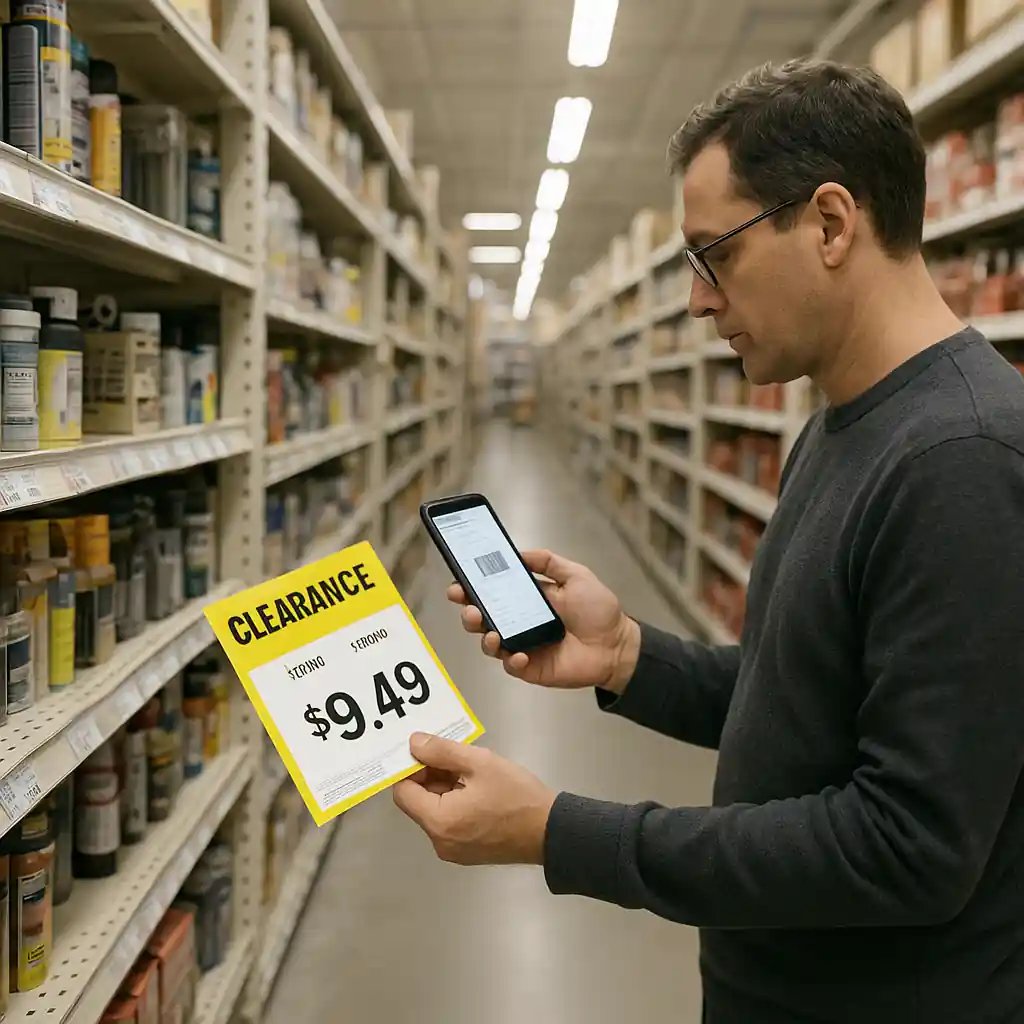
Step-by-step app workflow to validate a penny deal
Walk through these steps in order. They take a few minutes and avoid common failures at checkout.
- Step 1 — Scan the UPC on the product: Shelf tags can list a different SKU. The UPC ties directly to the database price.
- Step 2 — View the product page: The app shows online price, model number, and whether the item is sold or discontinued.
- Step 3 — Check local store availability: If the app lists the item at that store and shows the penny price, that’s strong evidence.
- Step 4 — Take a timestamped screenshot: Capture the scanned result, product title, price, and store location visible in the app.
- Step 5 — Approach the register or customer service: Present the screenshot and ask for a price check. If necessary, request a manager review.
These steps focus on proof. Cashiers are more likely to honor a price when you present the app’s scanned product page. If the item is listed online elsewhere or flagged as a safety recall, don’t buy it; check CPSC for safety alerts.
In-store barcode and tag tips for penny deals
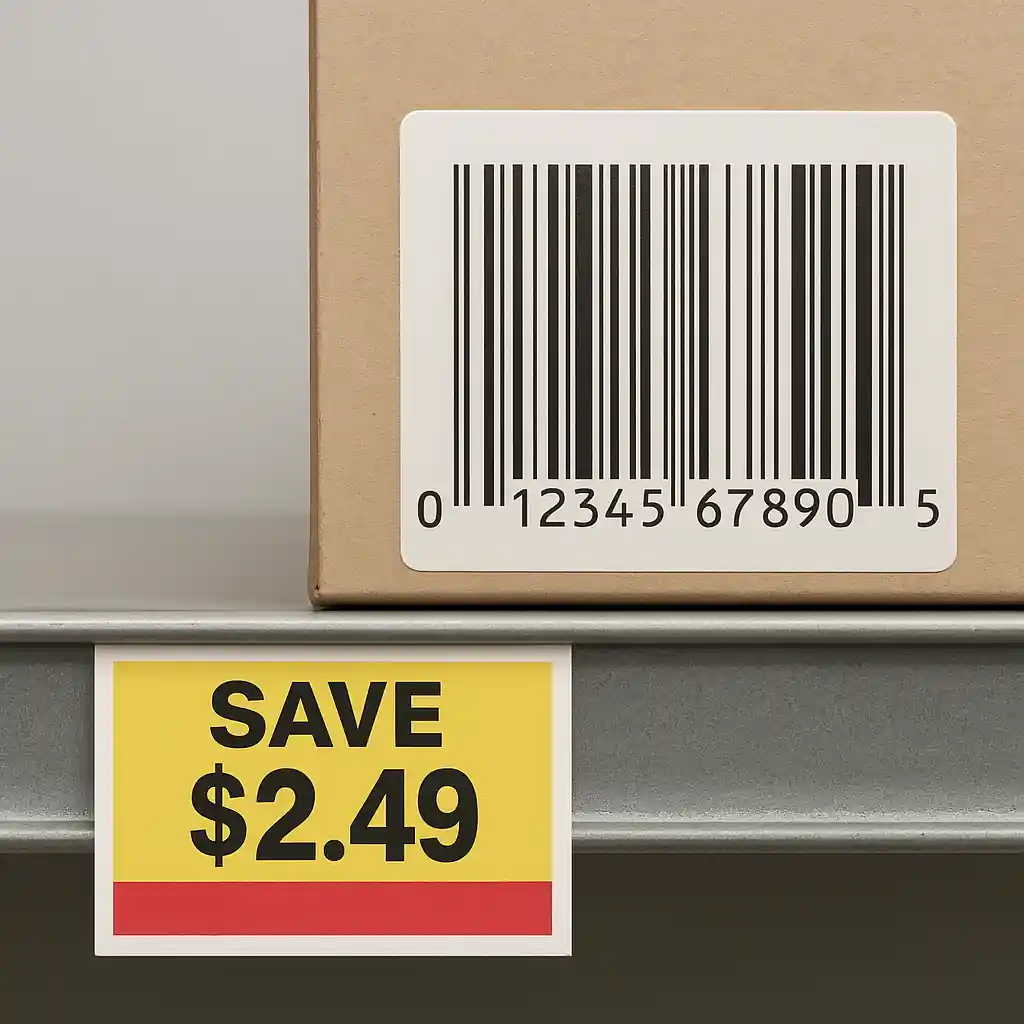
Understanding what to scan and what to ignore saves time. Shelf tags sometimes show promotional labels or old SKUs that don’t match the product UPC. Always scan the code on the box or on the product itself.
- UPC vs. SKU: The UPC (barcode on product packaging) is the true identifier for price lookups. SKUs printed on tags may be local and outdated.
- Ignore handwritten or printed temporary tags; they might be price manager notes, not system prices.
- Check for carton labels: sometimes clearance is applied to the master carton rather than the inner package.
- Use the app’s store filter to confirm the exact store number where the price appears.
If the app shows conflicting information—like the app price is higher but the tag is lower—take the app result and a tag photo to ask for a register override. For legal and policy guidance on penny deals and how stores handle mistaken prices, see our overview at Are Home Depot Penny Deals Legal? and Home Depot’s website at homedepot.com.
What to do when the register won’t honor the penny price
Disputes happen. Follow a calm, evidence-based approach to increase your chance of a favorable outcome.
- Show the barcode scan screenshot and the shelf tag photo together.
- Ask the cashier to perform a price check using the store handheld scanner.
- Request a manager if the price still doesn’t match; managers can often apply override policies.
- Be polite and concise: time-stamped proof helps, loud confrontations do not.
Remember that some penny prices stem from system errors that corporate will not honor after a certain threshold. Still, many stores will honor valid markdowns when you present clear app evidence.
Safety, returns, and ethical considerations
Winning a penny deal can be exhilarating, but protect yourself and respect store rules. Verify the product for recalls or safety issues before buying, especially with toys, electrical gear, or baby products. The U.S. Consumer Product Safety Commission provides authoritative recall information at CPSC.
- Check manufacturer model and recall history when the item is low-priced.
- Keep your receipt and app screenshots if you plan to return the item.
- Don’t exploit pricing errors with fraudulent returns or bulk flipping—stores may restrict future purchases.
- Follow local store policies; some Home Depot stores have specific clearance rules.

Troubleshooting common app and price-check problems
Connectivity, app version, or cached data can produce mismatches. If the app seems wrong, force-close the app, clear local cache if possible, or switch to the store’s Wi‑Fi. If scans still fail, use the store price checker gun or ask customer service to run a manual SKU lookup.
For broader coupon and discount strategies that pair with smart in-store checks, see our Home Depot promo guide at Home Depot Promo Code.
Conclusion
Using the Home Depot app to confirm penny deals saves time and reduces disagreements at checkout. Scan the UPC, save screenshots, check local inventory, and present clear evidence if the register reads differently. Pair these app checks with sensible safety checks and respectful in-store behavior to make sure your penny hunt ends with a real bargain and no regrets.
With these steps, you’ll verify penny prices faster, avoid common pitfalls, and increase your chance of getting the markdown honored. Happy hunting—and remember to prioritize safety and store rules when scores look too good to be true.
Editor’s note: Using the Home Depot app as described in this post is a practical way to confirm penny deals before visiting stores. For a broader list of tips, tracking methods, and updated lists of promotions, see our hub guide at this overview.