
This guide walks you through which promo codes, manufacturer coupons, gift cards, and Pro Xtra/contractor discounts can and cannot be applied to Home Depot Christmas clearance items. You’ll get precise stacking rules, common checkout triggers that cause declines, and a short, practical checkout flow to follow.
Scope Boundary: This guide focuses on how discounts interact specifically with Home Depot Christmas clearance items; for the full list of current codes and exhaustive saving methods, see our main Christmas clearance hub below.
Quick Checklist
- Check the product page for a clearance price tag and verify the SKU — some markdowns are online-only.
- Try gift card payment first for guaranteed face-value use; gift cards rarely block clearance pricing.
- Confirm whether the promo code explicitly excludes clearance or sale items (most do).
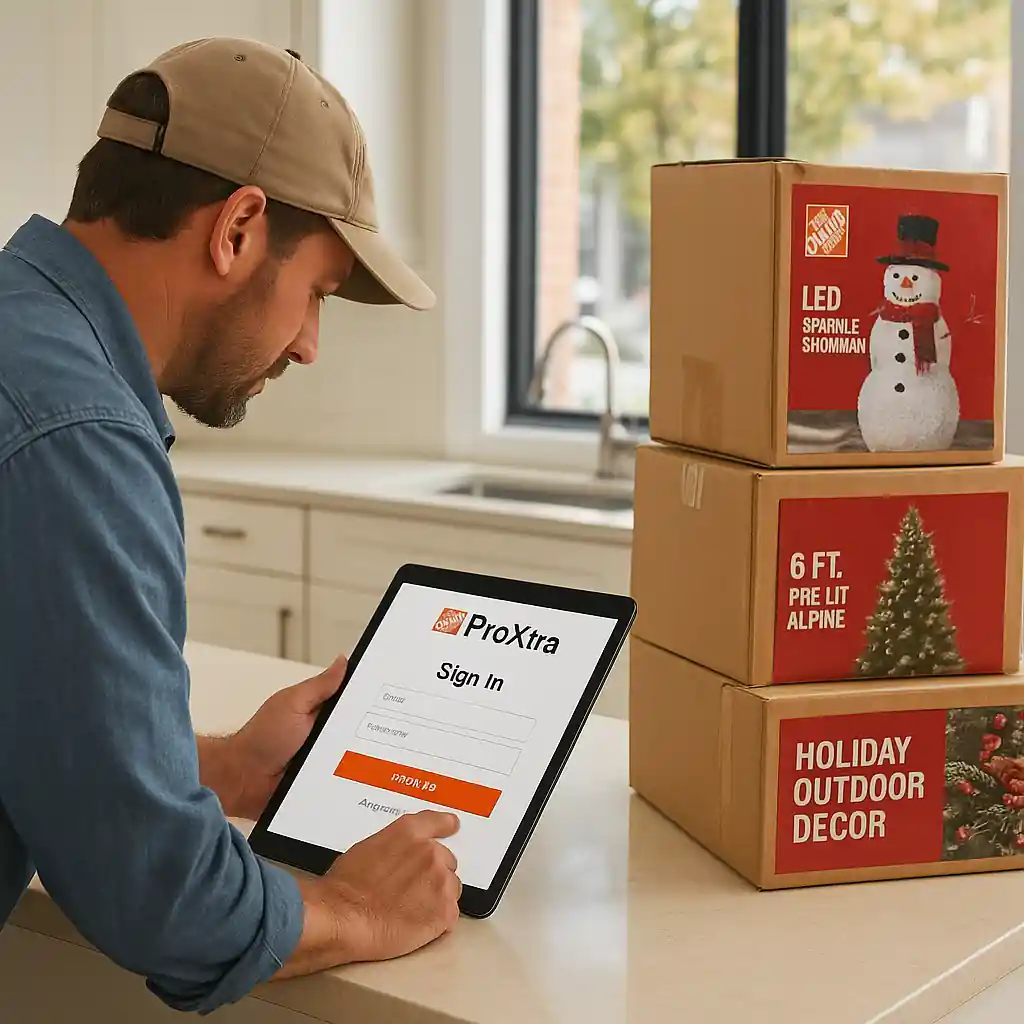
- Sign into your Pro Xtra account before checkout if you’re eligible; some Pro pricing shows only when logged in via Pro Xtra.
- Save screenshots of the product price, promo fine print, and the cart before you submit payment.
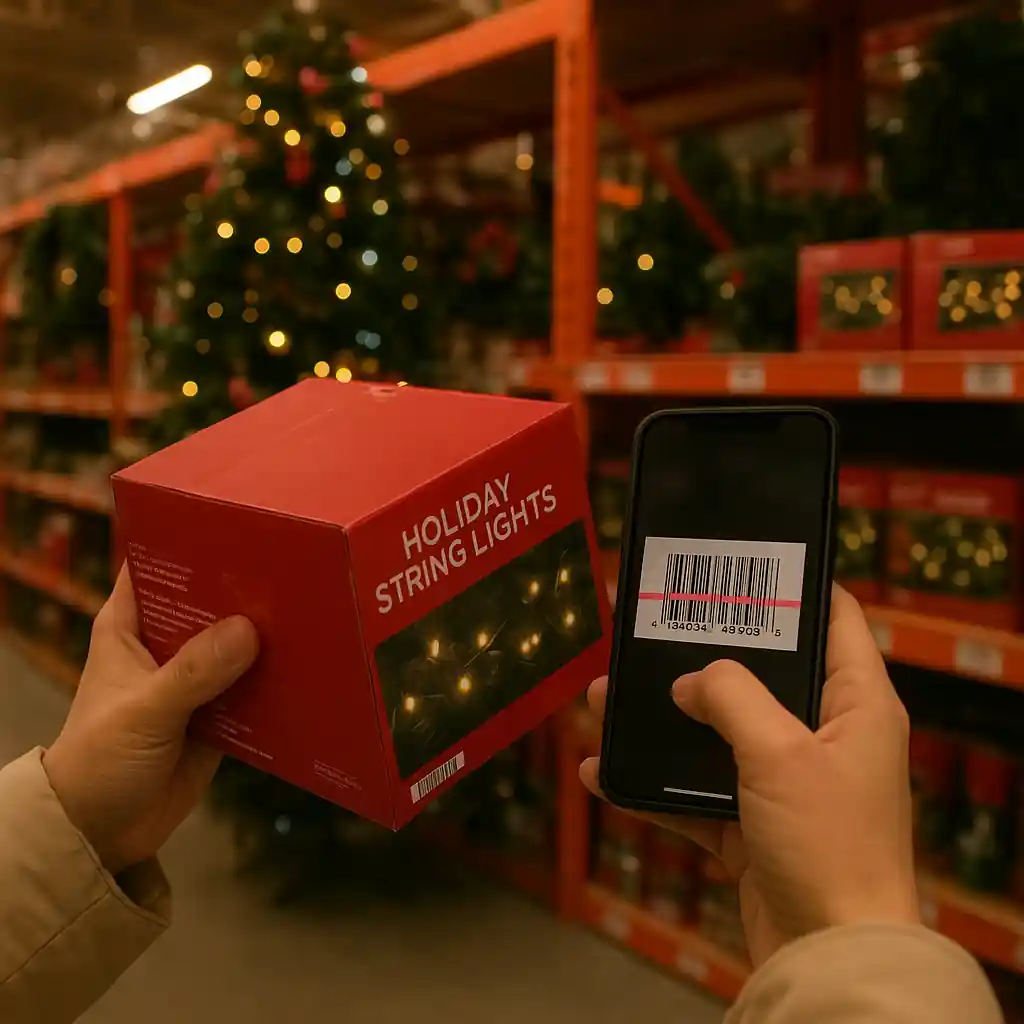
- If buying in-store, scan the barcode with the Home Depot app and ask a cashier for a price check before payment.
- For online orders with curbside/pickup, confirm whether the discount applies to pickup vs. delivery fees.
- Use one promo path at a time: apply manufacturer coupons first (if accepted), then store promo codes, then Pro discounts where allowed.
What actually applies to Home Depot Christmas clearance
Understanding what’s permitted comes down to the type of discount and whether Home Depot’s rules label an item as “clearance,” “sale,” or “final markdown.” The phrase home depot christmas clearance appears on product pages when items entered the holiday markdown stream; those items are commonly flagged as excluded from many site promo codes.
Here’s how common discount types behave:
- Home Depot promo codes: Most site promo codes and percentage-off offers explicitly exclude clearance or sale items. Give the code a test in cart; if it rejects with an exclusion message, the code won’t apply.
- Manufacturer coupons: Paper or manufacturer digital coupons sometimes apply, but acceptance varies by store and cashier. Online checkout typically blocks third-party manufacturer codes unless entered via a supported rebate program.
- Gift cards: Gift cards can pay for clearance purchases without affecting the discount — they act as payment, not a price modifier.
- Pro Xtra & contractor pricing: Pro pricing and volume discounts can sometimes stack with clearance prices if the Pro discount is applied at account level; always log in to your Pro Xtra account early in the flow to reveal pricing.
- Price adjustments and price match: If an item drops in price within the return/adjustment window, Home Depot may honor a price adjustment for a recent purchase; that can be a safer path than stacking blocked codes.
Quick step-by-step: check a clearance item before you buy
- Open the product page and note the SKU and current price.
- Look for a sale/clearance tag and read the product description for safety recalls (use CPSC when needed: CPSC).
- If shopping online, add to cart and attempt your promo code — note any rejection messages; screenshots help with escalation.
- If buying in-store, scan the barcode with the app; ask the cashier for a price check and whether manufacturer coupons are accepted.

Online vs in-store differences
Home Depot Christmas clearance behaves differently depending on inventory channel and markdown source. Online clearance may include items from a central warehouse and display different promo acceptance rules than local-store markdowns. The phrase home depot christmas clearance can appear on both channels, but policy nuances matter.
- Online-only clearance: Often controlled by cart rules; many promo codes are blocked at checkout for items already on a sale price. If a promo fails online but the item is full price in-store, a store purchase followed by an online code won’t help.
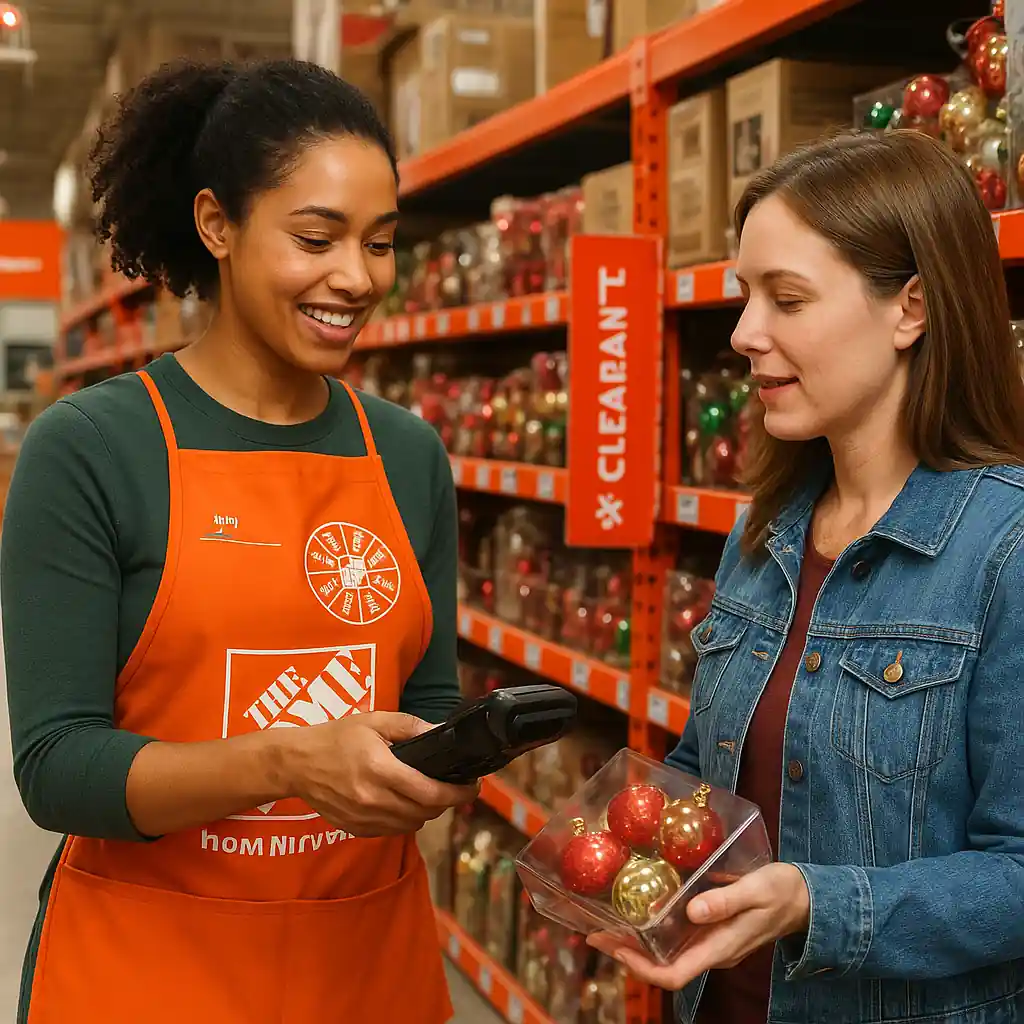
- In-store clearance: Cashiers can manually override or accept manufacturer coupons depending on store policy. Scan-and-price checks are your best friend here — ask for a manager if coupons are refused but clearly valid.
- Pickup/curbside orders: Some promo codes exclude pickup or have a different fee structure; verify whether the code reduces item price or only shipping/fees.
For more on the differences and timing of markdowns, our deeper comparison explains how inventory and markdown waves change clearance behavior.
Stacking rules and a safe checkout flow
Stacking is allowed in limited, specific ways. Follow this conservative flow to maximize stacking without triggering declines on home depot christmas clearance purchases.
- Step 1 — Sign in: Log into your Home Depot account and Pro Xtra (if you have one). Account-based discounts must be active before adding items.
- Step 2 — Add items: Put clearance items in your cart and confirm the displayed price.
- Step 3 — Manufacturer coupons: If you have physical/manufacturer coupons, try them in-store. Online cart usually blocks these unless offered as a supported digital rebate.
- Step 4 — Promo code test: Enter a Home Depot promo code. If a code fails saying “excludes clearance,” abandon the code and do not retry multiple times — repeated declines can flag the transaction.
- Step 5 — Payment order: Use gift cards or store credit as payment if you want to preserve other discounts; gift cards do not typically affect eligibility.
- Step 6 — Finalize: If checkout denies for security reasons after several attempts, call Home Depot support or complete purchase in-store to avoid account flags.
For advanced Pro Xtra stacking nuances, see our internal guide on combining Pro discounts with promo codes: Combining promo codes with Pro Xtra.
Common Mistakes
- Assuming every percentage-off promo code applies to clearance. Most site promos exclude clearance explicitly; attempting to force them causes declines.
- Applying multiple promo codes at once. Home Depot typically allows only one site promo code; trying several triggers rejections or flags the cart.
- Not logging into Pro Xtra before adding items. If Pro pricing requires sign-in, adding to cart while logged out hides eligible discounts.
- Using manufacturer coupons online without verification. Many manufacturer coupons require in-store redemption; attempting to enter them online fails silently.
- Skipping barcode scans for in-store markdowns. Without a scan, cashiers may not see the true clearance price and could charge full price at checkout.
- Submitting the same promo code repeatedly after a decline. Multiple failures can lead to the transaction being blocked by fraud systems.
- Assuming delivery/pickup fees will be waived by promo codes on clearance orders. Charges for delivery often remain even if the item price is reduced.
- Failing to document the product page and code terms. When you contest a denied discount, screenshots prove the product and the attempted discount conditions.
Related Guides
- Home Depot Christmas Clearance: Timing, Tips & Deals — the hub guide with full timing, category tips, and broader saving strategies (recommended next stop).
- In-Store vs Online: Home Depot Christmas Clearance — compare where markdowns run deepest and which channel accepts coupons or Pro pricing more often.
Conclusion
Home Depot Christmas clearance items are often excluded from standard promo codes, but gift cards, careful use of manufacturer coupons in-store, and properly applied Pro Xtra pricing can still save money. Use the safe checkout flow above and document price and code terms before you pay.
Next step: for full timing, category advice, and the broader clearance playbook, read our hub guide on Home Depot Christmas Clearance: Timing, Tips & Deals.