
If a Home Depot promo code refuses to apply, the frustration is real — especially when you’re minutes from completing a big purchase. This guide walks through the technical and policy reasons codes fail, and gives clear, tested fixes you can run through on desktop or mobile.
You’ll learn how to verify eligibility, spot exclusions, clear browser and cart problems, and what to collect before you escalate to Home Depot support. This is a focused troubleshooting guide — it does not list current promo codes or attempt to catalog every coupon available.
Scope Boundary: This guide focuses on diagnosing and fixing why a Home Depot promo code won’t apply; for a full list of active codes and broader savings strategies, see our main Home Depot promo code hub linked below.
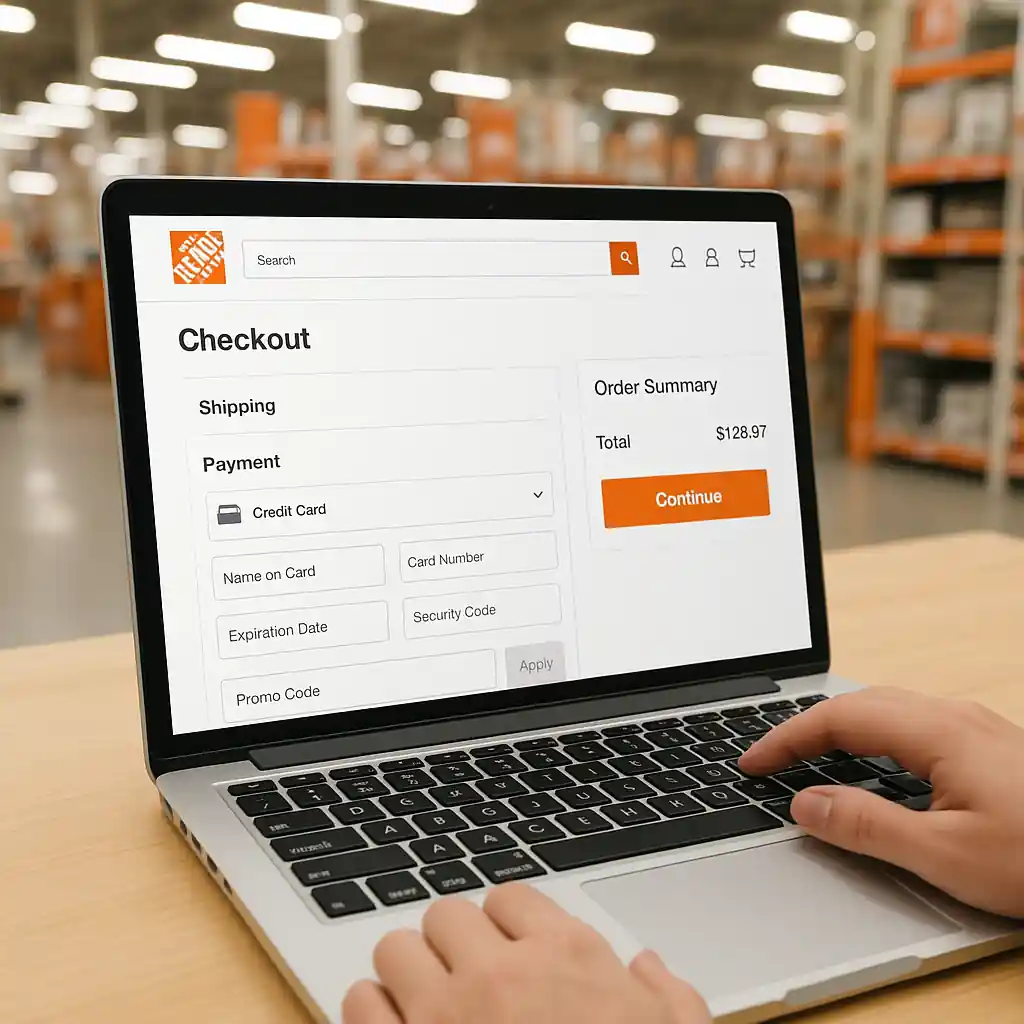
Quick Checklist
- Confirm the code isn’t expired and matches the offer terms (min spend, eligible items).
- Check product exclusions: appliances, gift cards, special orders or clearance may be excluded.
- Empty your cart, add one eligible item, and reapply the code to isolate cart rules.
- Switch device or browser; clear cache and cookies, then retry the checkout flow.
- Sign into the correct Home Depot account (Pro/guest differences can block codes).
- Remove third-party extensions or ad blockers that alter page scripts.
- Try the Home Depot mobile app if the website fails, or vice versa.
- Document screenshots of the error and the offer terms before contacting support.
Deep Dive: Policy Reasons a Code Fails
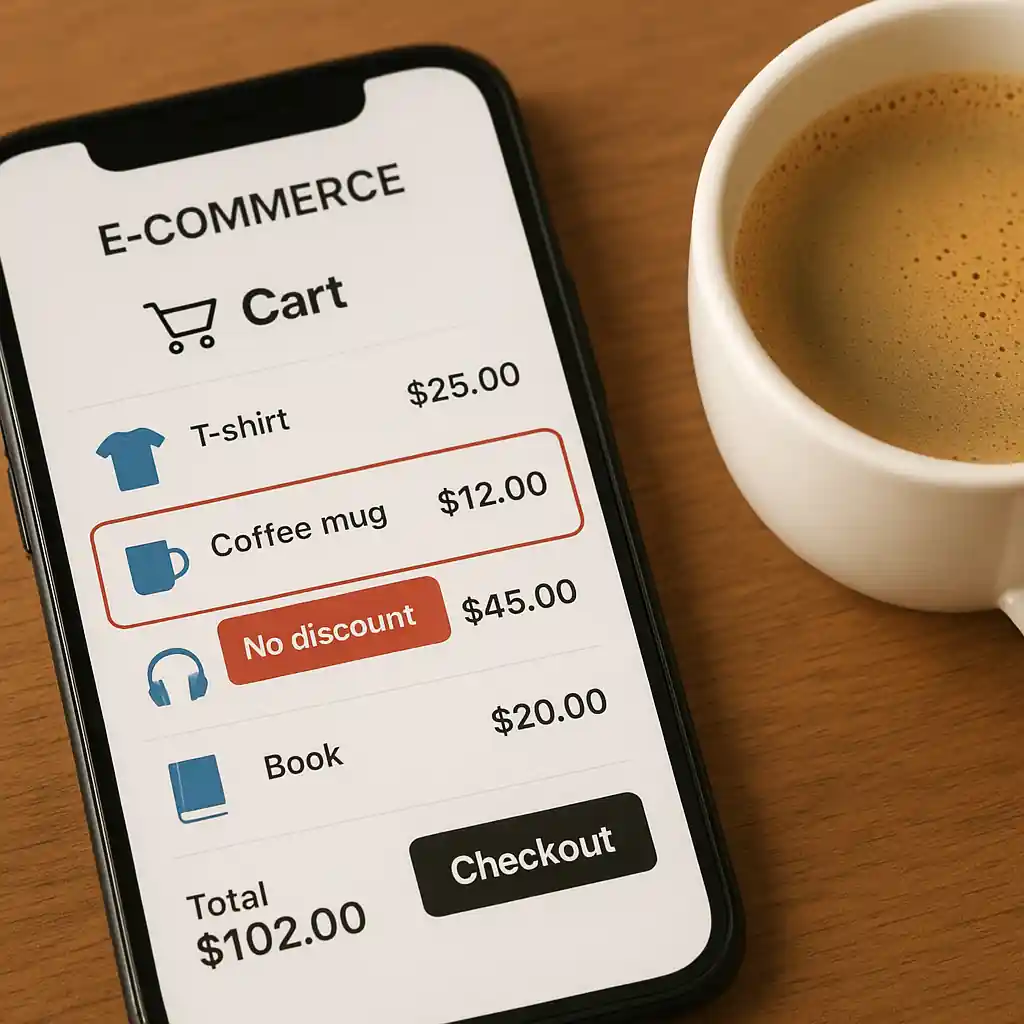
Many failed redemptions come down to offer rules, not technical bugs. Read the coupon terms carefully: minimum order values, required product categories, and excluded SKUs are the most common policy blockers.
Typical policy blockers
- Expiration — codes are date-restricted and may appear active in search results but already expired.
- Product exclusions — large appliances, gift cards, installation services, clearance, and certain brands are often excluded.
- Minimums and bundle rules — a code that requires $100+ before tax won’t apply to a $89 purchase.
- Account eligibility — some offers target Pro Xtra, military, educator, or veterans accounts only.
Step-by-step check for policy issues:
- Open the offer terms and highlight the “exclusions” and “minimum purchase” lines.
- Compare the SKU(s) in your cart to the excluded categories.
- Reduce your cart to a single known-eligible item and reapply the code.
If the isolated eligible item accepts the code, the original cart contained an excluded item or triggered a bundle rule.
Deep Dive: Technical Causes & Fixes
When policy isn’t the cause, browser, cart state, or account issues usually are. Follow the flows below in sequence to quickly eliminate technical causes.
Quick technical flow (desktop or mobile)
- Sign out of Home Depot, then sign back in to force session refresh.
- Open an Incognito/Private window and log in there; add the item and apply the code.
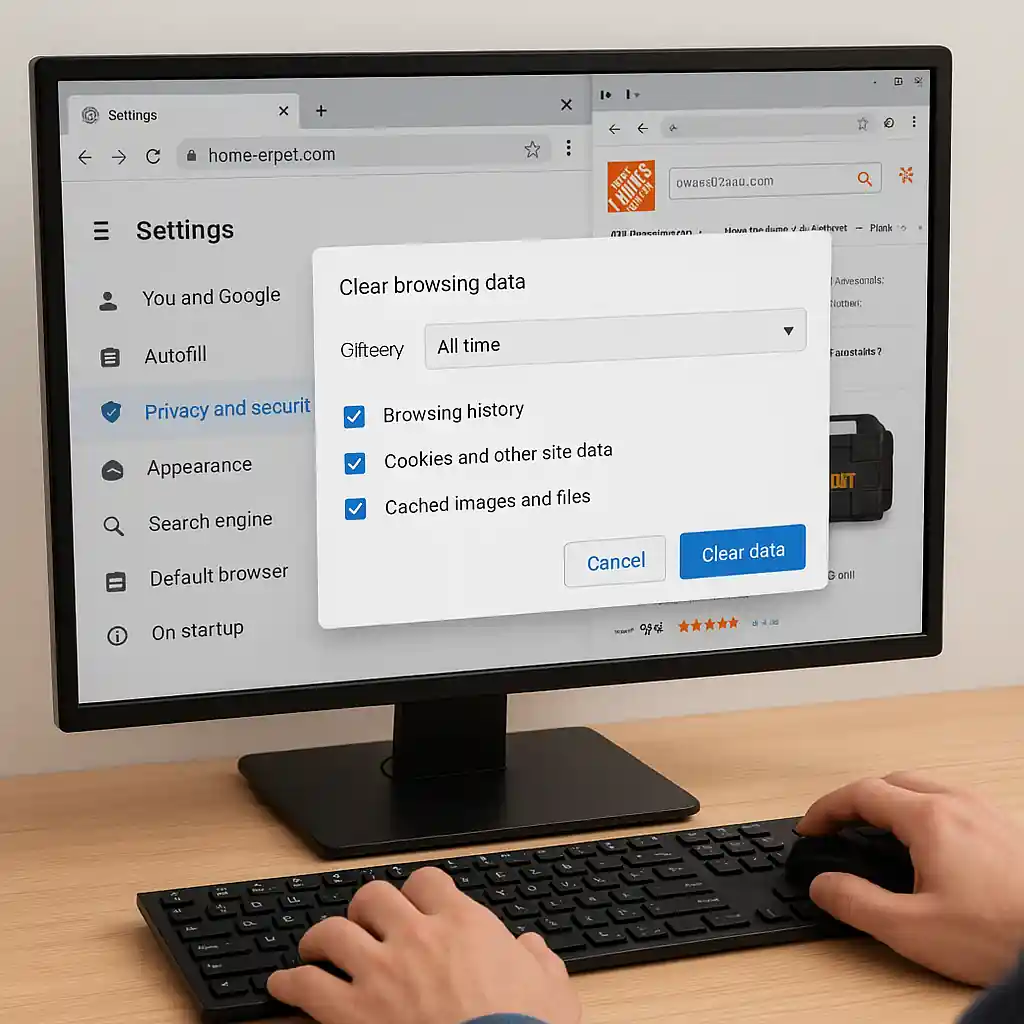
- If it fails, clear cookies/cache in your primary browser and disable extensions.
- Try a different network (switch from Wi‑Fi to mobile data) to bypass captive proxies.
- If the web checkout keeps failing, install or open the Home Depot mobile app and repeat the purchase flow.
Why this works: cart and session data can hold flags or outdated pricing that prevents code application. Private windows and app flows use a clean session and often bypass those stale states.
Browser fixes — quick commands:
- Chrome: clear cache and cookies via Settings > Privacy & security > Clear browsing data, or follow Google’s guide at Chrome support.
- Safari: clear History and Website Data from Preferences.
- Edge/Firefox: use Private mode if clearing data feels disruptive.
Cart & coupon placement checks
Home Depot’s online checkout expects the code in a specific promo box on the review or payment step. If you paste it earlier or later, the page may not bind the discount. Use these steps:
- Proceed to the final review/checkout step — that’s where the promo input reliably attaches.
- Enter the code exactly as shown (no extra spaces), then click Apply and wait for the confirmation line to appear.
- If an error appears, take a screenshot that includes the cart subtotal and the error text for support.
If you see a message like “This code cannot be applied to items in your cart,” identify and remove the excluded item, then try again.

Common Mistakes
- Assuming any code is universal — many promo codes are campaign-specific (email-only, app-only, or Pro-only).
- Not checking the minimum order value — the cart subtotal before tax must meet the threshold.
- Applying a code to an order that contains excluded SKUs (e.g., installation services, gift cards, certain appliances).
- Using a saved cart or quote that contains price/availability mismatches; a fresh cart avoids phantom exclusions.
- Copy-paste errors — leading/trailing spaces or hidden characters cause a mismatch; type or trim spaces first.
- Relying on an expired email link — promotional landing pages sometimes show historical banners that no longer work.
- Not verifying account type — military, educator, or Pro Xtra promotions require verification or an active account flag.
- Expecting stacking when the offer forbids it — some codes explicitly state they cannot be combined with other coupons or sale prices.
Related Guides
For a broader look at active offers and the full Home Depot promo ecosystem, start with our hub guide: Home Depot promo code hub. If you want deeper troubleshooting on why many codes fail in practice, read Why Most Home Depot Promo Code Offers Fail. For step-by-step checkout placement and online-specific fixes, see our Home Depot coupon code online guide.
If you need to escalate with Home Depot, collect screenshots and use their customer service page: Home Depot Customer Service.
Conclusion
Systematically check policy restrictions first, then run the technical flows above to clear session, cart, and browser issues. Document errors with screenshots before contacting support to speed resolution.
Next step: if troubleshooting doesn’t help, open our main Home Depot promo code hub for offer context and links to support: Home Depot promo code hub.