
If a Home Depot Christmas clearance tag shows one price but the register charges another, it can feel like a bait-and-switch. This guide walks you through the exact, practical steps to document mismatches, request a correction at the register, and escalate without losing the sale.
Scope Boundary: This guide focuses on in-store price mismatches for Home Depot Christmas clearance items and how to resolve them at checkout; for the full clearance timing, broader buying strategies and the complete list of markdowns, see our main guide Home Depot Christmas Clearance guide. It does NOT list current promotional codes or provide resale pricing strategy.
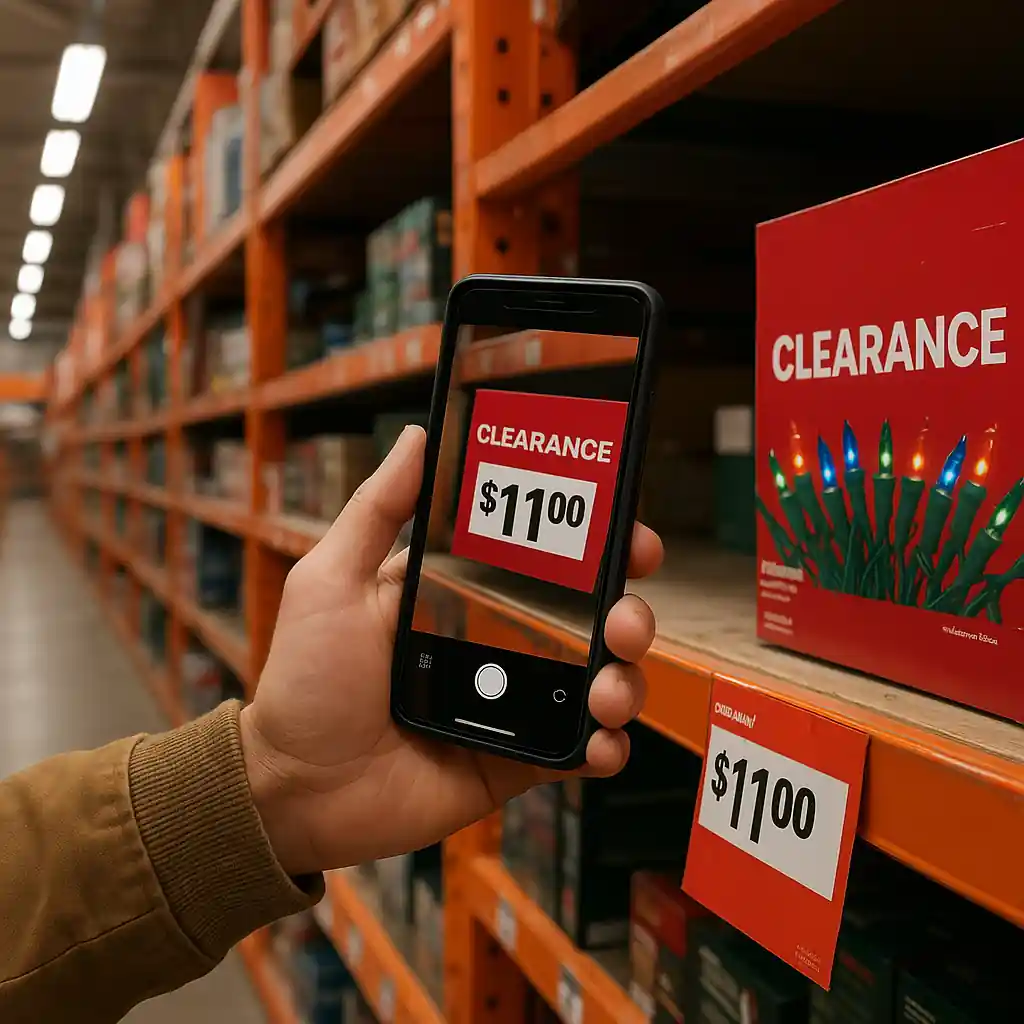
Quick Checklist
- Photograph the shelf tag, barcode, and item — include timestamp if possible.
- Scan the item with the Home Depot app or an in-store scanner to capture the registered SKU price.
- Keep the physical price tag or cut it out if removal is allowed; hold the product to the register.
- Ask for a price check from the cashier immediately and show your photos.
- If the register shows a higher price, politely request a manager or price override.
- Get a printed receipt showing the charged price before leaving if you paid; keep proof for a refund claim.
- Note employee names and time; if unresolved, call Home Depot customer service at the store or use the contact page.
- When the item is safety-critical (lights, cords), check the CPSC recall page before purchase: https://www.cpsc.gov/.
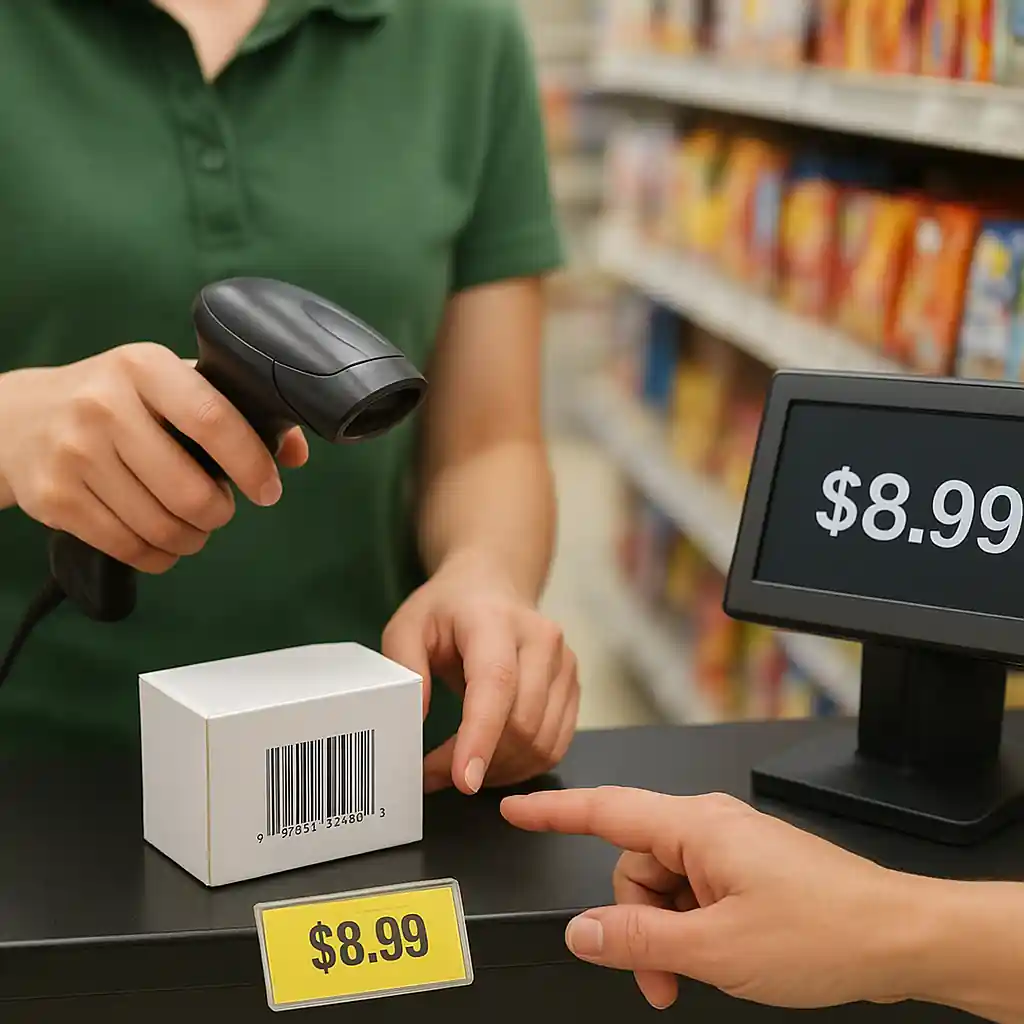
At the Shelf: Document the Evidence
Start fixing pricing errors where they begin: the shelf. Cashiers and managers will take your case more seriously if you arrive at the register with clear documentation. Follow this flow the moment you spot a mismatch.
- Step 1: Capture three photos — the front of the product, the shelf tag with price and barcode, and a close-up of the barcode/UPC.
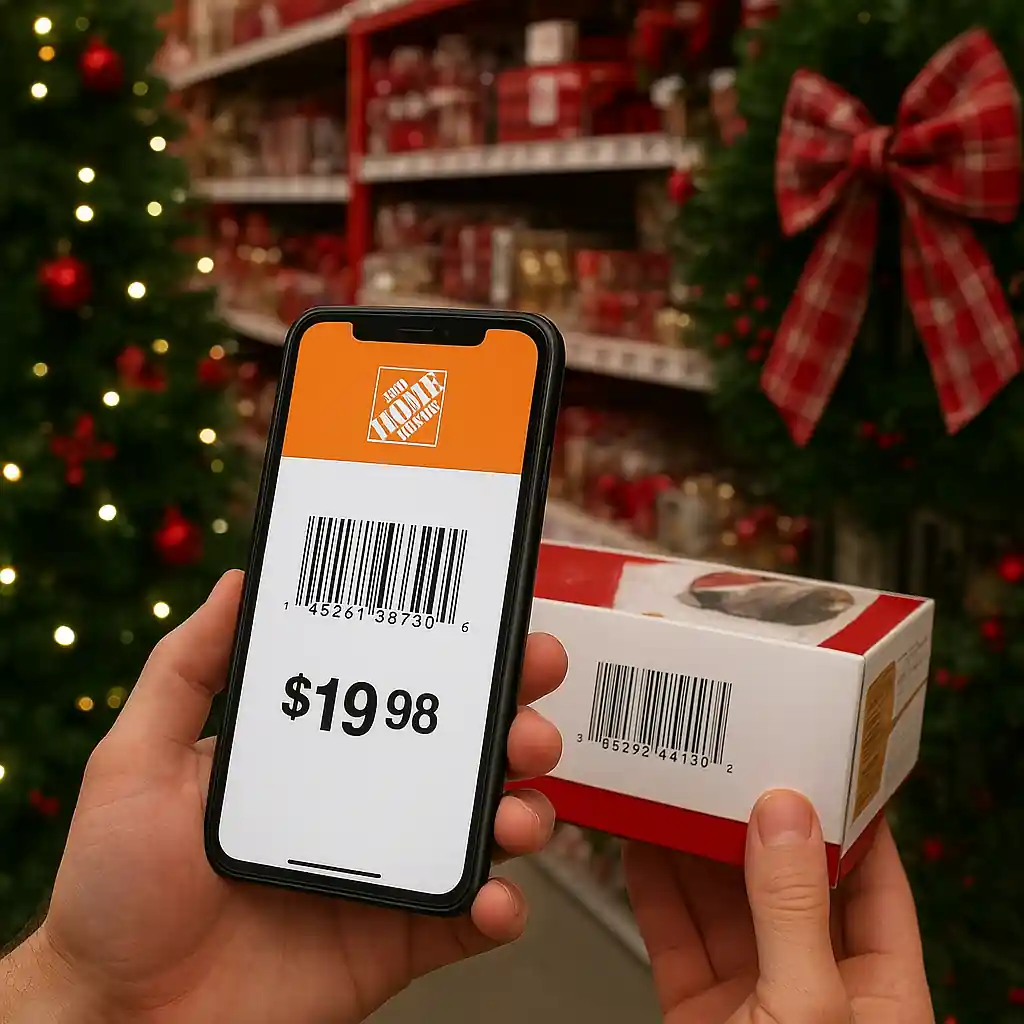
- Step 2: Use the Home Depot app barcode scan or a store scanner to pull the SKU price and screenshot the result.
- Step 3: Note the aisle, bay number, and any nearby signage that could override item pricing (temporary signs, clearance stickers).
Why this matters: registers match SKUs, not handwritten tags. If the tag was updated but the system wasn’t, your photos and app scan provide the proof a manager needs for a quick override.
At the Register: Fixes Cashiers Can Try
If your item scans at the wrong price, try these cashier-level remedies in order. Each step increases the likelihood of resolving the mismatch immediately.
- Ask the cashier to run a price check lookup using the SKU or UPC. Show them your shelf-tag photo and app screenshot.
- Request a price override — many stores will honor the lower tagged price when presented with clear evidence of a mis-marked clearance tag.
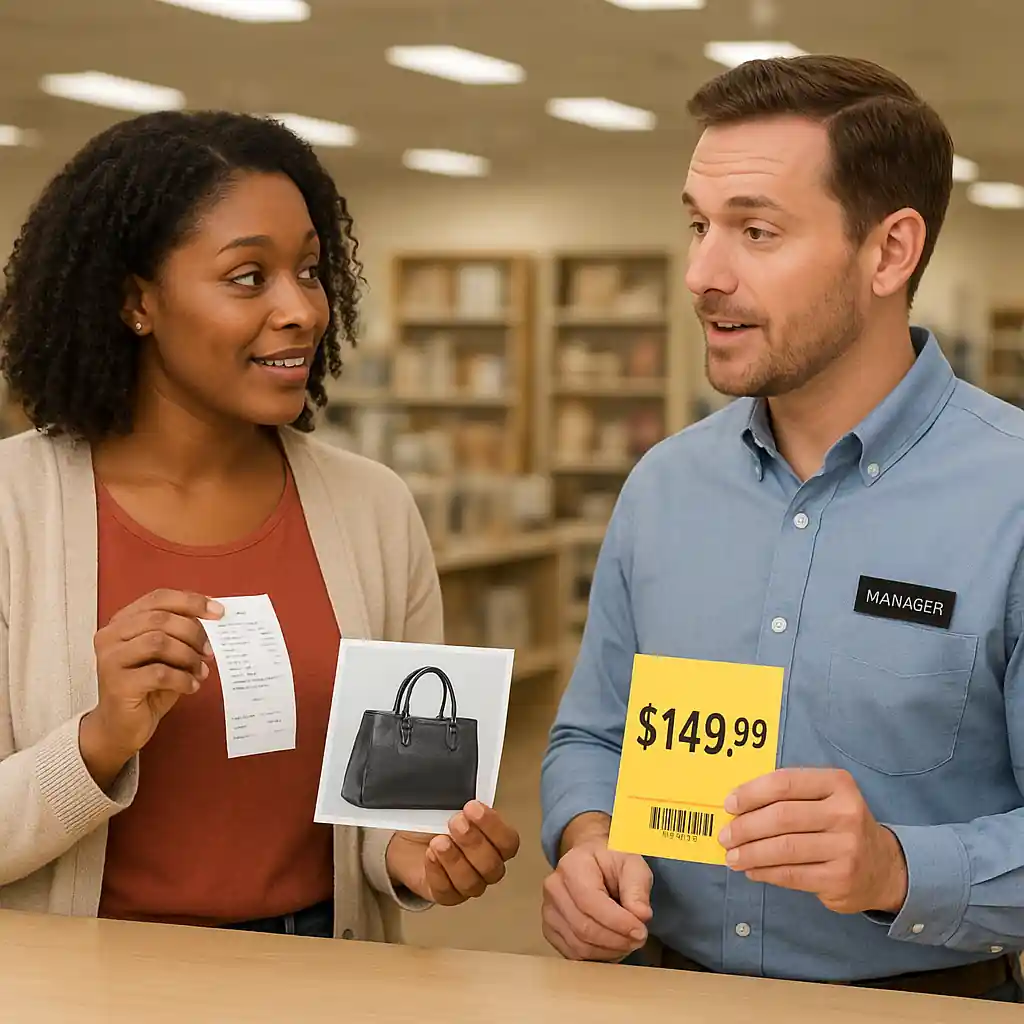
- If the cashier insists the register price is final, ask to speak with a department manager; do not leave until a manager evaluates the evidence.
- When a manager is available, present your photos and the app screenshot and explain the discrepancy calmly; managers are trained to issue on-the-spot overrides for clear errors.
- If the manager refuses, ask for written denial details (name, time) and capture a photo of the register screen showing the charged price before you pay.
Step-by-step flow to get an immediate correction:
- Show the shelf-tag photo to the cashier.
- Ask for a price check or manager review.
- If approved, request the override and watch the cashier apply it so you can confirm the new total on the screen and the printed receipt.
Escalation & Customer Service: When to Insist
Use escalation only after you’ve done the on-floor work. Escalation matters when staff can’t or won’t issue an override, or when you already paid and need a refund or adjustment.
- If the manager declines and you haven’t paid, ask for a store contact number and escalate to store customer service; document that you requested escalation.
- If you already paid at a higher price, keep the receipt and return to the store with your photos to ask for a post-sale refund or price adjustment.
- Call the Home Depot customer service line listed on your receipt or visit https://www.homedepot.com/c/customer_service for next steps — have order numbers, timestamps, and photos ready.
- If phone/email support stalls, request an official store incident number and the manager’s contact so corporate support can reference the case.
- For pattern issues (multiple mismarked items, safety or recall concerns), document each occurrence and file a complaint through corporate channels and, if necessary, check consumer safety info on https://www.cpsc.gov/ for product alerts.
Protecting a paid purchase: If you pay and later win an adjustment, Home Depot will typically refund the difference back to your original payment method; insist on a printed adjustment or email confirmation before leaving.
Common Mistakes
- Relying on a verbal assurance without a printed override — always get the printed or digital confirmation on the register screen or receipt.
- Paying and then immediately discarding evidence — keep receipts, photos, and the physical tag until the issue is resolved.
- Not scanning the barcode yourself — app scans can show the system price and prevent later disputes.
- Arguing about policy instead of documenting — hostility reduces cooperation; stay calm and stick to facts and photos.
- Failing to note employee names and times — missing these makes escalation slower and less likely to succeed with corporate support.
- Assuming all clearance tags are honored at register — sometimes items are mis-tagged for internal reasons; your documentation is needed to force a correction.
- Leaving before escalation opportunities are exhausted — if a manager refuses, request a store-level incident number before you leave so you can escalate properly later.
Related Guides
- Home Depot Christmas Clearance guide — the hub resource for timing, category markdowns, and broader clearance strategy.
- When Does Home Depot Christmas Clearance Start? — read this if you want to time purchases and avoid price confusion during markdown waves.
- What Goes on Sale First — useful context for which clearance categories are most often mis-tagged at the end of season.
Conclusion
Price mismatches on Home Depot Christmas clearance items are stressful but solvable. Photograph the tag and barcode, scan with the app, request an on-the-spot price check, and escalate with receipts and documentation if needed. If you paid the higher price, secure a printed adjustment or call store customer service with your evidence.
Next step: if you want the broader timing and strategy for holiday markdowns, check our Home Depot Christmas Clearance guide for when items go on sale and how to shop smarter.