
This guide explains whether and how Home Depot Pro Xtra rewards, instant savings, and a Home Depot paint sale price can be combined on a single transaction. You’ll get precise rules, short step flows, and three real cart examples contractors and DIYers can use to plan purchases.
Scope Boundary: This guide focuses only on stacking Pro Xtra rewards, instant in-store or online sale prices, and manufacturer rebates during a home depot paint sale; it does NOT list current coupon codes or cover unrelated Home Depot discounts like student or military programs in full — see the paint sale hub for broader coverage.

Quick Checklist
- Confirm the paint is part of the advertised home depot paint sale price (look for sale SKU or ad dates).
- Log into your Pro Xtra account before checkout so member pricing and points appear correctly.
- Check if the sale price is a store ad price, instant savings coupon, or manufacturer rebate — each stacks differently.
- For custom-tinted gallons, ask if mixing fees change the sale price or disqualify instant offers.
- If using points to pay, confirm the cashier can apply Pro Xtra rewards on sale items or use online credits first.
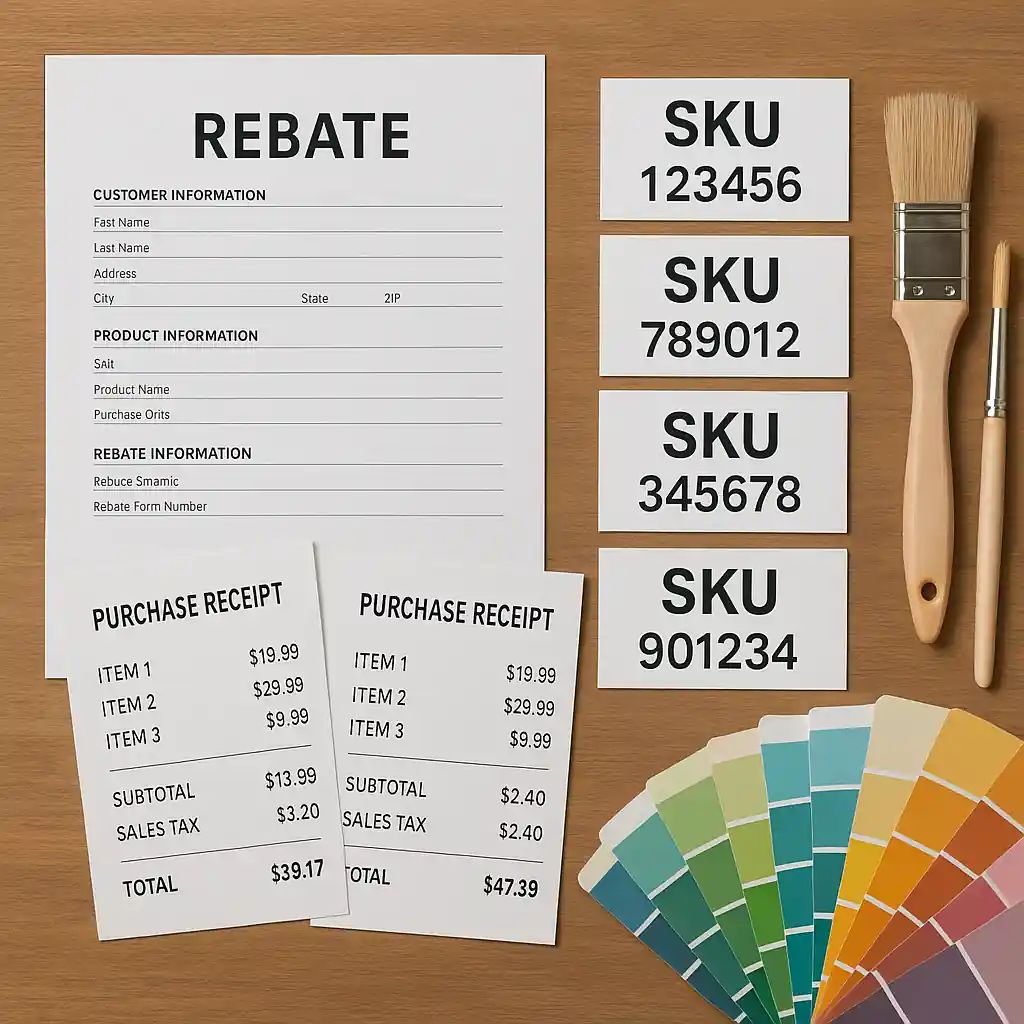
- File manufacturer rebates separately after purchase — keep receipts and the exact SKU for rebate forms.
- When buying large quantities, split the order if store limits block stacking or quantity discounts.
- Document any price checks or manager approvals at the register in case a stacking error needs escalation.

How Pro Xtra Interacts With Paint Sale Prices
Home Depot Pro Xtra is a contractor-focused rewards program that yields points, volume pricing and occasional instant savings for members. The key distinction you need: a “sale price” (advertised markdown) is applied before rewards are calculated, but instant savings or limited-time digital coupons may either layer on top or be blocked by the sale depending on offer rules.
Fundamental rules you should memorize:
- Sale price first: The system applies the Home Depot sale price to eligible SKUs before calculating taxes and rewards.
- Pro Xtra points accrue on the final paid amount: Points are normally awarded based on the amount you actually pay after stacked discounts.
- Instant savings may be blocked if the sale already includes an exclusive instant reduction: Some instant coupons are coded to exclude items already in ad events.
If you want more on Pro Xtra mechanics and using contractor perks with sale pricing, Home Depot’s Pro Xtra info is the authoritative page for enrollment and rules: Home Depot Pro Xtra.
Step-by-step: Confirm stacking before checkout
- Step 1: Find the sale SKUs in the ad or product page and note the sale dates.
- Step 2: Sign in to your Pro Xtra account on the app or at checkout so member pricing registers.
- Step 3: Add paint and accessories to cart; watch for any “coupon blocked” messages in-cart.
- Step 4: If a coupon is blocked, ask a store associate to confirm whether the instant offer is incompatible with the sale price.
- Step 5: If using points at checkout, confirm the cashier can apply them after sale pricing is confirmed.
Step-by-step Stacking Rules (Practical Law)
Below are precise stacking rules you can apply to avoid surprises. Each rule is based on how Home Depot codes sale, instant, and rewards offers in the checkout system.
- Rule A — Sale + Points: Sale prices almost always stack with Pro Xtra points accrual. You earn points on the final net price unless the sale specifically excludes rewards.
- Rule B — Instant Coupon + Sale: Instant coupons might stack or be blocked. If the coupon’s terms forbid stacking with ad prices, it will be blocked; otherwise, it applies after the sale price (reduces your paid amount).
- Rule C — Manufacturer Rebate + Sale: Rebates are filed separately and almost always stack with sale prices; rebates are computed on the product purchase and do not alter the store’s sale price at checkout.
- Rule D — Tinted / Mixed Paint: Custom tinting or mixing fees can change the final price. Ask whether the sale applies to pre-mixed gallons or only to base gallons; mixing fees may be added after sale discounts.
- Rule E — In-Store vs Online: Some online-only coupons will not apply in-store and vice versa; always check the product page and your app cart for messages about exclusions.
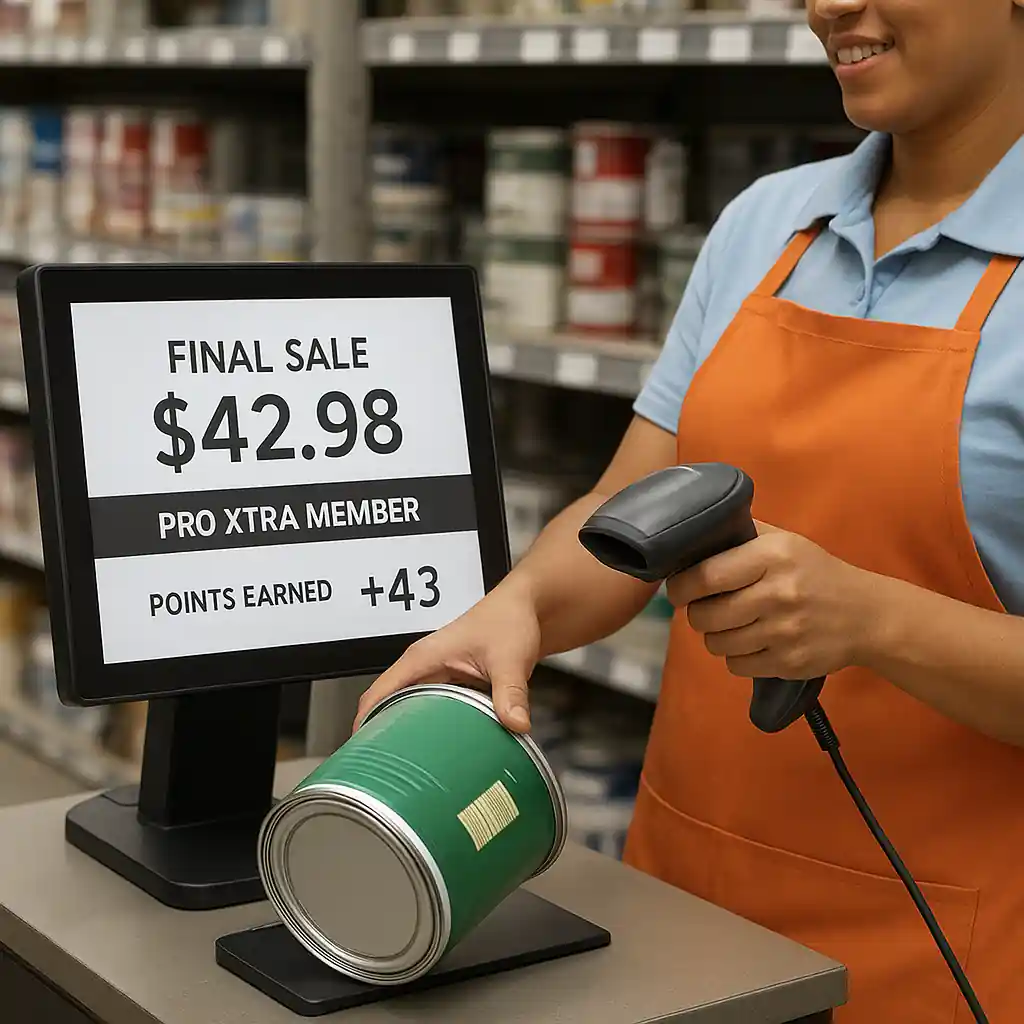
Short flow for combining points, instant savings and a paint sale price
- 1) Put sale-priced paint in cart and sign into Pro Xtra.
- 2) Attempt to apply any instant savings coupon in-cart; note blocking messages.
- 3) Complete purchase (use points at payment if your account allows redemption on sale items).
- 4) File manufacturer rebate separately with SKU and receipt; track rebate deadlines.
Examples & Cart Scenarios
Concrete examples help clarify typical outcomes. Each scenario assumes the purchase is during a promoted home depot paint sale event.
Example 1 — Small contractor buy (works)
- Item: 4 gallons of an on-ad paint brand at $25/gallon (sale price).
- Action: Pro Xtra member signs in; instant contractor coupon for $10 off $50 applies (coupon allows ad stacking).
- Result: Cart shows sale price applied, coupon reduces subtotal, Pro Xtra awards points on the final paid amount, and manufacturer rebate can be submitted later.
Example 2 — Coupon blocked (common)
- Item: Pre-mixed specialty paint that Home Depot lists as ‘clearance sale’.
- Action: A $15 instant digital coupon is attempted in cart but coded to exclude clearance and ad items.
- Result: System blocks coupon with an on-screen message; Pro Xtra still accrues points on the sale price. Ask customer service for a manual price check if the coupon should have applied.
Example 3 — Large contractor order with rebates
- Item: 40 gallons during a site-wide paint sale; manufacturer runs a mail-in rebate per 5-gallon pail.
- Action: Use Pro Xtra for volume perks; split orders if store limits quantity discounts or instant coupons are limited per transaction.
- Result: Sale price applies; Pro Xtra points apply on net paid; rebates are filed separately — track SKUs and invoice numbers for rebate forms.
Common Mistakes
- Assuming all instant coupons will apply to sale-priced paint — many coupons explicitly exclude ad prices and will be blocked at checkout.
- Not signing into Pro Xtra before starting the cart — member pricing or points may not register if you sign in only at payment.
- Mixing tinted paint without confirming whether the advertised sale applies to tinted gallons — mixing fees can nullify expected savings.
- Using points to cover an order before confirming whether Pro Xtra redemptions are allowed on that sale item — some redemptions require a minimum paid amount.
- Failing to save the exact SKU and receipt details needed for manufacturer rebate submissions — missing documentation can void a rebate.
- Assuming online-only instant coupons work in-store — different promo channels have different rules and will sometimes block each other.
- Buying large quantities without checking store limits — quantity caps can force multiple transactions that complicate coupon and rebate filing.
- Not asking for a manager price check when the cart shows a conflicting discount — many stacking errors can be fixed at the register with a quick review.
Related Guides
For the full Home Depot paint sale hub and broader stacking advice, start with our main paint-sale hub. For adjacent topics that help you stack rebates and verify in-store vs online rules, see the links below.
- Home Depot paint sale hub — the broader guide covering timing, brands and full sale event calendars.
- Stack paint rebates with Home Depot sales — step-by-step rebate filing and eligible brands.
- In-store vs online: Where to score Home Depot paint sale — differences in coupons, pickup, and mixing fees.
Conclusion
In short: Pro Xtra points almost always work with advertised paint sale prices, manufacturer rebates generally stack after purchase, and instant coupons may or may not stack depending on how the offer is coded. Before you buy, sign into Pro Xtra, confirm the SKU and sale terms, and ask a cashier to check coupon compatibility if the cart blocks an instant offer.
Next step: review the full Home Depot paint sale hub to time purchases by event and brand, and consult manufacturer rebate pages for filing windows and requirements. For safety and lead guidance on repainting older homes, review EPA resources: EPA lead-safe work practices.