
This guide explains whether and how manufacturer rebates (mail-in or digital) can be combined with Home Depot appliance promotions and sale pricing. You’ll get a clear checklist, step-by-step confirmation flows, and the most common pitfalls that kill the rebate or the in-store promo.
Target reader: anyone buying big-ticket appliances at Home Depot who wants to stack a manufacturer rebate with a store sale, promo code, or Pro/contractor offer. The content assumes you have a specific appliance model and a live rebate offer to evaluate.
Scope boundary: This guide focuses on stacking manufacturer rebates with Home Depot appliance promotions; for the full Home Depot appliance discount overview, see our hub guide linked below.
Quick Checklist
- Confirm the manufacturer rebate is valid for the exact model and SKU you plan to buy.
- Verify the rebate rules allow purchase during a sale or list any exclusions for discounted pricing.
- Save the Home Depot receipt showing product SKU, price paid, and purchase date.
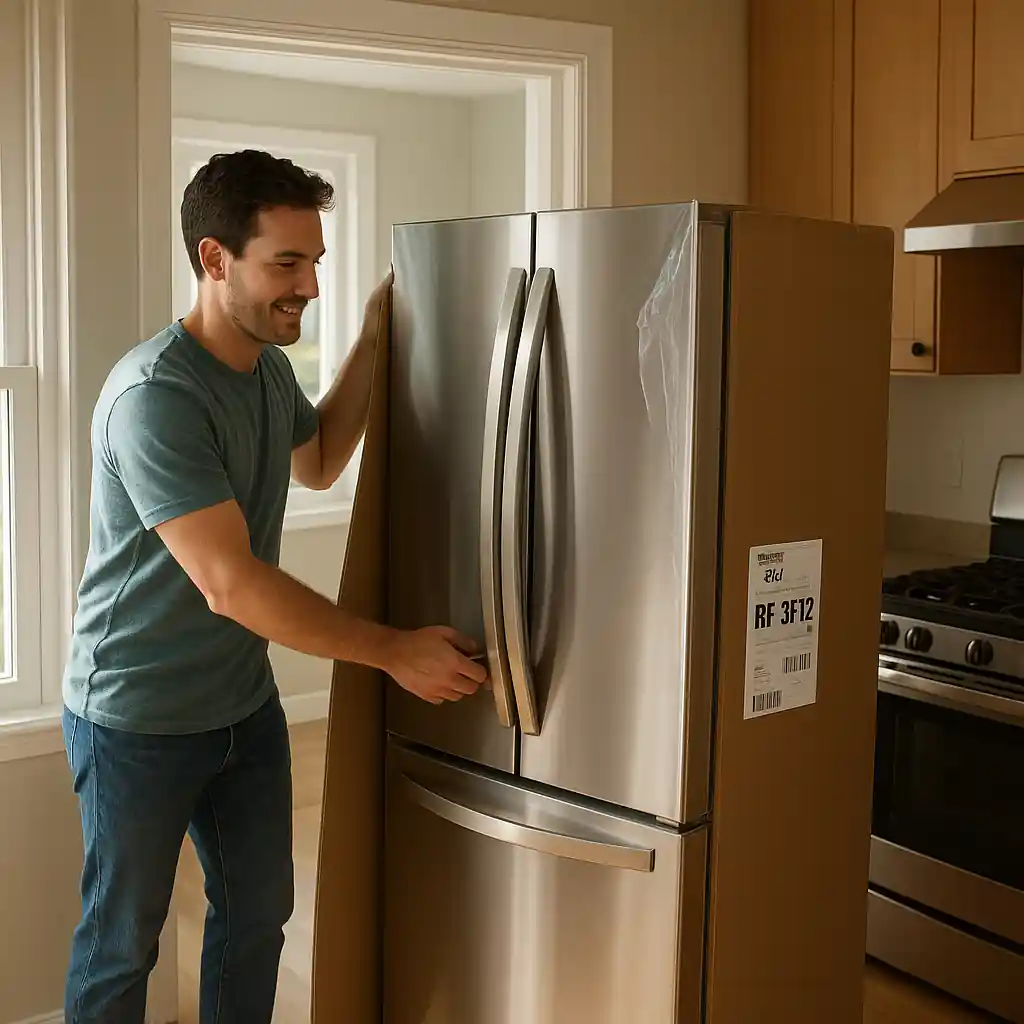
- Keep manufacturer UPC/serial sticker photos before installation or return window closes.
- Note rebate submission deadlines and the acceptable proof-of-purchase formats (paper, PDF, or online upload).
- Check if installation, delivery, or warranty fees affect rebate eligibility and if those fees must appear separately on receipt.
- Confirm Home Depot will honor price adjustments and how returns/refunds are prorated if you need to cancel.
- File the rebate immediately after delivery/installation and track via the manufacturer’s portal or USPS receipt.
How Home Depot Promotions and Manufacturer Rebates Interact
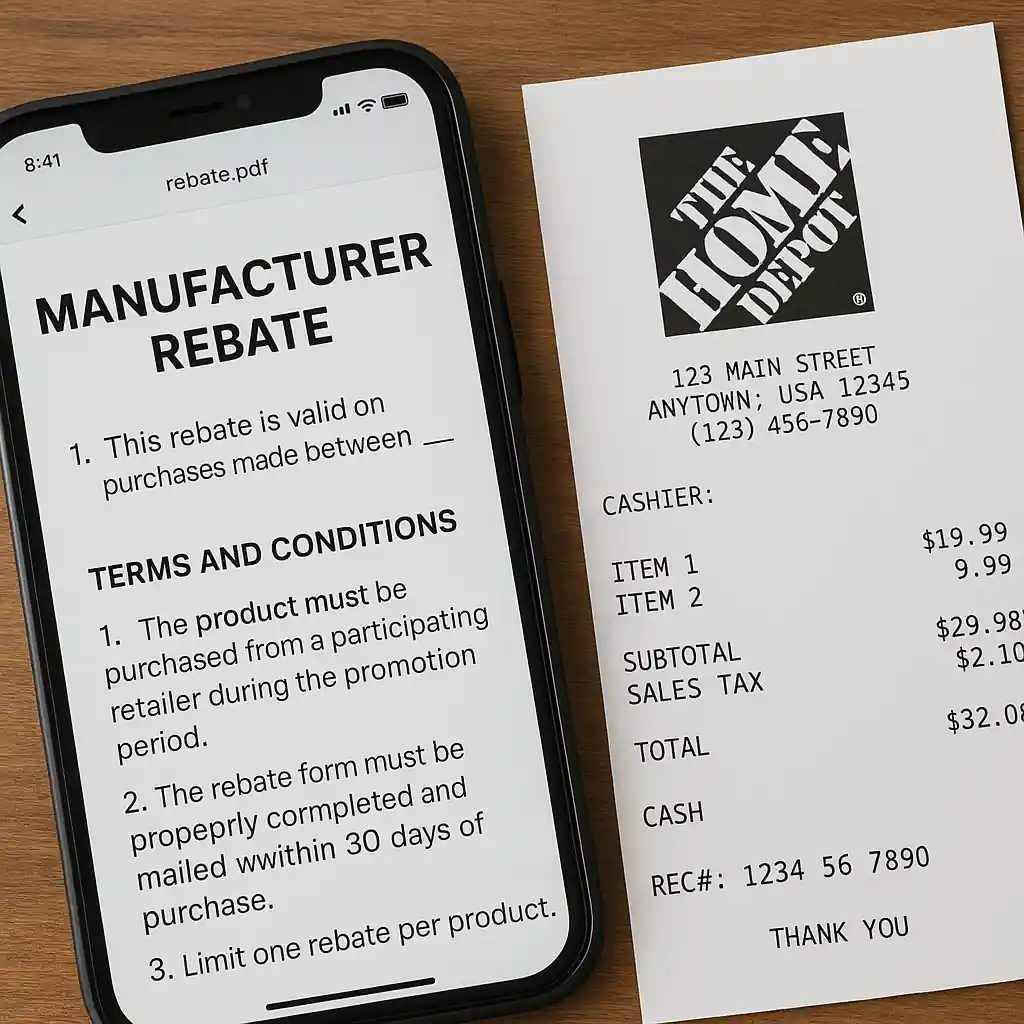
Home Depot sales, markdowns, and promo codes usually apply at the point of sale and lower the price you pay. Manufacturer rebates are a separate program run by the brand: they require the buyer to submit proof that the brand-specific conditions were met. In most cases the two systems are independent: you can buy an appliance on sale or during a Home Depot event and still qualify for a manufacturer rebate, as long as the rebate terms don’t explicitly exclude discounted purchases.
Key interaction rules to check:
- Model/SKU match: Rebates are model-specific. The brochure or web form will list eligible SKUs — double-check that the Home Depot SKU equals the manufacturer’s eligible SKU.
- Eligible retailers: Some rebates list allowed retailers; Home Depot is commonly listed, but verify the manufacturer’s list or the rebate form.
- Sale exclusions: Rare rebates may exclude items sold below MSRP or on clearance; read the fine print before assuming stacking is allowed.
Quick verification flow
- Open the manufacturer rebate terms (PDF or web page) and search for “eligibility,” “exclusions,” and “proof of purchase.”
- Compare the listed SKUs to the Home Depot product page or receipt SKU.
- Confirm Home Depot is an accepted retailer if the form lists allowed sellers.
- If exclusions are ambiguous, call the manufacturer rebate hotline and ask whether sale-priced or promo-code purchases disqualify the claim.
Step-by-Step: Buying, Documenting, and Filing a Rebate While on Promotion
This flow minimizes risk that Home Depot pricing or installation will later void your rebate claim.
- Before purchase: Take screenshots of the Home Depot product page that show SKU, model number, and sale price. Save the rebate terms as a PDF or print them.
- At purchase: Ask the cashier or online order confirmation to include the product SKU and model on the receipt. For delivery, verify the delivery ticket lists the SKU and the delivery date.
- On delivery/installation: Photograph the appliance label (UPC and serial number) before the installer unboxes or attaches it. Keep the packaging until rebate is confirmed.
- File the rebate: Submit within the manufacturer window. Include the Home Depot receipt, SKU/store name, UPC photo, and any installation invoice if requested.
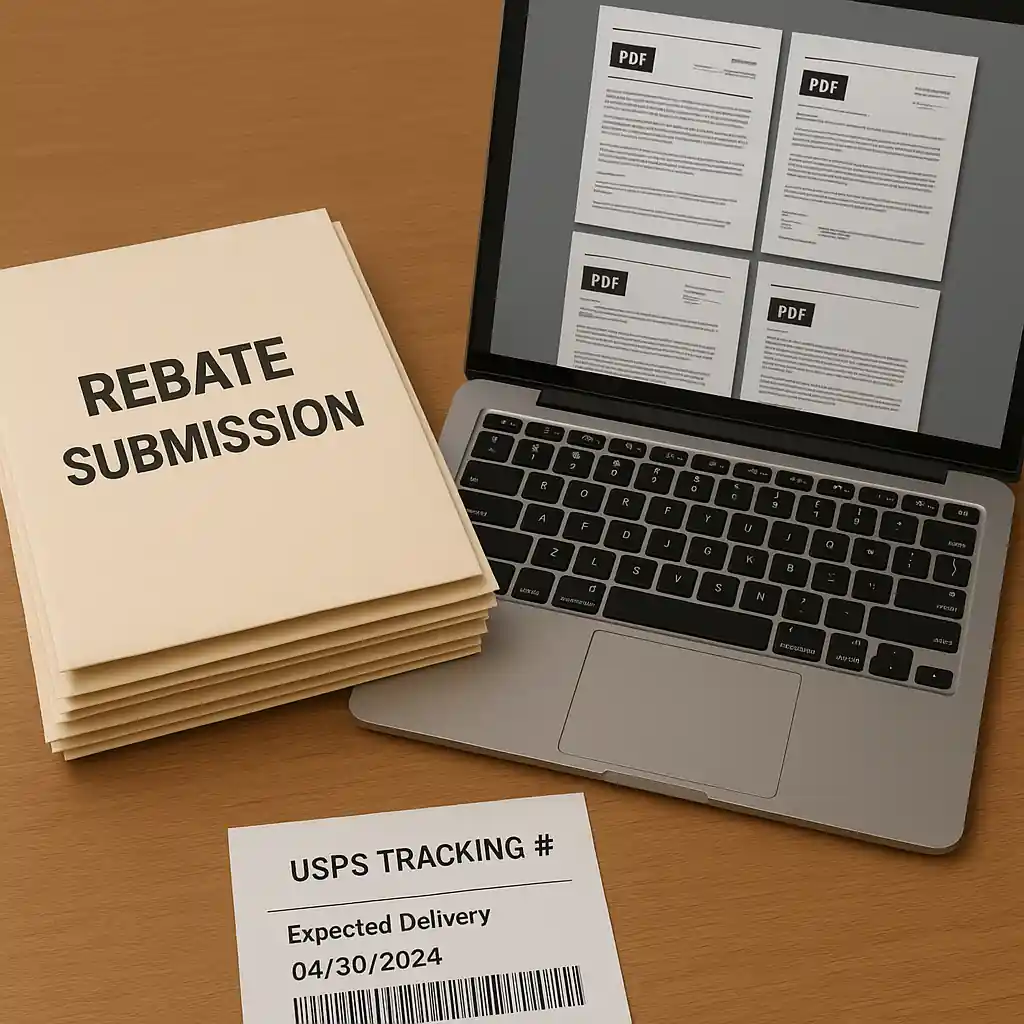
- Track and follow up: Save tracking numbers for mailed claims and monitor the manufacturer portal for status. If rejected, request written reason and remedy, then escalate with both manufacturer and Home Depot if documentation mismatches.

Timing, Returns, and Price Adjustments — What Breaks the Rebate
Timing matters more than shoppers expect. Manufacturer rebates typically require the purchase and shipment/delivery date to fall within specific windows. Home Depot returns or post-purchase price adjustments can change the paperwork you submit, which sometimes causes rebate rejections.
- Returns or cancellations: If you return the appliance, the manufacturer will deny the rebate. If you keep the appliance but Home Depot issues a partial refund or price adjustment, the manufacturer may request a corrected receipt or explanation.
- Installation timing: Some rebates require the appliance be installed by a certain date. Keep the installation invoice and note the install date on the claim form if requested.
- Proof formats: Manufacturers accept different proof-of-purchase formats. Digital uploads (PDFs, photos) are common; mail-in forms still require postal receipts. Keep originals until the rebate is paid.
Best practice timeline
- Day 0: Purchase and collect receipts/screenshots.
- Day 1–3: Photograph UPC and serial stickers upon delivery.
- Within rebate window: Submit claim as soon as required documents are ready; don’t wait until the last week.
- If Home Depot issues a price adjustment after claim submission, immediately resubmit corrected documentation per the manufacturer’s instructions.
Common Mistakes
- Submitting a Home Depot receipt that lacks the product SKU or model number — many rebate forms require the SKU to match the manufacturer list.
- Assuming any Home Depot sale qualifies: some rebates explicitly exclude clearance or below-MSRP buys, and that exclusion usually appears in fine print.
- Missing the UPC/serial photo requirement — installers often remove labels; take photos immediately at delivery before installer disposal.
- Waiting until the rebate window closes: mailed claims can be delayed in transit and get rejected for missing the postmark or online deadline.
- Mixing different receipts: using a Home Depot delivery invoice that doesn’t clearly tie to the sales receipt can cause verification failures.
- Failing to separate installation/delivery charges: some rebate forms require product price only, so a single combined line item can complicate approval.
- Assuming promo codes or gift card purchases block rebates — they usually do not, but certain store-specific promos or third-party deals can be excluded.
- Not tracking mailed claims or not saving confirmation emails from the manufacturer portal — without tracking you can’t contest a lost claim.
Related Guides
- Home Depot appliance discount — hub guide for broader appliance savings, timing, and checklists (our main appliance hub).
- How Home Depot appliance bundles work — explains bundle pricing, delivery and installation fees that affect rebate paperwork.
- Best times to buy appliances at Home Depot — calendar and sale season guidance to plan purchases around rebate windows.
Conclusion
You can usually combine manufacturer rebates with a Home Depot appliance discount, but success depends on strict documentation, SKU matching, and timing. Follow the checklist above, photograph UPC/serial labels at delivery, and file rebate claims promptly to avoid preventable denials.
Next step: read the full appliance hub for broader timing and financing tips at Home Depot appliance discount.