
This guide explains how a home depot promo code interacts with other payment methods and discounts so you know what will and won’t stack at checkout. You’ll get concrete examples, a step-by-step test flow, and the specific combinations Home Depot typically allows or blocks.
Expect practical rules you can use immediately at checkout and scenarios that trigger exclusions. This is not a master list of current codes or the site’s full sale calendar.
Scope Boundary: This guide focuses only on stacking rules for promo codes, gift cards, sale prices, instant savings and manufacturer rebates; for the full list of current codes and all ways to save, see our main Home Depot coupons hub.

Quick Checklist
- Check whether the promo explicitly says “one per order” before attempting to stack.
- Verify the promo applies online, in-store, or both; stacking rules can differ by channel.
- Use gift cards as payment after discounts are applied—confirm at payment step.
- Look for exclusions in the promo fine print (brands, clearance, bundled items).
- Test a small basket first to confirm the promo and gift card behavior.
- Keep screenshots of discounts and the final total in case you need support.
- Know that manufacturer rebates are processed separately and often still valid.
- When buying large items, contact Customer Service if you plan multiple discounts.
How Home Depot Combines Promo Codes, Sales, and Gift Cards
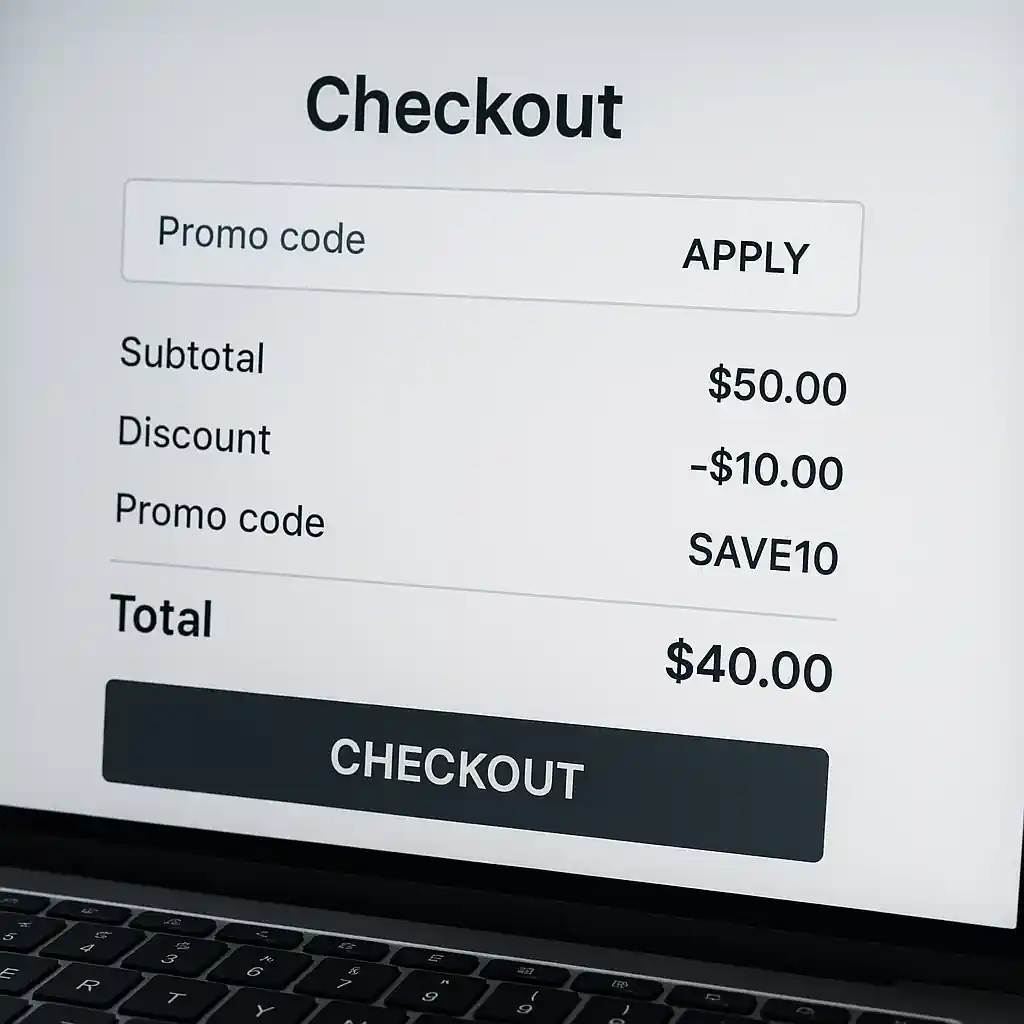
Home Depot’s pricing engine applies discounts in a set sequence: manufacturer or advertised sale prices usually come first, then store promotions or instant savings, and lastly promo codes if allowed. Gift cards function as a payment method and do not change the price calculation; they are applied after discounts reduce the subtotal. Understanding that separation clarifies many stacking questions.
In practice, this means a valid promo code commonly reduces the already-discounted price, but only if the code terms don’t prohibit combining with other offers.
Typical allowed combinations
- Sale price + gift card: Allowed. Gift cards pay the final amount after discounts.
- Sale price + manufacturer rebate + gift card: Allowed. Rebates are handled post-purchase.
- Instant in-cart savings + gift card: Allowed unless the promo explicitly excludes gift card purchases.
Typical blocked combinations
- Two separate percent-off store promo codes in the same order (Home Depot often limits to one promo code per transaction).
- Promo code + special partner discount when the promo’s terms say “not combinable with other offers.”
- Applying a promo code to items marked “clearance” when the promo excludes clearance goods.
Step-by-step checkout flow to test stacking
Use this short test to confirm whether a particular home depot promo code will stack with your payment method and sale pricing.
- Add one or two items that are clearly on sale and one full-price item to the cart.
- Proceed to the cart and note the item-level prices and any instant savings lines.
- Enter the promo code in the designated field and watch for a line-item discount or a subtotal change.
- Apply a gift card on the payment page and confirm the final charged amount reflects both the promo and gift card balance.
- If the promo doesn’t apply or is removed, open the promo terms and compare exclusions; capture a screenshot and contact support if needed.

Deep dive: Promo terms that change stacking behavior
Not all codes are created equal. Some Home Depot promo codes are conditional—designed for a product category, a minimum purchase, or a single-use per customer. Read these common clause types and how they affect stacking.
“One promo per order” or exclusive wording
When a code states it is exclusive or limited to one code per order, the cart will usually accept the first valid code and block others. That limits stacking of multiple store-managed promo codes but doesn’t stop using gift cards to pay the remainder.
Category- or SKU-specific exclusions
Codes targeted at, say, appliances or decking will only discount eligible SKUs. If a sale price already reduced a particular SKU, the code may or may not apply depending on whether the promo allows additional markdowns on top of sale pricing.
Minimum basket or threshold discounts
Threshold promos (e.g., $25 off $250) require you to maintain the qualifying subtotal after item-level discounts. Removing sale items that drop you below the threshold can void the promo at checkout.
Deep dive: Manufacturer rebates vs. store promos
Manufacturer rebates are separate from Home Depot store promos. Rebates are processed by the manufacturer after purchase and generally remain valid even if you used a promo code, because the rebate is based on the manufacturer’s qualified price or proof of purchase.
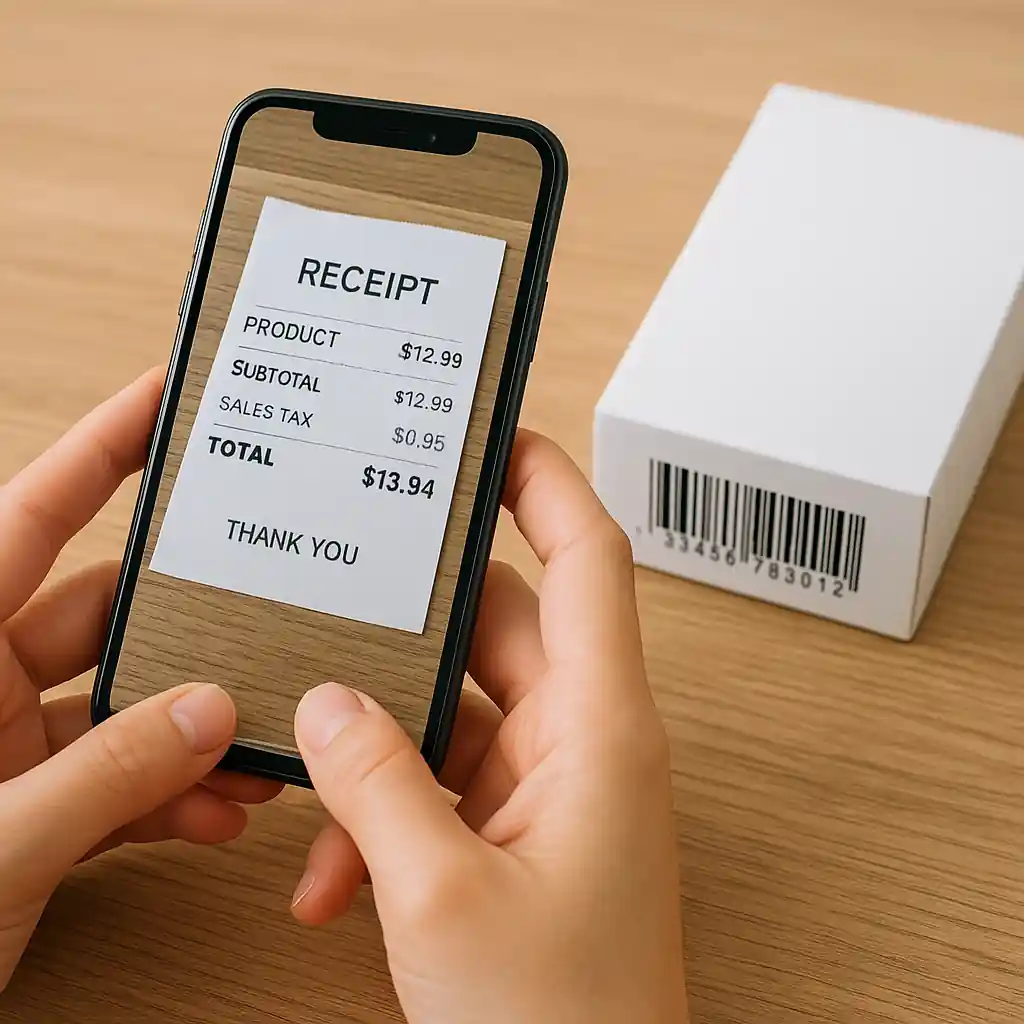
Keep your receipts and any item UPCs; rebate processing often requires the original receipt and a physical product barcode or model number.
Common Mistakes
- Assuming “percent off” codes always stack with clearance—many exclude clearance or final-sale items.
- Entering multiple promo codes expecting the best one to apply—Home Depot often blocks this at submission.
- Buying with a promo that requires a minimum subtotal, then removing items at checkout and losing the discount without checking the recalculated subtotal.
- Using a promo code intended for in-store pickup online without checking channel restrictions.
- Believing gift cards increase discount stacking—gift cards only pay the final balance and don’t create additional discounts.
- Failing to capture screenshots of applied discounts and the final order summary before completing the purchase.
- Expecting manufacturer rebates to be handled by Home Depot—rebates require separate manufacturer submission and proof.
Related Guides
For broader saving strategies and the full list of active offers, see our Home Depot coupons hub. If you need detailed rules about using gift cards specifically, check our guide to Home Depot gift card policies.
Conclusion
Most often a valid home depot promo code will reduce the price after sale discounts and you can use gift cards to pay the remaining balance, but code terms and channel restrictions determine whether multiple promos can combine. Test with a small basket, read the promo fine print, and keep receipts and screenshots in case you need customer service.
Next step: for current codes, exclusions, and the full saving playbook, visit our Home Depot coupons hub.