
This guide explains exactly when Home Depot will let you stack manufacturer coupons, store promotions, and price adjustments on discounted Christmas merchandise. You’ll get examples that work, step-by-step flows to request an override or price adjustment, and documentation tips to protect your purchase.
Scope boundary: This guide focuses on stacking rules and price-adjustment procedures for Home Depot Christmas clearance items; for the full list of current coupons and broader saving methods, see our main clearance hub linked below.
Quick Checklist
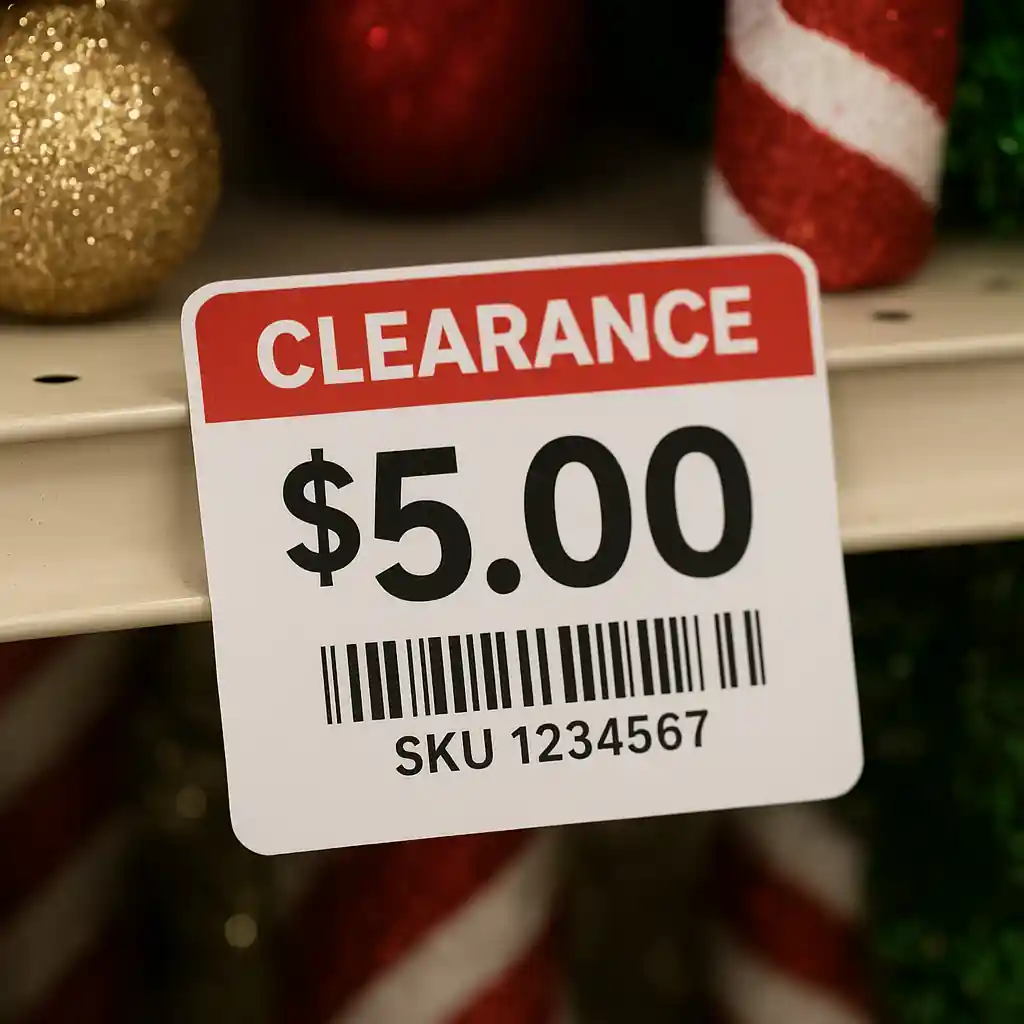
- Check the product tag: note SKU, price, and clearance percentage before you approach checkout.
- Confirm coupon type: manufacturer printable, manufacturer physical, or Home Depot store promo (store promos behave differently).
- Try applying the coupon in the cart or present the coupon at register; document the cashier response with time and name.
- If price scans incorrectly, ask for a price check and photograph the shelf tag and register screen.
- For denied coupons on clearance, politely request a manager review and present printed coupon terms or manufacturer fine print.
- Ask for a same-day price adjustment if Home Depot drops price within the return window; have your receipt and item SKU ready.
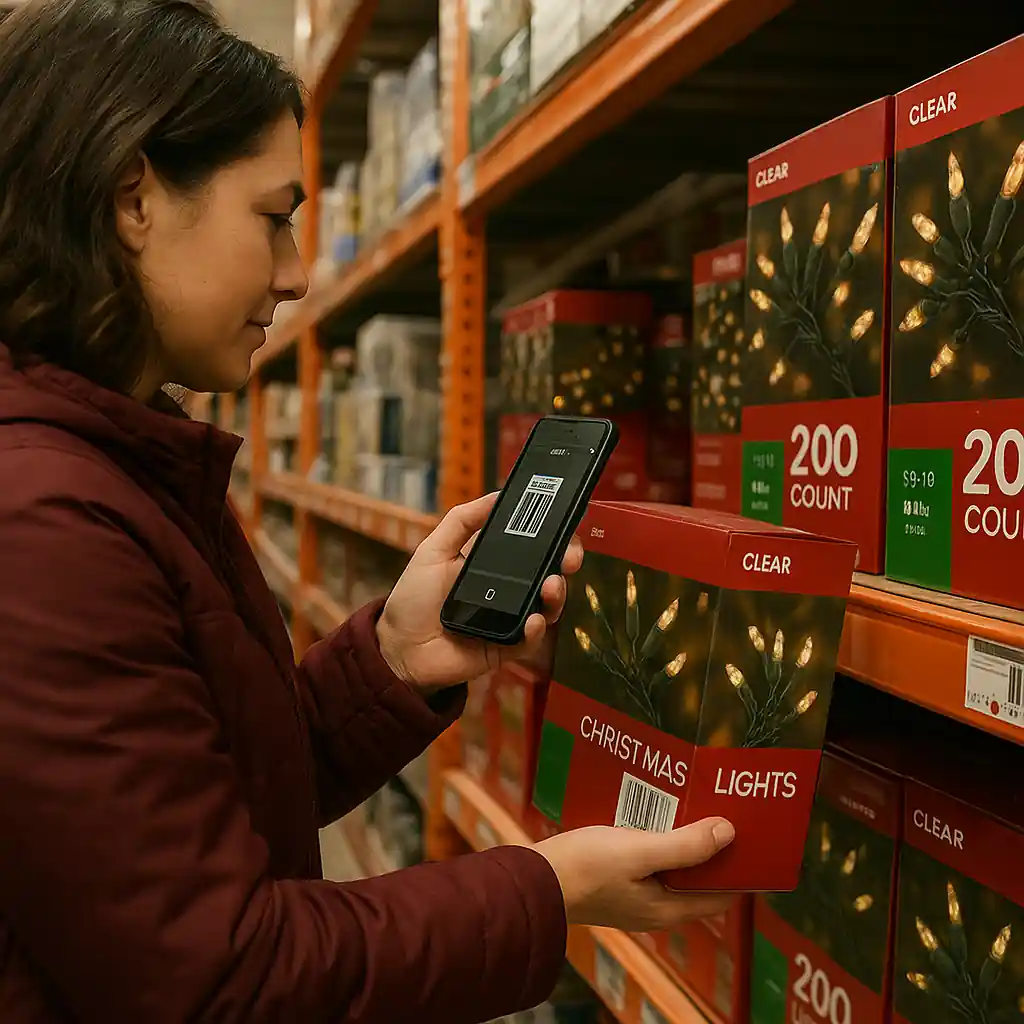
- Use the Home Depot app to scan barcodes for hidden markdowns and to confirm online exclusions before you buy.
- Keep receipts and photos for escalation; if a manager override is granted, get the override code or confirmation on the receipt.
Which Discounts Can Stack on Clearance?
Home Depot’s in-store policy treats manufacturer coupons and store promotions differently. On Christmas clearance items the practical rules are:
- Manufacturer coupons (printed or digital) often apply to products unless the coupon explicitly excludes clearance or “final sale” items. If the coupon fine print is silent on clearance, many stores will accept it — but cashiers may need manager approval.
- Home Depot store promos (advertised discounts, weekly ad or site-wide promo) are usually applied at the register first; additional manufacturer coupons may then be deducted depending on the register rules and the coupon’s terms.
- Percentage-off site coupons and printables (for example, 10% or 20% off) are commonly excluded from clearance in many retailers. Always check the coupon exclusions before assuming it applies.
- Pro Xtra or membership pricing can sometimes stack with coupons, but clearance items may already be at a non-stackable final price. Ask Pro Xtra support for confirmation on large buys.
Example scenarios:
- If a manufacturer coupon says “Valid on any size, excludes clearance,” it will be rejected on a Christmas clearance wreath.
- If a printable manufacturer coupon lists no clearance exclusion, a polite manager review will often allow it to be applied to a clearance string-light set.
- Site-wide promo codes usually apply at checkout and may or may not accept additional coupons; if the cart blocks a coupon, try the in-store route or request manager assistance.
Step-by-step flow: testing a coupon on a clearance item
- Scan the item with the Home Depot app or have the cashier scan to display the current clearance price.
- Attempt to apply the coupon in your online cart or present the manufacturer coupon at the register.
- If denied, ask the cashier to read the coupon exclusion clause. If none exists, request a manager review.
- If the manager approves, keep the receipt with the discounted total and any override code for your records.

Step-by-Step: How to Request a Price Adjustment or Manager Override
When you encounter a denial but believe the coupon should apply, follow this concise escalation path. It increases the chance the register will accept the discount without an awkward return.
- Calmly document the item: take a photo of the shelf tag and the barcode with the clearance price visible.
- Present the coupon and highlight any wording that does not explicitly exclude clearance items.
- Ask the cashier to call a manager; remain polite and concise — managers are more likely to help cooperative customers.
- If manager agrees, request the override be printed or included on the receipt; if they decline, ask for the exact reason (coupon exclusion, system block, manufacturer rule).
- If the manager still declines and you suspect a mistake, capture the manager’s name and escalate by calling Home Depot customer service: Home Depot Customer Service.
If you already purchased and Home Depot later marks down the same item, you can request a same-item price adjustment within the store’s published window. Have your receipt, SKU and time of purchase ready and use the same manager-escalation steps above.
When to ask for a formal written exception
For higher-ticket clearance decor sets (over $100), politely ask a manager if they can authorize a written exception or register override prior to completing the sale. Written confirmations reduce return friction if an online or system-level check later reverses the discount.

Online vs In-Store Rules & Real Examples
Online systems and in-store registers sometimes behave differently. Common patterns we’ve observed:
- Online carts may block manufacturer coupons on clearance SKUs automatically. If blocked online, try buying in-store with the physical coupon or asking for ship-from-store.
- In-store, a manager can manually enter an override code allowing stacking; online overrides are rarer and usually require corporate support.
- If the clearance is an online-only markdown, printed coupons presented in-store may fail because the store system shows a different promo flag. In that case, call customer service with the product URL and coupon details.
Real example: a customer used a manufacturer coupon on an in-store clearance set of LED candles. The coupon did not list clearance as an exclusion, the manager confirmed the coupon terms, and the discount was applied with a printed override code — saving the customer the combined value of the coupon plus the clearance markdown.
Common Mistakes
- Assuming all coupons work on clearance: many manufacturer coupons explicitly exclude clearance or final sale items even if the fine print is small.
- Not photographing shelf tags at time of purchase: without a time-stamped photo you lose key evidence when a price check is needed.
- Trying to stack a site-wide percent-off code with a clearance item online without checking exclusions — carts will often block additional coupons.
- Presenting expired or altered coupons; stores will refuse coupons that show tampering or missing serial codes.
- Failing to ask for a manager: cashiers sometimes cannot approve exceptions even when the coupon technically applies.
- Buying online and expecting a manager override: online systems often enforce exclusions that in-store managers can manually bypass.
- Not keeping receipts for returns/adjustments: without a receipt you cannot request a same-item price adjustment.
- Assuming Pro or membership discounts always stack on clearance; some clearance items are already final and excluded from extra tiers.
Related Guides
- Home Depot Christmas clearance guide — the hub for timing, categories, and full clearance strategies.
- When Home Depot puts Christmas on clearance — timing details for markdown waves and best days to shop.
- Home Depot online coupon guide — how online coupon application differs and troubleshooting steps for web checkout.
For safety recall checks on holiday lights and decorations before buying clearance items, consult the Consumer Product Safety Commission: CPSC.
Conclusion
Stacking coupons, promos and price adjustments on Home Depot Christmas clearance can work — but success depends on coupon fine print, whether the discount is store- or manufacturer-controlled, and a clear escalation flow when the register blocks the code. Document tags, ask for a manager when needed, and keep receipts for adjustments.
Next step: if you want the broader clearance timeline and category strategy, read our Home Depot Christmas clearance guide for full context and timing tips.