
If you plan to buy paint during a home depot paint sale, stacking the right coupons and rebates can lower your project cost dramatically. The trick is knowing which offers combine, which ones exclude each other, and the exact checkout steps to avoid getting a coupon rejected.

How stacking works during a home depot paint sale
Retailers like Home Depot set rules that decide whether a coupon, promo code, store sale, or manufacturer rebate will apply together. During a home depot paint sale, the base discount usually applies first. That means percent-off sale prices are often calculated before a single coupon is applied unless the coupon specifically states it stacks. Manufacturer rebates are filed after purchase and generally stack with store sales, but they have their own eligibility rules and timing.
Use this order of operations as a simple mental model: sale price → coupon/promo code → manufacturer rebate. That model will help you test stacking combinations at checkout without guessing.
Check the exclusions written on the coupon
Read the fine print: some coupons exclude clearance, bundle packs, or professional contractor pricing. Others will display a minimum spend or specific product codes. If a coupon excludes “sale-priced” items, it won’t stack with a home depot paint sale price.

What you can reasonably stack with a home depot paint sale
Not every discount plays nicely together, but here are the combinations that commonly work:
- Store sale price + manufacturer rebate — usually works because rebates are processed after purchase.
- Store sale price + printable in-store coupon (when permitted) — sometimes works if coupon terms don’t exclude sale items.
- Store sale price + loyalty program perks (Pro Xtra) — often compatible; check Pro Xtra terms.
- Mail-in or online manufacturer rebate + a bundled promo from the brand — stacks in most cases.
For full rebate tactics and eligible brands, see our guide on how to stack paint rebates with Home Depot sales.
When coupons typically fail
Common failures happen because the coupon is for a specific SKU, the system flags the coupon as single-use, or an online promo code excludes sale items. Also, some in-store cashiers forget to manually apply printable coupons if barcode scanning fails — always show the cashier the coupon before payment.

Step-by-step: stacking coupons at checkout during a home depot paint sale
Follow these steps to maximize success when buying during a home depot paint sale:
- Validate the sale: confirm the sale price on the shelf tag and on homedepot.com (local pricing can vary).
- Read coupon fine print: check exclusions, eligible SKUs, and whether the coupon is in-store only.
- Scan or present print coupon early: hand the coupon to the cashier before payment to avoid missed scans.
- Apply promo codes online last: if shopping online, input sale codes and then try the site coupon field; if it rejects, try guest checkout or call customer service.
- File rebates promptly: save your receipt and the UPC code and file the manufacturer rebate within the stated window to avoid denial.
If you want timing insights on upcoming paint events, check our timing guide at When does Home Depot run paint sales.
Pro tip: split payment when necessary
When a coupon excludes sale items but includes non-sale purchases, consider splitting your cart into two transactions: one for sale items and one for full-price items where the coupon applies. This takes extra time but can unlock a bigger total discount.
Which paints and brands are best targets during a home depot paint sale
Not every brand discounts the same way. Premium brands may drop less frequently but offer manufacturer rebates; mid-range brands often have deeper percent-off promos. Target these categories:
- Interior latex — frequent sale candidate.
- Exterior premium — smaller percent discounts but more rebates or bundle deals.
- Primers and specialty coatings — often included in clearance or bundled offers.
See our brand recommendations and comparisons at Best paint brands to target during Home Depot sales for specific rebate and stacking examples.
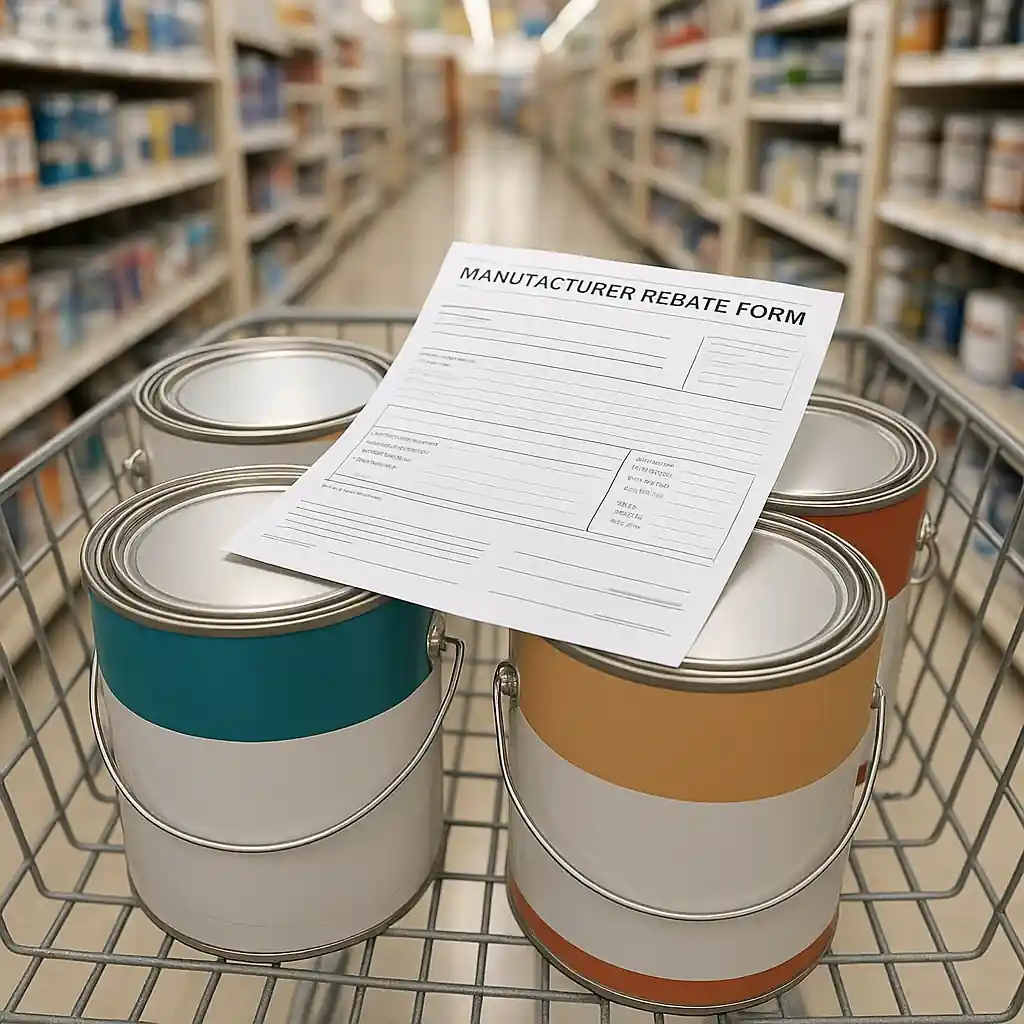
Manufacturer rebate checklist
- Save the full receipt with date and store number.
- Keep UPC codes and proof of purchase.
- Read rebate fine print for excluded retailers or SKUs.
- Submit within the rebate window and use tracked mail or online upload when available.
Common mistakes that cost savings during a home depot paint sale
Avoid these frequent errors:
- Assuming all coupons stack — some explicitly don’t.
- Not confirming local in-store pricing vs online pricing — sales can be localized.
- Filing rebates late or with incomplete documentation — that’s the fastest way to lose a rebate.
- Letting an expired promo code remain in your cart — some sites don’t warn until payment fails.
When an online coupon doesn’t work, the quickest fix is to try guest checkout or call Home Depot customer support and request a manual override if the coupon is valid for your purchase.
Safety and compliance note
When working with paint, remember lead-safe work practices for older homes. Refer to EPA guidance on lead safety before sanding or removing old paint: EPA lead safety.
Stacking smartly during a home depot paint sale turns a routine supply run into significant project savings. Use the sale + rebate model, validate coupon fine print, and keep meticulous rebate paperwork. When in doubt, split transactions or ask a manager to confirm stacking rules—retail staff can often clarify whether a coupon will apply.
Conclusion: prepare before you shop. Confirm sale pricing, verify coupon terms, and file rebates quickly. The right preparation will deliver the biggest savings on paint and supplies without surprises at checkout.
Editor’s note: For the main hub guide and related updates on stacking coupons with home depot paint sales: what works and what doesn’t, see this overview.