
Buying a limited-time Home Depot deal can save a lot at checkout, but returns and warranties for promotional items often create confusion. Knowing what to keep, what to expect, and how to contact support will speed refunds and warranty claims for items bought through a home depot deal.
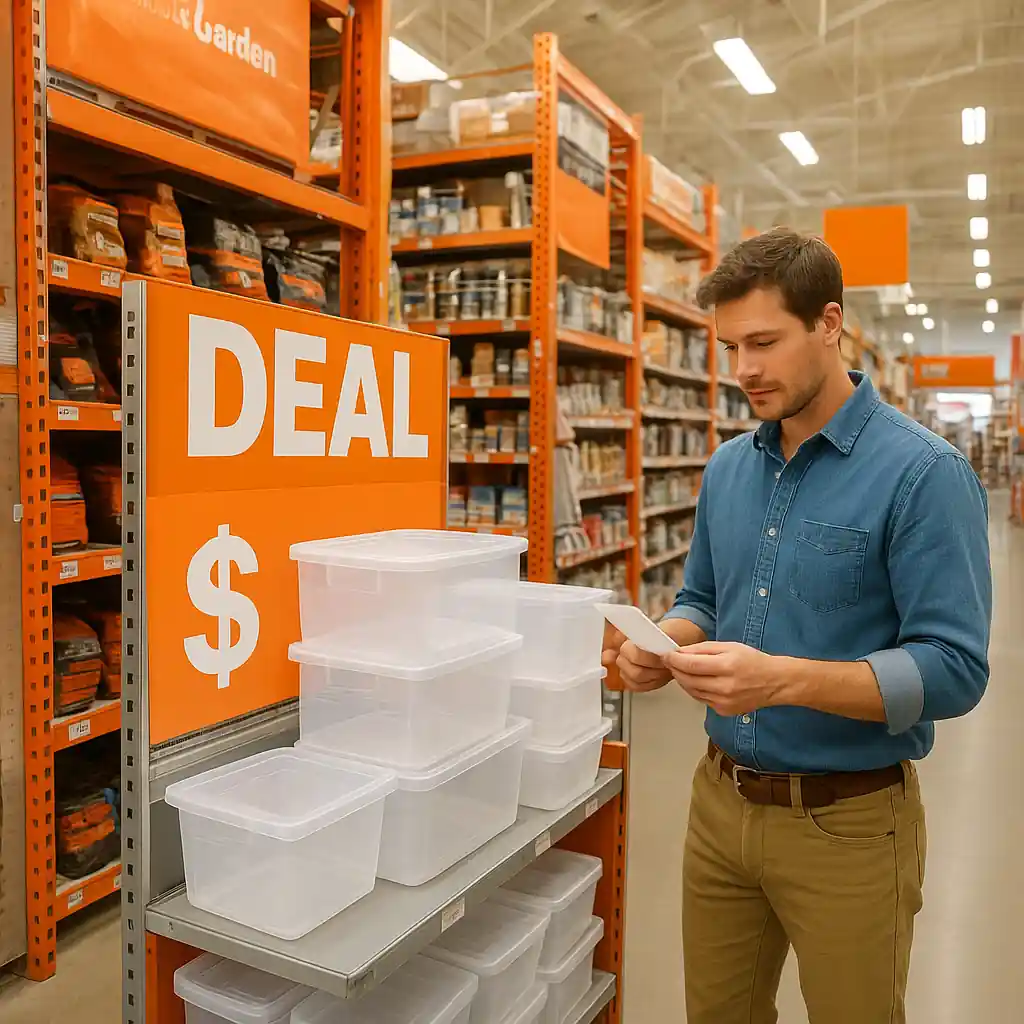
Why returns for home depot deal purchases feel different
Deal items are usually regular stock marked down for a short period or specially bundled. That means they still fall under Home Depot’s standard return window and manufacturer warranty, but there are a few practical differences: promotional exclusions, different return locations for clearance or online-only deals, and faster stock depletion which can complicate exchanges.
Key policy basics
- Most regular items follow Home Depot’s standard return policy; see official customer service info at Home Depot’s support site for details: Home Depot Customer Service.
- Open-box or clearance deal items may be subject to tighter return windows or restocking evaluations.
- Manufacturer warranties remain intact even when an item was bought on a promotion—warranty terms depend on the brand and product category.

How to prepare for a smooth return or warranty claim
Follow a short checklist the moment you receive a deal item. Doing this saves time and reduces disputes when you need a refund or a warranty repair.
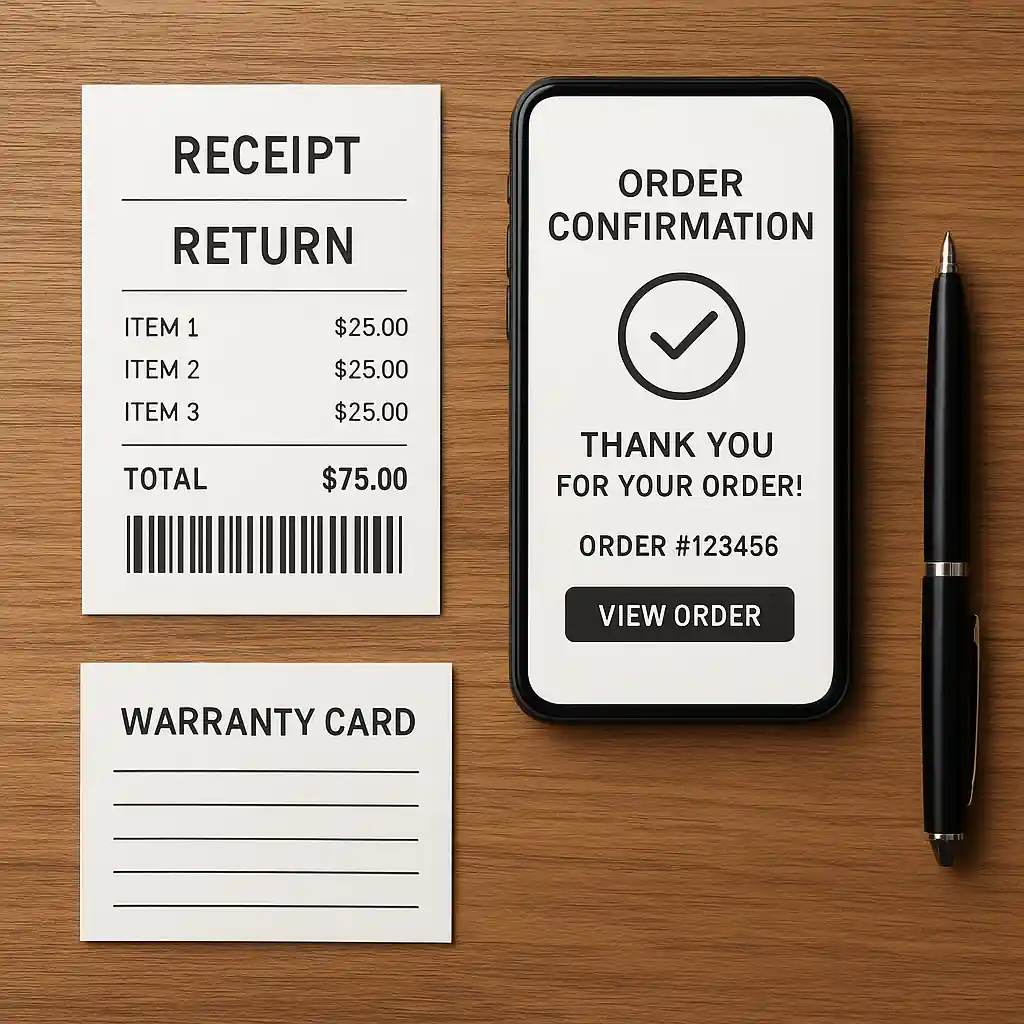
- Keep your purchase receipt and order confirmation email; digital order IDs speed online returns and in-store lookups.
- Retain original packaging and any included manuals; some returns and warranty claims require serial numbers or proof of purchase attached to the product.
- Photograph damage or defects right away—date-stamped photos are useful for both store staff and manufacturer claims.
- Locate the manufacturer’s warranty card or find warranty info online using model and serial numbers.
Common documents and details to collect
Proof of purchase (receipt or email), order number, SKU/model, and serial number (for appliances and electronics) are the essentials. If shipping was used, keep shipment tracking and delivery confirmation.
Step-by-step: returning a home depot deal item in-store
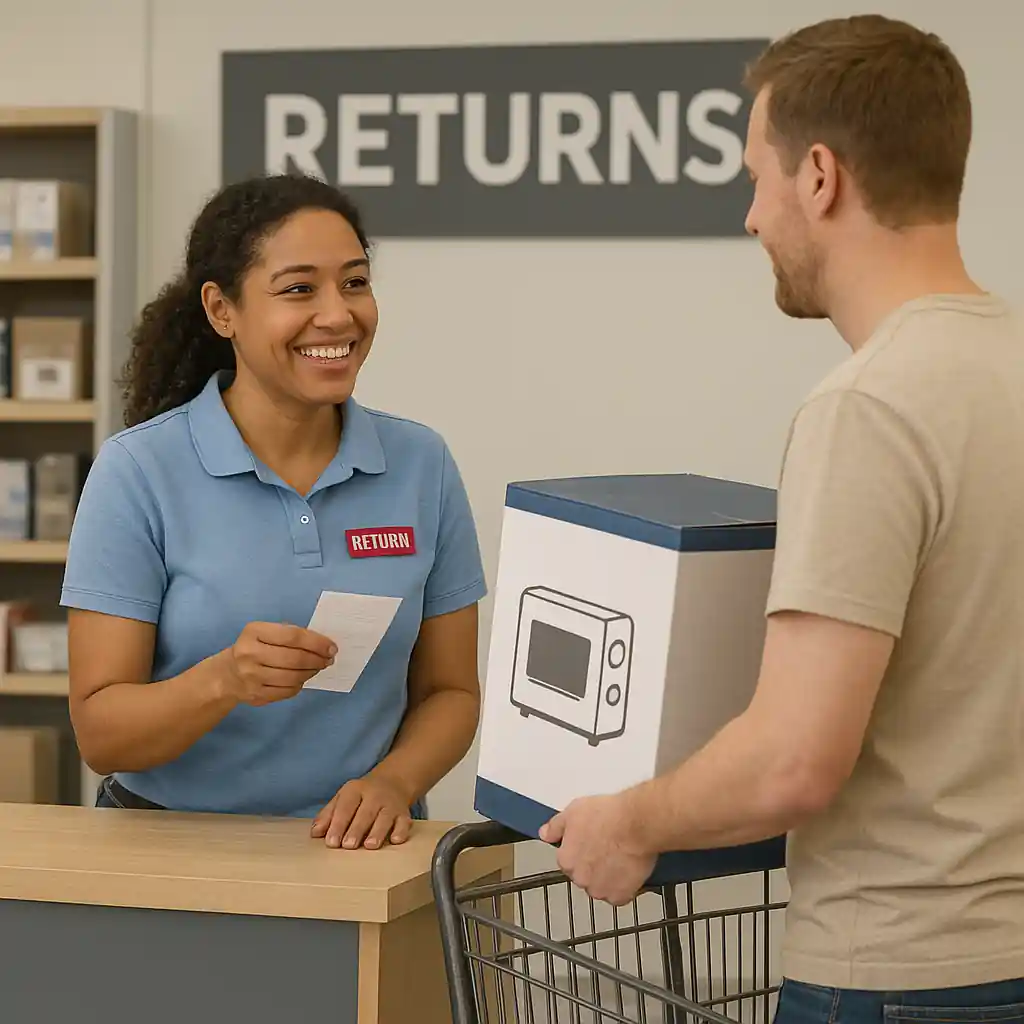
Returning in person is the fastest route for many customers, especially for simple refunds or exchanges.
- Bring your order confirmation or printed receipt and a photo ID.
- Bring the item in original packaging if possible; if bulky, bring any accessories and the serial number.
- Tell the associate you purchased the item during a Home Depot deal and explain whether you want a refund, exchange, or store credit.
- If the return is denied at the register, ask to speak with a manager and request the specific policy reason in writing or in an email follow-up.
For additional tips about finding deal items and app alerts, see our guide to Home Depot Deal Of The Day.
Step-by-step: returning or claiming warranty for online deal purchases
Online returns and warranty starts often go through a slightly different workflow.
- Start by visiting your Home Depot account orders page and selecting the order to begin a return; follow the prompts for mail-back, in-store drop-off, or scheduled pickup.
- If the item is defective, check the product page for manufacturer warranty instructions—some brands require direct contact for repairs or replacement parts.
- When in doubt, contact Home Depot customer service first using the order number; they can open the return or facilitate a warranty escalation.
If you’re trying to use a coupon, promo code, or verify how a deal stacked with other discounts, our Home Depot coupon code guide explains common checkout rules and exceptions.
When the manufacturer must be contacted
For many electronics and appliances the manufacturer handles repairs and extended warranties. Home Depot will usually assist with initial diagnosis and returns within their window, but expect to contact the brand for longer-term service, parts, or extended warranty coverage.
Exceptions, tricky categories, and what to watch for
Not all categories behave the same when purchased as a deal item. Expect different rules for large appliances, power tools, paint, and seasonal goods.
- Appliances: delivery, installation, and hookup fees may not be refundable. Keep delivery receipts and document installation dates for warranty claims.
- Power tools: registers may inspect for use or missing accessories; keep battery packs and chargers to avoid restocking deductions.
- Seasonal/clearance items: these sometimes carry a reduced return eligibility window—verify at the time of purchase.
For timing and safety recall information related to products, consult authoritative resources such as the U.S. Consumer Product Safety Commission: CPSC recall hub.
What to do if a return or warranty claim is denied
Denials happen for specific reasons—no receipt, used items outside the window, or excluded categories. Take these steps to resolve disputes efficiently.
- Ask for the denial reason in writing and the store manager’s name.
- Provide additional proof of purchase: bank or card statements showing the charge can sometimes substitute for a lost receipt.
- If it’s a warranty issue, gather the serial number and manufacturer contact; escalate the claim to the brand if Home Depot confirms the item is outside their return window but the product is still under manufacturer warranty.
- Document every communication: dates, names, and summaries of calls or in-store conversations are useful if you need to escalate to corporate customer service or a consumer protection agency.
Quick checklist before you visit or call
- Order number and receipt — digital or paper
- Photos of the defect or damage
- Serial number and model (appliances/electronics)
- Desired outcome: refund, repair, exchange, or store credit
- Any warranty paperwork or registration confirmation
Conclusion
Promotional buys from a home depot deal usually keep the same protections as regular purchases, but timing, packaging, and documentation matter more with limited-time offers. Keeping receipts, photographing damage immediately, and understanding whether Home Depot or the manufacturer handles the next step will shorten your wait for a refund or repair. When you run into a denial, collect documentation, escalate politely to a manager, and use manufacturer warranty channels where appropriate. For a deeper look at deal alerts and stacking, check related savings guides on our site.
Editor’s note: Understanding return and warranty policies helps you shop with confidence when buying items from Home Depot’s Deal of the Day, especially if you anticipate exchanges or refunds. For more details, visit our Home Depot Deal of the Day hub for clear guidelines on returns and warranties.