
If you manage a contracting business or shop with a Pro account, the lure of a limited-time Home Depot deal can be huge. But many buyers find that a promotional “deal of the day” price doesn’t always stack the way they expect with Pro Xtra pricing, volume discounts, or contractor rates. This guide explains who qualifies, what to check before checkout, and practical steps to combine savings without losing eligibility.

How the home depot deal works with Pro accounts
Home Depot publishes rotating deal items each day, often labeled as a short-term promotion online and in its app. When you sign in with a business or Pro account, your account may show negotiated pricing, purchase history benefits, and access to volume pricing tiers. That makes it tempting to assume every promotional price will stack automatically. In practice, whether the home depot deal value stacks depends on system rules, SKU-level exceptions, and whether the promotion is vendor-funded or store-level.
Quick checks before you buy
- Sign in to your Pro or business account and refresh the cart — the site updates available pricing after authentication.
- Compare the deal price with your Pro pricing on the product page; some Pro prices are contractual and override short-term promotions.
- Read the promotion footnotes; vendor-funded deals sometimes exclude account or contract pricing.
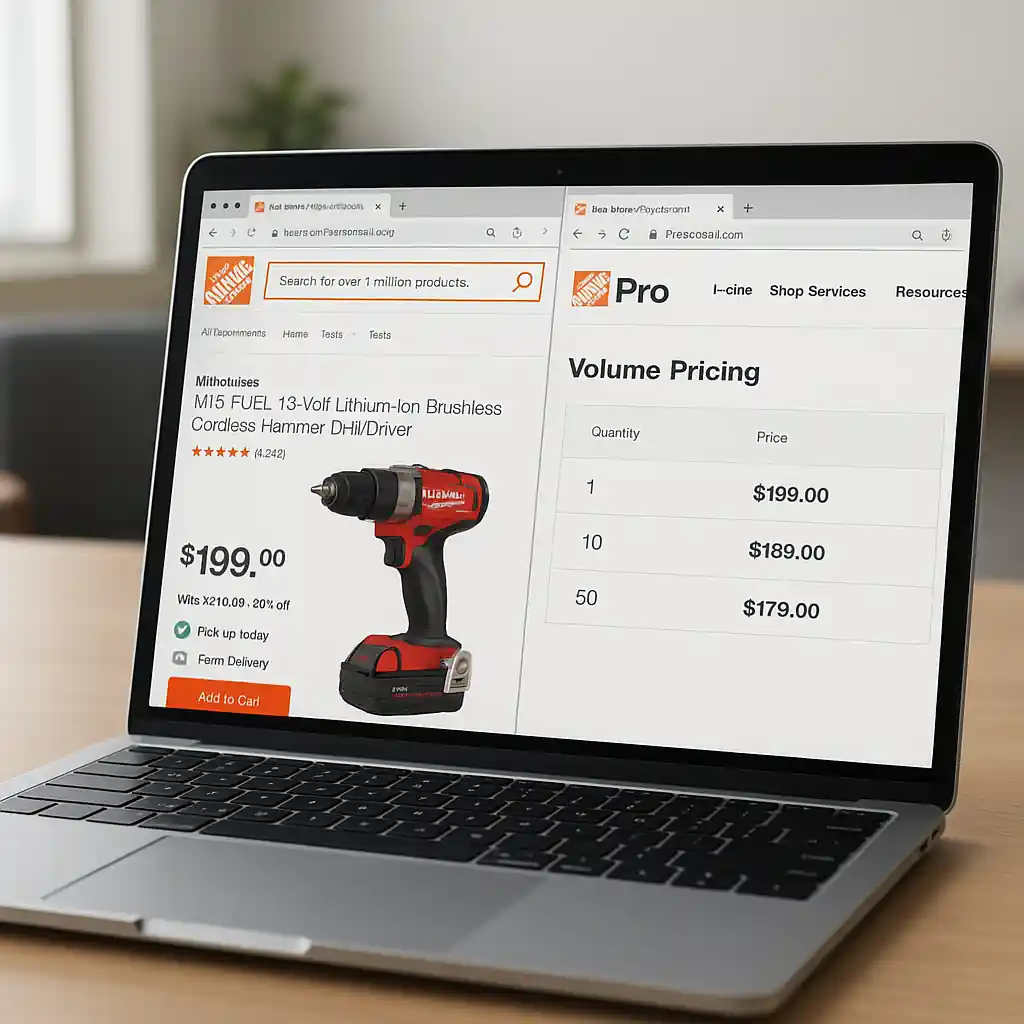
Volume pricing and the home depot deal: how thresholds affect savings
Volume pricing is a tiered discount applied when you buy a minimum quantity of the same SKU. Contractors and small businesses rely on these tiers to lower per-unit costs on bulk purchases. A daily deal may show an impressive unit price, but if your purchase qualifies for a deeper volume tier you could still come out ahead by ordering the larger quantity outside the single-item promo.
How to decide: promo vs. volume
- Calculate the total cost at the deal price for your needed quantity.
- Compare that with the volume-pricing total shown on your Pro account — include taxes and delivery.
- Factor in lead time: a volume order may take longer to fulfill than a deal that ships immediately.
For fast comparisons, open two browser tabs: one signed into your Pro account and one in a guest session. If numbers differ, prioritize the lower out-the-door cost after fees.
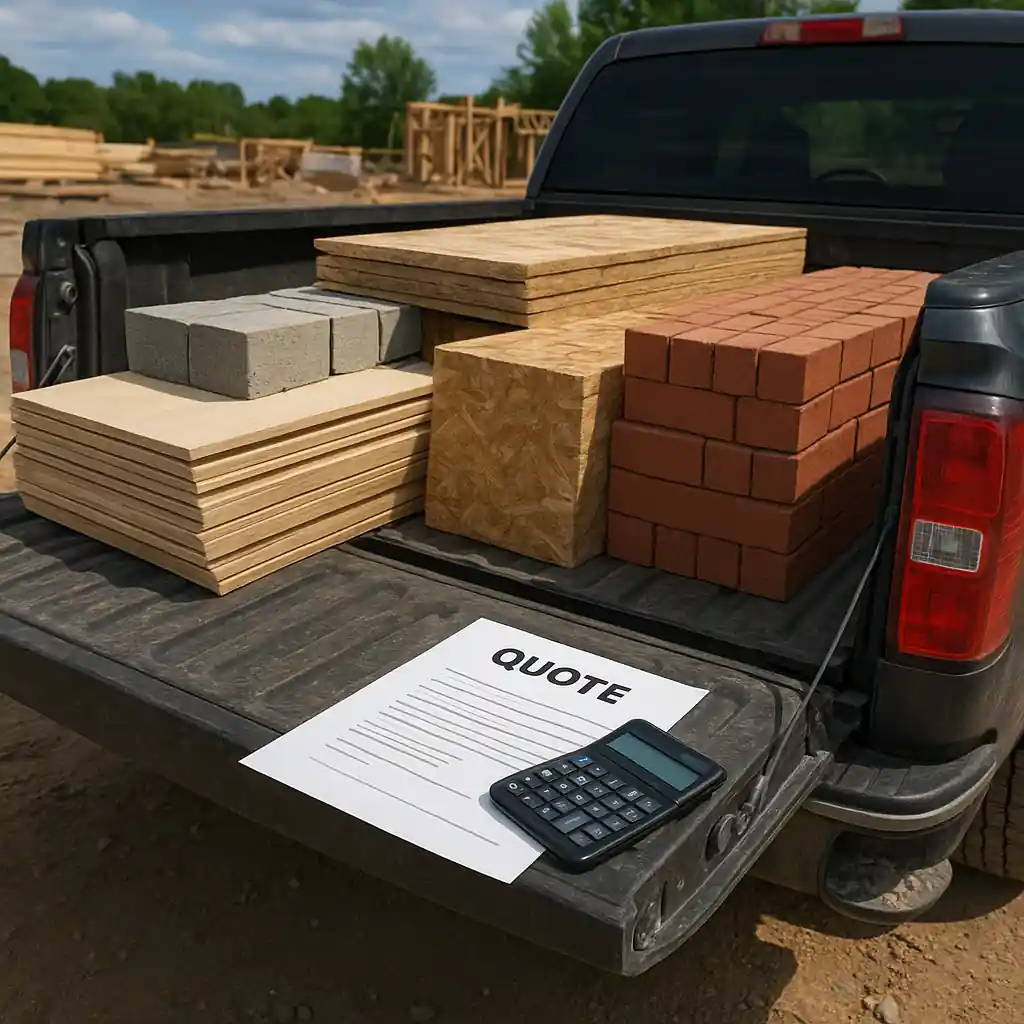
Contractor discounts and the home depot deal: eligibility rules
Contractor discounts, separate from Pro Xtra perks, are often tied to a verified business account, contractor license, or tax-exempt status. Eligibility rules vary by region and program. When a Home Depot deal is advertised sitewide, contractors still need to meet the program’s verification and product exclusions to capture extra savings on top of a daily deal.
Common eligibility requirements
- Active Pro or business account signed in during checkout.
- Verified contractor or business credentials for certain discounts and tax treatments.
- Minimum quantity or purchase thresholds for contractor or volume pricing.
When in doubt, save a screenshot of the product page and the price before checkout. That snapshot helps if you need to request an adjustment at the register or through customer service.
How to stack offers legally and practically
Stacking a Home Depot promotional deal with account-level discounts requires checking store rules and the nature of the promotion. Not all discounts combine: manufacturer rebates, limited-time vendor promos, and exclusive contract prices can be mutually exclusive. Still, there are practical steps you can take to maximize savings while staying within the rules.
- Always sign in before adding items to your cart so the site can present account-level prices.
- Use the product page’s price breakdown: many pages show both the deal price and any volume or Pro rates available.
- For large purchases, request a formal quote through your Pro rep; quotes can reflect volume pricing and delivery terms that beat a deal for bulk orders.
If a daily deal appears lower than your contract price, capture both quotes. You can then ask Home Depot customer service or your Pro sales contact to honor the better price or explain exclusions.
In-store vs. online differences
Inventory, price-matching, and barcode exceptions can change the outcome between online checkout and in-store purchase. If you’re heading into a store, bring account proof and the app notification for the home depot deal. Ask a manager to scan the barcode and verify whether your Pro or contractor pricing will apply in addition to the advertised deal.
Troubleshooting common problems with qualifying discounts
Occasionally a discount fails to apply at checkout. Before escalating, run these checks:
- Confirm you’re signed into the correct Pro or business account.
- Clear cache or try a different browser or the Home Depot app; sessions sometimes show stale pricing.
- Verify the SKU and quantity meet volume thresholds and that product is not explicitly excluded in promotion terms.
If those steps don’t fix the issue, contact Home Depot customer support or bring the item to your local store with proof of the advertised deal. For business purchases, your Pro field rep can often expedite a price review.
For program details and official account information, consult the Home Depot Pro Xtra pages on the Home Depot site and consider small-business guidance at the U.S. Small Business Administration for recordkeeping and tax treatment when buying in bulk: Home Depot, SBA.

Examples and real-world scenarios
Scenario 1: You see a tool marked as the day’s deal for $79.99 but your Pro quantity price for 5 units is $69.00 each. Buying five at the volume price yields larger total savings than buying one at the deal and four at list price.
Scenario 2: A contractor discount requires a verified license. The deal price is lower but limited to one per household; the contractor discount applies to all units purchased if verification completes. Verification first, then checkout.
Scenario 3: The deal is a manufacturer-funded rebate. The advertised price appears low, but rebates require a mail-in or online submission that delays actual savings. If immediate cash flow matters, a volume discount that reduces the invoice today may be preferable.
Conclusion: a simple checklist to save
- Sign into your Pro or business account before you shop.
- Compare the advertised deal against volume and contractor pricing for your quantity.
- Capture screenshots and SKU details if prices look inconsistent.
- Ask for a formal quote on large orders and contact your Pro rep when possible.
Understanding eligibility rules and where the home depot deal fits into Pro pricing logic prevents surprises and helps you extract the best net value. Apply these checks before rushing a purchase and you’ll keep more savings where they belong: on your final invoice.
Editor’s note: This post explains how pro accounts, volume pricing, and contractor discounts can simplify finding Deal of the Day offers. For a broader overview, see the hub guide here: Home Depot Deal of the Day hub.