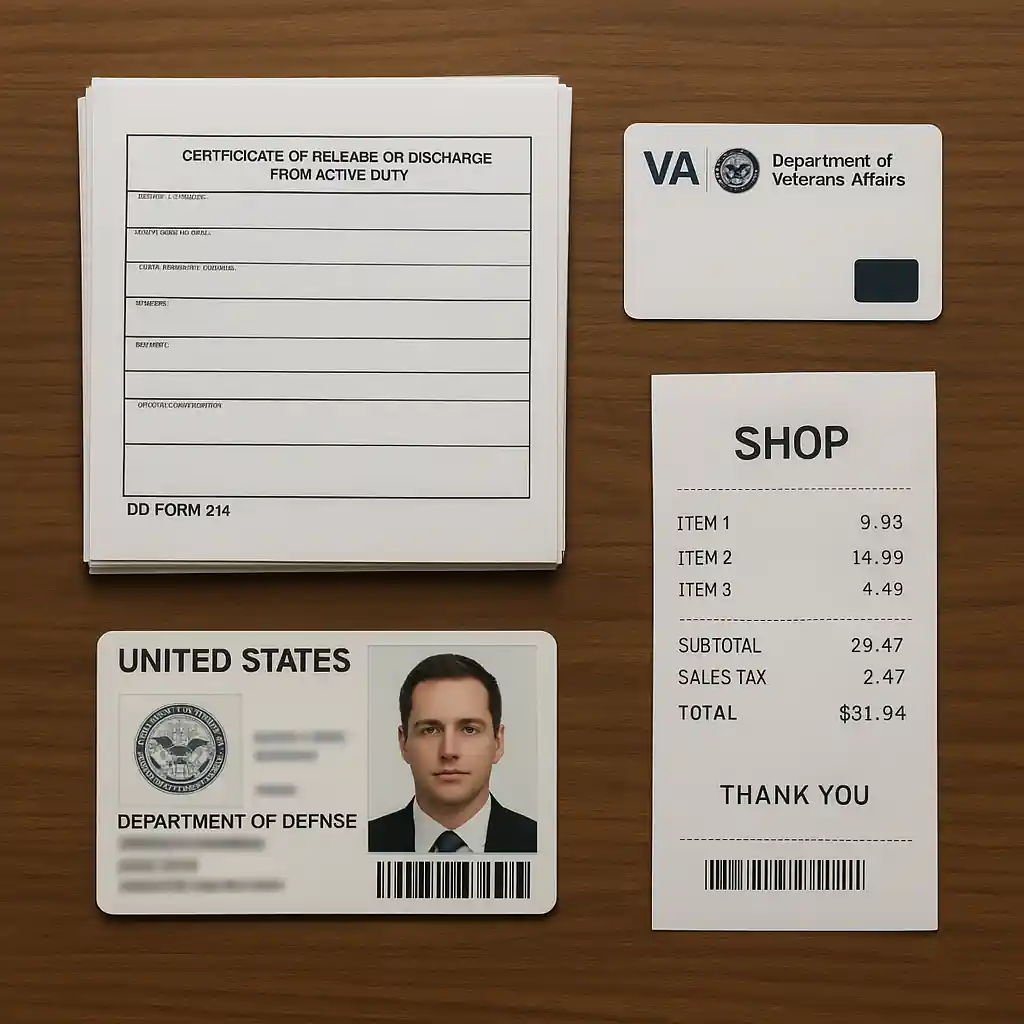
This guide shows exactly how to redeem the Home Depot military discount in-store so your checkout is fast and friction-free. You’ll learn which IDs and documents cashiers accept, how to present proof at self-checkout, and simple steps to prevent common register delays.
Scope boundary: This guide focuses on redeeming the home depot military discount at a physical Home Depot store and self-checkout; for the complete eligibility rules and online verification, see our main guide linked below.
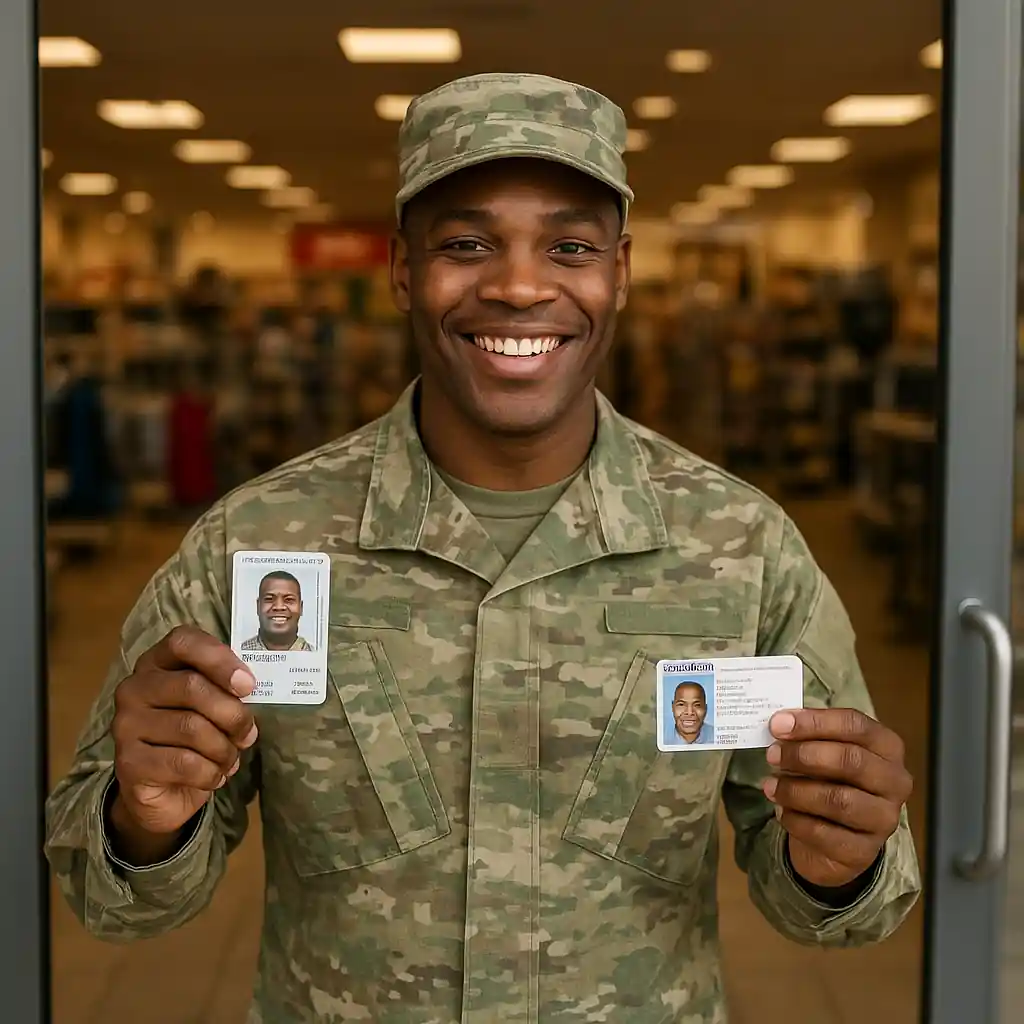
Quick Checklist
- Bring one government-issued photo ID plus one of the accepted military documents (CAC, DD214, VA card, or active-duty orders).
- Confirm your eligible status ahead of time via Home Depot’s military discount page or ID.me if you plan to use online verification.
- Tell the cashier you want the military discount before they ring items or scan coupons.
- If using self-checkout, have physical ID ready to show an associate when the screen prompts for verification.
- Keep receipts and note the register number in case you need a manager or price adjustment later.
- Avoid gift card or special-order items that may be excluded—ask before you start checkout.
- Use a calm, clear explanation: “I qualify for the military discount—here is my ID and proof” to speed the interaction.
Accepted IDs & Documents
Cashiers and store associates are trained to accept specific forms of proof. The most widely accepted items are government-issued photo IDs combined with a military credential or documentation. Typical acceptable combinations include:
- Common Access Card (CAC) or Armed Forces ID (active duty, reserve, or retired) presented with matching photo.
- VA ID card for veterans when paired with government photo ID.
- DD214 discharge paperwork — typically the member copy; bring a photo ID as well.
- Official active-duty orders or enrollment paperwork showing current status, plus a photo ID.
- Military dependent ID when the dependent is the one making the purchase; bring the dependent card and the sponsor’s documentation when requested.
Stores vary by manager discretion, so prepare both photo ID and one supporting military document. If you’ve verified your status online (for example via ID.me), show the verification email or app confirmation in addition to physical ID to avoid confusion. See Home Depot’s official military discount page for reference: Home Depot military discount.
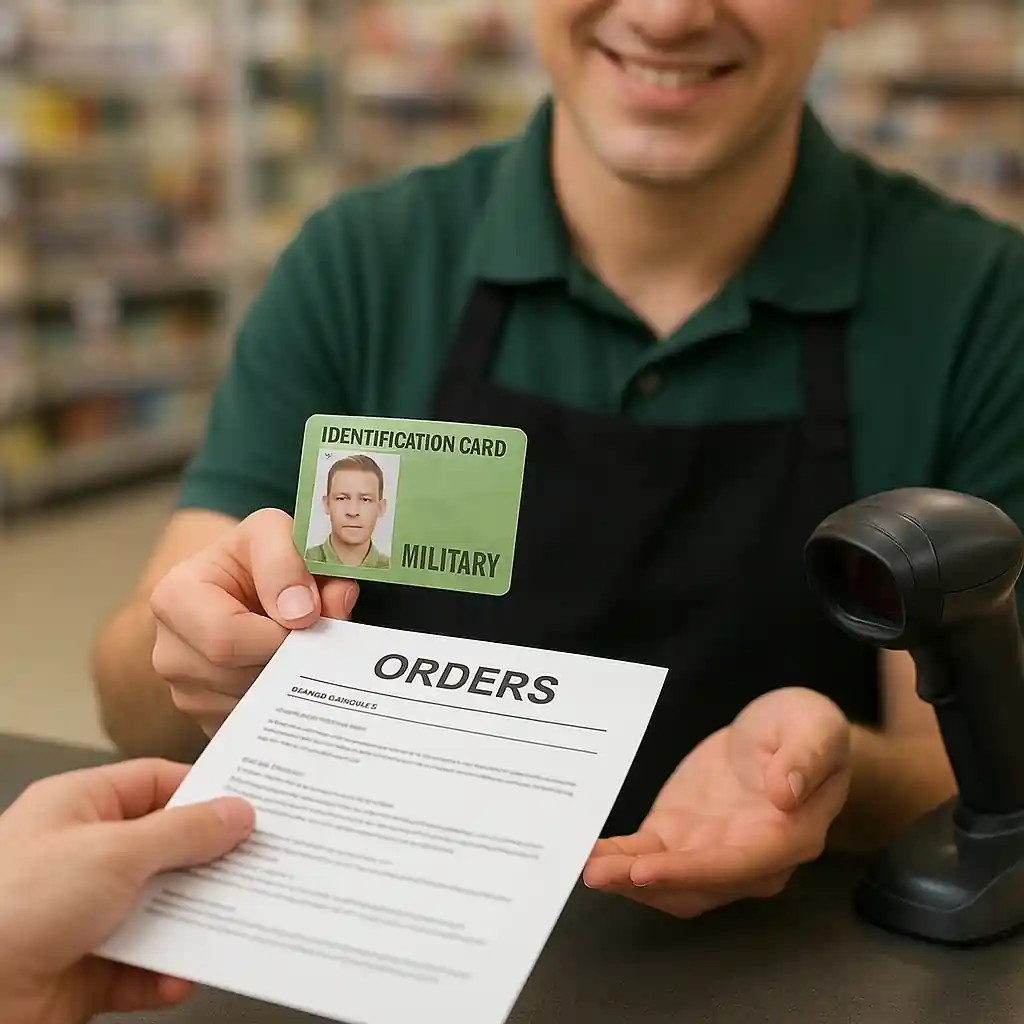
What clerks usually won’t accept
Photos of IDs only on your phone, expired IDs without supporting documents, or third-party letters without official seals are common failure points. If your ID is expired, bring a secondary document (VA card, DD214) and politely ask for a manager review.
How to Redeem at the Register: Step-by-step
Follow this simple flow to keep the line moving and avoid repeated scans or manager callbacks.
- Step 1 — Notify early: Tell the cashier you plan to use the military discount before they start scanning or applying other discounts.
- Step 2 — Present documents: Hand over your photo ID and the military credential or printed verification. If you verified online, show the confirmation email or app screen plus photo ID.
- Step 3 — Let them scan if needed: Some stores will scan the military card or manually enter details. Stay nearby so you can sign receipts or answer questions fast.
- Step 4 — Confirm excluded items: If the cashier flags an item as excluded (appliances, special orders, delivery fees, or gift cards), ask if a partial discount is possible or how to handle that portion of the purchase.
- Step 5 — Finalize payment: Once the discount is applied, confirm the total and complete payment. Keep the receipt in case you need to request a post-sale adjustment.
Practical tips to speed the process: place all items on the belt so the cashier can scan without reaching; pre-open large boxes or bundles so the UPC is visible; avoid surprise coupons during the same transaction—apply the military discount first.
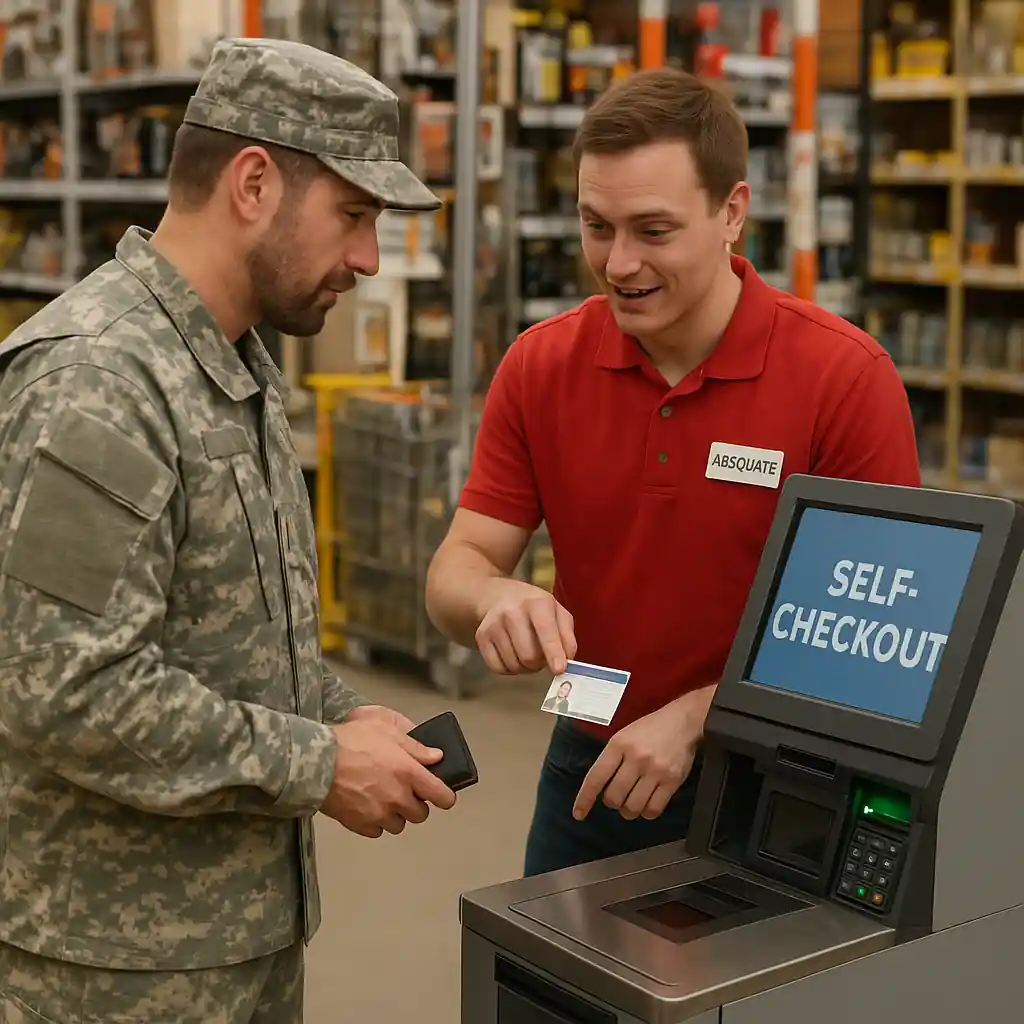
Self-Checkout & Mobile Payment Tips
Using self-checkout is common, but the store still must verify eligibility. Self-checkout flows differ by location; follow this practical checklist when using the kiosk.
- Start by scanning items and proceed to payment. When the terminal asks about discounts, select the option for military or ask the on-floor associate how to proceed.
- An associate will usually be called to the kiosk to verify ID; have your photo ID and military proof in hand when you begin self-checkout to avoid waiting longer than necessary.
- If the kiosk does not have a direct military discount button, the associate can manually apply the discount at a nearby register or via manager override.
- For mobile payments (Apple Pay, Google Pay) or split-tender transactions, confirm with the associate that the discount appears on the final amount before you authorize payment on your phone.
If you verified your status through an online service (for example ID.me), bring a screenshot or the verification email and be ready to show it. In rare cases an associate will ask you to sign a short acknowledgement—this is normal for large purchases.
Common Mistakes
These mistakes specifically cause delays or denials for the Home Depot military discount in stores. Avoid them to keep checkout smooth.
- Trying to use only a photo of your CAC on your phone without a government photo ID—associates often require a physical or clearly verifiable credential.
- Waiting until the cashier has scanned everything and then asking for the discount—this may force rescans and slow the line.
- Assuming large-ticket items like appliance bundles, delivery, or installation are automatically included; many stores exclude these and need manager approval.
- Not bringing supporting paperwork for recently separated service members (DD214) — some teams want to see both the DD214 and a photo ID to confirm identity.
- Using expired IDs without any secondary documentation; an expired driver’s license alone is an easy reason for denial.
- Failing to show proof at self-checkout when prompted; associates must verify before applying the discount and will not always return if you delay.
- Arguing loudly about policy at the register—polite clarification and asking for a manager is faster than escalating the interaction.
Related Guides
- Complete Home Depot military discount guide — the hub with eligibility, verification, and full policy details.
- How to use the discount online — if you plan to verify digitally before visiting the store.
- Eligibility & rules explained — helpful when you need clarity on who qualifies and edge cases.
Conclusion
Bringing the right combination of photo ID and military documentation, telling the cashier early, and having verification ready for self-checkout will make claiming the Home Depot military discount in-store quick and reliable. If you run into issues, collect the register number and ask a manager; that documentation speeds any after-sale fixes.
Next step: review our full Home Depot military discount hub for eligibility details and online verification tips before your next visit.