This guide teaches practical troubleshooting for the most common online checkout errors shoppers see during the Home Depot Memorial Day Sale. You’ll get quick checks to run, short repair flows to try now, and exactly when to escalate to Home Depot support so you don’t lose the sale price.
Expect step-by-step advice that applies to desktop and mobile checkout, major card and wallet methods, and delivery vs pickup selection problems. The focus is on immediate fixes you can do yourself; it does NOT list current coupon codes or cover long-term savings strategies. For a full list of Memorial Day offers and broader saving tactics, see our main Memorial Day sale guide.
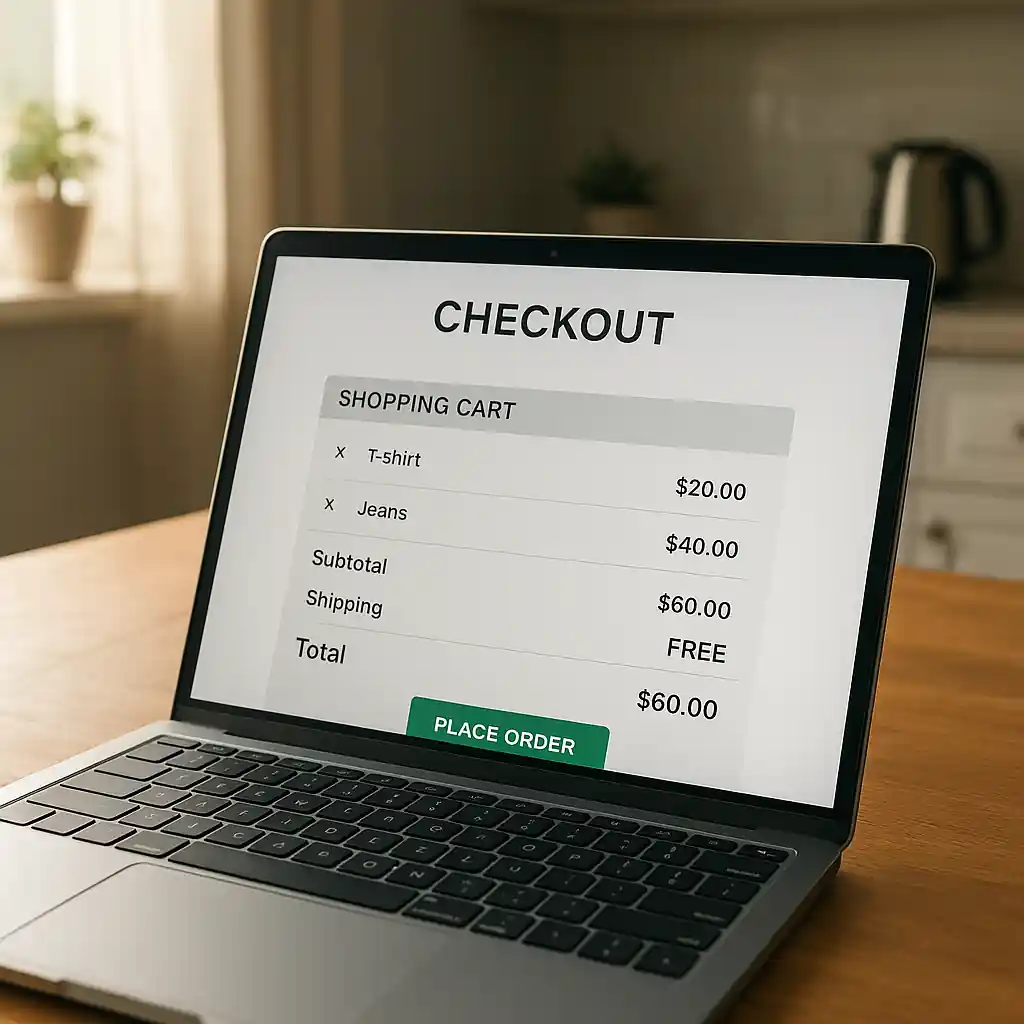
Quick Checklist
- Refresh the page and clear your browser cache or try an incognito window.
- Re-enter the promo code exactly (no extra spaces) and confirm the code rules.
- Verify billing address and CVV match what your card issuer has on file.
- Switch payment method: try another card, PayPal, or Apple/Google Pay.
- Confirm delivery or pickup option matches item eligibility (some Memorial Day items restrict delivery).
- Reduce cart size or remove bundle items that block promo stacking.
- Attempt checkout on Home Depot’s mobile app if web checkout fails.
- Document screenshots and order numbers before contacting support.
Troubleshooting Promo Codes That Won’t Apply
Promo codes and site-wide offers often fail during high-traffic events. First, confirm the code actually applies to the product type and the sale pricing rules for the Home Depot Memorial Day Sale. A code that excludes appliances, installation, or promo bundles will appear valid but won’t change totals.
When a code seems accepted but discount doesn’t appear, follow this short flow:
- Step 1: Move the product out of the cart and add it again to refresh SKU validation.
- Step 2: Try applying the code on a single item (remove other items) to see if a specific SKU blocks the discount.
- Step 3: Use a different browser or the Home Depot mobile app and re-enter the code.
- Step 4: If the code works on one item, rebuild the cart carefully, adding items back one at a time.
If those steps fail, check for account or region restrictions (some promo rules are regional). For more detail on why codes fail, our troubleshooting guide explains exclusion rules and common cart blockers; it’s useful background when escalating to support.
When you need to escalate, collect: screenshots of the cart, the applied code, product SKUs, and the final total. Provide these in chat or on the phone to speed resolution.
Fixing Declined Cards & Payment Hiccups
Card declines spike during big sales. The decline may be the issuer blocking the transaction as suspicious, a mismatch in billing data, or a temporary processing error. Try these fixes in order:
- Confirm billing address, ZIP, and CVV exactly match the bank record.
- Use a different card or a digital wallet (Apple Pay, Google Pay) to bypass bank-level blocks.
- Temporarily remove saved payment profiles and re-enter the card details manually.
- If using a corporate or prepaid card, switch to a personal credit card—some merchant rules block limited cards for large Memorial Day purchases.
- Call your bank to confirm the transaction is not being blocked; ask them to lift the block for the merchant.
For persistent declines the bank identifies as suspected fraud, request a one-time approval or use a different payment channel (store pickup and pay in-person can be a fallback if online payment won’t clear).

Cart Timeouts, Inventory & Delivery Mismatches
Cart timeouts and inventory mismatches are common during peak sale windows. Home Depot may hold an item in your cart for only a short time, or the online price may differ from local store inventory. If your checkout keeps losing sale pricing, try this process:
- Refresh item page and confirm the sale price is shown on the product page (not just in cart).
- Switch to store pickup if delivery options are unavailable or conflict with the item type.
- Create separate transactions for restricted items (appliances or bulky outdoor gear) to avoid cart rule conflicts.
- If you see an inventory mismatch (cart shows different availability), clear the cart and add items from the product page one-by-one.
Delivery method mismatches happen when an item is flagged as non-deliverable to your address. Confirm size, freight, or installation eligibility on the product details. If the item should be deliverable, note the SKU and contact Home Depot support with screenshots so they can correct the fulfillment option before your order closes.
When to Retry vs When to Escalate
- Retry: transient errors (500/502 server errors), single declined card that works with another method, or brief cart timeouts.
- Escalate: confirmed pricing mismatch after purchase, promo code accepted but discount missing on final charge, or card charged but order not processed.
When escalating, use Home Depot customer support and provide order attempts, screenshots, and payment authorization references so agents can preserve sale pricing where eligible (Home Depot Customer Service).
Common Mistakes
- Assuming a promo code stacks with Memorial Day prices — many site and vendor codes are excluded during sitewide sales.
- Entering the promo code with a leading or trailing space, which causes silent rejection at checkout.
- Using the wrong payment flow (saved PayPal or wallet) when the merchant requires a direct card entry for a specific promotion.
- Mistaking an item page sale badge for cart-level eligibility; some discounts apply only in specific checkout configurations.
- Waiting until the last minute to contact support without screenshots or order attempts recorded — agents can’t fix missing evidence as easily.
- Mixing pickup-only and delivery-only items in one transaction and expecting unified shipping rules to apply.
- Not checking bank alerts or two-factor prompts that block the card issuer’s approval flow during a high-value Memorial Day purchase.
Related Guides
- Full Home Depot Memorial Day Sale guide — the hub page with current sale dates, categories, and broader saving tactics.
- How to stack coupons with the Memorial Day sale — when codes combine and when they don’t.
- Why Home Depot promo codes fail — deeper coupon rule coverage useful if promo codes repeatedly fail at checkout.
Conclusion
Most Memorial Day checkout problems can be fixed quickly by confirming promo rules, switching payment methods, and rebuilding the cart one item at a time. When a problem persists, capture screenshots, save order attempts, and contact Home Depot support so they can preserve eligible sale pricing.
Next step: if you need full Memorial Day sale timing and category guidance, check the main Memorial Day sale guide.