
This guide explains exactly how the Home Depot veterans discount is applied across the website, the Home Depot app, and in physical stores. You’ll learn verification flows, common checkout differences, and practical scenarios where shopping in person beats checking out online.
Scope boundary: This guide focuses on using the Home Depot veterans discount in online, mobile and in-store situations; for the full eligibility rules and broader saving strategies, see our main military discount guide linked below.

Quick Checklist
- Confirm your account verification (ID.me or Home Depot verification) before starting checkout.
- Check whether the item is excluded (appliances, gift cards, third-party sellers) before assuming the discount applies.
- Use the Home Depot official military page to review current rules: homedepot.com/military_discount.
- For in-store use, bring a valid military or veteran ID and the phone number linked to the verified Home Depot account.
- When buying bulky or installation items, prefer in-store or Pro Xtra checkout to confirm discount eligibility.
- If a discount fails online, try verifying via ID.me and then reloading the app or browser session.
- Save screenshots of verification success emails or ID.me confirmations until your order completes.
- Ask cashiers to manually apply the discount at pickup if online checkout refuses to accept it.
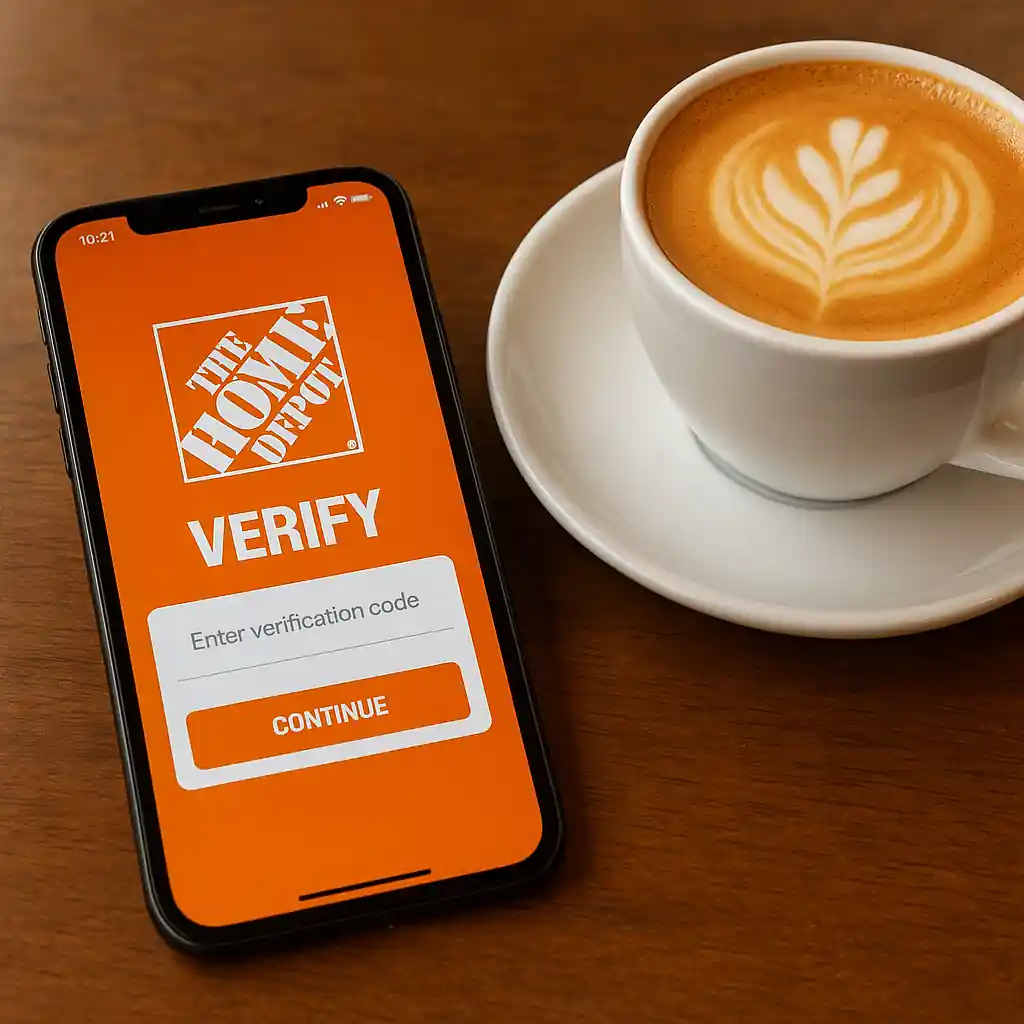
How the Veterans Discount Works Online and in the App
Online redemption and app redemption share the same core limitation: Home Depot requires verification that you qualify. That verification commonly happens through a third-party provider, and the discount logic runs at the account or checkout level.
Key differences to expect online:
- The discount may attach to your account after verification rather than as a single-use coupon.
- Some product pages or third-party listings show sale prices that do not accept the veterans discount at checkout.
- Pickup and delivery orders sometimes treat the discount differently; check the order summary before paying.
Typical online/app flow (step-by-step):
- Sign in to your Home Depot account in the browser or app.
- Complete veteran verification if your account is not yet verified (you may be routed to ID.me or another verification service).
- Once verified, return to Home Depot and refresh the app or page to see the discount badge or account entitlement.
- Add eligible items to your cart; go to checkout and confirm the discount appears in order summary before submitting payment.
- For items that fail, contact Home Depot customer service or use the in-store route explained below.
When verification completes in the app, the discount often appears more reliably for in-app purchases than for a fresh, unverified browser session. Still, browser cookies, ad blockers, or VPNs can interrupt the verification state—clear caches if the discount doesn’t appear.
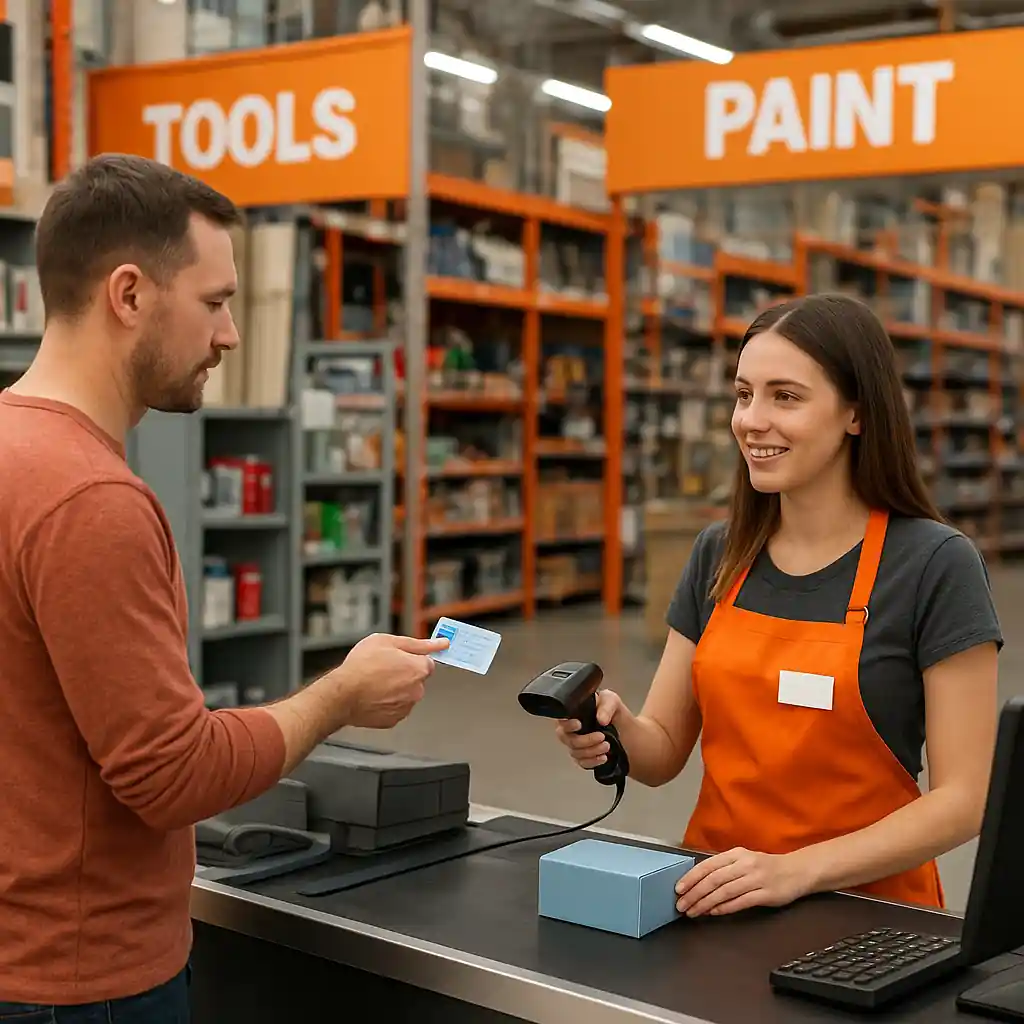
How In-Store Redemption Differs
In-store redemption usually relies on cashier workflows and ID checks. The biggest advantage of shopping in person is the ability to resolve exceptions on the spot—cashiers and managers can verify IDs, check product exclusions, and sometimes override system blocks for legitimate veterans.
Typical in-store steps to claim the discount:
- Bring a government-issued veteran or military ID, or VA-issued documentation that proves service status.
- Tell the cashier you’re eligible for the veterans discount and that you’ve verified (or need to verify) your account.
- If you completed online verification, show the verification confirmation or the email you received.
- The cashier will either scan your items and apply an in-system discount or call for a manager if the POS blocks the discount on specific products.
Why visit a store instead of checking out online?
- Large appliances, installation services, and special-order items often require manager approval; in-store you can get immediate clarity.
- If online verification failed, in-store staff can accept physical ID in many cases and apply the discount manually.
- For urgent projects where you need the discount applied right away, the store route avoids waiting for email verification cycles.
When in-store still fails
If a cashier cannot apply the discount because the SKU is excluded, request a clear reason and a manager review. If you get a refusal, document the interaction and use the troubleshooting resources linked in Related Guides below.
When To Choose Store vs Online
Decide by looking at product type, timing, and verification status.
- Choose online/app if: you are fully verified, buying small items covered by the discount, and want delivery or contactless pickup.
- Choose in-store if: you need installation services, buying appliances or contractor services, or if verification problems persist online.
- Choose the app for quick inventory checks and to reserve items for same-day pickup, then complete verification before payment to secure the discount.
Example scenarios:
- Small tool purchase with a verified account: online or app checkout is fast and reliable.
- Appliance with delivery and installation: go in-store to confirm the discount will apply to the full service package.
- Clearance or third-party seller items: verify exclusions and consider an in-store price-check if the online discount fails.
Common Mistakes
- Assuming the veterans discount automatically applies to all items — many categories are excluded (gift cards, some third-party listings, special orders).
- Skipping verification before checkout — attempting to apply the discount without completing ID verification leads to denied discounts at payment time.
- Expecting online checkout to honor an in-store-only override — store managers sometimes approve exceptions that the website cannot replicate.
- Using a newly verified account on a different device without refreshing or re-signing in; the discount may not show until you reload the session.
- Thinking the discount stacks with every coupon or printable — specific coupons, manufacturer rebates, and printable coupons may be blocked from combining.
- Relying on third-party seller pages on Home Depot’s site — some marketplace listings are not eligible even if similar Home Depot-stocked SKUs are.
- Not saving verification proof — if an online discount fails, a quick screenshot of the ID.me or verification email speeds resolution in-store or with support.
- Assuming self-checkout will handle exceptions — ask for a cashier or manager for any denial rather than leaving the store without the discount applied.
Related Guides
For the complete eligibility rules, verification steps, and broader tactics to save with service-member discounts, see our main military discount hub: HomeDepot Military Discount — Complete 2025 Savings Guide.
More focused reads:
- How to Use the Home Depot Military Discount Online (2025 Guide) — step-by-step for online/app redemptions.
- Verify with ID.me Fast — a short verification walkthrough for veterans.
Conclusion
Online and in-app redemptions of the Home Depot veterans discount can be smooth when your account is verified and the items are eligible; for installation, appliance purchases, or unresolved verification errors, visiting a store gives faster clarification and immediate manager support. Keep verification proof handy and check exclusions before assuming the discount applies.
Next step: if you need the full eligibility list and alternative saving methods, read the hub guide: HomeDepot Military Discount — Complete 2025 Savings Guide.