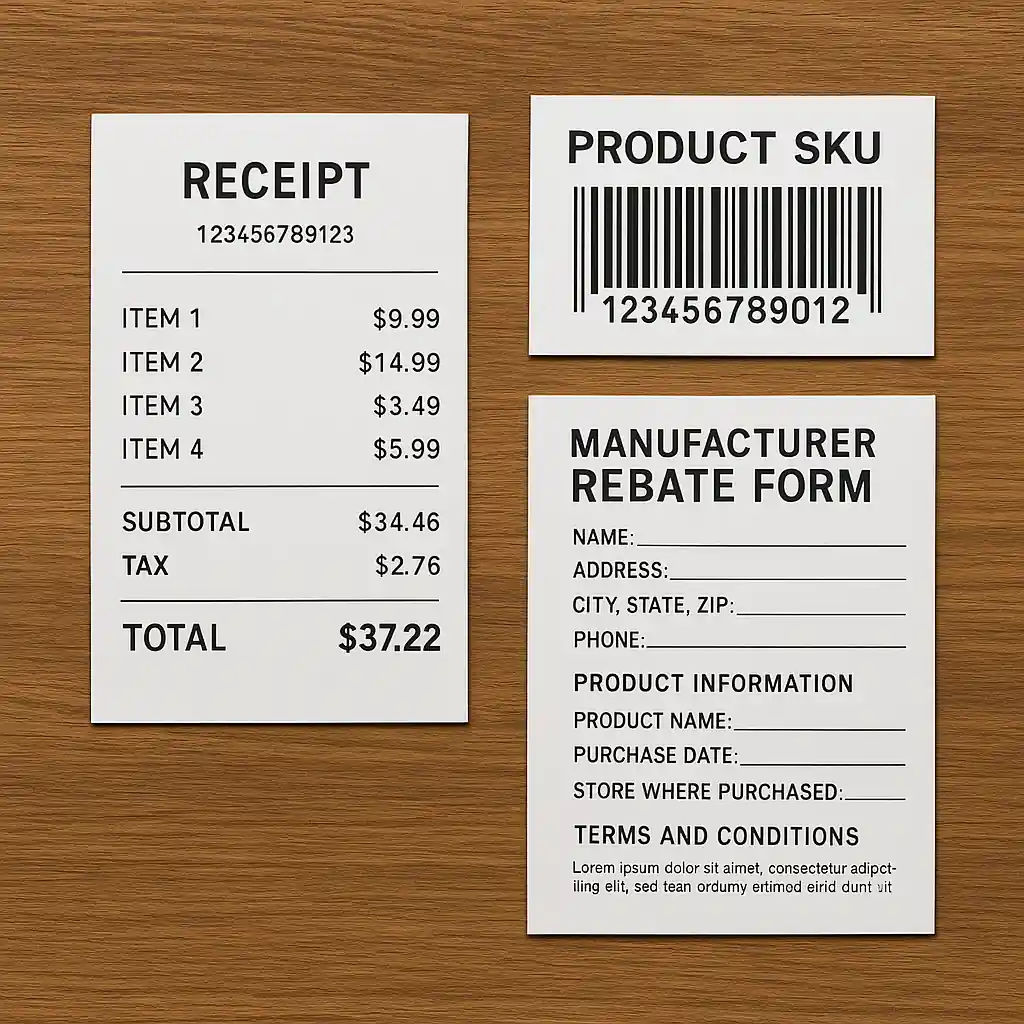
This guide explains the specific rules Home Depot applies when you try to combine discounts: which promo codes stack with store coupons, how gift cards and payments interact with discounts, and how manufacturer rebates and Pro Xtra offers fit into a single checkout. You’ll get concrete examples and a few short checkout flows so you know whether a savings move will work or void the deal.
Read this if you plan to use a printed coupon, an online promo, a gift card, or a Pro Xtra offer on the same purchase. Scope Boundary: This guide focuses narrowly on stacking rules and real checkout examples; for the full list of current codes and all ways to save, see our main Home Depot promo code hub.
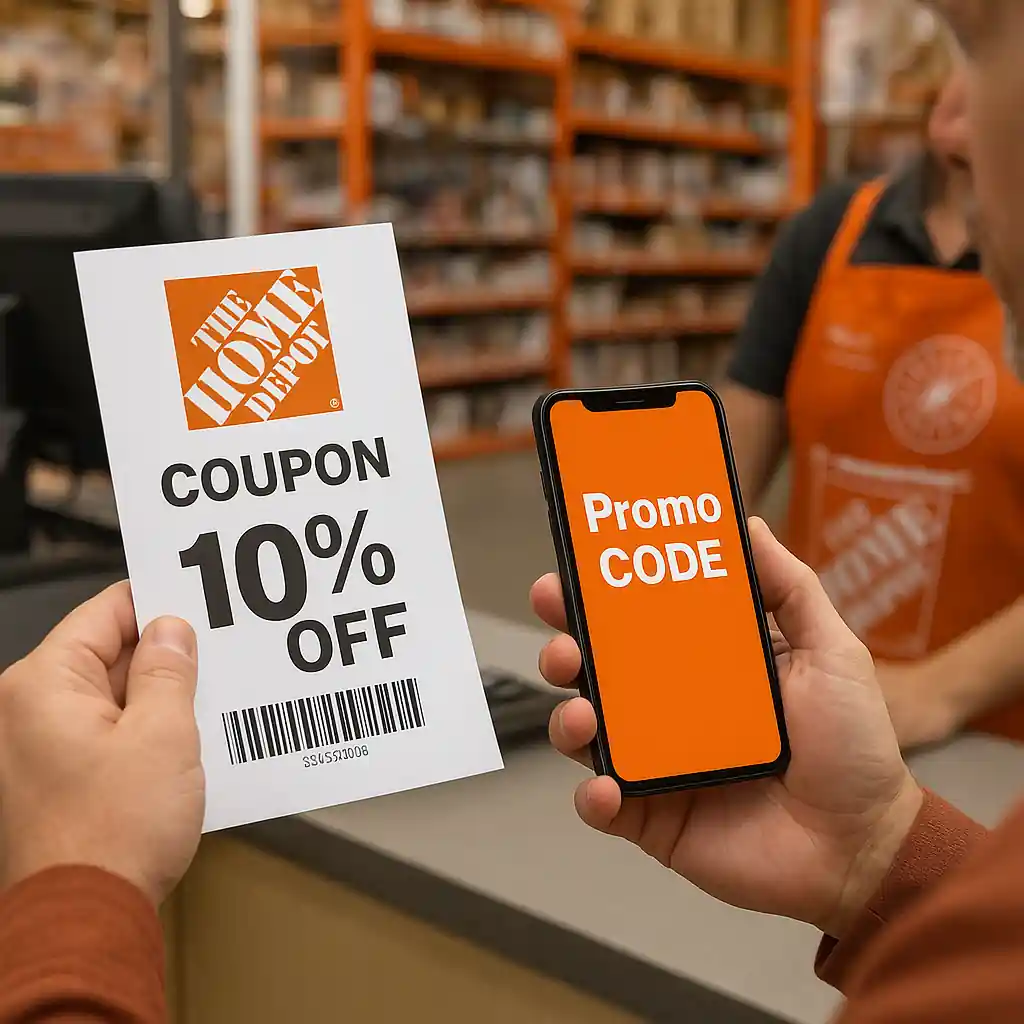
Quick Checklist
- Check the promo’s terms: look for exclusions like “not combinable” or product-type limits before adding items to cart.
- Confirm whether the discount is a cart-level promo code or an item-level coupon (only one cart-level code usually allowed).
- Use gift cards only at payment stage; they rarely affect discount eligibility but do change final payment split.
- Keep separate proof for manufacturer rebates (receipt, SKU) — rebates are typically processed after purchase and usually stack.
- If you’re a Pro Xtra member, verify whether the Pro-only price appears before applying any promo; some Pro prices aren’t combinable with other promotions.
- For big-ticket buys with delivery or installation, test the code early and check the order summary for how fees and taxes are treated.
- Save screenshots and the final receipt — required if a discount doesn’t apply or a rebate needs verification.
- If in doubt, call Home Depot customer service or ask an in-store manager before finalizing a special-order purchase.
How Home Depot Stacking Rules Actually Work
Home Depot treats discounts in layers. The most common pattern is:
- Item price or sale price (the product’s current markdown).
- Item-level coupons or manufacturer offers applied next (if eligible).
- Cart-level promo codes applied once to the eligible subtotal.
- Payment methods (gift cards, credit) and then taxes/shipping/installation added.
That structure explains why some combos succeed while others fail: the site will usually accept a single cart-level promo code per transaction, while manufacturer rebates are processed separately after the sale and therefore do not usually conflict.
Example flow — a small appliance with a coupon and a promo:
- Add a blender on sale for $120. The listing shows a $10 manufacturer coupon (item-level).
- Apply a 10% cart promo code at checkout. The cart-level discount typically applies to the subtotal after item-level coupons reduce the item price.
- Complete purchase and file the manufacturer rebate with your receipt and SKU if required.
Practical check: if a coupon disappears after you paste a promo code, it may be because the code is flagged as non-combinable in the terms. When that happens, the checkout summary indicates which line items changed.
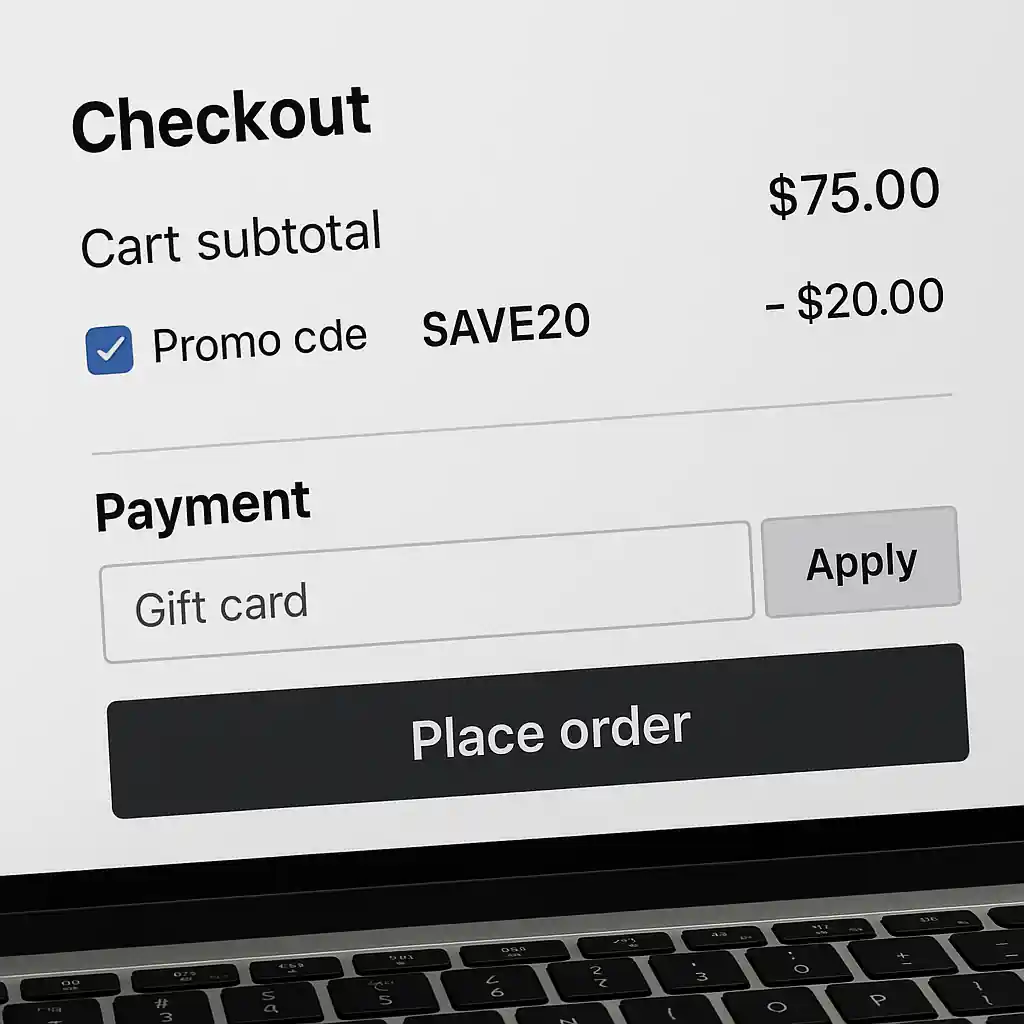
Combining Promo Codes with Gift Cards, Payments, and Fees
Gift cards are a payment method rather than a discount. Using a Home Depot gift card usually doesn’t prevent a promo code from applying, but it affects how refund and returns are handled. For split payments (gift card + card), the discounts are evaluated before the payment split is executed.
Step-by-step: apply a payment mix without losing the promo
- Add items to cart and apply the promo code to confirm the discount reduces the subtotal as expected.
- Proceed to payment and select gift card as the first payment method if you want the gift card to be used before credit.
- Complete payment. The final invoice will show the discounted subtotal then the gift card deduction and any remaining balance charged to the other method.
Important note: some delivery, installation, or special-order fees are excluded from percent-off promo codes. If your promo reads “applies to merchandise only,” shipping and installation might not be reduced. Always review the order summary line-by-line.
Outbound reference: Home Depot’s customer support pages clarify which fees and payments are processed separately — see Home Depot’s help pages for more details.

Pro Xtra, Manufacturer Rebates, and Special-Order Rules
Pro Xtra is a membership that provides price tiers, volume pricing, and occasional exclusive coupons. Some Pro Xtra prices are treated as special pricing and may not allow additional promo codes. Contrast that with manufacturer rebates: rebates are typically fulfilled after purchase and therefore stack with most on-site promotions unless explicitly excluded.
Example: stacking a Pro Xtra discount with a mail-in rebate
- Contractor buys a $2,000 appliance using a Pro Xtra member price; the product also offers a $150 manufacturer mail-in rebate.
- The Pro Xtra price appears as the sale price at checkout. If the site allows a promo code, it will reduce the eligible subtotal; otherwise, you only get the Pro price.
- File the manufacturer rebate with your receipt and any required product serial or SKU after delivery.
Filing rebates: save the original receipt and the online order confirmation. Rebates are handled off-site by the manufacturer and typically require proof of purchase showing the final model number and purchase date.
Common Mistakes
- Assuming multiple cart-level codes are allowed — Home Depot generally accepts only one cart promo code per transaction.
- Failing to read exact exclusion language — many promos exclude appliances, installation, or gift cards; ignoring that can cause a discount to vanish at checkout.
- Applying a promo after switching ship-to options — changing from in-store pickup to delivery can alter eligibility for a code without a clear warning.
- Expecting a percent-off code to reduce rebates or manufacturer coupons — rebates are processed later and do not change at checkout, but the order total used for tax and rebate proof will reflect applied discounts.
- Using a Pro Xtra price as a baseline while also trying to apply an incompatible promo code — Pro offers sometimes block additional cart-level codes.
- Not saving the final receipt when a manufacturer rebate is involved — without the receipt and SKU you can’t claim the rebate.
- Entering a code that requires an account or membership (app-only, Pro-only) without being signed in — the system will reject the code even if valid.
- Assuming gift cards increase stacking options — gift cards pay the order but will not convert exclusions into combinable offers.
Related Guides
For broader coverage and current Home Depot promo offers, see our main hub: Home Depot promo code hub. If you want step-by-step checkout workarounds for multiple codes, read Can You Use Multiple Home Depot Promo Codes?
Conclusion
Home Depot stacking rules are deliberately conservative: one cart-level promo is the norm, item-level coupons and manufacturer rebates usually stack, and gift cards act as payment rather than discounts. Before you finalize any order, read the promo terms, test the code in your cart, and save receipts for rebate claims.
Next step: if you want a full list of current Home Depot promotions and where to find verified codes, visit our main Home Depot promo code hub for the latest coverage.