
This guide shows exactly how to use the Home Depot military discount online so you can complete web purchases without unexpected blocks or denials. You’ll learn verification options, where to enter the discount during checkout, and practical account or browser fixes that commonly stop the discount from applying.
Scope Boundary: This guide focuses on the online redemption path—verification, promo-entry, and troubleshooting for web checkout; it does NOT list every store promo or provide a master list of current coupon codes (for that, see our main guide).
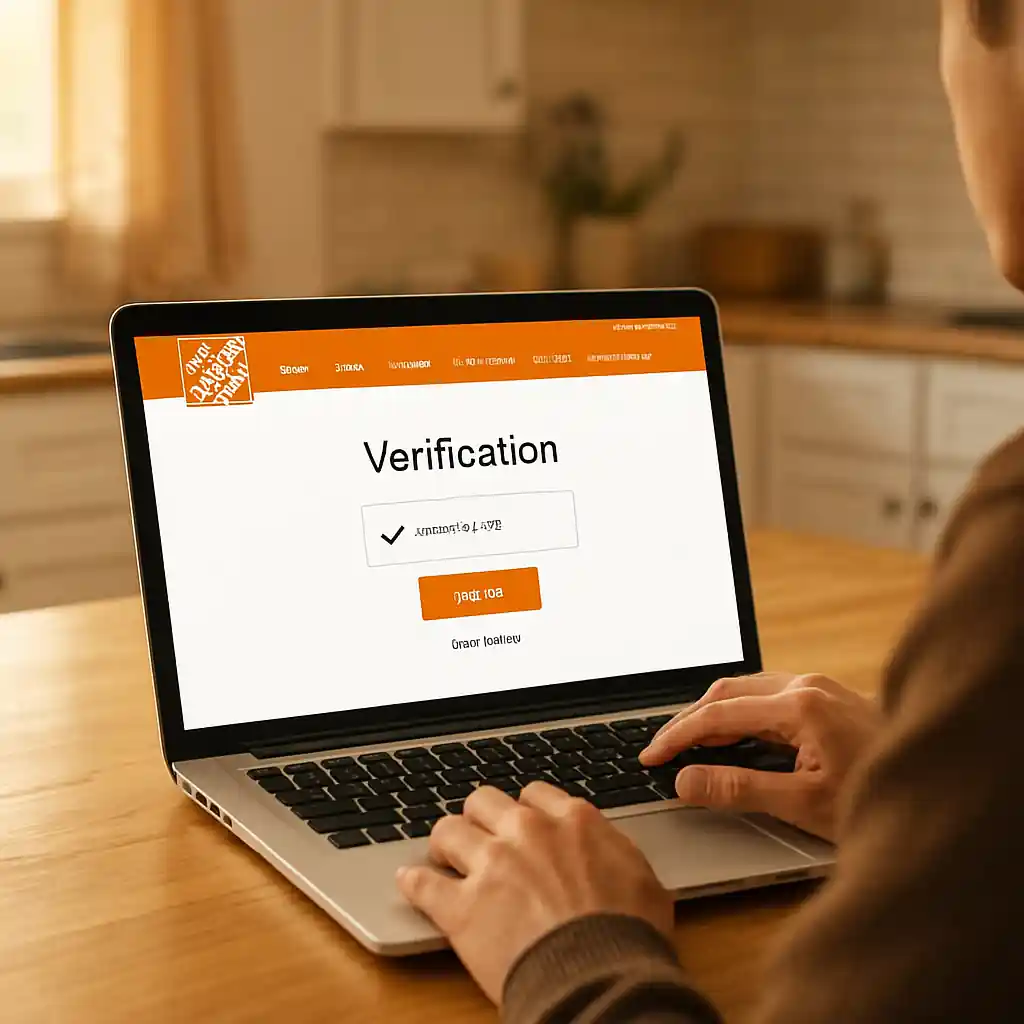
Quick Checklist
- Confirm eligibility (active duty, veteran, reservist, or eligible family member) before starting verification.
- Complete an approved verification flow (ID.me or Home Depot’s verification partner) and save confirmation to your account.
- Sign in to the same Home Depot account you used for verification when checking out online.
- Add items to cart, then look for the military discount banner or a specific promo code field at checkout.
- Clear your browser cache or try an incognito window if the discount fails to appear.
- Disable coupon-blocking browser extensions and retry checkout on desktop or the Home Depot mobile app.
- If the discount is still missing, collect screenshots and contact Home Depot customer service or visit a store with your verification proof.
- Keep a saved copy of your verification confirmation or ID.me token for fast reuse on future orders.
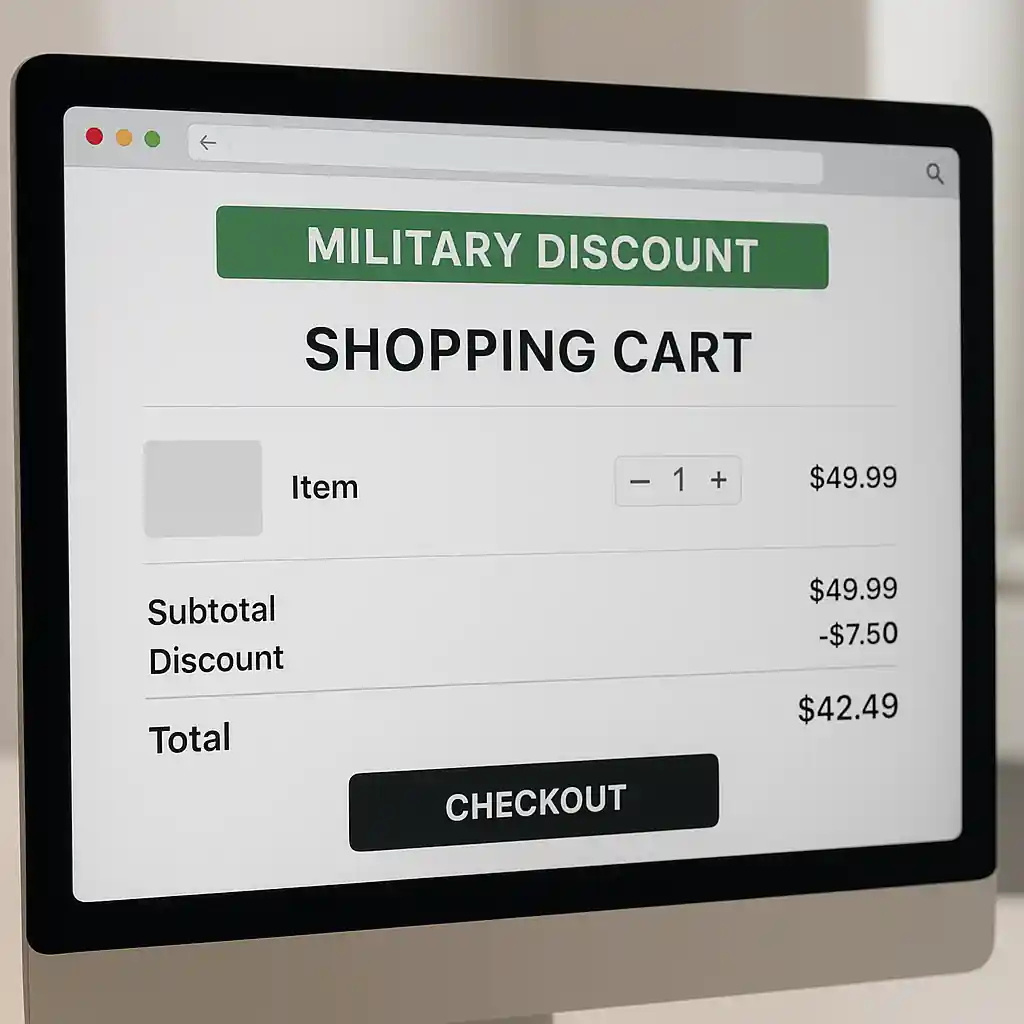
How Online Verification Works (Step-by-step)
Home Depot typically uses an online verification partner to confirm military status. Completing verification links your eligibility to an account so the discount can be applied during online checkout. Follow this flow:
- Go to Home Depot’s military discount page or click the verification link provided at sign-up.
- Choose the verification provider (commonly ID.me) and start the verification process.
- Provide the minimum required documents: military ID, DD-214, VA ID, or service-specific credential as prompted.
- Complete identity proofing (selfie, two-factor checks, or uploaded documents) and submit for review.
- When verification completes, link the verified status to your Home Depot account—look for a confirmation email or a success banner in your account settings.
Tip: If you use ID.me, make sure the email on your ID.me account matches the Home Depot account email so the two can link automatically.
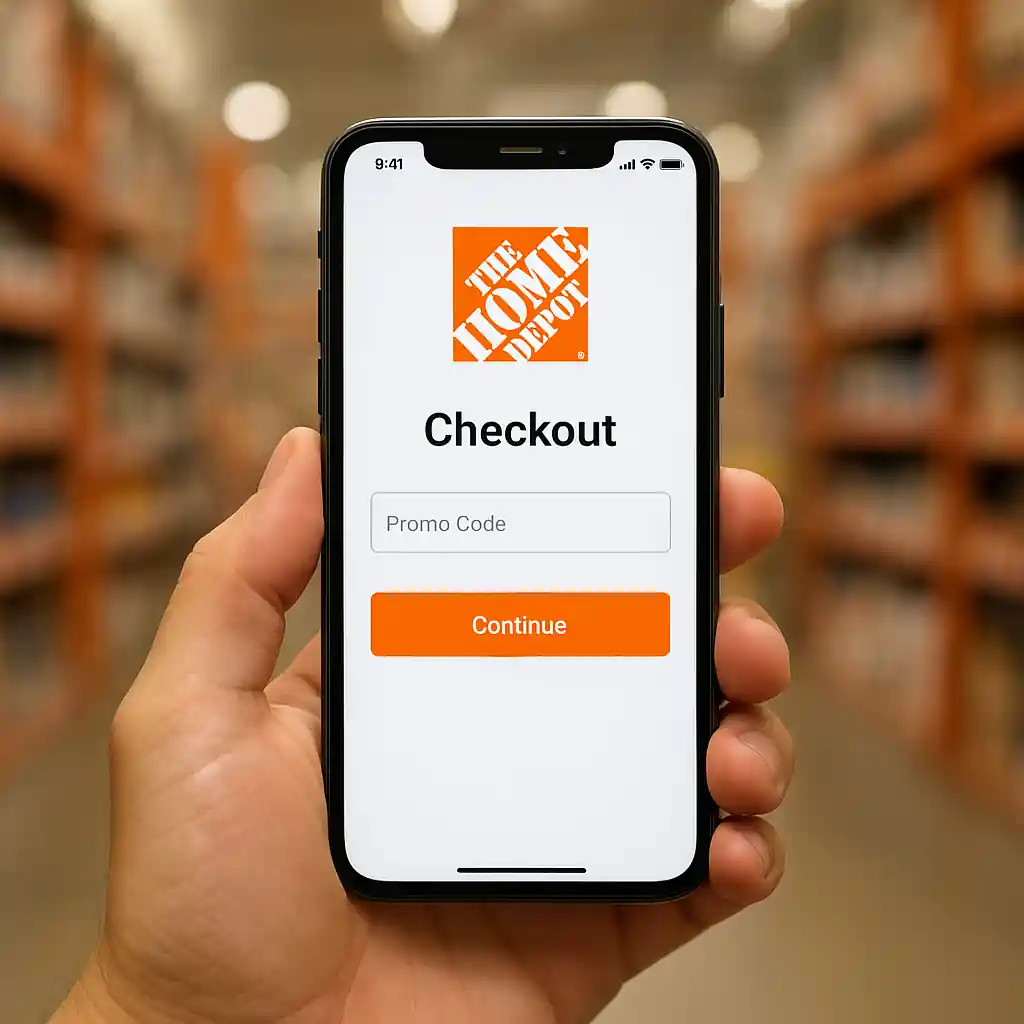
Where to Apply the Discount at Checkout
Online application can vary by item and cart type. The most reliable places to trigger the discount are:
- Before entering payment: a military discount banner or checkbox on the cart page that toggles the discount.
- In the promo or coupon field at the final checkout step—some verified accounts receive an auto-applied discount rather than a manual code.
- Within the account discounts or Offers area (link your verified status first and refresh your cart to surface the offer).
Step-by-step flow to check and apply it:
- Sign in to the Home Depot account that was verified for military status.
- Add products to your cart and view the cart page to check for a military discount banner.
- If no banner appears, proceed to checkout and look for a “Military Discount” checkbox, a promo field, or a line-item discount before payment.
- Apply the promo or confirm the checkbox and ensure the cart total updates before entering payment details.
Note: Some products and categories (large appliances, installation services, special orders) may be excluded or require in-store confirmation. Always review the cart adjustments before finalizing the purchase.
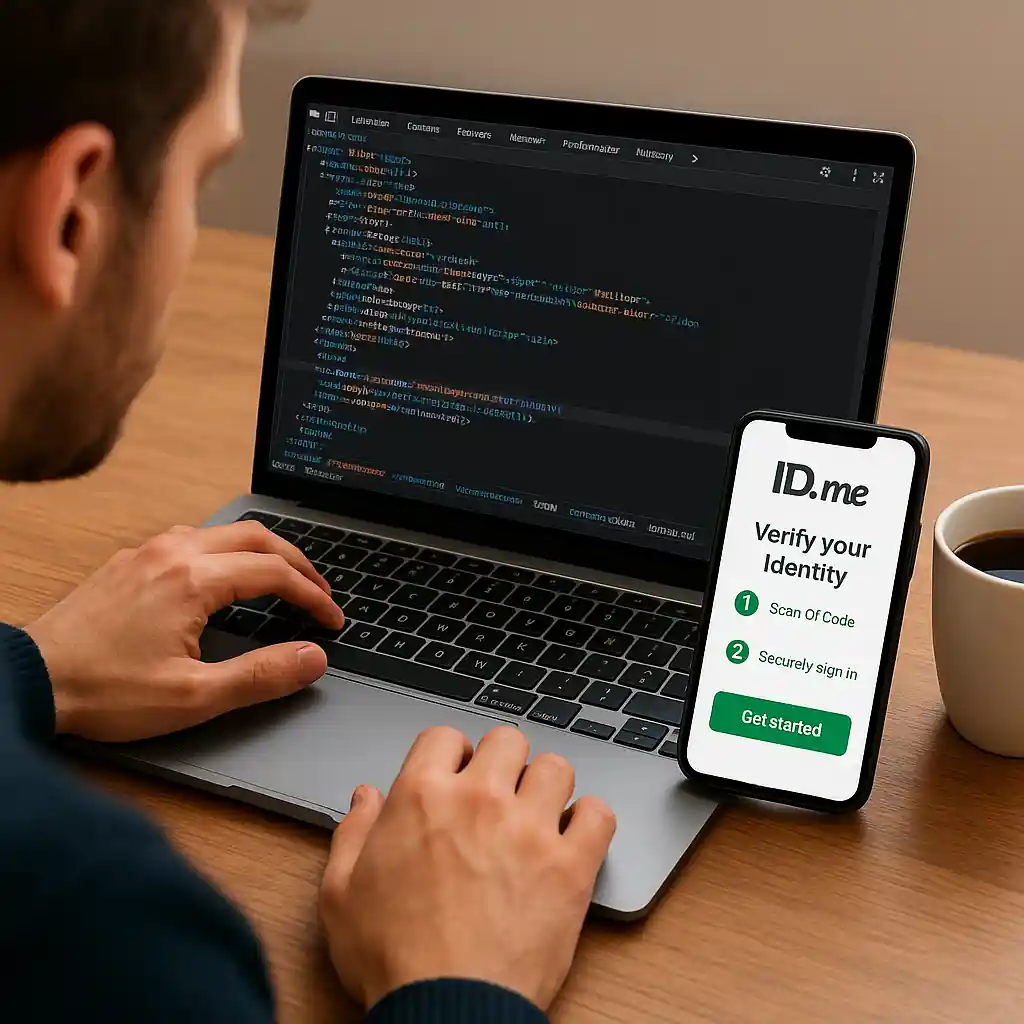
Fixes for Account & Browser Problems
When the online discount doesn’t appear, the problem is usually an account link, verification mismatch, or a local browser issue. Try these targeted fixes:
- Sign out and sign back into the verified Home Depot account, then refresh your cart to force server-side re-checks.
- Use the same email for both Home Depot and the verification provider (ID.me) so status syncs automatically.
- Clear browser cache, open an incognito/private window, or try a different browser to rule out cached responses.
- Disable privacy or coupon-blocking extensions that may hide forms or block tracking needed to confirm verification.
- Try the Home Depot mobile app—some verified discounts are more reliably auto-applied in the app flow.
- If an account merge or old account exists, contact Home Depot support and ask them to move the verification to your primary account; have verification proof ready.
When to Contact Support
If the discount still fails after the above steps, gather this information before contacting support: screenshots of your verification confirmation, the cart page showing no discount, order SKUs, and the account email. Provide those to Home Depot support or the verification provider to speed escalation.
Common Mistakes
- Verifying with a different email than the one used for checkout (prevents automatic linking).
- Assuming verification is instantaneous—some providers take minutes to days to approve documents, especially for edge-case IDs.
- Attempting checkout on a different account after verification without transferring or relinking the verified status.
- Relying on an auto-applied discount for excluded items like certain appliances or installation services without checking exclusions first.
- Using a cached cart or saved payment flow that doesn’t refresh eligibility checks—always reload cart after verification changes.
- Failing to disable extensions that hide fields (ad blockers or coupon tools) which can prevent the promo checkbox or field from rendering.
- Not saving verification receipts or screenshots—without proof, customer service resolution takes longer.
Related Guides
- Complete Home Depot military discount guide — the hub for eligibility, rules, and full program details.
- How to use the military discount online — step-by-step usage examples and edge-case notes for web checkout.
External resources: Home Depot’s official military page (homedepot.com military discount) and the common verification provider (ID.me) are useful when you need to confirm documents or find contact channels.
Conclusion
Using the Home Depot military discount online is straightforward if you complete verification, link it to the correct account, and confirm the discount appears in your cart before payment. If you run into trouble, follow the account and browser fixes above and be ready to show verification proof to speed resolution.
Next step: if you want a full breakdown of who qualifies and program limits, read our main guide at the Home Depot military discount hub.