
This guide explains where the deeper Home Depot Labor Day Sale savings usually live and how inventory, pricing, and pickup/fulfillment differ between in-store and online channels. You’ll get channel-specific tactics so you can choose the right place to buy each item and avoid common stock or fulfillment surprises.
Scope boundary: This page focuses only on comparing Home Depot’s in-store vs online Labor Day Sale mechanics—inventory, pricing, and pickup/fulfillment—and does NOT list every current coupon or every storewide promo. For the complete Labor Day coverage and current deals, see our main Labor Day Sale guide.
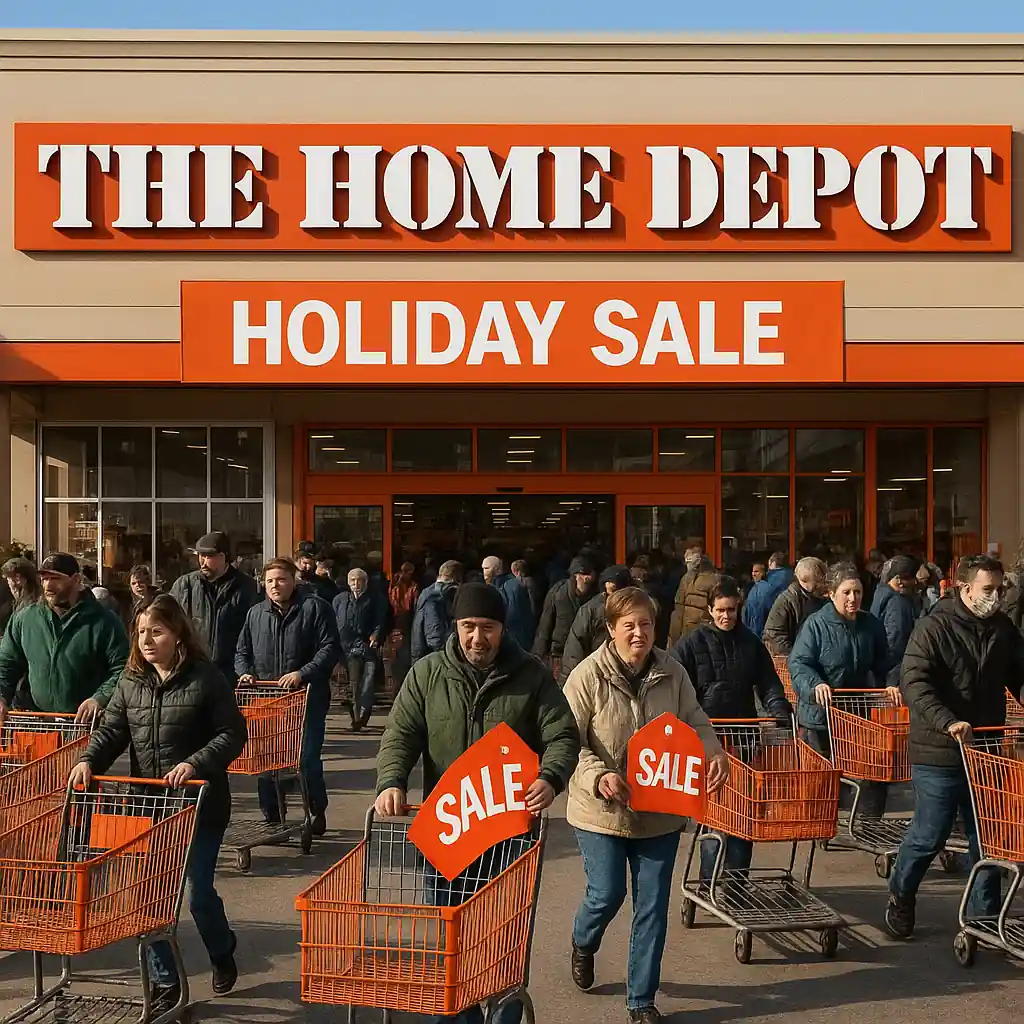
Quick Checklist
- Check online inventory first for the exact SKU before you drive to a store.
- If the online listing shows “online only” expect different returns and delivery windows.
- Reserve curbside pickup early for big items that show store availability.
- Compare the carded price vs online sale price — look for item-level markdowns.
- When an appliance or tool is a doorbuster, call the store to confirm allocation rules.
- Use a short pickup window (same-day or next) to avoid hold or restock delays.
- Bring order confirmation and photo ID for in-store pickup or returns.
- If you need delivery/installation, confirm lead times before completing checkout.
Deep Dive: Pricing and Where Deeper Discounts Appear
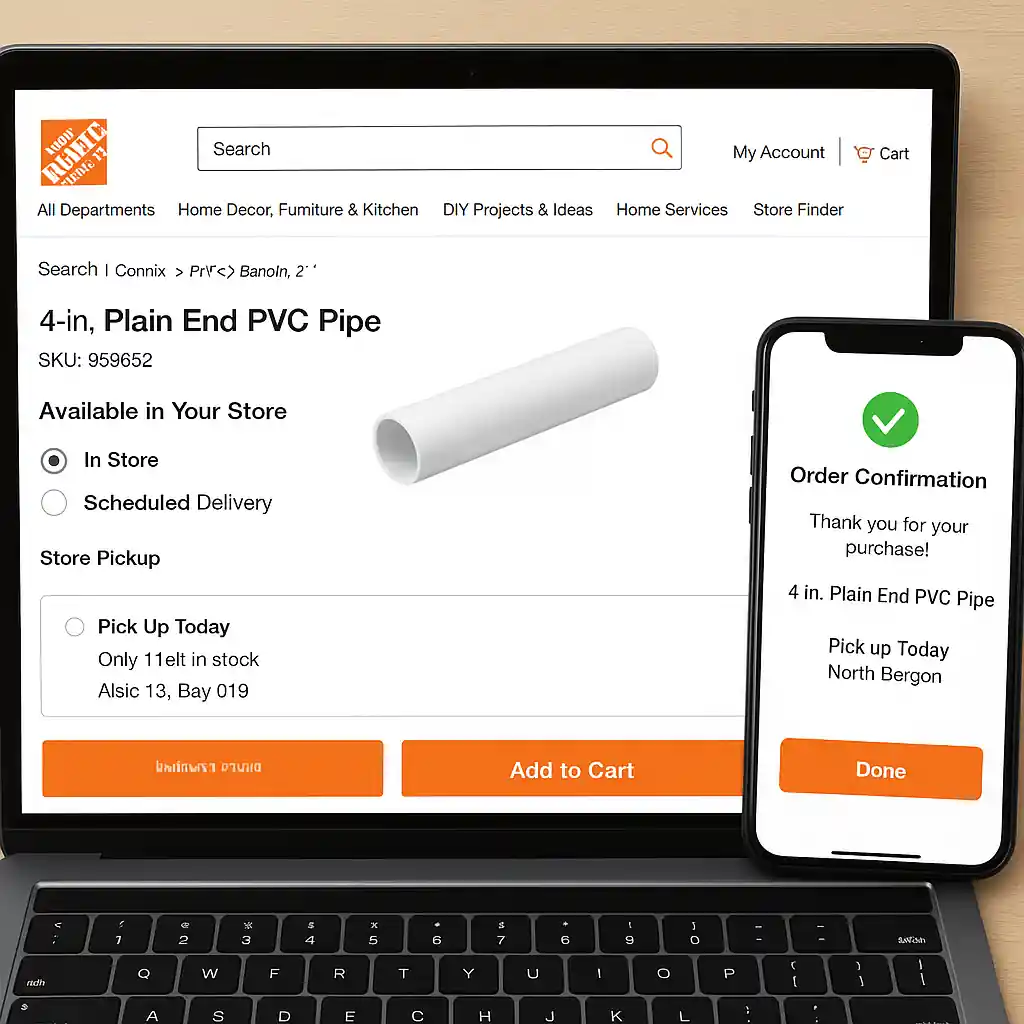
Home Depot discounts are implemented differently by channel. Online pricing often includes national markdowns, flash promotions, and inventory-driven dynamic pricing. In-store pricing can show additional clearance stickers, manager markdowns, or limited-time doorbuster prices tied to local stock.
How to quickly test which channel is cheaper
- Open the product page on the Home Depot website and note the SKU and final price (including tax estimator if available).
- Use the store locator on the same page to check local stock by SKU.
- Call one nearby store and ask whether that exact SKU is marked down for the Labor Day event in-store.
- If both channels show discounts, compare final cost after delivery/pickup fees and any installation charges.
Example: a grill may be $200 online with free ship-to-store, but a single-store markdown could drop the in-store price to $170. For heavy or fragile items, factor in damage risk and delivery fees before assuming the lower sticker wins.
Deep Dive: Inventory, Fulfillment, and Pickup Differences
Inventory is the biggest practical difference. Online inventory is an aggregated feed and often indicates ship-from-store or distribution center stock. “Available in store” on a product page usually means the SKU exists at that location, but allocation rules for sale events vary.
Typical fulfillment flows and how they affect availability
- Ship-from-DC (online order): faster nationwide allocation for high-demand items, lower chance of local stockouts but possible delayed delivery windows.
- Ship-from-store (online order): uses store inventory; this can hold items for online buyers and may show sold-out sooner if local customers buy in-store.
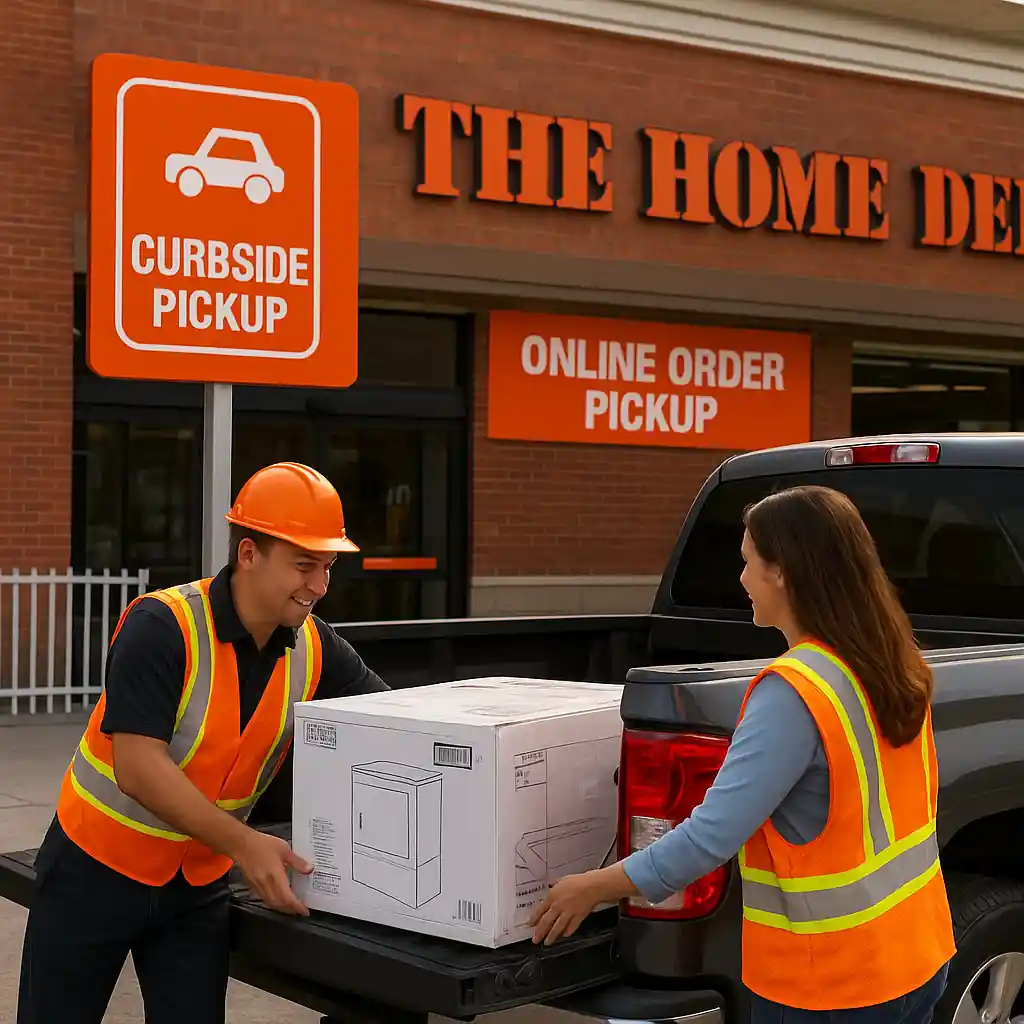
- Curbside pickup (online purchase): holds the item for a short window; if not picked up, item may be returned to shelf and sale allocation may be lost.
- In-store purchase (walk-in): immediate ownership but risk that advertised online markdowns are not matched unless price-match rules apply.
Step-by-step pickup flow to secure an in-stock Labor Day item via online purchase:
- Step 1: On the product page, select “Buy Online” then choose the closest store for pickup.
- Step 2: Complete checkout and note the confirmation number and estimated hold window.
- Step 3: Arrive within the scheduled pickup time with confirmation email and valid ID.
- Step 4: Verify the item and receipt in the car or at the service desk before leaving.
Large appliances and installation items have extra rules. Delivery slots fill quickly during Labor Day: if an online price requires delivery or hookup, confirm the earliest available delivery date before finalizing payment.
For vendor-specific and safety details related to appliances, consult Home Depot’s official delivery and installation pages at HomeDepot.com.
Deep Dive: When to Shop Each Channel (Channel-by-Category)
Optimizing where to buy depends on category:
- Small tools and accessories — Shop online first. National flash deals and ship-to-store options often beat local clearance.
- Large appliances — Compare online appliance bundles and in-store floor models. Online promotions sometimes include delivery credits; in-store may have negotiated bundle prices.
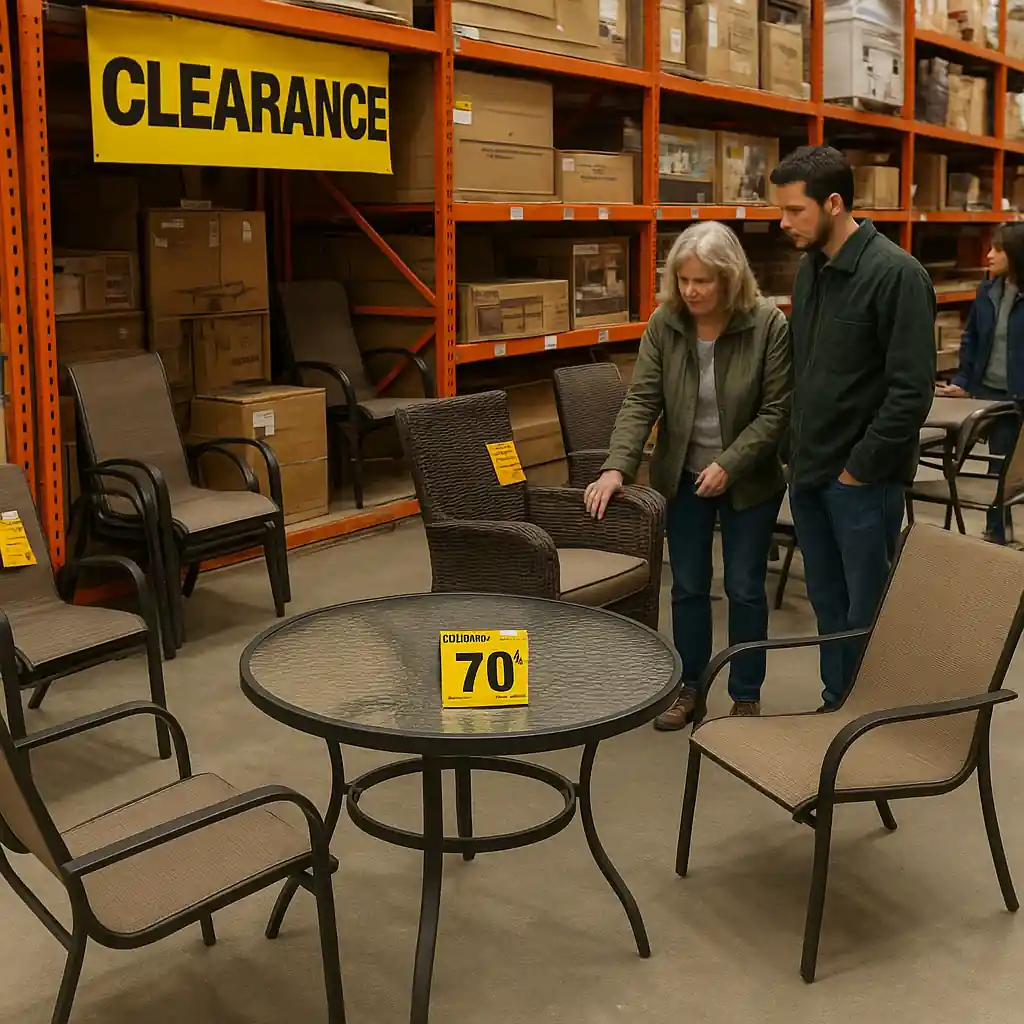
- Patio furniture & seasonal — In-store clearance frequently reveals deeper markdowns as stores clear floor space after big events.
- Consumables (paint, mulch, fasteners) — Local stores can run volume or mix-and-match markdowns; pickup vs delivery fees change the math.
Quick decision rule: if you need immediate pickup and want to avoid delivery scheduling, favor an online purchase with store pickup — it reserves stock. If you prefer to hunt for manager markdowns or inspect floor models, go in-store early in the sale.
Common Mistakes
- Assuming “available in store” equals unlimited stock — many sale SKUs have allocation limits that exhaust quickly.
- Skipping the SKU check and buying a lookalike model — different SKUs can have very different sale rules and return policies.
- Not confirming pickup windows — orders placed for in-store pickup can be released back to inventory if not collected in the allotted time.
- Forgetting to factor delivery or installation fees into the online price comparison, which can negate a small discount.
- Expecting online coupons or app-only promos to apply to in-store limited stock doorbusters—they often don’t stack.
- Waiting until late in the day to price-match — stores may deplete allocations for price matching on high-demand items.
- Assuming returns and warranties are identical across channels — the return process for special-order or delivered items may require pickups or service calls.
Related Guides
- Home Depot Labor Day Sale — the hub guide with full event timing, category overviews, and broader saving strategies on the Labor Day event.
- Top Home Depot Labor Day Sale Deals — curated tips on which categories historically see the steepest markdowns during Labor Day.
- When the Labor Day Sale Starts — plan your timing with start and preview strategies so you arrive when inventory is freshest.
Conclusion
Choosing between in-store and online for the Home Depot Labor Day Sale comes down to item category, timing, and your tolerance for wait times versus immediate pickup. Use SKU checks, reserve pickup when possible, and confirm delivery/installation lead times for big-ticket buys. For the full Labor Day event breakdown and ongoing updates, read our main Home Depot Labor Day Sale guide as your next step.