
This guide explains exactly when a home depot penny deals price can combine with Pro Xtra discounts, store promotions, manufacturer coupons, or digital coupons at checkout. You’ll get concrete examples, a short step-by-step test to run at the register, and instructions for documenting an error if a valid stacking combination is denied.
Scope Boundary: This page focuses narrowly on stacking rules for penny deals at Home Depot — it does NOT provide a broad list of current coupons or all ways to save. For a broader overview of Home Depot coupons and promos, see the main hub listed under Related Guides.
Quick Checklist
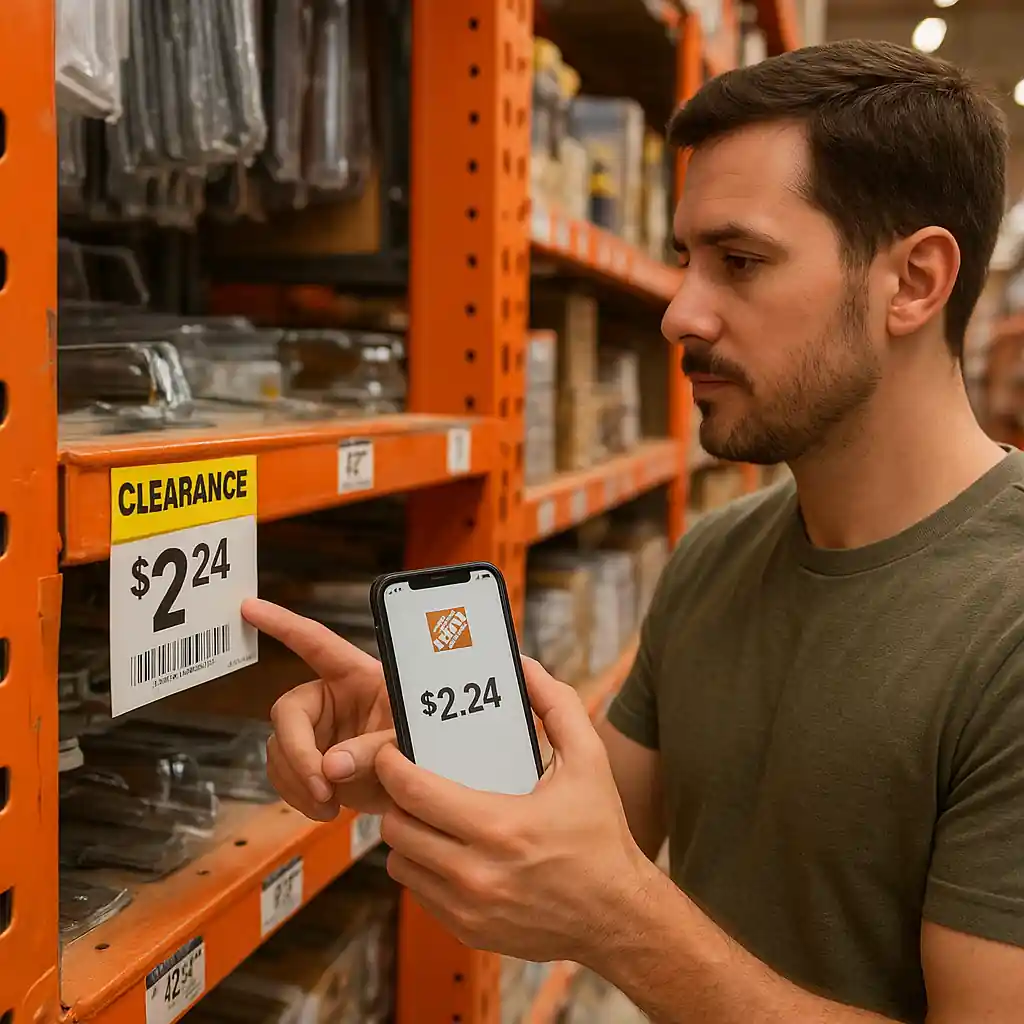
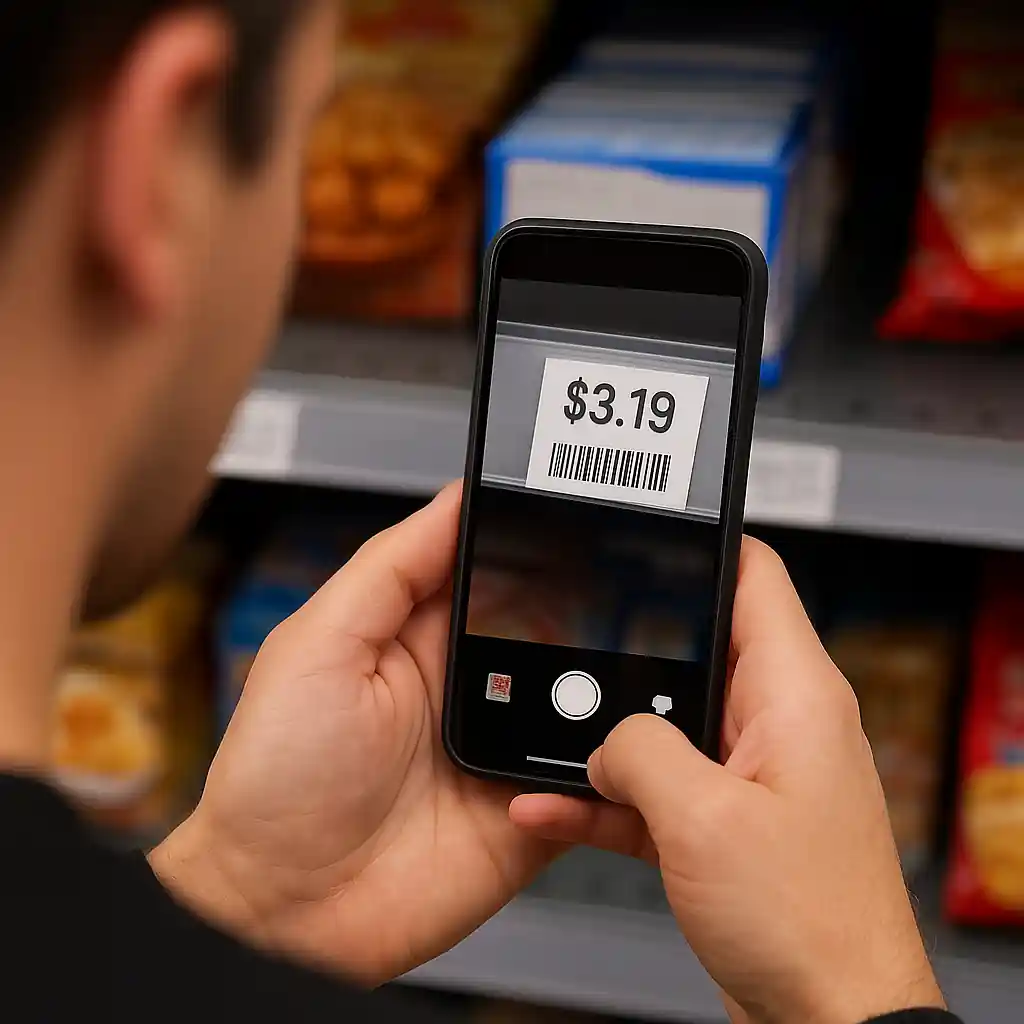
- Confirm the penny item SKU and tag price with an in-app barcode scan or price scanner before taking it to the register.
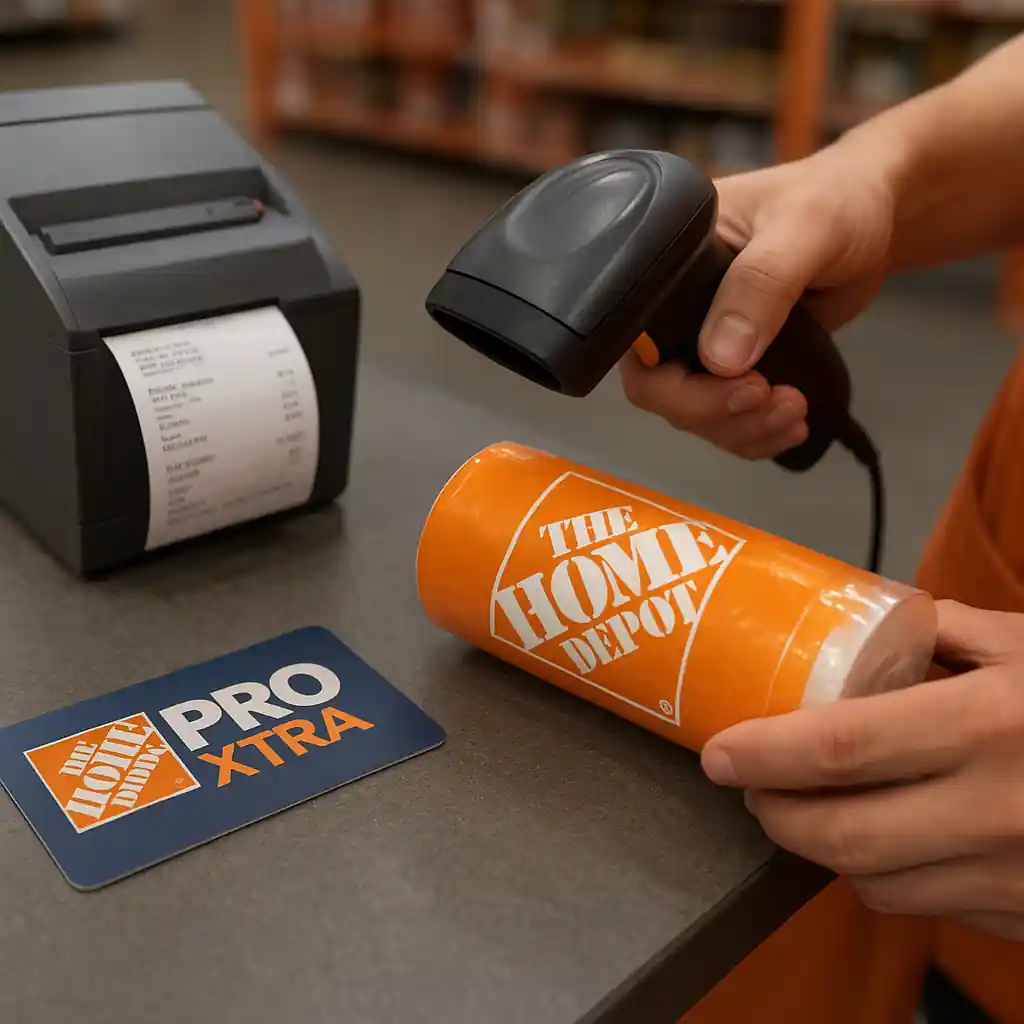
- Sign into the Pro Xtra account and confirm if the cart shows a Pro Xtra discount before payment.
- Ask the cashier whether the penny deal is a markdown (clearance) or a temporary promo — markdowns often block additional discounts.
- If you plan to use a manufacturer coupon, have the physical coupon or the manufacturer’s digital coupon ready and show its terms to the cashier.
- Test stacking with a small item first: add one penny item + one non-penny item to confirm how discounts apply in your local store (some systems treat penny items differently).
- Document the register screen with your phone if the penny price does not appear; get a price check receipt from the associate.
- If a valid combination fails, escalate to store management and request a recorded price check or manager override.
- Save receipts and take photos of shelf tags, barcodes, and any in-app confirmation to support customer service claims.
How Home Depot Treats Penny Deals vs. Regular Discounts
Home Depot penny deals are typically extreme clearance markdowns or mistaken tags that reduce the item to $0.01. Because penny items are frequently handled as clearance, point-of-sale rules often exclude them from layered discounts. The core principle: if the penny price is the result of a markdown on the item’s price rather than a sitewide promo code, additional discounts (like Pro Xtra price tiers or manufacturer coupons) are commonly blocked.
Pro Xtra benefits usually apply as a cart-level or member-level discount. When Pro Xtra applies to an entire order or to eligible categories, Home Depot’s system may still exclude items already marked to a final clearance price. That exclusion is often automated, so what you see on the shelf or in the app may not be what applies during barcode scan.
- Clearance/markdowns: Many penny deals are treated as clearance. Clearance prices are usually final and non-stackable with percent-off rewards.
- Promotional price: If the penny price comes from a temporary, advertised promo that explicitly permits stacking, Pro Xtra or coupons might still apply.
- Manufacturer coupon: Some manufacturer coupons explicitly exclude clearance or final markdowns; read the fine print.
Step-by-step checkout flow to test stacking
- Add the penny item and a regular priced item to your cart.
- Sign into your Pro Xtra account on the app so the cashier can verify membership if needed.
- Ask the cashier to scan penny item barcode and confirm the register price.
- If penny price scans at $0.01, request a manager price check showing whether Pro Xtra or coupon lines can apply.
- If the penny price is removed or replaced by full price, document the screen and get a printed price check.
Stacking Scenarios: Concrete Examples
Below are common, real-world scenarios and what to expect based on typical store behavior. These examples will help you decide whether to push for a manager review.
Scenario A — Penny deal (clearance) + Pro Xtra 5% rewards
Outcome: Pro Xtra rewards tend not to reduce already-clearanced items. If the penny item is a clearance SKU, the register will usually apply the penny price as final. The Pro Xtra discount will typically calculate on the remaining eligible items only.
Action: If Pro Xtra did not apply to the penny item but the receipt shows a system error, politely ask for a manager price check. Have your Pro Xtra account ready to display the membership number.
Scenario B — Penny price due to advertised flash promo + manufacturer coupon
Outcome: Advertised promotions that intentionally set a promo item to a very low price sometimes allow manufacturer coupons if the coupon terms do not exclude sale or promo items. Many manufacturer coupons, however, contain an exclusion for clearance or final markdowns.
Action: Present the manufacturer coupon and request the cashier to run it. If denied, ask for the exact reason shown by the register and capture a photo of the denial screen.
Scenario C — Penny item scanned full price, then manager honors penny tag
Outcome: Store associates sometimes scan the catalog price and not the shelf tag. A manager can override and honor the penny price once you show the tag or app confirmation. This is the primary place where human escalation wins the penny price for you.
Action: Always photograph the shelf tag and barcode. Ask for a printed price check or manager override if the register shows a higher price.
Common Mistakes
- Assuming penny items always combine with Pro Xtra or coupons — many penny deals are final markdowns and explicitly excluded.
- Not documenting the shelf tag or barcode before checkout — lacking proof makes escalations harder.
- Trying to apply digital manufacturer coupons that are expired or that list “clearance” as an exclusion in the fine print.
- Signing out of your Pro Xtra account or failing to present membership details before the final payment step.
- Arguing with frontline associates instead of requesting a manager price check or override politely.
- Assuming online and in-store rules match — an item marked penny in-store may not reflect the same price online, and vice versa.
- Not testing a small sample first — placing a large order before confirming stacking rules can multiply surprises.

How to Document and Escalate When Stacking Fails
If you believe a valid stack was denied, follow this concise documentation flow to maximize the chance of resolution:
- Photograph shelf tags, barcode, and any in-app price confirmations before you reach the register.
- At the register, ask for a printed price check if the penny price does not appear. Keep that paper copy.
- Save your receipt and take a clear photo showing the register lines and totals.
- Request manager review and note the manager’s name and employee number if possible.
- If the manager declines, contact Home Depot customer service via the in-store phone, or file an online claim at Home Depot Customer Service.
- As a final backup, reference applicable safety or clearance rules with an authoritative external source like the U.S. Consumer Product Safety Commission only when product-safety pricing or recalls are relevant to the item’s sale status.
Related Guides
- Hub: Home Depot Penny Deals — the main guide for finding penny deals, rules, and long-form coverage.
- Adjacent: Combining Home Depot promo codes with Pro Xtra — deeper coverage on how Pro Xtra interacts with other promos and codes.
Conclusion
In short, stacking a home depot penny deals price with Pro Xtra discounts or manufacturer coupons sometimes works, but it depends on whether the penny price is a clearance/markdown or an advertised promo and on the coupon’s fine print. Always document the tag, test stacking with a small purchase first, and ask for a manager price check when the system behaves inconsistently.
Next step: if you want the full list of penny-deal tactics and where to spot tags, open the main hub guide linked above for broader strategies and finding tips.