
This guide explains exactly when and how Lowes coupons apply to order pickup and delivery. If you plan to save time with curbside pickup or need items delivered, read the rules, step flows, and troubleshooting tips that matter at checkout.
We focus only on how coupon redemptions interact with Lowe’s pickup and delivery services — not a catalog of active coupon codes or a general Lowes savings guide. For broader Lowes coupon strategies and verified codes, see our hub guide linked at the end.
Quick Checklist
- Confirm the coupon terms: check whether it excludes delivery, installation, or special orders.
- Choose the right fulfillment option in cart (Pickup vs Delivery) before applying your coupon.
- Remove ineligible items that block the coupon (large appliances, services) and re-test the code.
- Note delivery fees and whether the coupon reduces subtotal before fees or taxes.
- Try applying the coupon on desktop, then mobile app, then call customer service if it fails.
- Save screenshots of the cart and coupon error message before contacting support.
- If pickup, confirm your store’s local pickup rules — some stores enforce different exclusions.
- Keep order numbers and cashier timestamps handy for refunds or adjustments later.
How Pickup and Delivery Differ for Coupons
At Lowe’s, fulfillment type can change how a coupon interacts with your order because pickup, in-store purchases, and delivery sometimes live on different checkout flows. A coupon that applies to an in-store purchase may fail for home delivery when the system treats delivery fees or third-party services separately.
Key distinctions:
- In-store / curbside pickup: Typically uses standard POS rules; many coupons that say “in-store” or have no delivery exclusion will work for pickup.
- Home delivery: May separate product charges and delivery/service charges. Some coupons exclude delivery or only discount the merchandise portion, leaving delivery fees unchanged.
- Special orders & installation: Often excluded from coupon discounts — these items route to different systems.
Step-by-step: Quick test flow to confirm a coupon
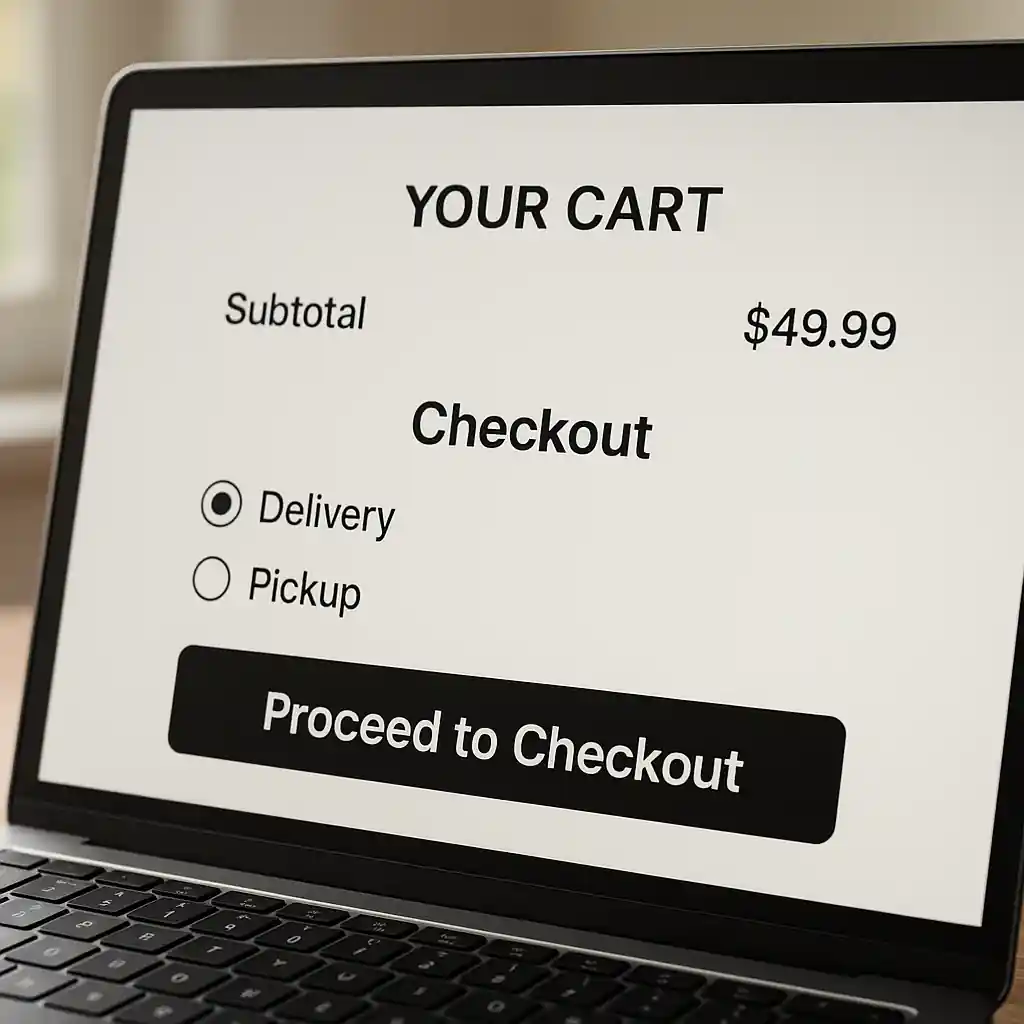
- Add the items you want to the cart and select your preferred fulfillment (Pickup or Delivery).
- Note subtotal, taxes, and any shown delivery or service fees before applying the coupon.
- Enter the coupon code and watch how the discount is applied (merchandise only, or total minus fees?).
- If the coupon fails, remove any likely blockers (appliances, services) and re-try.
- Attempt the same coupon using the Lowe’s mobile app or a different browser to rule out cache issues.
Deep Dive: When Lowes Coupons Usually Apply (and Why They Fail)
This section breaks down the most common fulfillment scenarios and how they impact coupon eligibility. Understanding the cause helps you fix it faster.
1. Pickup orders (curbside / in-store pickup)
Pickup is the closest to an in-store transaction. Most general merchandise coupons without explicit exclusions apply to pickup orders because the purchase completes as store inventory sales. Steps to ensure success:
- Choose the pickup option early in checkout so prices refresh.
- If a coupon mentions “in-store only,” it usually still applies to curbside pickup.
- Bring the coupon confirmation or mobile screenshot to the register if you convert pickup to in-store purchase.
2. Standard home delivery
Delivery adds a shipping/fulfillment component. Many coupons are coded to discount only product price and not fees. Common behaviors:
- Coupons that apply to merchandise will reduce the product subtotal; delivery fees and taxes remain.
- Some site flows block coupons when delivery includes a third-party carrier or installer.
- If a coupon fails for delivery, test whether removing one large item or changing to pickup makes the code work; that identifies an exclusion.
3. Appliance delivery, installation, or special services
High-ticket items often route to separate checkout logic (special order, delivery with installation). Vendors and service charges here are frequently excluded from coupon programs. If your cart contains appliances or installation, expect stricter rules and verify terms.
4. Step-by-step fix when a coupon won’t apply for delivery
- Step 1: Re-run the coupon after switching fulfillment to Pickup. If it works, delivery is the blocker.
- Step 2: Remove non-eligible items (appliances, installation, gift cards) and re-apply the coupon.
- Step 3: Try a different device or clear browser cache to rule out session problems.
- Step 4: If still failing, copy the cart and call Lowe’s customer service with screenshots — ask them to apply the promotion manually.
Common Mistakes
- Assuming a coupon reduces delivery or installation fees — most only touch merchandise subtotal.
- Waiting to select pickup/delivery until after entering a coupon — fulfillment can change available discounts.
- Mixing special-order or third-party vendor items with coupon-eligible merchandise, which commonly blocks the code.
- Not checking the coupon fine print for phrases like “excludes appliances, installation, gift cards, and delivery.”
- Failing to test the coupon on another device or browser before contacting support, which wastes time.
- Not saving screenshots of the error and cart totals; you need them when requesting an adjustment or refund.
- Expecting the coupon to stack with other promotions when the offer explicitly prohibits stacking for delivery orders.
- Assuming in-store rules match online delivery rules — different systems can enforce different exclusions.
Related Guides
For a broader set of Lowe’s coupon strategies and when to use each fulfillment option, see our hub guide and a focused how-to:
- Best times to use Lowe’s promo codes — the hub-style guide on picking windows and stacking rules.
- How to use Lowes promo code online — step-by-step checkout flows for applying codes correctly.
Conclusion
Lowes coupons can apply to both pickup and delivery, but fulfillment type, item mix, and service fees determine whether a discount actually reduces your total. Test the code early in checkout, remove ineligible items if necessary, and escalate with screenshots when customer service is needed.
Next step: review the hub guide on Lowe’s promo timing and stacking to plan the best order and maximize your coupon chances: Best times to use Lowe’s promo codes.
Authoritative references: Lowe’s customer help pages and the Federal Trade Commission explain merchant fulfillment and fee disclosures — check Lowe’s site and the FTC for consumer protection tips.
Primary source: https://premiumpromocodes.com/