
This guide explains whether military, student, or first‑responder discounts can reduce the price of large and small appliances at Home Depot. You’ll get clear eligibility checks, required verification steps, typical appliance exclusions, and whether verified discounts can be combined with seasonal promotions or special financing.
Scope Boundary: This guide focuses on eligibility and verification for targeted discounts on appliances; for our broader appliance savings strategies and current sale timing, see the main hub linked below.
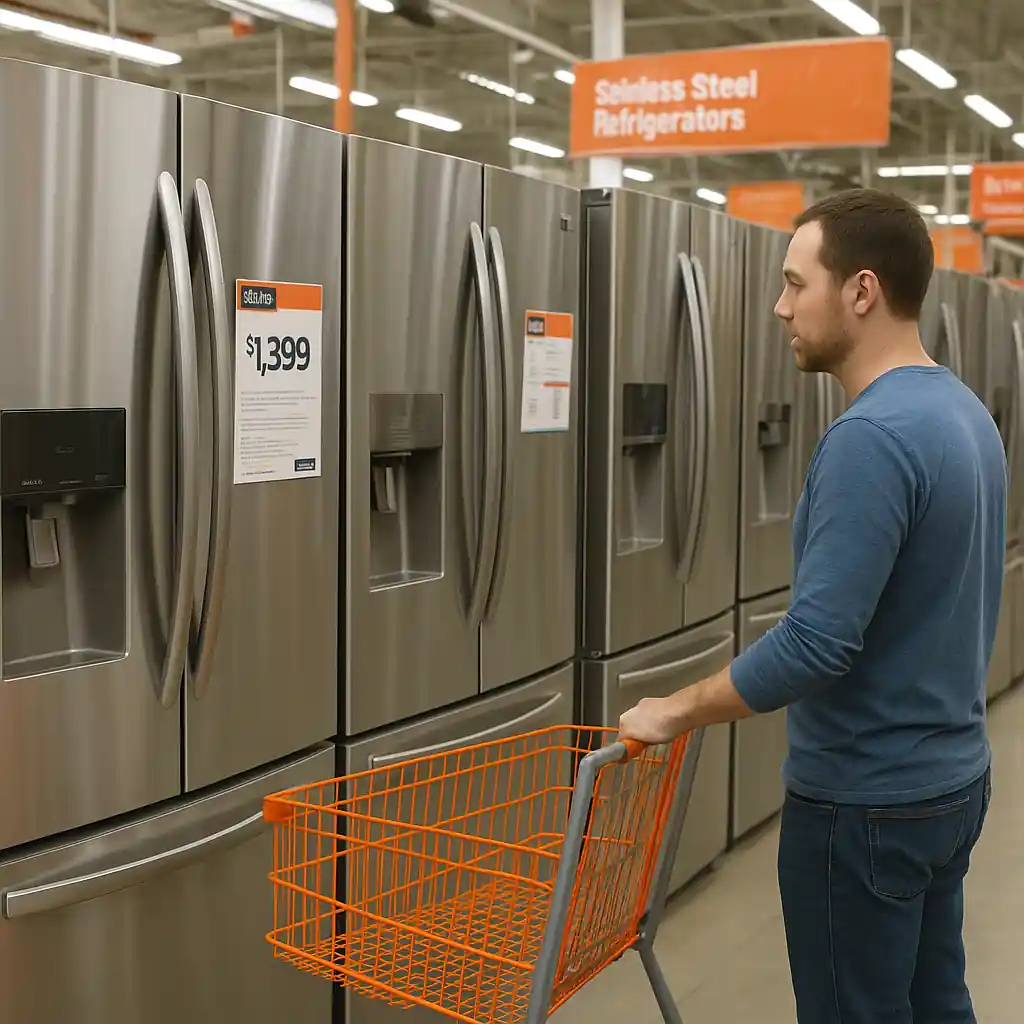
Quick Checklist
- Confirm which program you qualify for (military, student, first responder) before you shop.
- Gather acceptable ID or digital verification (for military use Home Depot’s verification partner or ID.me).
- Check the product page for appliance exclusions or “no coupon” notes before checkout.
- Ask a sales associate to apply the discount in-store or confirm online eligibility via customer service.
- Test combination rules: try applying discount, then add a seasonal promo or financing to see final totals.
- Document verification success (screenshot or email) in case you need escalation.
- Confirm whether installation, protection plans, or special-order items are excluded from the discount.
- If denied online, call Home Depot support and reference the verification confirmation to request manual adjustment.
Who qualifies and how Home Depot verifies status
Home Depot’s targeted discounts (military, veterans, educators, students, first responders) require proof of status. Historically the retailer uses a third‑party verification flow for military and veterans; many chains partner with services like ID.me for identity and status checks. If you’re shopping appliances, confirm your program’s verification steps before starting a checkout flow—doing verification early prevents surprises during payment.
Typical verification methods:
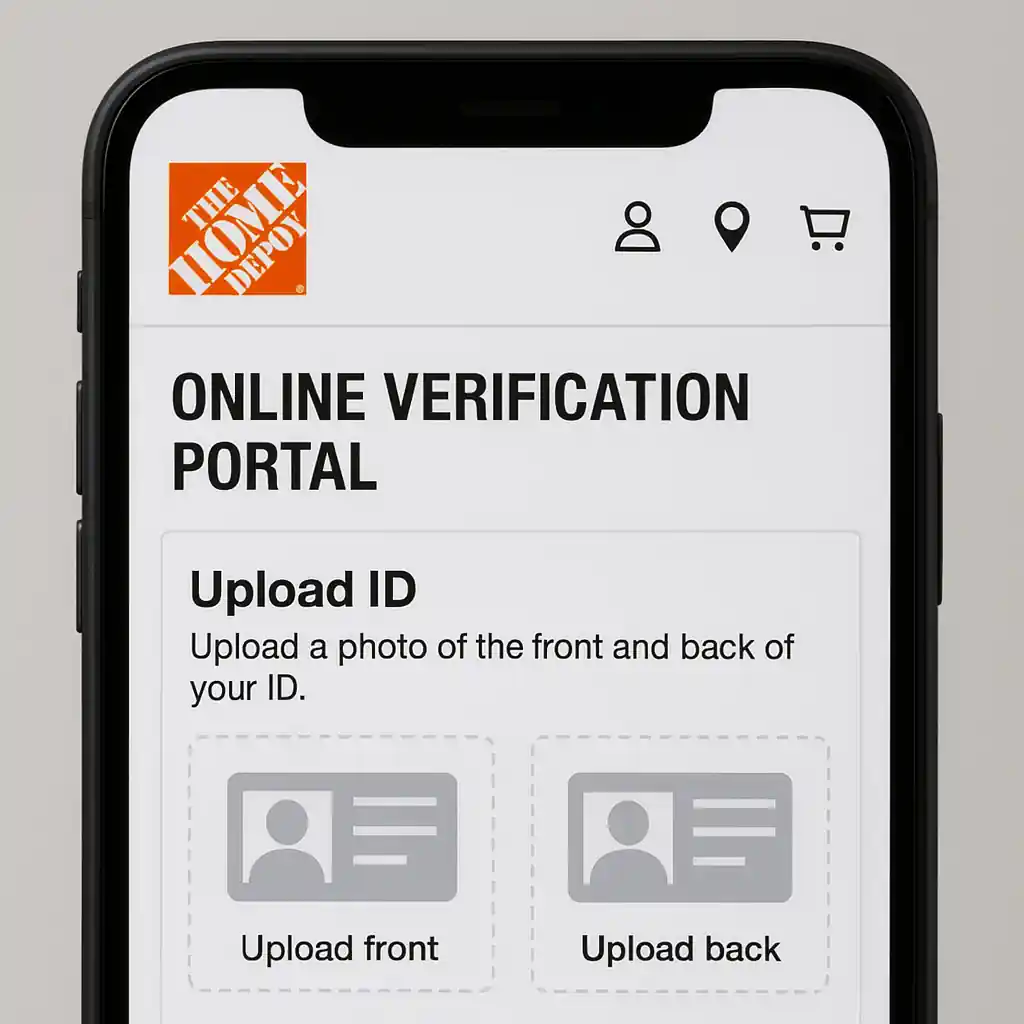
- Upload official ID or service record through the retailer’s verification portal (often via a link on Home Depot’s customer pages).
- Sign in and connect to the verification provider (for some military discounts this is mandatory).
- Receive a one‑time confirmation token, email, or account flag that shows you passed verification.
Practical tip: save any verification emails or confirmation screenshots. If an appliance discount fails at checkout, a quick support call plus that proof usually resolves the issue faster than repeating the verification at the register.
Deep dive: appliance exclusions and common limits
Not all discounts apply to every appliance. Home Depot often excludes certain categories or services from targeted discounts to protect manufacturer pricing and service agreements. Expect limits around:
- Special‑order or custom appliances (ordered to spec from suppliers)
- Third‑party installation or in‑home services bundled with a purchase
- Manufacturer‑rebated items where the rebate requires full purchase price
- Gift cards, protection plans, and some accessories added to appliance orders
Before you assume an automatic reduction on a big ticket refrigerator or washer, verify the product page and the cashier’s terminal. If the online product description does not mention exclusions, still confirm at checkout because vendor rules occasionally override in-cart discounts.
Step‑by‑step: check an appliance for discount eligibility
- Open the appliance product page and scan for “exclusions” or special‑order language.
- If buying online, add the item to cart and attempt to apply the verified discount before entering payment details.
- If denied, capture the error text or screenshot and call customer service; reference your verification confirmation.
- For in‑store purchases, bring verification proof and ask a cashier or manager to confirm application on the register.
Note: the same flow applies if you plan to use special financing — try stacking the discount and the financing option together in‑cart to confirm the final charged amount prior to finalizing the order.
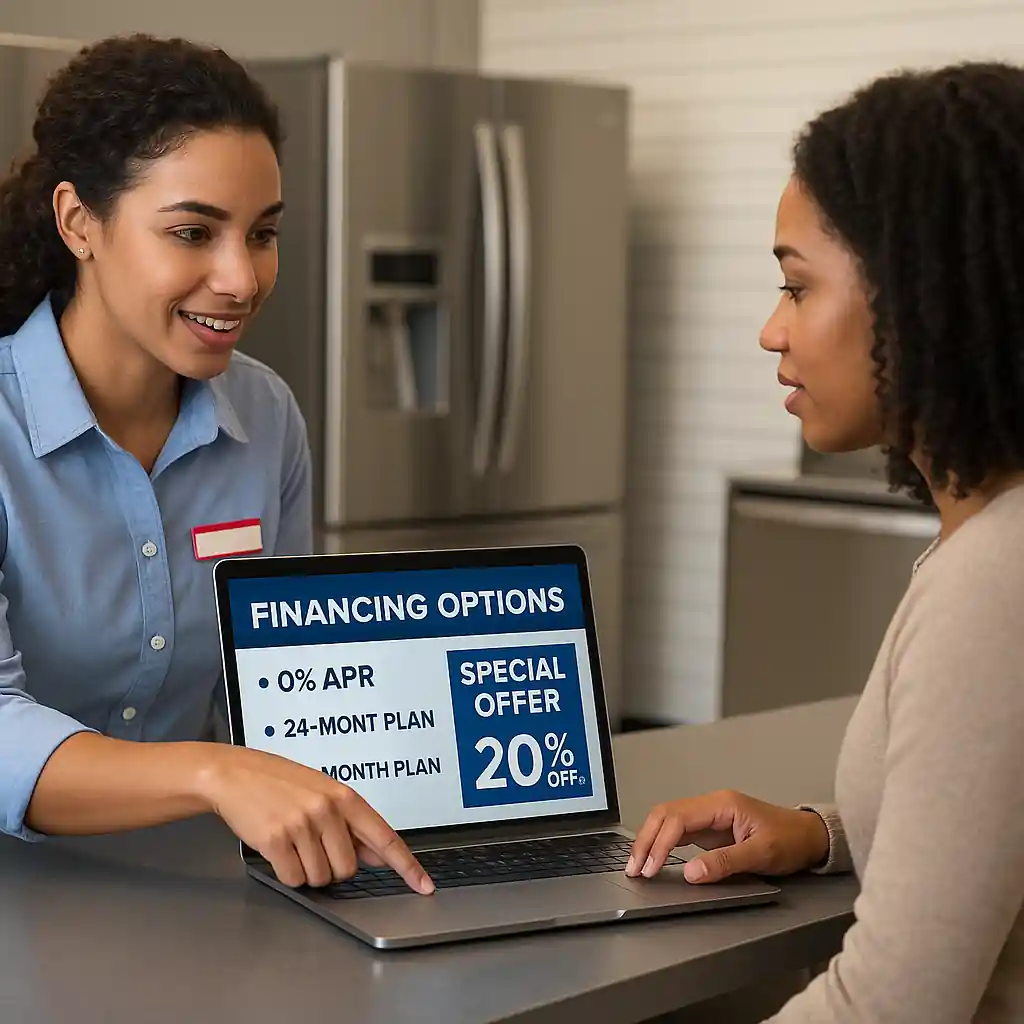
Deep dive: combining verified discounts with promotions and financing
One common question is whether a verified program discount stacks with sales, coupons, or 0% special financing. The answer is: it depends. Policies vary by promotion and by the type of discount.
Practical stacking rules to test:
- Apply your verification flag, then add a seasonal sale item to cart — if the discount reduces the pre‑tax subtotal you may see combined savings on eligible SKUs.
- Some manufacturer rebates require submission of the pre‑discount receipt; stacking may reduce the rebate base or disqualify the rebate entirely. Read the rebate fine print.
- Special financing is usually a payment option at checkout; confirmed verification discounts typically appear in the cart first, then financing calculates monthly payments on the discounted total.
Step‑by‑step: test stacking before you commit
- Verify your status (complete the verification portal step first).
- Create the appliance cart with any promo codes or sale items you plan to include.
- Attempt to apply the verified discount and note whether the order total changes.
- Select financing if applicable and confirm the APR and payment schedule on the reduced total.
- If the order is blocked or the discount disappears, contact support and provide verification documentation for a manual override.
Because rules change with campaign types, always test stacking in the cart. If you need stepwise help with Home Depot’s appliance bundles or the best times to buy, see our adjacent guides below for deeper buying-timing and bundling strategies.
Common Mistakes
- Waiting to verify status until final payment — verification failures at checkout can block time-limited promotional pricing.
- Assuming verification automatically applies to special orders or installation services; many service fees are excluded.
- Using the wrong ID type or incomplete documents during digital verification, which leads to denied discounts at the register.
- Not checking manufacturer rebate rules — stacking a retailer discount can reduce the rebate amount or make the product ineligible.
- Skipping in‑cart testing of financing plus discount; monthly payment quotes may change after discounts are applied or removed.
- Relying solely on a cashier’s memory — unverified discounts should be backed by confirmation emails or screenshot proof.
- Assuming all employee/program discounts behave the same; student or educator programs often have different exclusions than military or first‑responder programs.
Related Guides
- Home Depot appliance discount — the hub page with broader timing, delivery, and warranty tips for appliance savings.
- How Home Depot appliance bundles work — explains delivery, hookup, and bundle pricing that affect final discountability.
- Best times to buy appliances at Home Depot — timing guidance that helps you combine verified discounts with holiday and clearance events.
Outbound resources: Home Depot’s official military and discount help pages explain current verification partners and accepted documents (HomeDepot military discount) and ID verification services often used by retailers are documented at ID.me.
Conclusion
Verified military, student, or first‑responder status can reduce Home Depot appliance costs in many cases, but eligibility, exclusions, and stacking rules vary by product, promotion, and service. Verify your status early, test the discount in the cart, and save verification proof to speed resolution if a discount is denied.
Next step: check the broader Home Depot appliance discount hub for timing and bundle strategies before placing a large appliance order.