If you’re trying to use a home depot coupon on a clearance item, seasonal markdown, or short-term flash sale, the result isn’t always predictable. This guide explains the rules retailers commonly use, shows real examples of when coupons are blocked or accepted, and gives a reliable checkout test you can run in under two minutes.
You’ll learn: which coupon types Home Depot typically allows with sale pricing, how clearance and flash-sale SKUs behave differently online vs. in-store, and practical troubleshooting steps when a code is rejected.
Scope boundary: this guide focuses on coupon interaction with online clearance, flash sales, and other limited-time pricing at Home Depot; for the full list of current codes and all saving strategies, see our main Home Depot promo code hub linked below.
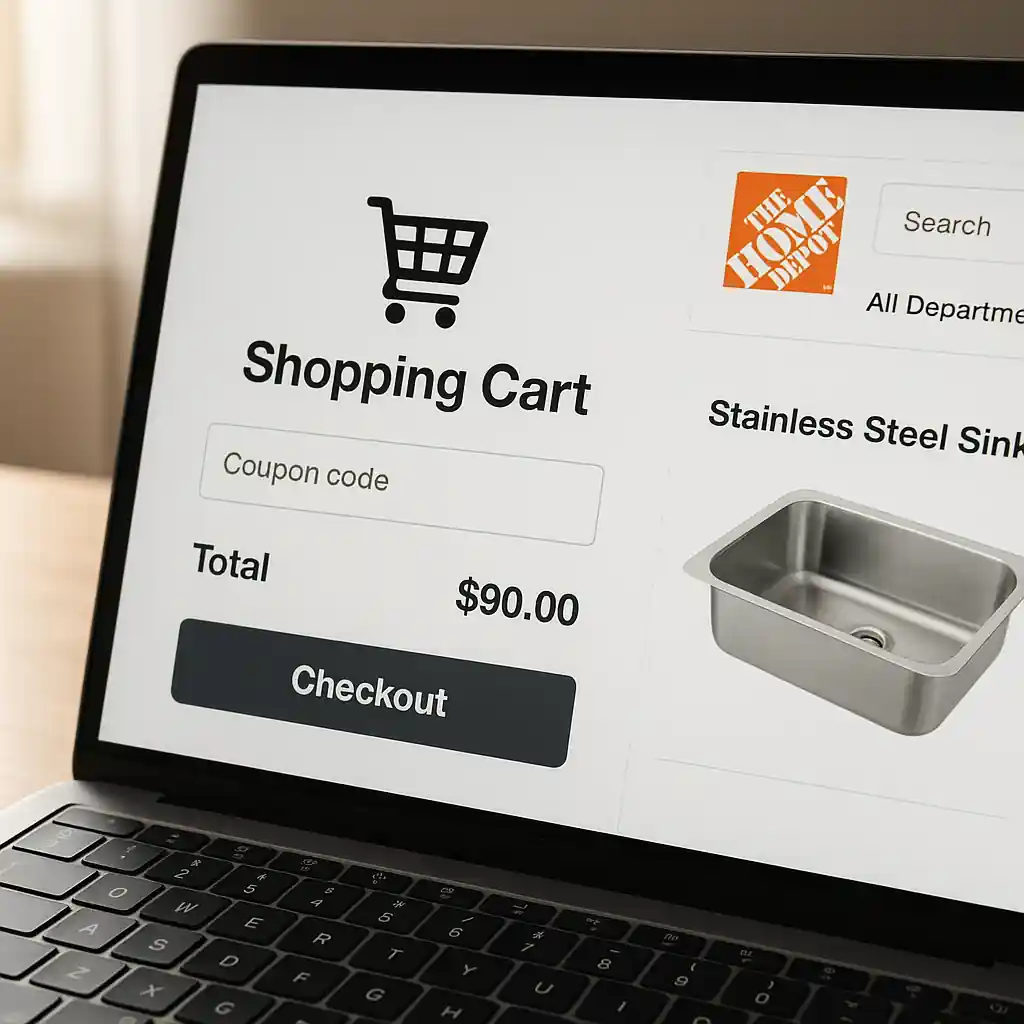
Quick Checklist
- Confirm the coupon type: printable, in-app, promo code, or manufacturer coupon.
- Check the product page for explicit exclusions (“clearance”, “limited time”, or promo badges).
- Test the coupon in cart with the exact quantity you plan to buy — use a staged checkout.
- Try switching fulfillment: change from delivery to in-store pickup and re-run the code.
- Inspect the SKU: if the item shows as a different SKU in clearance, the coupon may not match.
- Use a different browser or clear cache if the code fails unexpectedly.
- Check Home Depot’s customer service or the item’s terms if the coupon applied in-store but not online.
- Document prices and screenshots before contacting support for a denied coupon.
How Home Depot Treats Clearance, Flash Sales, and Limited‑Time Pricing
Retailers separate pricing rules into categories: permanent price, sale price (weekly or event-based), clearance price (end-of-life or seasonal), and time-limited flash prices. Home Depot applies a mix of product-level flags and cart-level rules to control whether coupons can alter those prices.
Common server-side controls include: SKU-level exclusion (coupon only applies to specific SKUs), price-type exclusion (coupon blocked on items flagged as “clearance”), and cart rules that prevent double-discounts when a manufacturer or vendor-sponsored promotion is already active.
Practical difference you’ll see:
- Weekly ads and advertised sales often allow coupons that don’t explicitly exclude sale items, but store policy may still block certain coupon types.
- Clearance SKUs are more likely to be hard-excluded — a clearance tag often means the markdown is final and non-combinable with store coupons.
- Flash sales (limited time, high-discount events) frequently use cart-level promotions that cannot stack with external promo codes.
When clearance is hard-blocked
Clearance often becomes a special price type in the backend. If an item moves to clearance, it may be reassigned to a clearance SKU variant. That reassignment is the frequent cause of a coupon failing: the coupon’s SKU rules no longer match the product identifier the checkout sees.
If the product page or checkout shows a note like “clearance price final” or “final sale,” assume most coupons will be blocked unless the coupon explicitly states it applies to sale/clearance items.
Types of Coupons and How They Usually Interact with Sale Pricing
Not all coupons are equal. Understanding the type you hold helps predict behavior:
- Store promo codes (entered at checkout): these are subject to cart rules and are often blocked by active cart promotions.
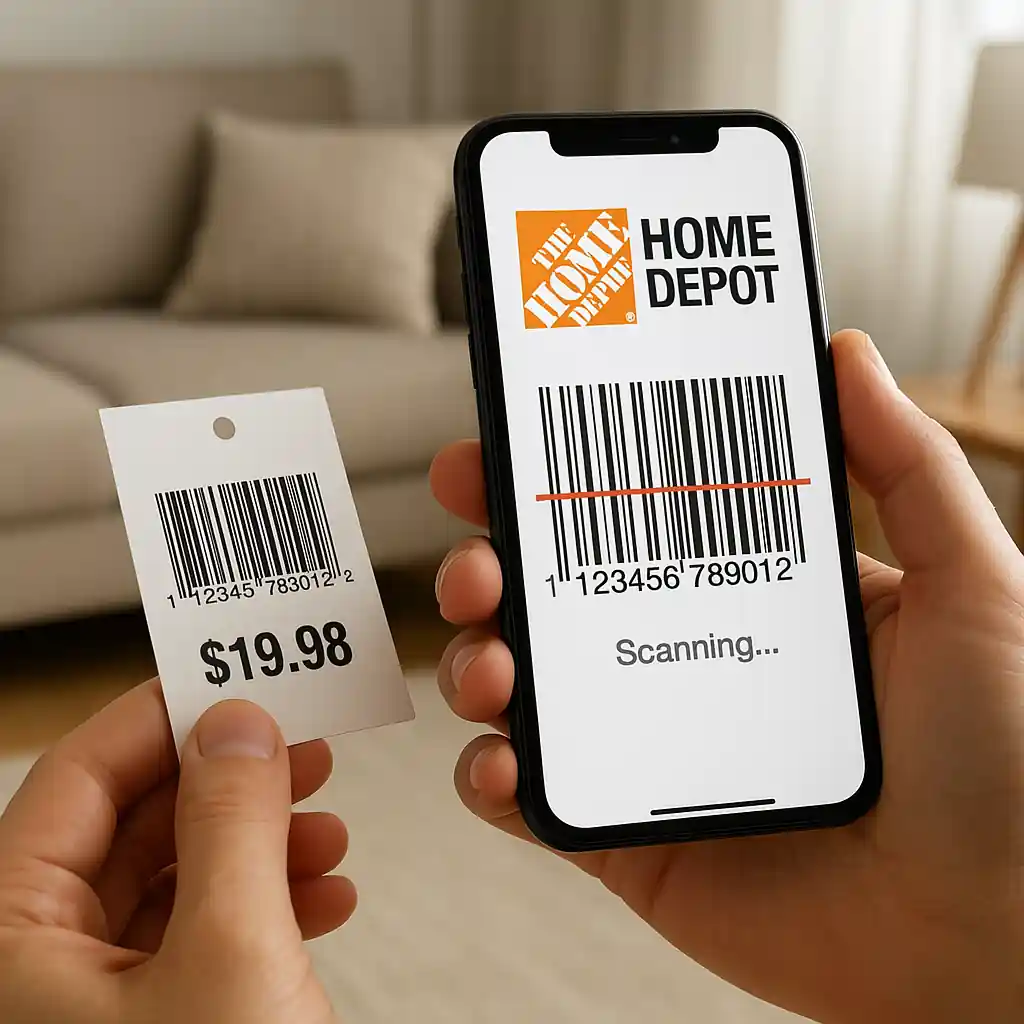
- Printable coupons (in-store or scanned): may work in-store on clearance depending on cashier discretion, but most printable percent-off coupons exclude clearance.
- Manufacturer coupons: these usually apply unless the item is excluded by the promo terms — sometimes manufacturer promos stack with store sales.
- App-only or member-only offers: these are often created to stack with other discounts for that member segment, but flash-sales frequently override them.
Step-by-step flow: test a code safely before committing
- Add the clearance or sale item to your cart in the quantity you intend to buy.
- Switch fulfillment to the option you plan (pickup vs. delivery) — pricing rules sometimes change by fulfillment.
- Enter your home depot coupon code at checkout and watch the line-item totals and cart summary.
- If the code fails, try toggling pickup/delivery; re-check if the price type label changes.
- Take screenshots of the failing checkout and the item page before contacting support.
If you see the coupon apply to part of the order but not to other items, the checkout is enforcing SKU-level or category exclusions. In that case, split the order to isolate where the coupon will stick.
Deep Dive: Real Examples & Quick Fixes
Example 1 — Weekly ad tool with a 20% code
A weekly-ad discounted power tool shows a 30% sale price. Entering a home depot coupon code for 20% off often yields no additional discount. Why? The weekly ad promotion is applied at the cart level and usually offers the deeper discount; Home Depot’s systems commonly block stacking lower-percentage codes on top of an active banner promotion.
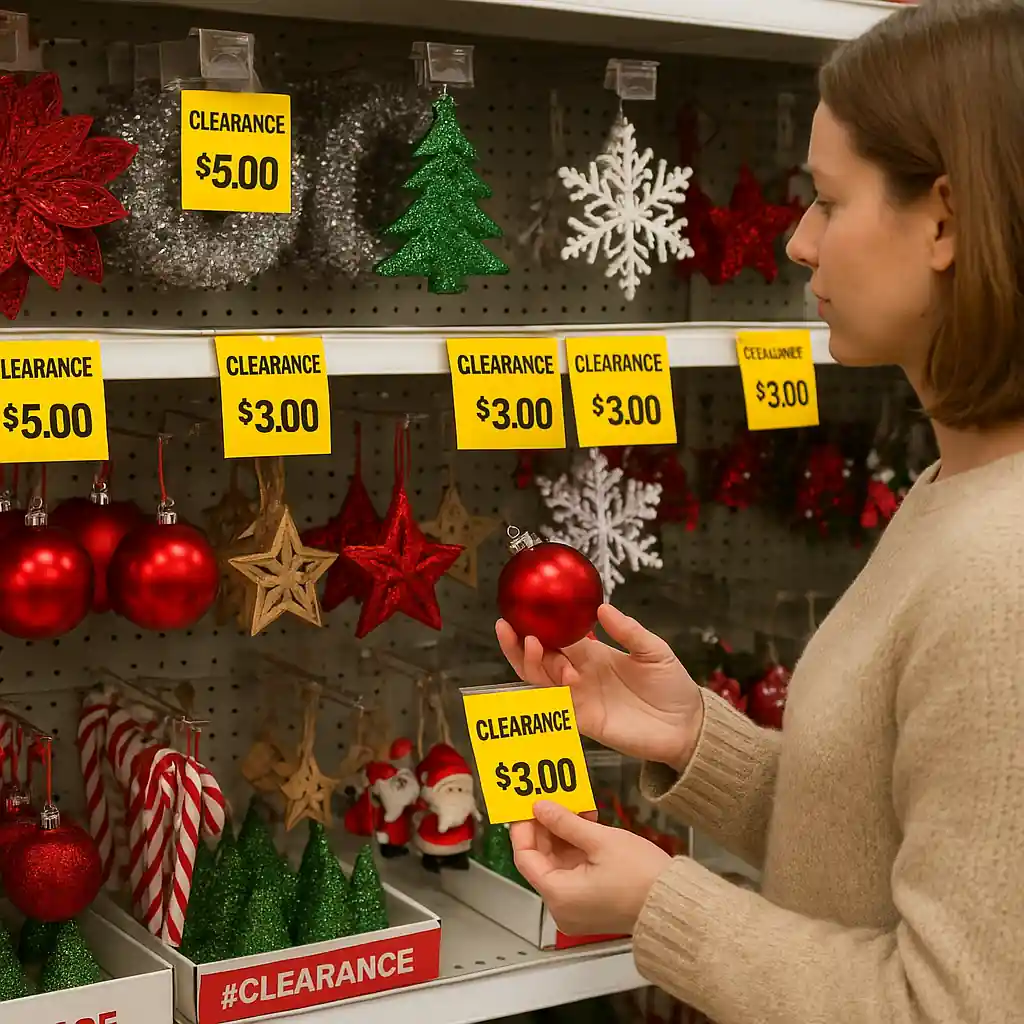
Example 2 — Seasonal Christmas clearance
Holiday decor moved to clearance at 60% off is commonly marked “final sale” and treated as a separate clearance SKU. A store-sourced 10% coupon typically will not apply online. In-store, a cashier may honor a printable coupon at their discretion, but corporate policy frequently restricts this for safety reasons.
Example 3 — Flash-sale appliance (limited hours)
Short flash sales on appliances may combine vendor rebates plus a store-level promo. Coupons that give percent-off in cart are rarely allowed since the promotion bundle is pre-negotiated with the manufacturer and meant to be the single effective offer for that time window.
Quick fixes if a code is blocked:
- Try in-store scanning: some printable coupons scanned by a cashier succeed where online codes fail.
- Split the transaction: buy non-excluded items under the coupon and purchase clearance items in a separate order.
- Contact Home Depot customer service with screenshots and ask for a manual override if the coupon should apply.
- If the coupon applied in-store but not online, request price adjustment or an exception through customer care.
Common Mistakes
- Assuming all percent-off coupons stack with sale prices — many store codes explicitly exclude sale/clearance or are blocked by cart promotions.
- Not checking the fulfillment option — pickup vs. delivery can affect whether a coupon applies to an item.
- Entering the coupon at the wrong step — some codes require entering a code in the promo box, while printable coupons must be presented in-store.
- Trying to use a coupon on a clearance SKU that changed product identifiers — coupon rules match SKUs, not product names.
- Not documenting evidence before contacting support — without screenshots, support may deny a manual override.
- Expecting manufacturer rebates to stack with store coupons during flash events — many flash events already include rebate stacking in the offer and block extra codes.
- Relying on community posts claiming a code works universally — coupon rules vary by item, location, and time; always test in your cart.
Related Guides
For broader coupon rules and a full list of current methods to save at Home Depot, see our main hub: Home Depot promo code hub. For hands-on instructions about applying codes online, check this step-by-step guide: Home Depot coupon code online guide.
Conclusion
In short, some home depot coupon types will work with sale pricing but many do not. Clearance items and flash-sale SKUs are the most likely to be excluded because the backend treats those prices as final or tied to cart-level promotions. Always run a quick staged checkout test, capture screenshots, and try alternate fulfillment or in-store redemption before assuming a coupon won’t work.
Next step: review the full Home Depot promo code hub for current coupon rules and verified ways to save: Home Depot promo code hub.