
This guide explains how discounts shown during a home depot paint sale apply — specifically which sale prices cover ready-made cans and which apply to custom-tinted gallons, what tinting or mixing fees you may see, and practical steps to confirm your final cost before checkout.
Scope boundary: This guide focuses on sale-price treatment for pre-mixed versus custom-tinted paint and common extra charges; for the broader list of paint sale timing, stacking and rebate strategies, see our main Home Depot paint sale guide linked in Related Guides.
Quick Checklist
- Confirm whether the advertised sale SKU is for a pre-mixed can or for a tintable base before you pick a color.
- Ask the associate or check the product page for any “tintable” or “requires mixing” note that cancels the sale price.
- Get an upfront estimate of tinting fees and minimums for partial gallons or one-gallon mixes.
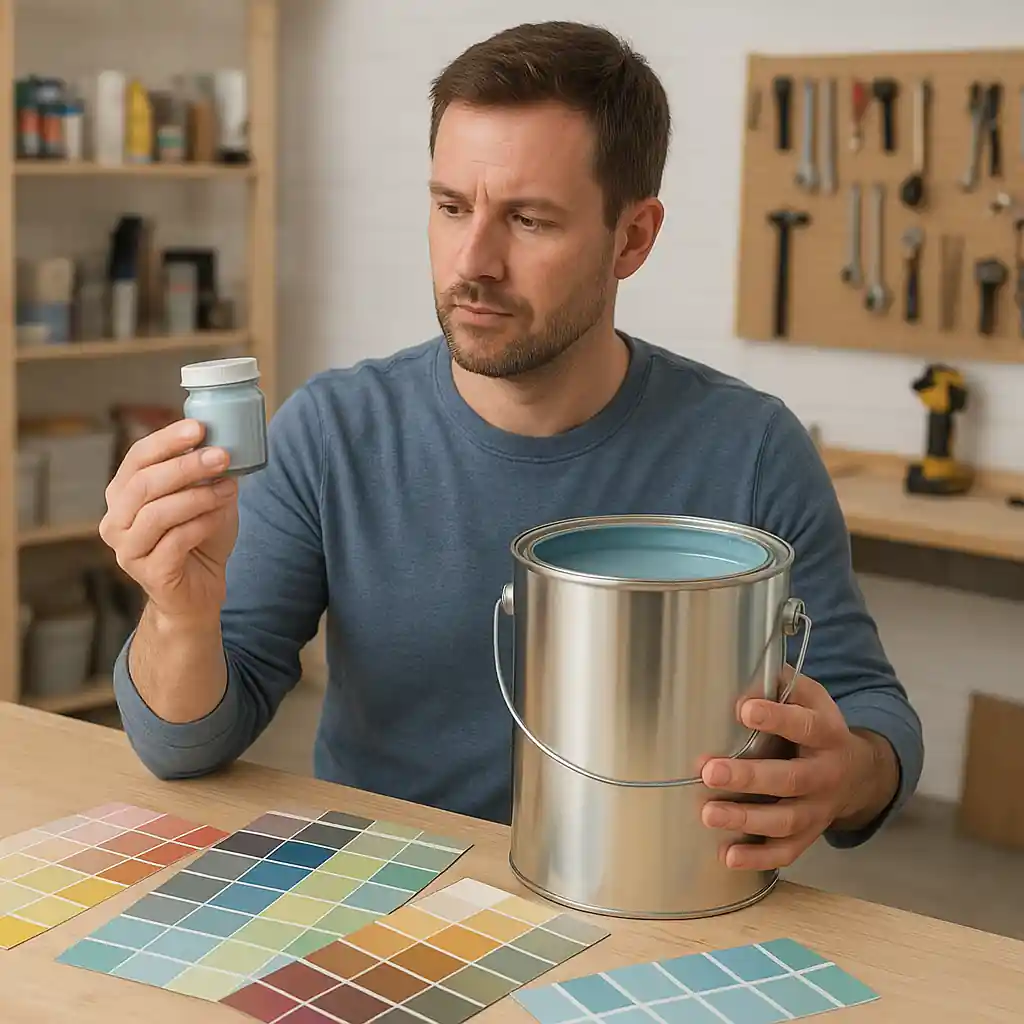
- Bring your color sample or swatch and request a sample pot first to avoid unnecessary custom mixes.
- If buying multiple gallons, verify if the sale price applies per-gallon after tinting or only to untreated cans.
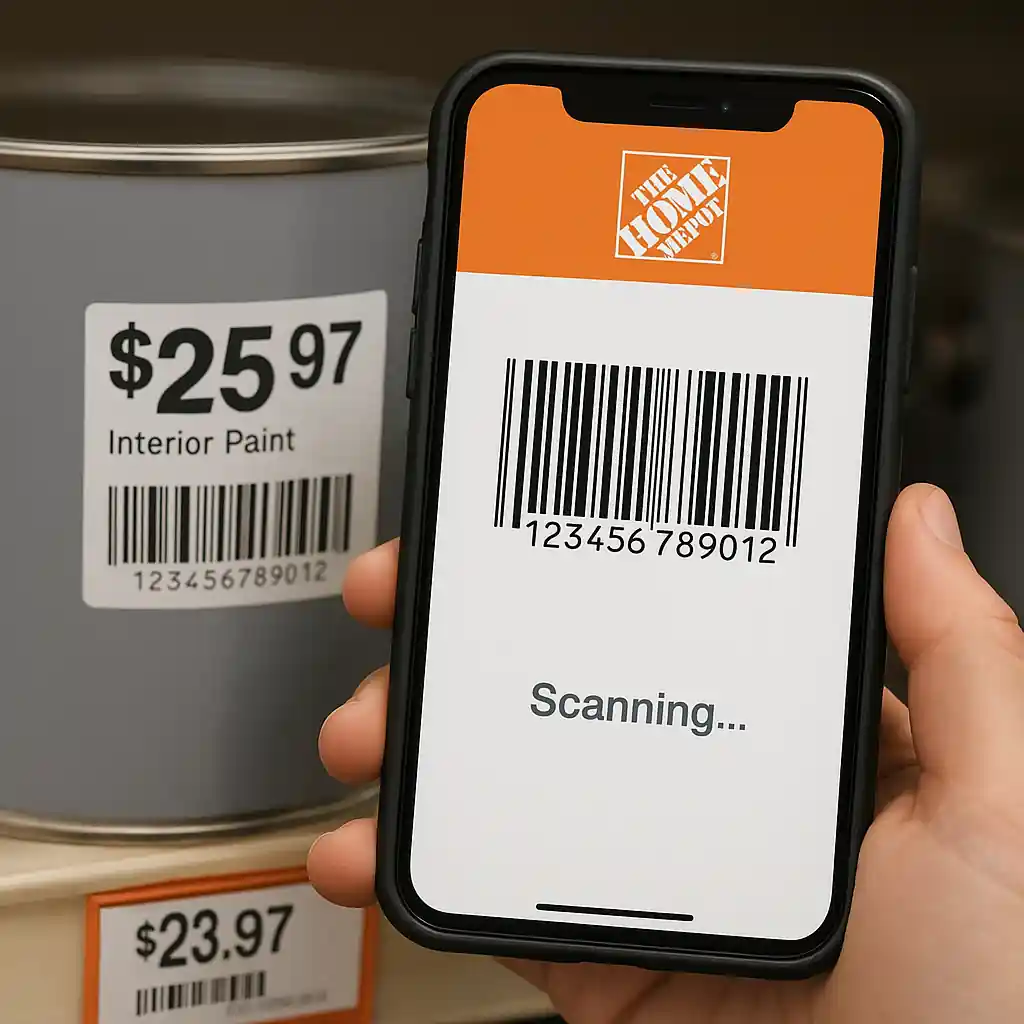
- Scan the barcode with the Home Depot app at the shelf to check the in-store price and any mixing notes.
- Save your mixing receipt and check the pump mix log if you need to verify exact tint additions later.
- When in doubt, photograph the shelf tag and register price before payment; it helps if you need an in-store price adjustment.

How Sale Tags Typically Treat Mixed vs. Pre-mixed Paint
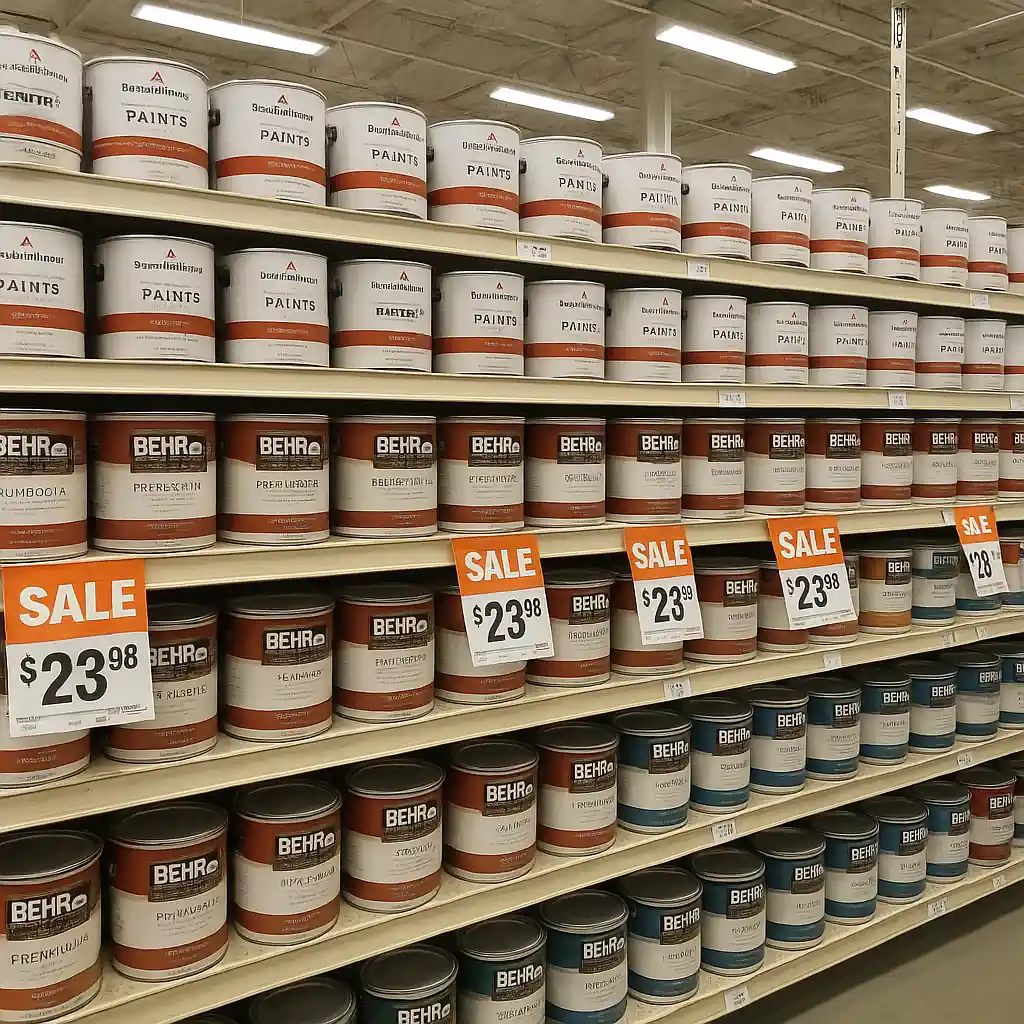
Stores show sale tags for several inventory types: ready-to-use cans, tintable bases, and mixed gallons. A common source of surprise is that an advertised discount may apply only to the pre-mixed SKU on the shelf, not to a custom tint created at the counter. Many chains list the discounted item as a specific product code; if that code is for a pre-mixed color, the store will not honor the same sale on a custom-tinted gallon unless the promotion explicitly says “tintable bases included.”
Actionable rule: Always match the shelf/product page SKU to the receipt line item. If the sale SKU says “tintable base” you’re safer, but if it lists a color name or code, it may be for a pre-mixed can only.
Why tinting adds cost
- Tint concentrates and colorants cost money and are applied by volume — strong colors need more concentrate.
- Machines and labor add overhead; some stores apply a per-gallon tint fee or a per-pump charge.
- Small orders (sample pots or partial gallons) often hit a minimum fee because matching and cleanup consume time.
Step-by-step: Confirm Final Price on a Custom-Tinted Gallon
- Step 1: Identify the sale tag and note the SKU code and whether it states “tintable” or names a color.
- Step 2: Go to the paint counter and read the SKU/product code with the associate; ask if the discount applies to a mixed gallon.
- Step 3: Ask for the tinting fee and whether there is a minimum charge for that brand/base. Get the number in writing or take a photo.
- Step 4: If the sale applies only to a pre-mixed can, request a sample pot or pick the closest stock color to avoid a custom mix fee.
- Step 5: Before paying, confirm the register line item shows the sale price and whether an added “mixing” or “tint” line appears.
Tip: If your project needs multiple gallons, ask whether the store will bulk-mix and if any volume pricing or contractor pricing applies; sometimes contractor or Pro Xtra pricing better offsets tint fees on large jobs.
Dealing with Minimums, Pump Fees and Strong Colors
Common fee structures you may encounter:
- Flat per-gallon mixing fee (e.g., $3–$8) added at register.
- Per-pump surcharge for certain specialty pigments on deep colors.
- Minimum order fee for one-gallon or sample mixes when the store requires a minimum labor charge.
- Color-match guarantee or rematch policies that add re-mixing labor if you return a can.
How to reduce those fees:
- Choose a stock pre-mixed color if it’s available in the sale — that removes mixing charges.
- Pick a lighter base or a “tintable base” advertised on sale; lighter bases usually need less pigment.
- Buy full gallons when possible — minimums and sample fees are most painful on small quantities.
- Ask if the store offers a bundled discount for multiple gallons that can offset per-gallon tint fees.
When Sales and Manufacturer Rebates Interact with Mixing
Some promotions discount the base price, and you might still be eligible for manufacturer rebates. Rebates usually apply to the product purchase, but the final amount you pay could include mixing fees that rebates do not cover. For strategies on stacking rebates during paint events, see our guide on stacking paint rebates with Home Depot sales. If you plan to file a rebate, keep both the product receipt and the mixing receipt.
Authoritative note: Home Depot’s own paint pages explain mixing options at store counters; if you need brand-specific mixing rules check the product detail on HomeDepot.com or ask a paint associate in store. Also consider safety limits for lead-based paint jobs and follow EPA guidance for older homes: EPA lead paint.
Common Mistakes
- Assuming every sale price applies to a custom-mixed gallon — many tags cover only pre-mixed SKUs.
- Skipping the SKU check — buying by color name alone can create a mismatch at register when the shelf item differs from the mixed base.
- Not asking about minimums for sample pots or one-gallon mixes and then being surprised by a flat labor fee.
- Buying deep or neon colors without checking per-pump pigment surcharges; intense tints often add more cost than expected.
- Failing to request the register preview before payment — you may miss the added mix line and lose a quick price adjustment chance.
- Counting on manufacturer rebates to reimburse tinting fees — rebates typically cover product price, not in-store tint labor.
- Assuming online sale prices automatically apply to in-store mixing; some online promo tags exclude custom mixes.
- Ordering a single custom sample pot without asking if that sample will be deducted from a later full-gallon purchase (some stores credit, some do not).
Related Guides
- Home Depot paint sale — the hub guide for timing, categories, and full sale coverage (recommended next step).
- Does a Home Depot paint sale cover tinted paint? — a closely related deep-dive on how in-store mixing charges affect sale prices.
Conclusion
To avoid surprises during a home depot paint sale, match SKUs, ask explicitly whether the sale covers tintable bases, confirm any tint or minimum fees up front, and compare pre-mixed stock cans to custom mixes before you buy. Small changes — choosing a sale-listed tintable base or buying full gallons — often save more than chasing the steepest advertised discount.
Next step: review the broader Home Depot paint sale hub for timing and stacking tips at our paint sale guide.