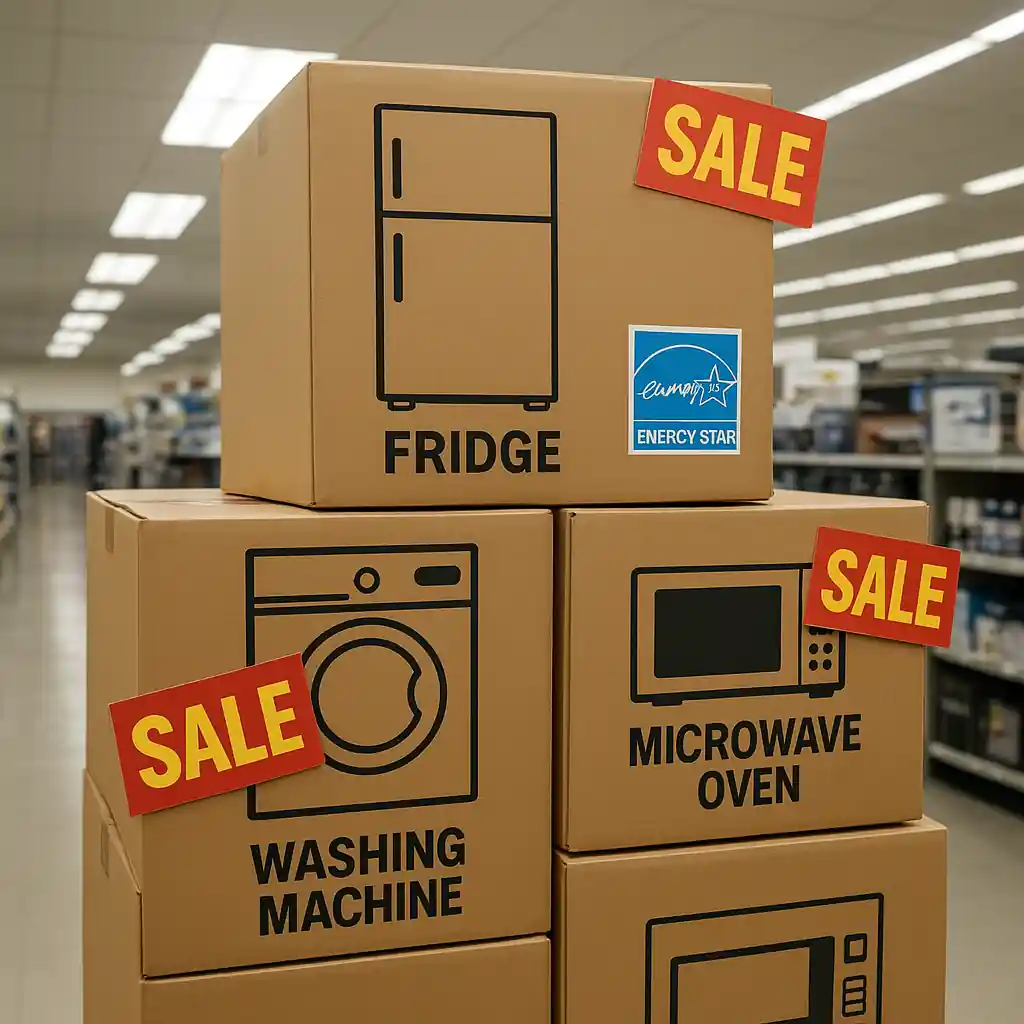
This guide walks you through the exact steps to redeem a Home Depot appliance discount at checkout and highlights the differences between the in-store register flow and the online cart process. You’ll learn what documentation or promo entry the cashier or site expects, how timing and delivery options change the result, and the fastest fixes when a discount does not apply.
Scope boundary: This guide focuses on the mechanical steps and timing differences for applying a home depot appliance discount in-store versus online; for the full catalog of current promo codes, printable coupons, and general saving strategies, see our main appliance discount guide here.
Quick Checklist
- Confirm the discount type (promo code, printable coupon, bundle, Pro Xtra) before checkout.
- If buying online, add appliances to cart and check the promo box early — test on desktop and mobile.
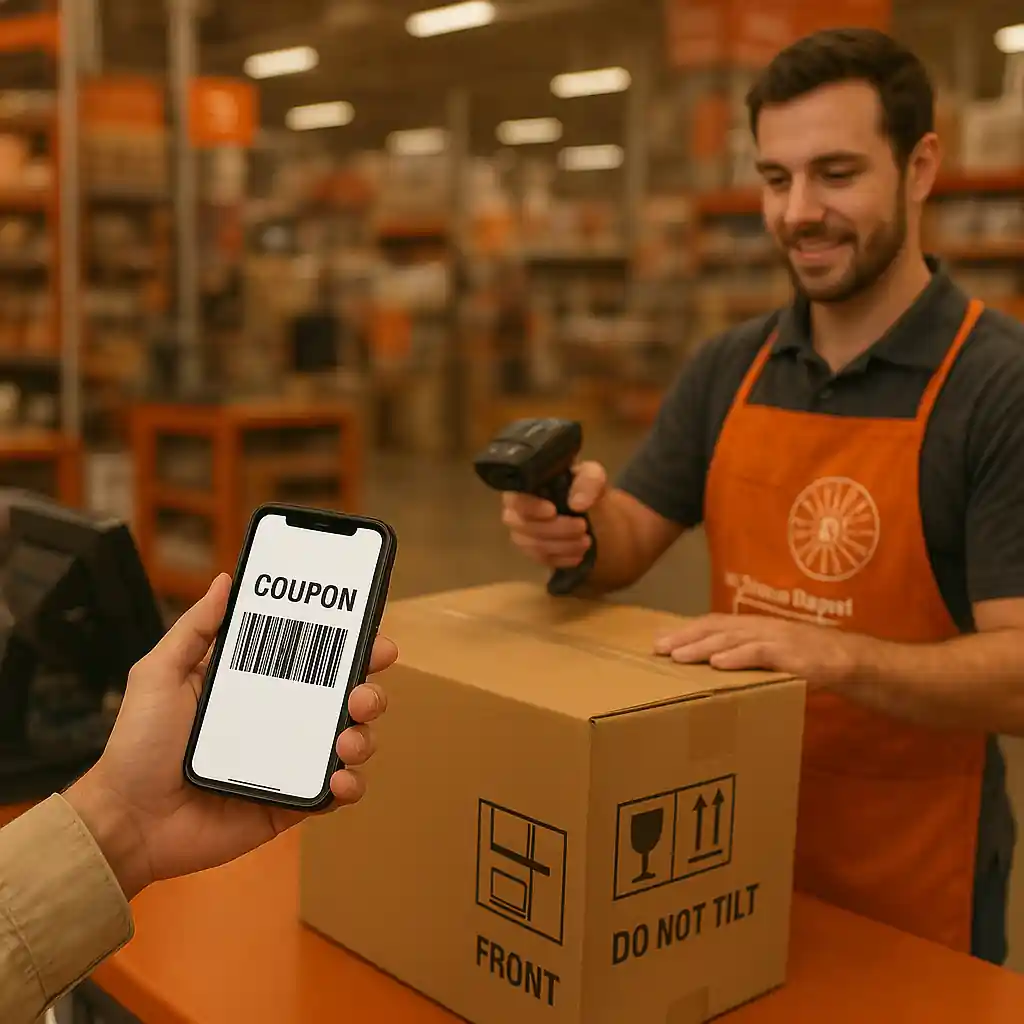
- For in-store purchases, bring a printed coupon or show the barcode on your phone and the qualifying receipt.
- Choose pickup, curbside, or delivery purposely — some discounts exclude delivery or installation fees.
- Note the timing: online markdowns apply immediately; store register coupons must be scanned at final tender.
- Save order numbers, screenshots, and the cashier’s name if a discount is declined; this speeds up customer service fixes.
- Check manufacturer rebates and ENERGY STAR incentives separately; these often require post-purchase forms.
- If you’re a Pro Xtra member, sign in before checkout to apply account pricing and offers.
Deep Dive: How the Online Cart Applies Appliance Discounts
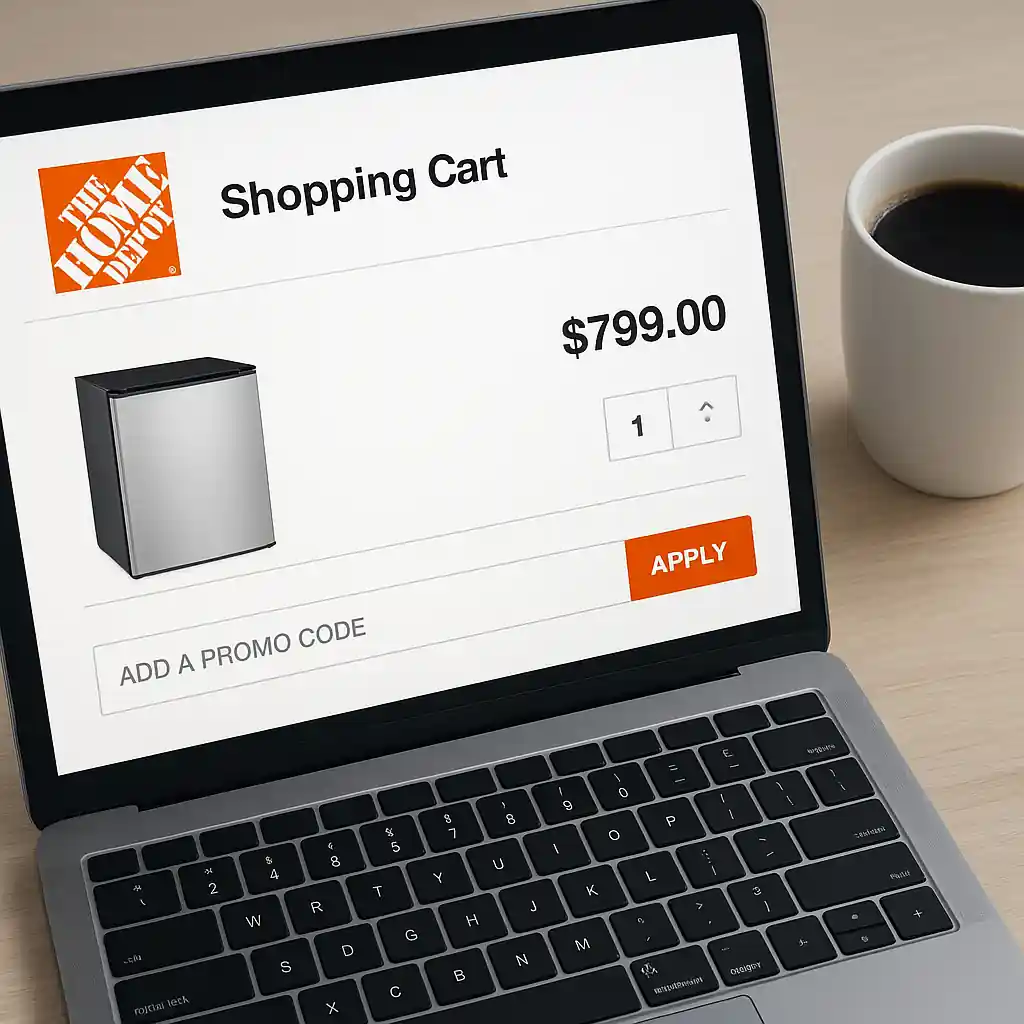
Online checkout is deterministic: the site calculates the discount when eligible rules match SKUs, promo codes, and shipping/pickup options. Because the web flow runs automated rules, you can verify a home depot appliance discount before you submit payment — and that predictability is the biggest advantage of shopping online for appliances.
Step-by-step online flow
- Add qualifying appliance(s) to your cart and open the cart summary.
- Select delivery method (home delivery, curbside, or pickup). Note exclusions: some coupons exclude installation or delivery fees.
- Locate the promo code field and enter the code exactly; if the discount is a site-wide markdown, you should see the line-item savings automatically.
- Confirm savings appear on the cart subtotal before entering payment details — the discount must reduce the subtotal, not just an order-level credit that arrives later.
- Proceed to payment and retain the order confirmation number, digital receipt, and any screenshots showing the applied discount.
Common online pitfalls to watch for: promo fields that accept only specific code formats, multi-item bundle rules that require all SKUs in the cart, and delivery rule mismatches where the discount applies to pickup but not to shipped orders. When an online discount fails, try switching the delivery option to “store pickup” to test whether the rule is delivery-restricted, or contact Home Depot chat with your cart screenshot and order URL.

Deep Dive: How In-Store Registers Handle Appliance Discounts
In-store redemption relies on the cashier scanning the correct SKU and applying the coupon or entering a code. Because employees must follow point-of-sale prompts, the human element introduces timing and process differences you must control to ensure the discount applies.
Step-by-step in-store flow
- Before pickup, verify the store stock and that the in-store price matches the advertised deal.
- Bring a printed coupon or open the barcode/coupon on your phone; show the cashier immediately when they begin the register entry (do not wait until after tender).
- When the cashier rings the appliance, ask them to scan the coupon barcode or enter the coupon code in the promo entry field before finalizing payment.
- Confirm the discount shows in the register subtotal and on the printed receipt before signing/approving the card.
- If the discount doesn’t apply, politely request a supervisor and present proof (ad screenshot, coupon, or price sticker) to get the price adjusted before leaving.
Why timing matters in-store: many register systems lock totals when the payment starts. If the coupon is shown after the cashier begins processing, the system may not recalculate without voiding and re-entering the transaction. That means you should present coupons, loyalty status, or price-match documentation upfront.
Deep Dive: Special Cases — Bundles, Installation, and Rebates
Appliance discounts often pair with bundle pricing (buy a fridge and get a range discount) or manufacturer rebates that require a claim after purchase. These create different rules for online vs in-store redemption.
- Bundles: Online bundles are automatic when SKUs are in the same cart; in-store bundles require the cashier to ring all items together and confirm the bundle code applies.
- Installation and delivery: Many discounts exclude installation fees — that extra charge can appear after the discount and change the final total, especially for delivered appliances.
- Manufacturer rebates: These usually require a mailed or online claim with proof of purchase; the initial discount may appear at checkout or arrive later as a rebate check from the manufacturer.
For certified energy incentives, check the appliance model against the ENERGY STAR database (energystar.gov) before purchase to confirm rebate eligibility. For Home Depot–specific product pages and policies, the official appliances hub is a useful reference: Home Depot Appliances.
Common Mistakes
- Waiting until payment is processed in-store before showing the coupon — creates voids and delays that often lead to a denied adjustment.
- Assuming an online promo will cover delivery or installation — many promo rules only reduce product price and not service fees.
- Entering a promo code into the wrong checkout field (gift card vs promo box) online, which rejects the discount silently.
- Adding a non-qualifying accessory to the cart and breaking a bundle rule (bundles require exact SKUs or the discount disappears).
- Not signing into the account tied to Pro Xtra or other membership offers before checkout, causing account discounts to be missed.
- Relying on a screenshot of an online cart price without saving the page or order number; employees may need a URL or ad code to verify.
- Assuming in-store associates can manually honor online-only codes — some online promotions require system-level validation and can only be applied to web orders.
- Failing to collect the appliance’s model number and receipt for manufacturer rebate claims, which sometimes voids rebate eligibility.
Related Guides
- Home Depot appliance discount hub — the main guide with full coverage of appliance savings, timing and financing options.
- How Home Depot appliance bundles work — detailed bundle rules and stacking tips for multi-appliance purchases.
- Best times to buy appliances at Home Depot — timing guidance to pair sale windows with promo codes.
Conclusion
Applying a home depot appliance discount reliably comes down to two things: matching the promo rules to the delivery/payment path you select, and presenting any coupons or account credentials at the correct time in the checkout flow. Online gives you predictability and an easy pre-check; in-store requires you to present coupons and request the discount before payment begins.
Next step: if you’re planning a purchase, review the full appliance savings hub for current timing, financing, and stacking strategies at Home Depot appliance discount.