
Teachers and school staff often miss easy savings because they assume discounts can’t stack. The Home Depot educator discount helps classroom budgets, but it follows rules that make stacking confusing. This guide breaks down what you can combine with educator pricing, which promos block it, and how to organize checkout to capture every eligible dollar.

How the Home Depot educator discount works
The Home Depot educator discount gives verified educators access to special pricing on select items. Verification usually goes through Home Depot’s customer portal or a teacher-verification service. Once approved, the discount appears as an eligibility status on your account. Understanding the verification and account link is the first step to stacking it with other offers.
Who qualifies and quick verification checks
Eligibility rules vary by district and employment type. If you need a quick reference, see the overview at who qualifies for Home Depot educator discount. Keep these documents ready: employee ID, school email, or an official letter of employment. Confirm the discount appears in your online account before building a cart.

Stacking basics: what normally combines with the educator discount
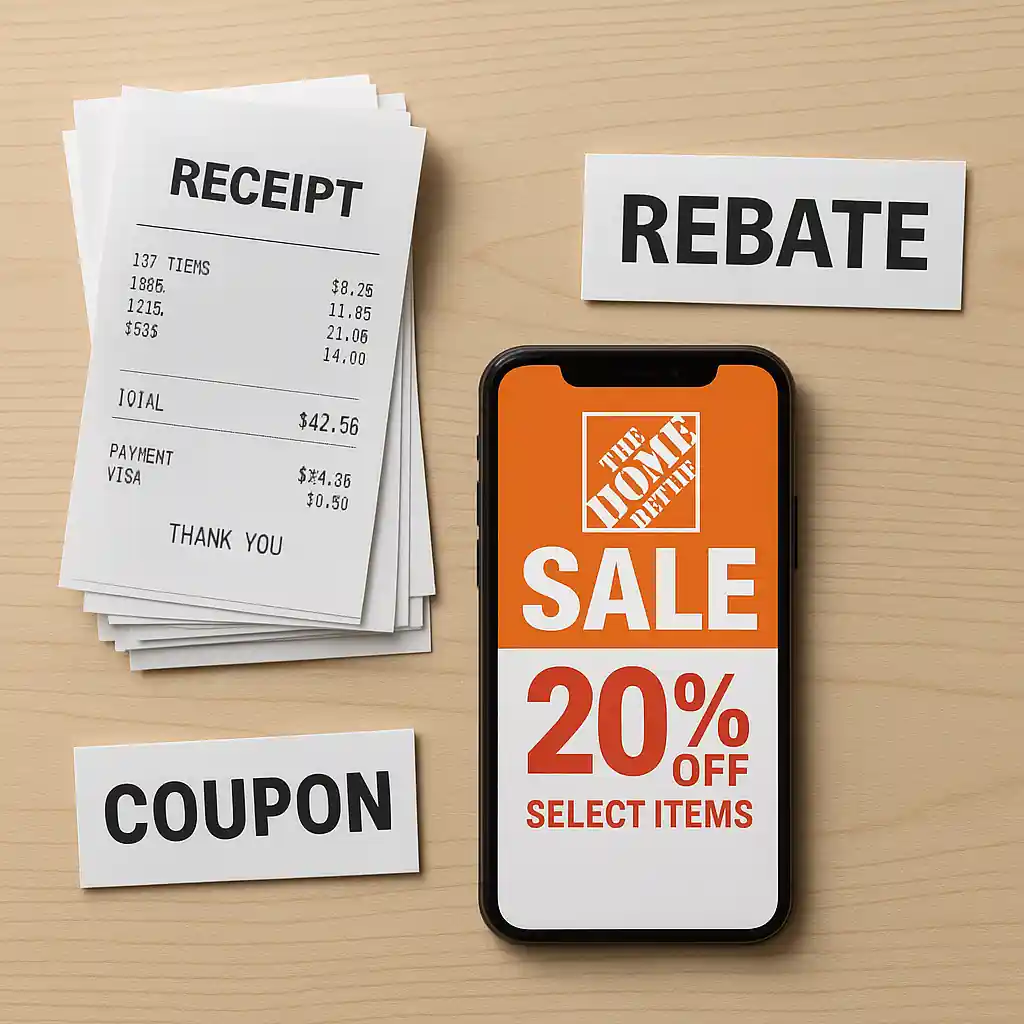
Stacking means applying multiple discounts in a single transaction. You can generally combine the home depot educator discount with:
- Storewide sale prices (weekly ad and clearance)
- Manufacturer rebates (file separately after purchase)
- Manufacturer coupons when allowed by item eligibility
Follow a simple order: apply sale or clearance pricing first, then verify educator status, and finally add any manufacturer coupons or mail-in rebates. That sequence avoids conflicts at checkout.
Real-world stacking example
Imagine you buy classroom storage bins on a weekend sale. Price drops to $12 per bin. The educator discount may then apply to the already-reduced price if Home Depot’s system allows it. If a manufacturer offers a $2-per-bin mail-in rebate, you file separately. The combined net savings can beat a single coupon or promo code.
When the home depot educator discount won’t stack
Not every promotion allows stacking. Common blockers include:
- Exclusive promo codes that explicitly exclude other discounts
- Gift card-based promotions or bundled instant rebates
- Volume or contractor pricing that replaces retail discounts
Before you assume a code will combine with educator pricing, read the fine print or test with a small cart. If a code blocks other discounts, try two approaches: use the code on non-educator items in a separate transaction, or ask a store associate about manual adjustments for educators.
Items often excluded
Some categories never accept the educator discount. For a detailed list, check what items are excluded from Home Depot educator discount. Typical exclusions include services, rentals, some appliances, and clearance items flagged as final-sale ineligible.
Use Pro offers and contractor pricing strategically
Pro Xtra and contractor pricing deliver business-level savings. You can sometimes combine Pro perks with educator benefits, but rules vary. If you hold both statuses, verify which program provides the best net coupon. For step-by-step enrollment and account linking, follow the registration walkthrough at register & claim Home Depot educator discount online.
When to use Pro pricing instead
- Large bulk orders: Pro bulk discounts often beat small-percentage educator savings
- Contractor-only promos: vendor bundles and volume pricing usually exclude other discounts
- Business accounts with lines of credit: financing perks can outweigh coupon stacking
Decide by running both totals: the cart with educator discount versus the cart with Pro pricing. The lower final charge wins.

Checkout sequence and troubleshooting tips
Follow these checkout steps to maximize success:
- Sign in first, confirm educator status on your account page.
- Add sale-priced items to your cart; the system should show the discounted price.
- Apply promo codes last. If the code removes the educator discount, try splitting the order.
- Keep screenshots of account verification and final checkout totals if you need to contest an error.
If an educator discount does not apply online, try the in-store register. Associates can sometimes verify educator status and apply discounts manually. When you need official help, Home Depot’s customer service info is at Home Depot Customer Service. For verification documentation standards, refer to education resources at U.S. Department of Education.
Fixes for denied discounts
Common fixes include clearing cookies and signing in again, reconfirming the verified account email, or re-uploading documents requested during the teacher verification process. If you face persistent denial, escalate with customer service and include proof of eligibility.
Practical rules-of-thumb and quick checklist
Use this short checklist before checkout:
- Confirm educator status on your account dashboard.
- Verify item eligibility and category exclusions.
- Apply store sale pricing first, then educator discount, then coupons.
- Split orders when a promo code blocks other discounts.
- Keep receipts and rebate forms in case you need appeals.
Conclusion
Stacking the Home Depot educator discount with sales, rebates, and selected coupons is possible but requires a methodical approach. Verify your educator status, prioritize sale pricing, test promo codes on small carts, and consider Pro pricing for large purchases. Use the internal guides and official verification steps linked above to streamline enrollment and avoid surprises at checkout. With a few simple checks, you can combine offers and stretch classroom budgets further.