
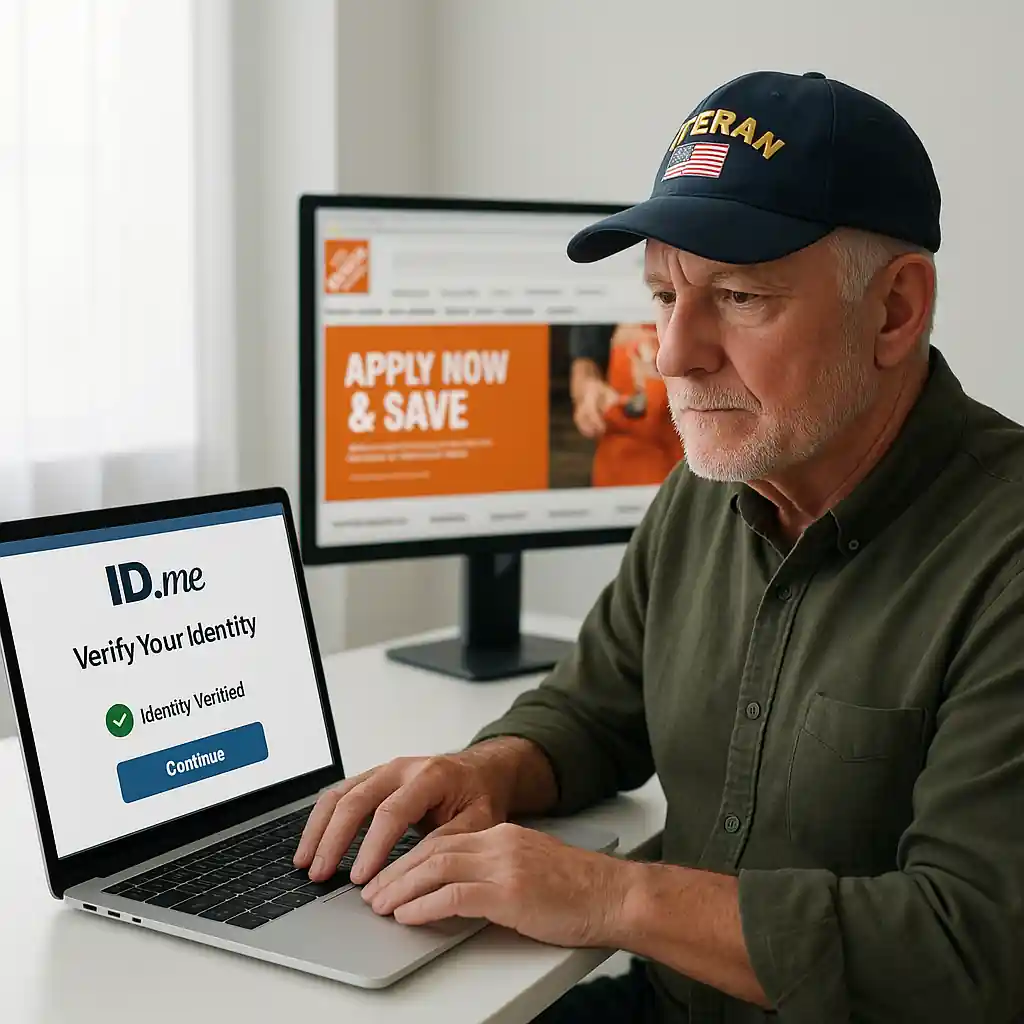
If you qualify for a Home Depot veterans discount but the savings won’t appear, the verification step is the usual blocker. ID.me is the verification partner Home Depot uses, and a few clear steps will get your account verified without multiple calls or store trips. This guide walks through eligibility, the exact documents to upload, quick fixes for common errors, and how to use the discount online and in-store.
home depot veterans discount: who qualifies
Home Depot offers a military and veteran savings program for active-duty service members, veterans, spouses, and select dependents. Eligibility rules have small variations, but if you have a valid VA ID, DD-214, or an official service record, you likely qualify. Keep in mind the program’s intent: Home Depot verifies service and then applies a discount or access to specific offers. Before starting the ID.me flow, gather your documentation so the process completes without delays.
Quick checklist before you start verification
- Valid email address and smartphone or computer with camera
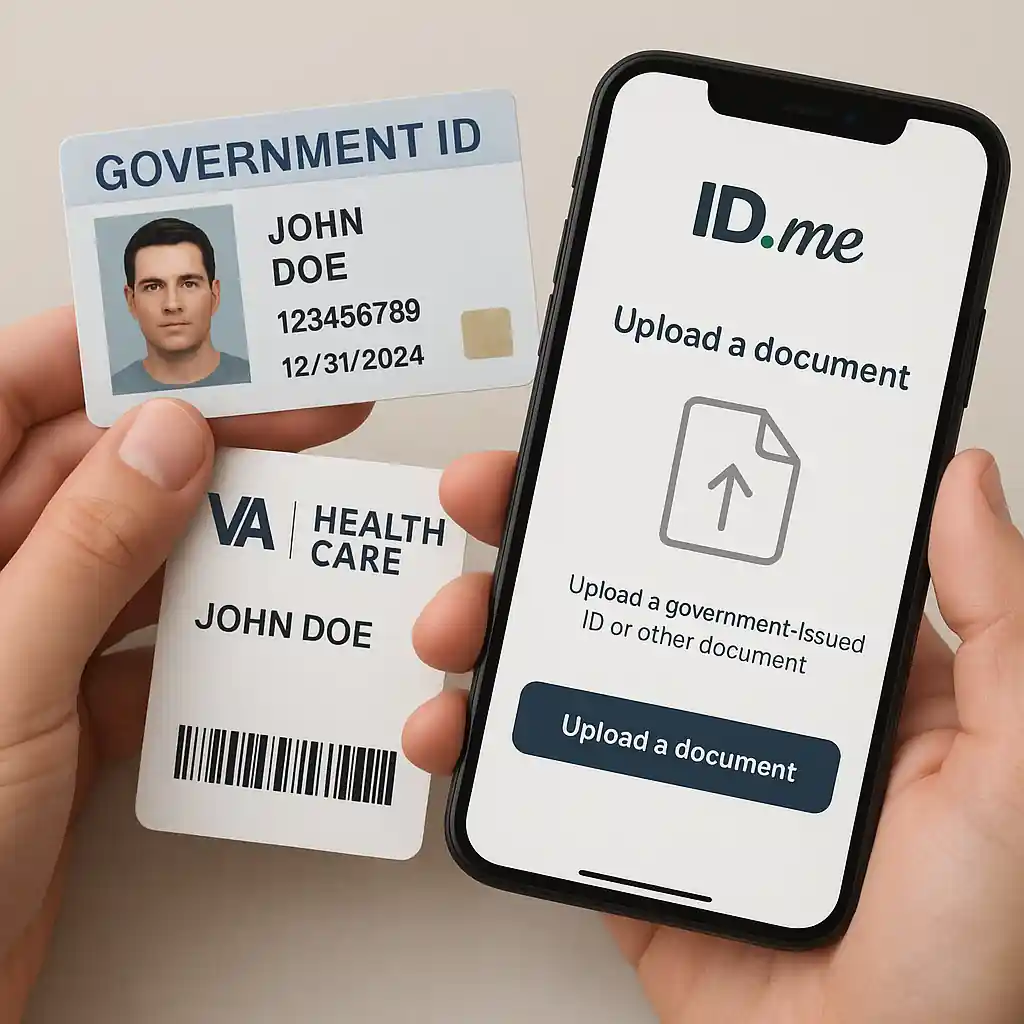
- One government-issued photo ID (driver’s license, passport)
- Service proof: VA ID card, DD-214, or military ID
- Active phone number for two-factor confirmation
Verify veteran status with ID.me
ID.me handles identity and service verification for many retailers. Start at Home Depot’s verification link when prompted at checkout or on the military page. ID.me will ask you to create an account (or sign in), upload a photo of your ID, and provide a service document. Follow the on-screen guide, allow camera access, and choose the correct document type. If your records match their databases, ID.me confirms your status and sends a verification token to Home Depot so the discount can be applied.
Step-by-step:
- Click the military or veterans link at checkout, then choose ID.me.
- Create or sign into your ID.me account and complete two-factor authentication.
- Upload a clear photo of your government ID and one service document (DD-214, VA card, or active duty ID).
- Wait for immediate confirmation or check ID.me messages for next steps.
If you want preparatory tips from the source, visit ID.me for verification details: ID.me help. For official veteran resources, the VA explains accepted documentation: VA.
Using the discount online & in-store
Once ID.me verifies you, Home Depot receives confirmation. Online, the verified status typically applies automatically when you’re signed in with the same email you used for verification. In-store, show the verified ID.me QR code or your original ID and the verification email at checkout. If you plan to shop online, complete verification before you add items to your cart to avoid checkout issues.
Detailed online steps and common rules are covered in our setup guide for using Home Depot’s military verification online: use Home Depot military discount online. If you haven’t yet read Home Depot’s general overview of military savings, start at the broader guide: HomeDepot military discount.
Tips to ensure a smooth online redemption
- Use the same email for Home Depot account and ID.me.
- Clear browser cookies or use an incognito window if the discount doesn’t appear.
- Keep screenshots of successful ID.me verification for store visits.
- If buying big-ticket items, verify before scheduling delivery or pickup.
Common verification hiccups and fixes
Most verification failures stem from mismatched names, blurry photos, or ID.me not finding a record. Avoid these problems by uploading clear images and ensuring your name on documents matches your ID.me account exactly. If you hit an error, try these fixes in order:
- Retake photos under good light and submit again.
- Check that your browser and phone OS are up to date before retrying.
- Use a different document type (DD-214 instead of VA card) if one fails.
- Contact ID.me support for help with account-level issues.
For step-by-step troubleshooting specifically focused on Home Depot veterans discount problems, see our troubleshooting guide: Troubleshooting Home Depot veterans discount. That resource consolidates error codes, common fixes, and what to show a cashier if online verification won’t sync.
What to do if verification is denied
If ID.me denies verification, you can submit secondary documents or request a manual review. Manual reviews can take 24–72 hours. During the wait, keep receipts and screenshots, then follow up with both ID.me and Home Depot customer service if the discount fails to appear after approval.
Savings strategies and what to expect
The Home Depot veterans discount can unlock specific product savings or access to special offers. It usually does not stack with every other coupon, but you can often combine verified military pricing with sale events depending on the terms. Always check the product exclusions and ask the cashier to confirm stacking rules before finalizing a large purchase.
Smart moves:
- Verify ahead of sales events like Memorial Day or Veterans Day to combine offers quickly.
- Use Pro Xtra or other loyalty perks separately if allowed.
- Keep a copy of verification results in your phone for store visits.

Privacy and security
ID.me follows strict privacy practices and lets you control what you share. Only the verification result—not your documents—is sent to Home Depot. Still, review ID.me’s privacy policy during signup so you understand data retention and sharing choices.
Final checklist before you shop: confirm ID.me verification, sign into the same Home Depot account, and save a screenshot of your verified status. If problems persist, our troubleshooting guide and Home Depot’s customer support are the fastest route to recovery.
Conclusion
Verifying veteran status for the Home Depot veterans discount is a short process when you prepare the right documents, follow the ID.me prompts, and use the same email across accounts. Gather a clear photo ID and a service record, complete two-factor authentication, and keep receipts or screenshots for in-store use. With a few minutes of setup you’ll unlock consistent savings and avoid repeated checkout friction.