
Understanding the Home Depot Educator Discount
The Home Depot educator discount gives eligible teachers and school staff a way to save on classroom and school-related purchases. While the program can cut costs on supplies, tools and materials, not every product or service qualifies. Knowing the exclusions ahead of time prevents surprises at checkout and helps you plan smarter purchases.

What Items Are Excluded from the Home Depot Educator Discount
There isn’t a single universal list published as a one-page policy that covers every possible exception, so exclusions often fall into predictable categories. Below are the most common groups that typically do not qualify for the educator discount. Confirm specific items with store staff or the official site before purchase.
Common excluded categories
- Gift cards, prepaid cards, and store credit — retailers usually block discounts on monetary instruments.
- Installation, delivery, and service fees — labor and third-party contractor charges are often excluded.
- Rental equipment and truck rental fees — short-term rentals typically don’t qualify for product discounts.
- Special-order and custom items — manufacturer special orders or built-to-order products may be excluded or handled separately.
- Certain appliances and major-ticket items — large appliances sometimes have manufacturer or pricing rules that prevent stacking with other discounts.
- Gift-wrapped or bundled offers where the promotion already applies — promotions with fixed pricing may be carved out.
- Third-party marketplace items — products sold by external sellers through the marketplace may not be eligible.
Why these exclusions exist
Retailers exclude some items for several reasons: legal restrictions on discounting gift cards, manufacturer pricing agreements for appliances, logistical limits on discounting services, and system limitations for special orders. The Home Depot educator discount follows similar commercial and contractual constraints, which is why you’ll see the pattern above repeated across many store programs.
How to Confirm Whether an Item Qualifies
Before you assume a discount will apply, run a quick verification routine. These checks reduce friction at checkout and protect your time and budget.
- Ask customer service or the register associate which categories are excluded for educator pricing.
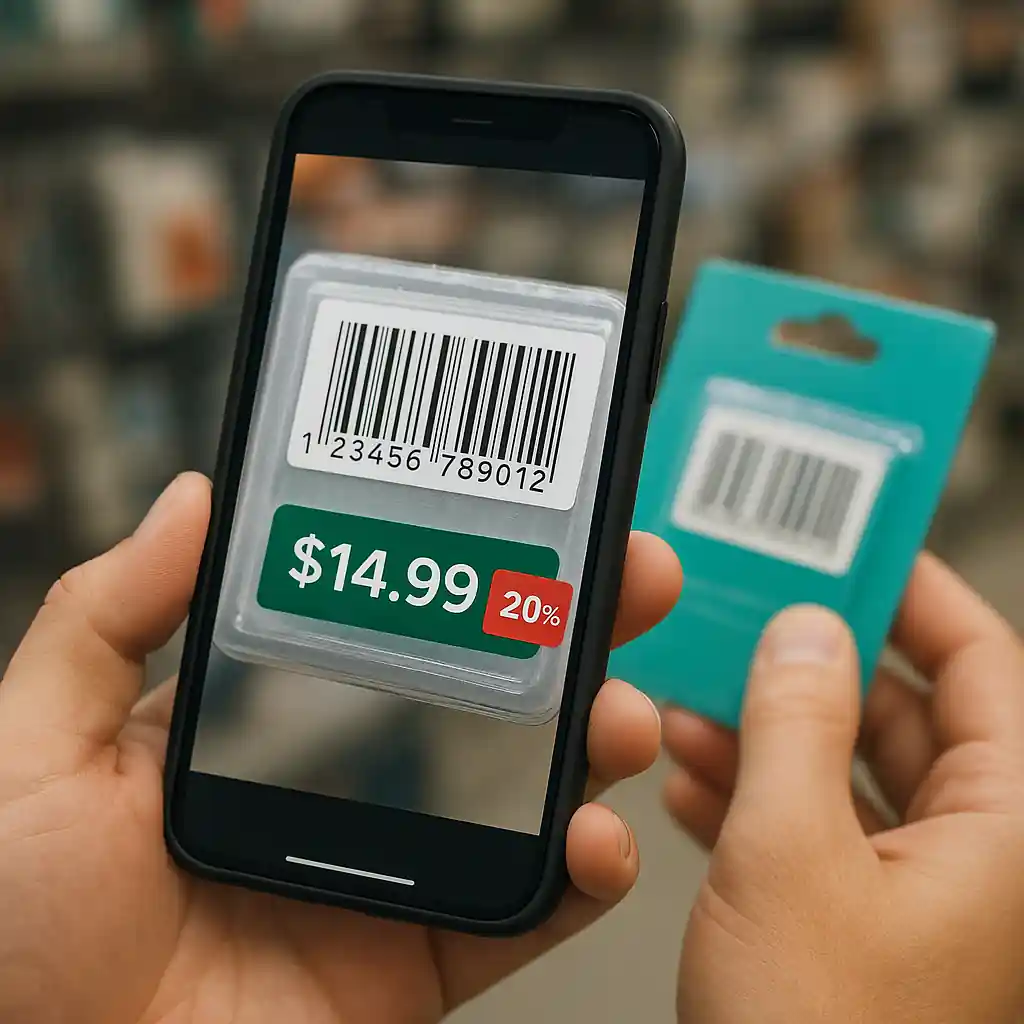
- Scan the barcode with the Home Depot app to see the live price and whether discounts apply.
- Review the product page on Home Depot’s official site for disclaimers or seller notes — some exclusions appear only online.
- Check receipts and line-item charges carefully for installation, delivery, or service fees that may not be discounted.
If you’re unsure about eligibility, bring proof of educator status and ask for a price check at the register. For more on who qualifies and verification, see our guide on who qualifies and the step-by-step registration instructions at how to register & claim.

Practical Workarounds When an Item Is Excluded
Even if a specific product doesn’t qualify for the educator discount, you can often use other tactics to save money on the same purchase.
- Split the order: buy eligible classroom supplies separately from a non-eligible large item to get discount on the eligible portion.
- Watch for sale events and coupons: appliance promos and seasonal sales sometimes offer deeper savings than the educator discount alone — compare before you buy.
- Use manufacturer rebates: many appliances and tools include mail-in or online rebates that stack independently of the educator discount.
- Leverage store financing or special promotions when they reduce out-of-pocket cost more than the percent discount would.
See our related resources on promo strategies at Home Depot promo code for tactics that complement educator savings.
How to Present Proof and Handle Checkout Issues
If the discount fails at checkout, stay composed and follow these steps to resolve the issue quickly and preserve your savings.
- Show accepted educator verification — school ID, payroll stub, or verification through an approved portal if required.
- Ask the cashier to re-scan items and confirm which line items are excluded and why.
- If an online purchase denies the discount, try a different browser or call customer support with your verification ready.
- Keep transaction records: save receipts and screenshots in case you need a manager review or a post-sale adjustment.
For official verification rules and accepted IDs, check Home Depot’s customer help pages at HomeDepot.com and consider federal or state education ID guidance through ED.gov when confirming employment documents.

Smart Buying Checklist for Educators
Use this concise checklist before you hit purchase to avoid surprises and maximize savings.
- Confirm the product category isn’t on the excluded list above.
- Separate eligible items into a different transaction when needed.
- Compare educator savings to current sale prices and rebates.
- Verify acceptance of your educator credentials ahead of checkout.
- Ask about fees (delivery, installation) that may not be discounted and factor them into your final cost.
Conclusion
Understanding what items are excluded from the Home Depot educator discount empowers you to plan purchases that truly save money. Gift cards, services, rentals, special orders and some large appliances are commonly carved out, but a few simple checks — scanning barcodes, asking associates, or splitting transactions — usually avoids frustration. Keep verification docs handy and compare educator savings to ongoing sales or rebates to choose the best option for each purchase.
When in doubt, confirm eligibility in-store or online and use the verification guides we linked above to make classroom shopping smoother and more predictable.