
Many shoppers ask a simple question at checkout: can I use more than one home depot promo code on the same order? The short answer is usually no — Home Depot limits how coupon codes combine — but there are important exceptions and proven workarounds that can still unlock extra savings. This guide explains official rules, real-world stacking tactics, and step-by-step checks to get the best discount without a headache.

Can You Use Multiple Home Depot Promo Codes?
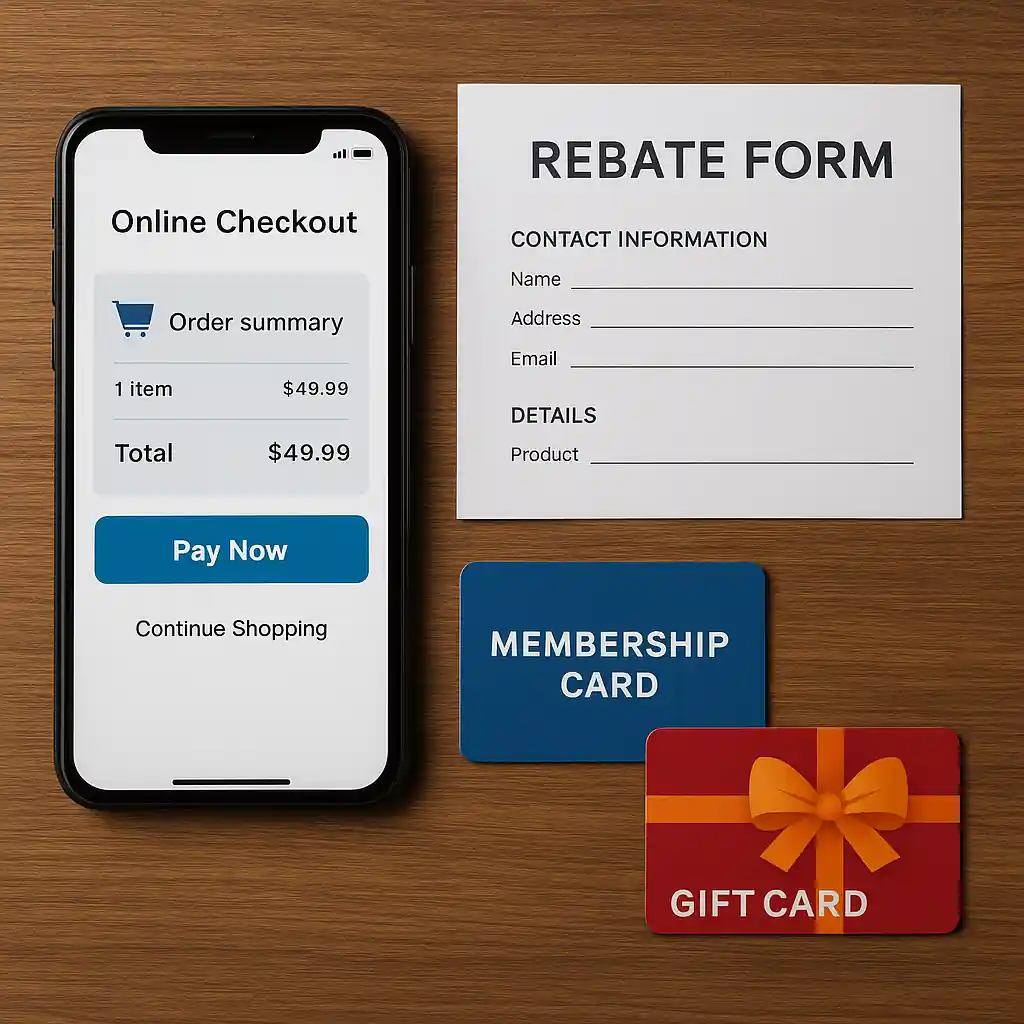
Home Depot generally accepts a single promo code or coupon per transaction when shopping online or in store. That policy covers most percentage-off codes, fixed-dollar discounts, and coupon codes entered at checkout. Saying that, some discounts are applied outside the coupon-code field and can stack — for example, manufacturer rebates, certain weekly ad deals, gift cards, and verified military or educator programs.
Understanding how each discount is categorized — promo code vs rebate vs membership credit — is the key to stacking legally and effectively.
How Home Depot Promo Codes Work Online & In-Store
Online, Home Depot provides a promo code box in the cart where one code is accepted. In-store, associates scan printable coupons, app offers, or ad coupons. Promo codes entered online are evaluated against exclusions (brands, clearance, appliances) and minimums. If a code fails, the error message will often reveal whether the item or promo is excluded.
Before trying to combine offers, check the local weekly ad and Home Depot’s coupon rules. For more on online codes and when they work, see the detailed Home Depot coupon code online guide.

Exceptions: Military, Pro Xtra and Manufacturer Stacking with Promo Codes
Some discounts do stack in practice:
- Military and veterans discounts — often applied via verified accounts and sometimes combined with site promotions when permitted. See guidance on stacking with a military discount in our stacking coupons with military discount article.
- Pro Xtra or trade program credits — may combine with manufacturer rebates rather than site promo codes.
- Manufacturer rebates and mail-in coupons — these are processed separately from the online promo-code system and usually add additional savings.
These exceptions don’t mean every code stacks; they only work when each saving comes from a different system (coupon field vs rebate vs membership credit).

Maximize Savings When Using a Home Depot Promo Code
Follow these practical steps to squeeze more value from a single home depot promo code:
- Check exclusions and minimum purchase requirements before you build your cart.
- Use one promo code in the checkout field, then stack non-code offers (gift cards, rebates, Pro Xtra credits) where allowed.
- Buy multiple transactions when necessary: split items so you can apply a code to qualifying items and use a separate discount for the rest.
- Combine weekly ad deals with coupons — weekly sales frequently apply before a promo code reduces the remaining balance.
- Verify coupon legitimacy: follow steps in our how to get legit Home Depot promo codes guide to avoid expired or blocked codes.
Example: use a site promo code for 10% off a qualifying set of tools, file a manufacturer rebate for one tool, and pay the final balance with a Home Depot gift card to capture all three savings layers.
Troubleshooting a Failed Home Depot Promo Code
If your code is rejected, work methodically:
- Confirm the promo code has not expired and meets any minimum purchase rules.
- Remove non-qualifying items or parts from your cart to isolate what’s blocking the code.
- Try a different browser or clear cookies — sometimes device issues affect code validation.
- Contact Home Depot customer service at their official help page: https://www.homedepot.com/c/customer_service to ask an associate to re-evaluate your order.
If a discount denial involves military or veteran pricing, verify standards with official verification resources before escalating.
Common Promo Code Pitfalls to Avoid
- Assuming all coupon types are equal — promo codes, printable coupons, rebates and membership credits behave differently.
- Trying to stack two site promo codes in one checkout — the system typically prevents it.
- Using a code on excluded brands or clearance items — read exclusions carefully.
- Not checking return and price-match rules when splitting transactions to use different codes.
Smart Checkout Checklist for Stacking Savings
Before you hit Place Order, run this quick checklist:
- Do items qualify for the code? Verify brand and category exclusions.
- Are any additional credits available (Pro Xtra, military, gift card)?
- Will manufacturer rebates apply? If so, ensure you submit necessary paperwork after purchase.
- Would splitting the order yield more savings after shipping or tax? Compare totals before finalizing.
Applying one well-chosen home depot promo code together with separate rebates and membership credits often delivers more total savings than trying to force multiple promo codes at once.
When to Call a Manager or Ask for an Override
If you’ve followed the checklist and a legitimate, advertised discount still won’t apply, politely ask an in-store manager or online representative to review the order. Keep screenshots, coupon terms, and order IDs handy. Escalation rarely overturns system rules, but it can resolve mismatches or clerical errors.
Conclusion: Home Depot usually allows a single promo code per order, but savvy shoppers combine that code with rebates, Pro Xtra or verified membership credits to stack real savings. Use the practical checklist above, verify exclusions, and consider splitting orders for the biggest purchases. When codes fail, follow the troubleshooting steps and contact Home Depot support for help.