
If you qualify for the home depot military discount, verification is the only step left between you and saved money on tools, appliances, and home-improvement essentials. This guide walks you through every verification pathway—online providers, in-store checks, required documents, and common troubleshooting—so you can claim the discount quickly and with confidence.

What is the home depot military discount?
Home Depot offers an ongoing military discount program to active duty service members, veterans, retirees, and certain family members. The discount typically applies to eligible purchases in-store and in some cases online. But Home Depot requires proof of service or affiliation, and that’s where proper verification makes the process smooth instead of frustrating.
How to verify your military status for Home Depot: an overview
There are two main verification paths: third-party digital verification (used for online or faster in-store acceptance) and manual document checks at a store. Use whichever method is easiest for you—both are accepted when completed correctly.
- Digital verification via a trusted provider (fast, reusable).
- In-store verification using military ID, DD214, or other accepted documents (instant but manual).
- Phone or customer-service assistance for edge cases.
Before you start, gather basic documentation and an email address tied to your account. If you plan to use the discount online, make sure your digital verification is completed before checkout.
Online verification for the home depot military discount
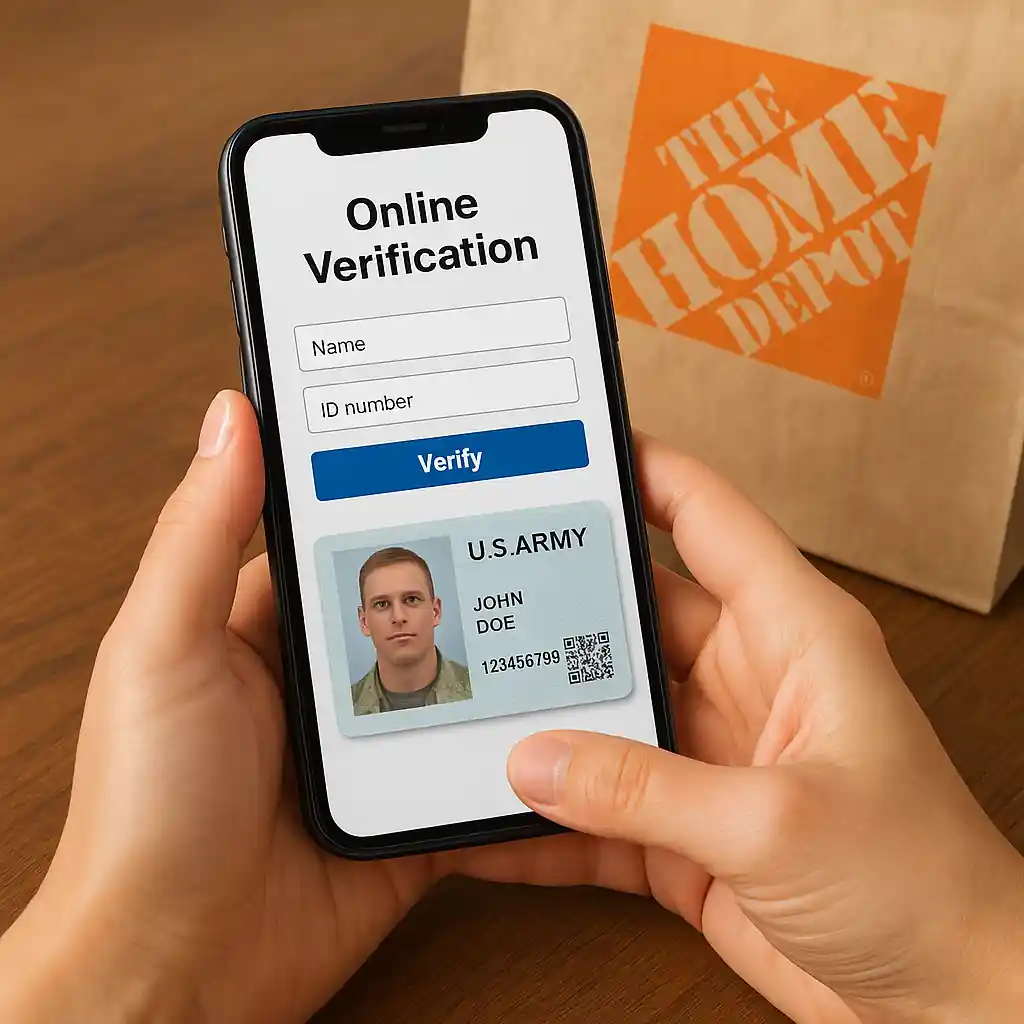
Home Depot accepts third-party verification platforms that authenticate military status quickly. To verify online:
- Create or sign in to your Home Depot account.
- Start the verification process at checkout or the dedicated military discount page.
- Follow the prompts to connect with the verification provider and upload or confirm information (service branch, dates, or ID).
- Wait for confirmation; many verifications complete within minutes.
If you need a walk-through, see our step-by-step online article for specifics and screenshots: How to Use the Home Depot Military Discount Online (2025 Guide).
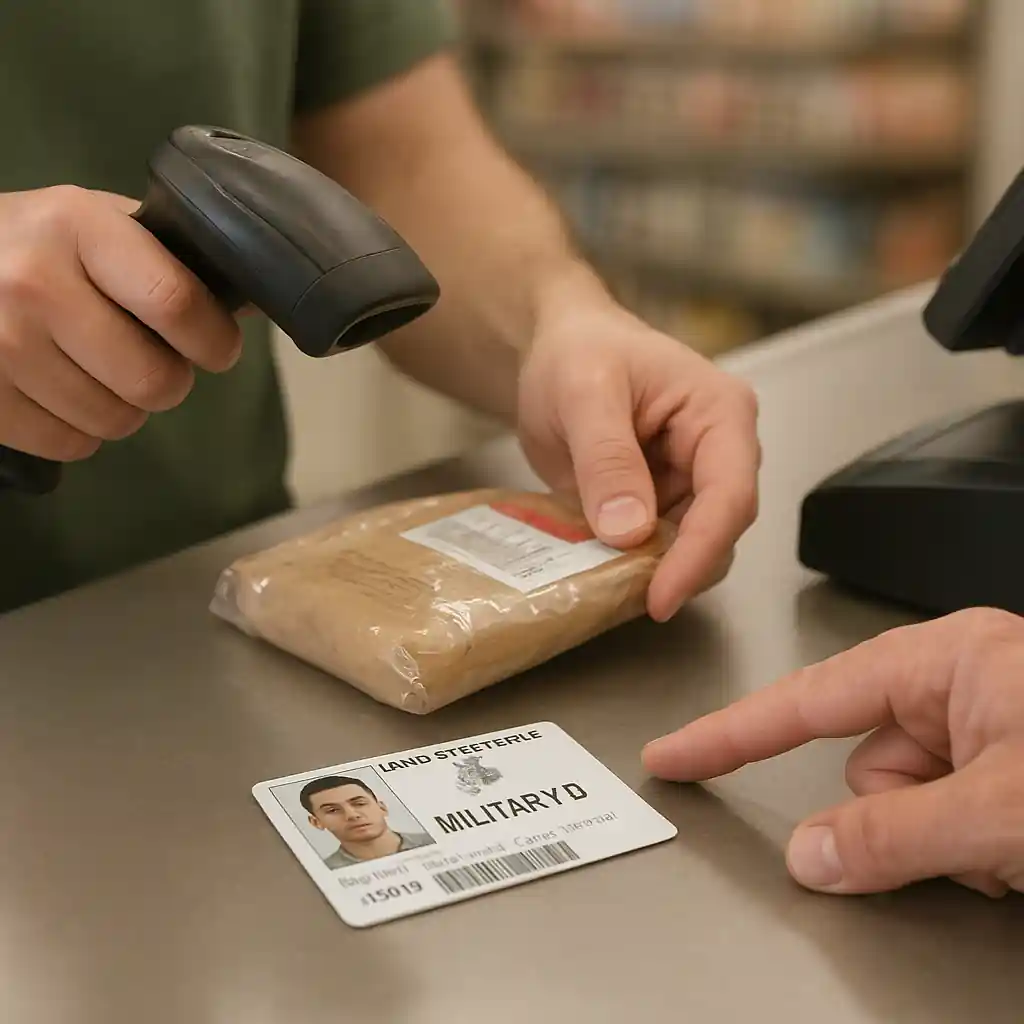
In-store verification steps
Want to claim the discount at checkout? Bring one of the accepted documents to the register. Typical accepted items include:
- Common Access Card (CAC) or Department of Defense ID
- Veteran ID card or VA-issued documentation
- DD214 form or official separation paperwork
- Military dependent ID where eligible
Present the ID to the cashier and ask them to apply the military discount before payment. If the cashier is unsure, ask for a supervisor or use the store’s customer-service desk to confirm eligibility. For more on eligibility rules and edge cases, review our full eligibility guide: Home Depot Military Discount 2025: Eligibility & Rules Explained.
Required documents and accepted proof
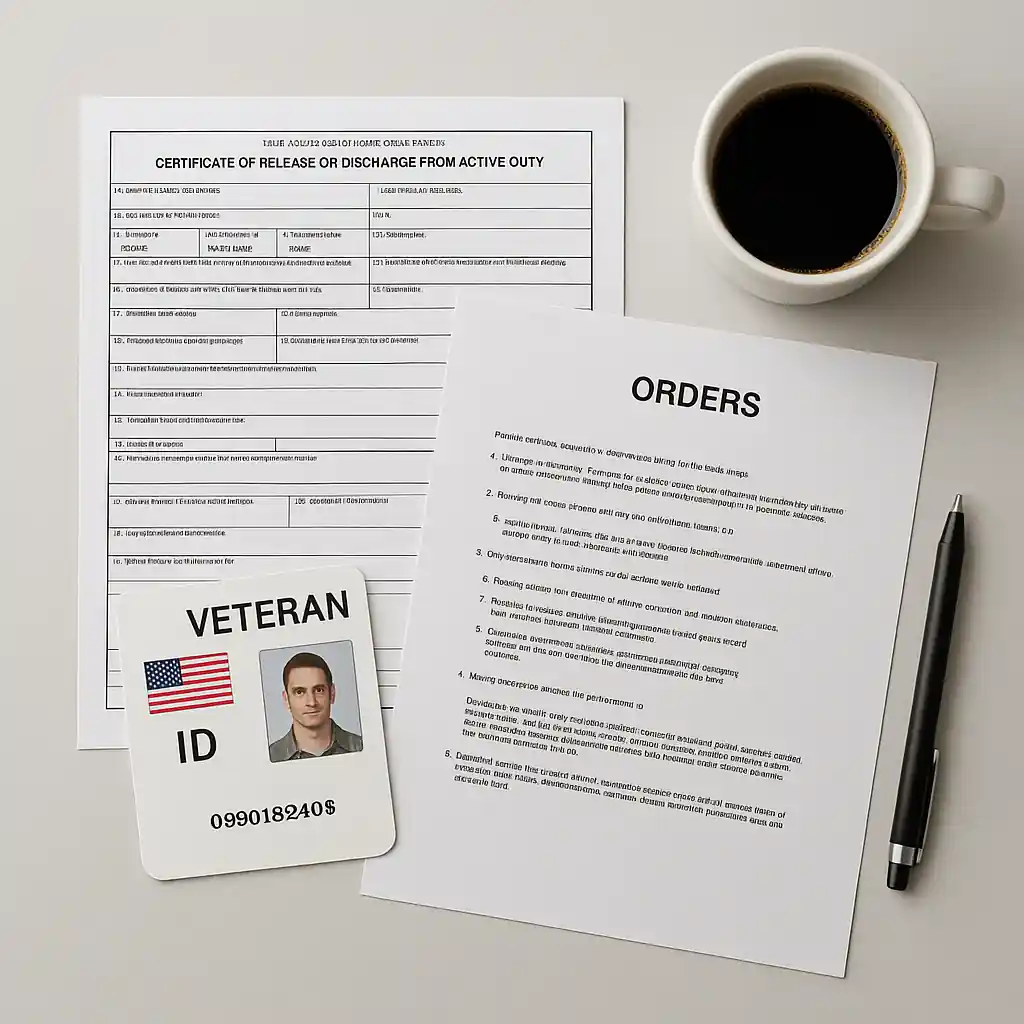
Preparation avoids delays. Carry digital copies on your phone and a printed backup when possible. Commonly accepted proofs include:
- Active duty: Military ID (CAC), orders, or official letter of assignment.
- Veterans: DD214, Veteran ID, or VA documentation.
- Retirees: Retired military ID or retirement orders.
Keep personal contact information up to date with the verification provider if you expect to reuse the verification for future purchases.
Common verification issues and troubleshooting
Even with correct documents, you may run into obstacles. Here are common issues and how to resolve them:
- Verification fails online: Double-check that names and birthdates match official records. Try a different browser or clear cache, and re-upload legible images.
- Cashier won’t apply discount: Ask to speak with a supervisor or customer-service desk. If the store is unfamiliar with the program, show the Home Depot military discount page at Home Depot’s official military discount page.
- Your status isn’t recognized: Some third-party systems don’t immediately list recent separations. Contact the verification provider or the VA for guidance; USA.gov is a reliable resource for veteran records: USA.gov Veterans.
Who qualifies—and what’s excluded
Eligibility can change, and exclusions are common for specific product categories or promotions. Generally, qualifying groups include active duty, veterans, retirees, and sometimes their immediate family. Exclusions may include gift cards, certain services, or promotional bundles. For details on limits and exclusions, refer to our exclusions article: Home Depot Military Discount: Exclusions & Limits.
Tips to maximize your savings
- Combine the military discount with store sales where allowed; it can stack with some promotions.
- Time large purchases with seasonal sales (Black Friday, Memorial Day). See our saving guides for timing ideas: Home Depot Black Friday Savings.
- Use a verified digital account to speed up online checkout.
- Save a scanned copy of your verification confirmation or provider certificate for quick proof later.
Conclusion: Verify once, save repeatedly
Completing verification for the home depot military discount is usually a one-time step that unlocks ongoing savings. Whether you verify online through a third-party provider or present documents in the store, preparation reduces friction and gets discounts applied at checkout. If you run into trouble, use the store’s customer-service resources and the official pages linked above to confirm policy and next steps.
Ready to save? Start with online verification before your next big purchase, and keep copies of accepted documents on hand for in-store visits. For more context on how to use the discount online and best practices, check our online usage guide: Use the Home Depot Military Discount Online (2025 Guide) and the complete program overview at HomeDepot Military Discount – Complete 2025 Savings Guide.